• In Stock
  • Sold by Newegg
  • New
Brands
Show More
Speed
Show More
Connectors
Show More
Interface
Wake On LAN
Sold by
All Top Brands
Availability
Condition
Useful Links
Customer Ratings
Sort By:
View:
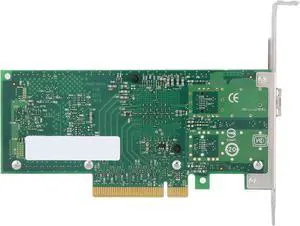
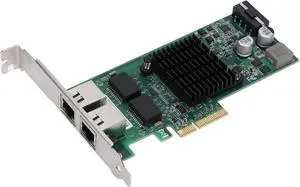
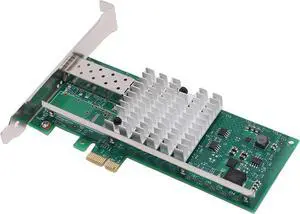
Intel I350F2BLK / I350-F2 Dual-Ports 1000Base-SX Fiber Gigabit Ethernet Card (New OEM)
Quick View
  •  
  • ₱25,094.27 –
  • Free Shipping
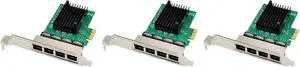
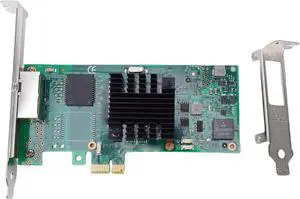
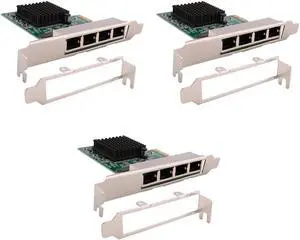
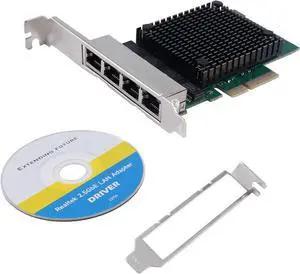
3X Pci-E X1 Gigabit Network Card Pci-Express 4 Port Ethernet Network Card Rtl8111F Ethernet LAN Card
Quick View
  •  
  • ₱10,843.93 –
  • Free Shipping
Intel X520-LR2 (X520LR2BP) PCI Express 2.0 (5.0 GT/s) Ethernet Server Bypass Adapter (Full Heigh)
Quick View
Intel
Intel X520-LR2 (X520LR2BP) PCI Express 2.0 (5.0 GT/s) Ethernet Server Bypass Adapter (Full Heigh)
  • Connectors: Two LC 10GBASE-LR (Optics not removable)
  • Parts: 30 DAYS WARRANTY
  • Labor: 30 DAYS WARRANTY
  • Model #: X520LR2BP
  •  
  • ₱122,835.91 –
  • Free Shipping
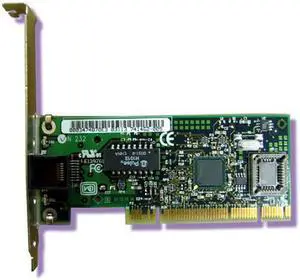
Intel PILA8460BN PRO/100+ 100Base-TX PCI Network Adapter
Quick View
  •  
  • ₱7,209.13 –
  • Free Shipping
Mellanox Technologies Network Adapter - PCIe 3.0 x8-25 Gigabit SFP28
Quick View
  •  
  • ₱27,394.83 –
  • Free Shipping
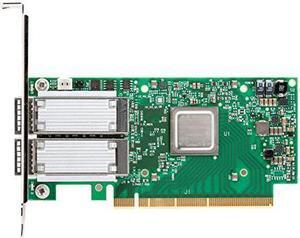
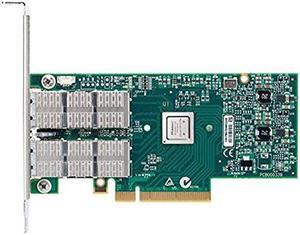
Mellanox ConnectX-3 10Gigabit Ethernet Card
Quick View
Mellanox ConnectX-3 10Gigabit Ethernet Card
  • Parts: 30 DAYS WARRANTY
  • Labor: 30 DAYS WARRANTY
  • Model #: MCX354A-FCBT
  •  
  • ₱54,000.78 –
  • Free Shipping
31P6319 IBM NetXtreme 1Gbps Single Port PCI-X Gigabit Ethernet Adapter
Quick View
  •  
  • ₱8,523.18 –
  • Free Shipping
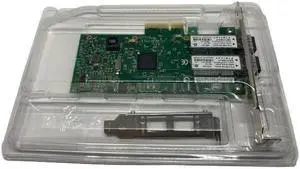
QLogic QLE4062C-CK 8Gbps PCI Express x4 2.50 GHz iSCSI Host Bus Adapter
Quick View
QLogic QLE4062C-CK 8Gbps PCI Express x4 2.50 GHz iSCSI Host Bus Adapter
  • Connectors: 2 x RJ-45 iSCSI
  • Temperature: 32°F (0°C) to 131°F (55°C) Operating -4°F (-20°C) to 158°F (70°C) Storage
  • Humidity: 10 % ~ 90 % (Non-condensing)
  • Weight: 20
  • Model #: QLE4062C-CK
  •  
  • ₱83,236.37 –
  • Free Shipping
  • Network Interface Cards

Network Interface Cards and Adapters

A network interface card (NIC) provides a physical connection to a network. It allows your computer to "talk" to the network and the network to communicate with your computer. Each computer that is attached to a network requires a network interface card or chip. They help computers communicate with servers and other computers on the network.

Usually, these fit into expansion slots of CPUs, unless they're pre-installed or integrated into the motherboard. Some are external and attach to computers through serial or parallel ports. NICs for laptops are usually external. An interface card takes data from a PC, converts it into data "frames" that are broadcast onto the network, and sends it to another interface card. That card receives the frames, converts them into data, and sends it to that PC.

What to Look for in Network Interface Cards

When you are looking to build a LAN or upgrade or replace it, the NIC should be one of the first things you consider. You need to think about compatibility with operating systems, ease of installation, and price, especially for large company installations where you'll need many cards. NIC cards are usually Ethernet adapters. Others support other protocols such as ATM.

One other consideration before purchasing network interface cards is the speed that they support. For example, you may want an interface card that supports 10 Mbps traditional, or fast Ethernet, and on up to 10/20Gbps! You should also know the type of ports you are connecting them to and the standards your systems support. PCI, PCI-x and PCI-e or USB are all common iterfaces, and whether or not they'll work on your system depends on what sort of Network Interface Card your system supports.