All CategoriesAll CategoriesAll Categories



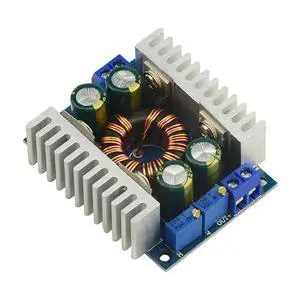
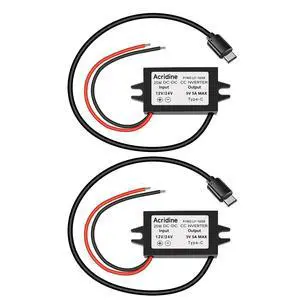
![UCTRONICS DC 9V 12V 24V to DC 5V 5A Buck Converter Module, 9-36V Step Down to USB 5V Transformer Dual Output Voltage Regulator Board [2 Pack]](https://c1.neweggimages.com/productimage/nb300/BUGFD2407040UUTIH91.jpg "UCTRONICS DC 9V 12V 24V to DC 5V 5A Buck Converter Module, 9-36V Step Down to USB 5V Transformer Dual Output Voltage Regulator Board [2 Pack]")
![USB-C to USB 3.0 Adapter[3-PACK], CableCreation USB Type C (Male) to USB A (Female),Support OTG Function,USB 3.1 for Apple Macbook/Pro, ChromeBook Pixel, Nexus 5X/6P and More, Sapphire Aluminum](https://c1.neweggimages.com/productimage/nb300/V38RD2111050M3W7521.jpg "USB-C to USB 3.0 Adapter[3-PACK], CableCreation USB Type C (Male) to USB A (Female),Support OTG Function,USB 3.1 for Apple Macbook/Pro, ChromeBook Pixel, Nexus 5X/6P and More, Sapphire Aluminum")
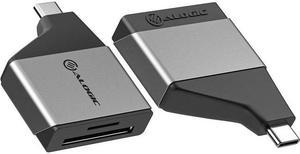
Durable hard drive adapters simplify data transfers from your old hard drive to your new computer, help with deleting any old data. Whether you have a Hard Disk Drive (HDD) or a Solid State Drive (SSD), an adapter provides a convenient solution for accessing all types of data. Adapters and gender changers allow you to connect various electronics, extend cables, charge devices and use your devices. Chargers, adapters and cables are available for various electronics, including Windows®, Android™ and Apple® devices. Use flash memory cards to transfer photos quickly.
There's no need to install the hard drive inside a computer case if there's an adapter. You can connect your old hard drive externally to gain full access as you would if it was an internal installation in the computer. Plug the adapter into your hard drive and your computer. Spare hard drives created before 2009 are an IDE (Integrated Drive Electronics) or an EIDE (Enhanced Integrated Drive Electronics). IDE and EIDE hard drives are PATA (Parallel ATA) hard drives. Select a USB-to-IDE/SATA adapter. If you have a newer hard drive, it should be a SATA (Serial ATA) hard drive, which needs a USB-to-SATA adapter. There is a range of SSD and HDD accessories, including USB data transfer adapters for older and newer hard drives. It makes data transfer and deletion easier for one-time or more frequent use.
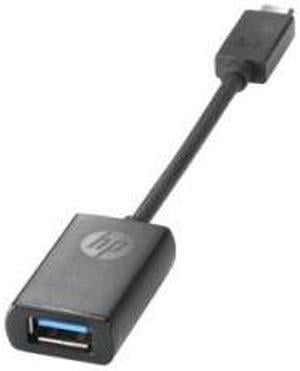
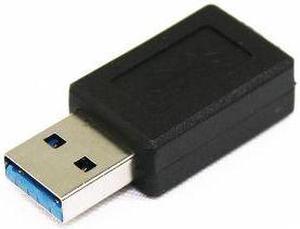
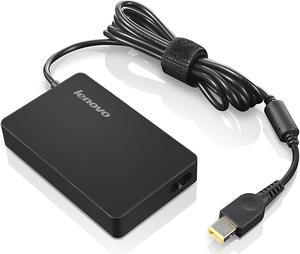
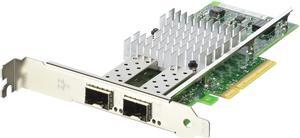
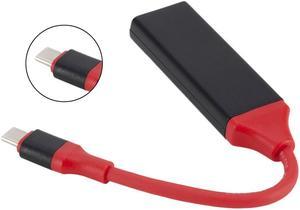
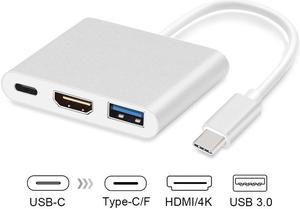
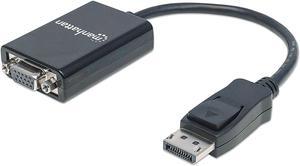
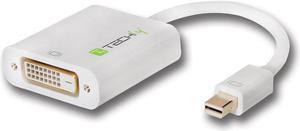
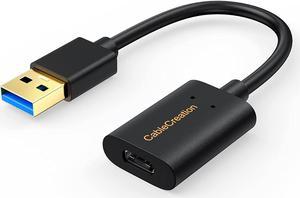
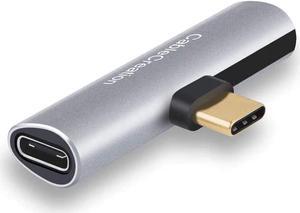
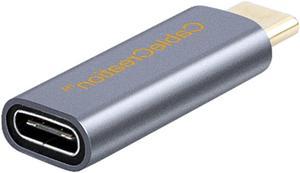
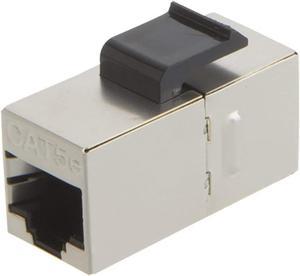
Extend cables with the same jacks on either end using a gender changer. Use a video adapter to watch videos using VGA (Video Graphics Array) cables. It is just as important to get the audio connections you need with audio adapters. Audio-video converters, audio-video switches or audio-video splitters are fitting for music producers and audiophiles with a stereo setup. Use a network adapter to connect to other computers or a server. Power adapters are suitable replacements for powering electronic devices, such as sewing machines, musical keyboards, charging laptops and more. Use a FireWire adapter with older digital cameras and external hard drives. USB Type-C™ adapters are available for hardware and devices that use other versions of USB or micro-USB connections.
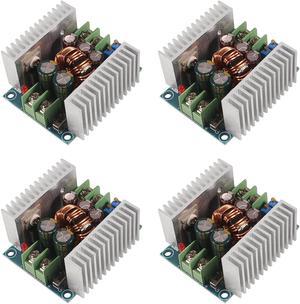
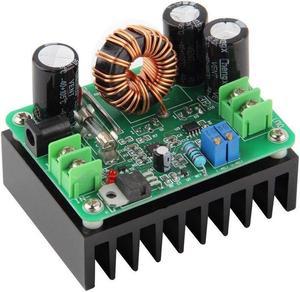
Replace lost or damaged chargers and cables to keep your electronics working. Charge phones, tablets, and other electronic devices with a USB power adapter. Solar adapters are suitable for traveling and saving on energy costs. Some solar options provide lighting, while others charge devices such as phones and tablets. Charge your phone on the go with a car charger. There are car chargers available with multiple USB ports for charging multiple devices at a time. Desktop chargers are an alternative to wall chargers because there's no difference in charging time. There are USB, multiport, lightning port, and wireless desktop chargers available. Adapters and cables are available assets as are replacement phone chargers.