
Your Browsing History
Quick View
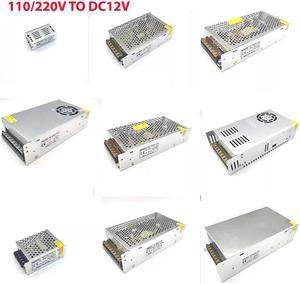
Alimentation en Fonte DC 12 V 1A 2A 5A 10A 15A 20A 30A 40A, transformateur d'éclairage pour bande lumineuse LED, puissance de commutation Ada
- Changer Type: Power Adapter
- Model #: ZZL-RNU-ASD1094589
- ₱9,444.31 –
- Free Shipping
Quick View
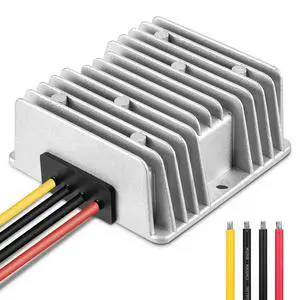
DC 36V/48V Step Down to 12V 20A 240W Converter Regulator Reducer Voltage Regulator Reducer for Golf Cart Waterproof Power Supply Transformer Volt Module
- Model #: 341513156700
- ₱2,429.75 –
- Free Shipping
Quick View
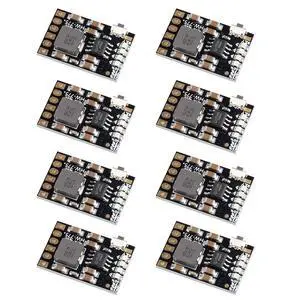
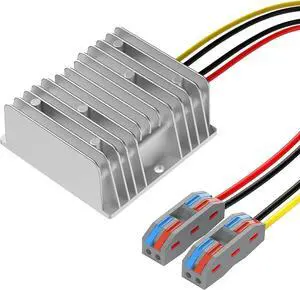
DC-DC 36V 48V Buck to 24V 20A 480W Voltage Regulator Buck Converter Golf Cart Speed Reducer Power Converter Waterproof Module Transformer Automotive Truck Vehicle Marine Transformer
- Model #: 6199797331993ate30
- ₱4,726.27 –
- Free Shipping
Quick View
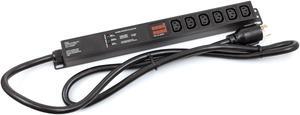
250V 30A PDU with 6 Pack C13/C14 Cables Meter Surge Protector Bitcoin Antminer
- Color: Black
- Model #: DU-L630P-SP-MTR-6PK
- ₱13,614.82 –
- Free Shipping

Quick View
Cllena DC/DC 12V to 48V Boost Converter 10A 480W Step Up Voltage Regulator Module Car Power Supply Voltage Transformer (Input 10V-16V)
- Changer Type: N/A
- Model #: 889188619231niu20
- ₱9,999.61 –
- Free Shipping
Quick View
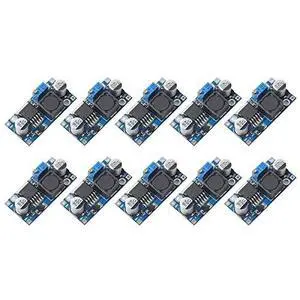
10 Pack LM2596 LM2596S DC-DC Step Down Variable Volt Regulator Input 3.0-40V Output 1.5-35V Adjustable Buck Converter Electronic Voltage Stabilizer Power Supply Module
- Model #: 488550978428
- ₱3,200.74 –
- Free Shipping
Quick View
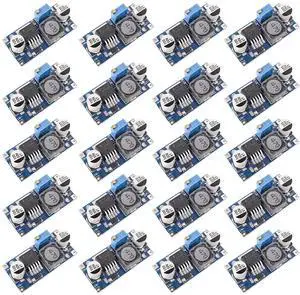
20 Pack DC-DC Buck Converter Step Down Variable Volt Regulator Input 3.0-40V Output 1.5-35V Adjustable Voltage Regulator Electronic Voltage Stabilizer Power Supply Module
- Model #: 175075739282
- ₱3,200.74 –
- Free Shipping
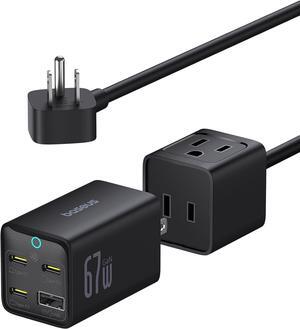
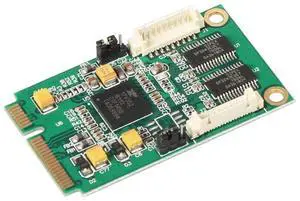
Quick View
Quantum Mini PCIe to 2 Port RS232 Serial Card Auto Direction Control for POS Systems
- Model #: C10V-S49-34
- ₱6,861.04 –
- Free Shipping
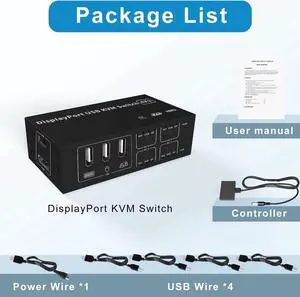
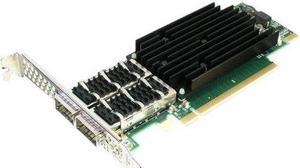
Quick View
Solarflare Flareon Ultra SFN8542 Server Adapter PLUS
- Model #: SFN8542-PLUS
- ₱162,000.92 –
- Free Shipping
Quick View
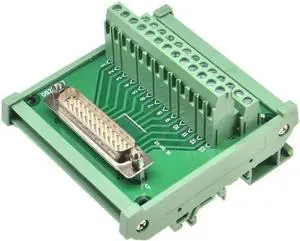
1PCS DB25 Male/Female Socket to Terminal Block Adapter PCB Board D-SUB 25pin Connector Converter Din Rail Mounting(Male)
- Model #: CLAWB0G1L8RD2R
- ₱8,102.82 –
- Free Shipping
Quick View
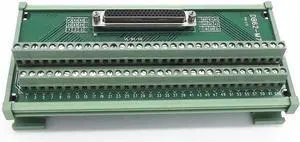
1pcs Db62 Male/Female Socket to Terminal Block Adapter PCB Board d-sub 62pin Connector Converter Din Rail Mounting(Female)
- Model #: CLAWB0G1MT34W8
- ₱9,836.72 –
- Free Shipping
Quick View
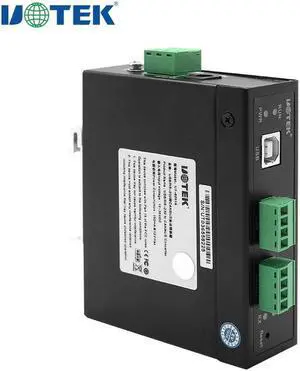
UTEK USB Can 2.0 Protocol RS232 to CAN BUS Converter USB-B RS-232 Serial Adapter Industrial Grade Connector UT-8251A
- Model #: BZ59-999
- ₱11,351.61 –
- Free Shipping
Quick View
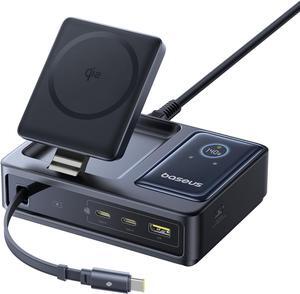
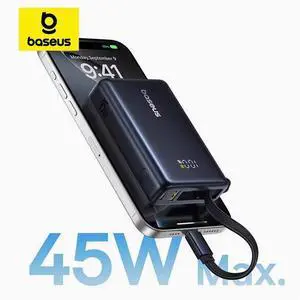
Baseus Picogo 45W Power Bank 10000mah Super Portable Battery White
- Model #: BZ59-866
- ₱7,938.55 –
- Free Shipping
Quick View
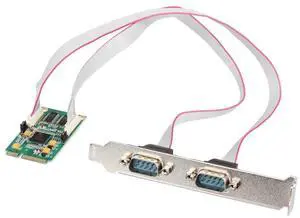
Quantum High-Performance Mini PCIe RS-232 Serial Card with 2 Ports for Industrial Automation and POS Systems
- Model #: C10V-S49-59
- ₱9,493.49 –
- Free Shipping
Quick View
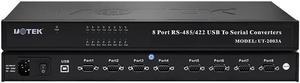
UOTEK USB to RS485 RS422 Converter USB2.0 8 Ports Adapter with Optical Isolation Surge & ±15KV ESD Protection UT-2003A
- Model #: BZ59-1008
- ₱35,262.18 –
- Free Shipping
Quick View
- ₱15,366.97 –
- Free Shipping
Quick View

- Color: Green
- Changer Type: Power Adapter
- Model #: AE312A
- ₱2,871.94 –
- ₱3,916.98 Shipping

Quick View
M.2 NVMe SSD Convert Adapter Card for MacBook Air Pro Retina (Year 2013-2017), NVME/AHCI SSD Upgraded Kit for A1465 A1466 A1398 A1502
OUT OF STOCK
- Color: Black
- Specifications: Applications: 1. Make sure to move to High Sierra while still on your old drive, so that a newer firmware is installed that can handle NVMe. 2. Do a full backup to your TimeMachine. 3. Create a High Sierra Installer on a bootable USB stick. 4. Open the macbook and disconnect the battery while wsitching out the drive and make sure both adapter and new SSD sit snug. Finally reconnect the battery before closing the shell. 5. Insert the installer USB stick from step2, and press the option key while the machine starts. Once its up you can now go to the disk utils to format.
- Package Contents: 1x M.2 NVMe SSD Adapter Card for Upgrade of Macbook 2013-2017.
- Model #: NVMETMAC
- ₱812.35 –
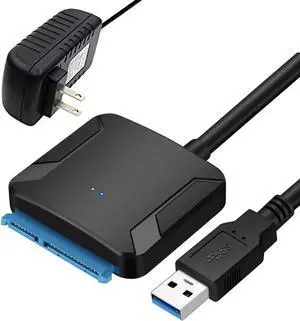
Durable hard drive adapters simplify data transfers from your old hard drive to your new computer, help with deleting any old data. Whether you have a Hard Disk Drive (HDD) or a Solid State Drive (SSD), an adapter provides a convenient solution for accessing all types of data. Adapters and gender changers allow you to connect various electronics, extend cables, charge devices and use your devices. Chargers, adapters and cables are available for various electronics, including Windows®, Android™ and Apple® devices. Use flash memory cards to transfer photos quickly.
Hard Drive Adapters Make Data Transfers and Retrieval Easy
There's no need to install the hard drive inside a computer case if there's an adapter. You can connect your old hard drive externally to gain full access as you would if it was an internal installation in the computer. Plug the adapter into your hard drive and your computer. Spare hard drives created before 2009 are an IDE (Integrated Drive Electronics) or an EIDE (Enhanced Integrated Drive Electronics). IDE and EIDE hard drives are PATA (Parallel ATA) hard drives. Select a USB-to-IDE/SATA adapter. If you have a newer hard drive, it should be a SATA (Serial ATA) hard drive, which needs a USB-to-SATA adapter. There is a range of SSD and HDD accessories, including USB data transfer adapters for older and newer hard drives. It makes data transfer and deletion easier for one-time or more frequent use.
Connect Your Devices With Ease
Extend cables with the same jacks on either end using a gender changer. Use a video adapter to watch videos using VGA (Video Graphics Array) cables. It is just as important to get the audio connections you need with audio adapters. Audio-video converters, audio-video switches or audio-video splitters are fitting for music producers and audiophiles with a stereo setup. Use a network adapter to connect to other computers or a server. Power adapters are suitable replacements for powering electronic devices, such as sewing machines, musical keyboards, charging laptops and more. Use a FireWire adapter with older digital cameras and external hard drives. USB Type-C™ adapters are available for hardware and devices that use other versions of USB or micro-USB connections.
Maximize Adapters and Cables to Charge your Devices
Replace lost or damaged chargers and cables to keep your electronics working. Charge phones, tablets, and other electronic devices with a USB power adapter. Solar adapters are suitable for traveling and saving on energy costs. Some solar options provide lighting, while others charge devices such as phones and tablets. Charge your phone on the go with a car charger. There are car chargers available with multiple USB ports for charging multiple devices at a time. Desktop chargers are an alternative to wall chargers because there's no difference in charging time. There are USB, multiport, lightning port, and wireless desktop chargers available. Adapters and cables are available assets as are replacement phone chargers.