• In Stock
  • Sold by Newegg
  • New
Brands
Show More
Interface
Image Sensor
Max. Image Resolution
Effective Pixels
Video Capture Resolution
Frame Rate
Sold by
All Top Brands
Availability
Condition
Current Promotion
Useful Links
Customer Ratings
Sort By:
View:
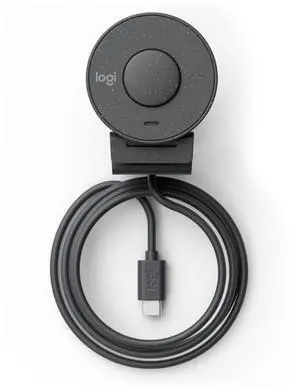
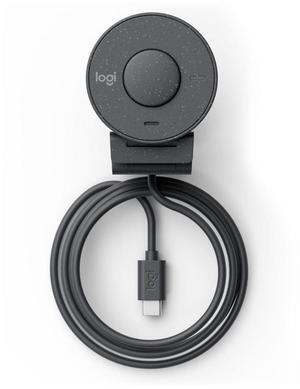
Brio 305 Webcam 2 Mp 1920 X
Quick View
Logitech
Brio 305 Webcam 2 Mp 1920 X
  • Model #: 960-001469
  •  
  • ₱13,797.34 –
  • Free Shipping
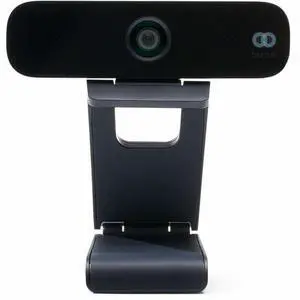
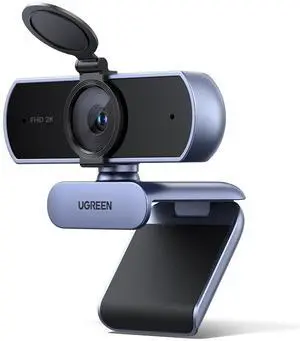
2K Webcam, Full HD 1080P Webcam for PC, Web Camera with Autofocus, Privacy Cover, Dual Noise Cancelling Mics, Computer USB Camera for Streaming, Conferencing, Calling, Zoom, Skype, Teams
Quick View
  •  
  • ₱5,129.40 –
  • Free Shipping
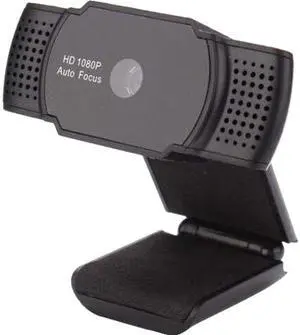
2K Webcam, Full HD 1080P Webcam for PC, Web Camera with Autofocus, Privacy Cover, Dual Noise Cancelling Mics, Computer USB Camera for Streaming, Conferencing, Calling, Zoom, Skype, Teams
Quick View
  •  
  • ₱3,984.22 –
  • Free Shipping
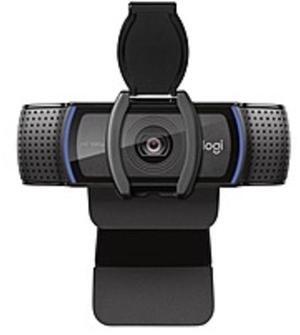
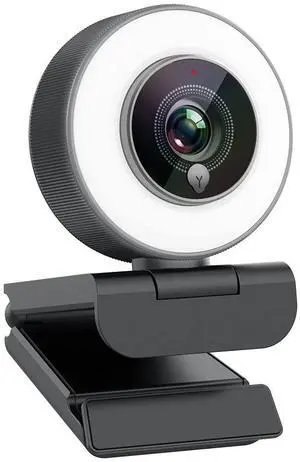
Streaming 1080P HD Webcam Built in Adjustable Ring Light and Mic. Advanced autofocus AF Web Camera for Google Meet Gamer Facebook YouTube Streamer
Quick View
  •  
  • ₱5,934.12 –
  • Free Shipping
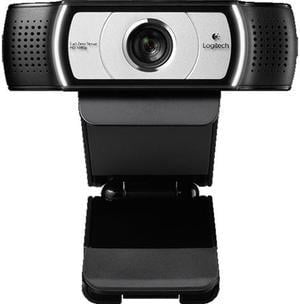
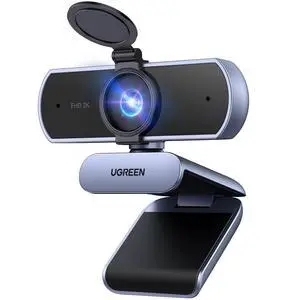
2K Webcam for PC Ultra HD 1080P Computer Webcam with Microphone, PC Camera with Privacy Cover, USB Web Camera for Streaming, Conference, Video Calling, Zoom, Skype, Teams, FaceTime, Grey
Quick View
  •  
  • ₱4,819.89 –
  • Free Shipping
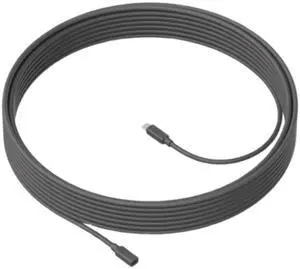
Logitech 10-Meters Microphone Extension Cable , for 4k CC4000E Webcam,  10 Meters
Quick View
Logitech
Logitech 10-Meters Microphone Extension Cable , for 4k CC4000E Webcam, 10 Meters
  • Brand: Logitech
  • Name: 10-Meters Cable for CC4000E
  • Color: Black
  • Model #: 10-Meters Cable for CC4000E
  •  
  • ₱23,009.16 –
  • Free Shipping
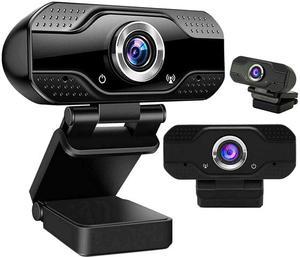
HD Webcam Desktop Laptop 1080P Web Camera Built-in Microphone for Video Calling 1920x1080 Resolution USB Desktop Laptop Web Cam Camera, Video Calling Computer Camera, Built-in Mic, Flexible Rotatable
Quick View
  •  
  • ₱2,251.67 –
  • Free Shipping
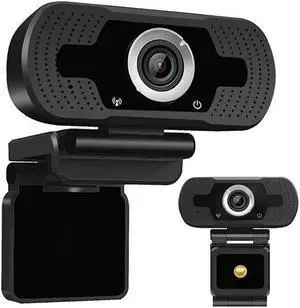
1080P HD Webcam Desktop Laptop Computer PC Camera Built in Microphone Clip-On Video Conferencing Video Calling Web Cam US
Quick View
  •  
  • ₱1,562.31 –
  • Free Shipping
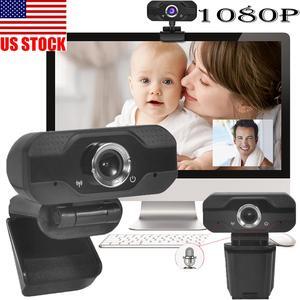
1080P Full HD Webcam,Computer Laptop Camera for Conference and Video Call, Pro Stream Webcam with Plug and Play Video Calling,Built-in Mic
Quick View
1080P Full HD Webcam,Computer Laptop Camera for Conference and Video Call, Pro Stream Webcam with Plug and Play Video Calling,Built-in Mic
  • Image Sensor: CMOS
  • Max. Image Resolution: 1920 x 1080
  • Video Capture Resolution: 1920 x 1080
  • Frame Rate: 30 fps
  • Model #: YU147
  •  
  • ₱3,257.58 –
  • Free Shipping
USB 50MP HD Webcam Web Cam Camera for Computer PC Laptop Desktop New
Quick View
USB 50MP HD Webcam Web Cam Camera for Computer PC Laptop Desktop New
  • Image Sensor: CMOS
  • Color: Black/Silver
  • Model #: GCCW01
  •  
  • ₱1,476.50 –
  • Free Shipping
HD 1080P Webcam Desktop Laptop Computer PC Camera Built in Microphone Clip-On for Video Calling Video Conferencing Autofocus Dual Mic USB 2.0 Web Cam
Quick View
  •  
  • ₱1,637.57 –
  • Free Shipping
Streaming Webcam 1080P, 960A HD Web Camera USB Web Cam for Gaming Conferencing Video Chatting Mac Windows Desktop Computer Laptop Wide Angle Webcam
Quick View
  •  
  • ₱6,505.80 –
  • Free Shipping

When choosing a webcam, you need to take several facts into consideration. Streaming, USB, desktop or laptop, and HD webcams are some of the options available, all of which vary in quality and features. Frame rate and resolution are two essential features that affect the quality of your picture. Other webcam attributes to consider include auto-focus, a microphone, visual effects, lens, and with which OS the webcam is made for. Consider the purpose your webcam will serve to choose the right product for your filming needs.

HD Webcams Have High Frame Rate and Resolution for Great Video Quality

With rapid technological advances, most webcams offered today capture high definition video. 720p is the lowest resolution that HD screens support. Today, 1080p is the most common; 4K is the highest resolution. Full HD, or FHD, is 1080p, and 4K is Ultra HD (UHD). Frame rate is another vital webcam attribute. Fifteen frames per second (fps) is the lowest number that can stream video. The most common rate is 30 fps, and 60 fps is also available. The highest frame rate is 120 fps and produces the smoothest video.

Additional Webcam Features Can Improve Your Recording Experience

Streaming webcams that bundle lighting and a microphone into one package makes shopping for a webcam much easier. An external microphone can provide even higher quality audio and capture delicate sounds and noises from a distance. Additional lighting and accessories can create the ideal light for optimal filming conditions. Conversely, some webcams can film well in dim light. A glass camera lens can also improve your picture quality for professional or important videos. Some webcams have visual effects like video filters or different backgrounds, which allows you to be more creative with your filmmaking. Autofocus is another important webcam feature that keeps the camera focused on the subject as it moves. A flexible camera mount is essential for anyone who wants to record at different angles.

Correct System Requirements Ensure Your New Webcam Will Work

Your computer operating system (OS) needs to support the webcam you choose in order for it to work. A newer operating system or updated version is more likely to support more modern, higher-quality streaming webcams. A high-resolution computer monitor or TV that is compatible with your webcam recording resolution will stream the best possible picture. A monitor that supports 4K resolution will display the incredible UHD picture. A lower resolution monitor supports lower resolution pictures. Resolution support is one of the few differences between webcams for laptops and desktop computers; a desktop computer may support higher resolution videos. Laptop or desktop aside, most webcams are USB compatible and support USB webcams, and most laptops and desktop computers have multiple USB ports. The more ports a computer has, the more webcams and accessories you can use at the same time and allows for the possibility of a high-quality video.