
Your Browsing History
Quick View
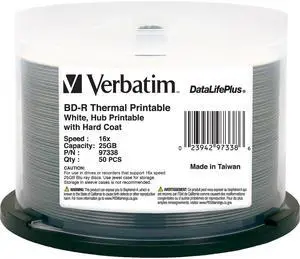
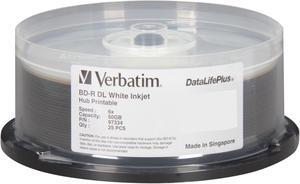
Verbatim BD-R 25GB 6X DataLifePlus White Thermal Printable, Hub Printable - 50pk Spindle (97338)
- Model #:
- S$108.65 –
- S$47.54 Shipping
Quick View
Verbatim Blu-ray Recordable Media - BD-R - 4x - 100 GB - 10 Pack Spindle
- Surface Top: White
- Packaging: Spindle
- Model #: 98897
- S$113.39 –
- S$94.71 Shipping
Quick View
- S$59.19 –
- S$79.30 Shipping
Quick View
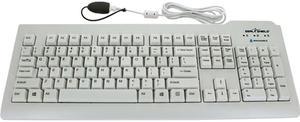
Seal Shield SSWKSV207L Silver Seal Waterproof Keyboard, Antimicrobial Product Protection, Plastic Stand
- Model #: SSWKSV207L
- S$156.91 –
- More options from S$153.36 - S$156.91
- S$92.09 Shipping
Quick View
- S$303.61 –
- S$47.35 Shipping

Quick View
- S$643.20 –
- More options from S$643.20 - S$1,810.07
- S$47.48 Shipping

Quick View
Sima TK6851 Quiet Sweep Alarm Tabletop Clock 4 Inch
- Model #: TK6851
- S$34.38 –
- S$62.95 Shipping
Quick View
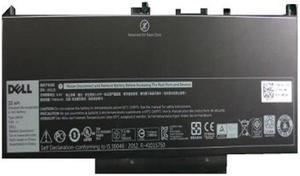
Total Micro 451-BBSY-TM 55Whr 4-Cell Total Micro Battery Dell
- Model #: 451-BBSY-TM
- S$238.81 –
- S$393.75 Shipping
Quick View
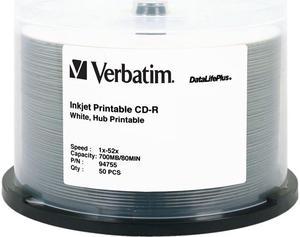
Verbatim 700MB 52X CD-R White Inkjet, Hub Printable 50 Packs Disc Model 94755
- Packaging: Spindle
- Parts: Manufacturers Limited Warranty: Lifetime / Parts Only
- Model #: 94755
- S$83.15 –
- More options from S$50.12 - S$83.15
- S$216.48 Shipping
Quick View

- S$251.77 –
- S$377.93 Shipping
Quick View
Verbatim DVD-R 4.7GB 16X Branded White Inkjet 50pk Spindle
- Packaging: Spindle
- Parts: Lifetime limited
- Labor: Lifetime limited
- Model #: 95137
- S$63.71 –
- More options from S$43.32 - S$63.71
- S$135.30 Shipping
Quick View
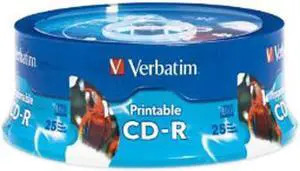
Verbatim 700MB 52X CD-R White Inkjet Printable, Hub Printable 25 Packs Disc Model 96189
- Packaging: Spindle
- Model #: 96189
- S$65.87 –
- S$135.30 Shipping
Quick View
Verbatim 25GB 6X BD-R Thermal Printable 50 Packs Disc Model 97338
- Packaging: Spindle
- Parts: Lifetime limited
- Labor: Lifetime limited
- Model #: 97338
- S$101.51 –
- S$175.89 Shipping
Quick View
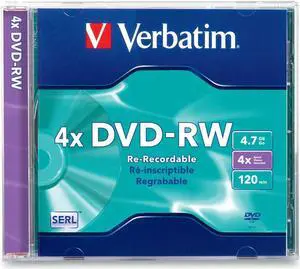
Verbatim 4.7GB 4X Branded DVD-RW Single Jewel Case Disc Model 94836
- Packaging: Jewel Case
- Model #: 94836
- S$37.79 –
- S$94.71 Shipping
Quick View
- S$288.35 –
- More options from S$147.31 - S$288.35
- S$135.30 Shipping
Quick View
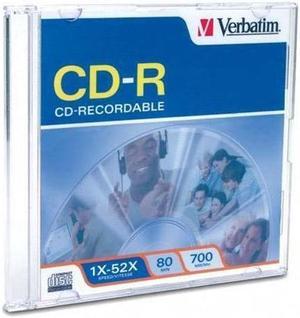
Verbatim 700MB 52X CD-R Single Disc Model 94776
- Packaging: Slim Jewel Case
- Model #: 94776
- S$50.75 –
- S$94.71 Shipping
Quick View
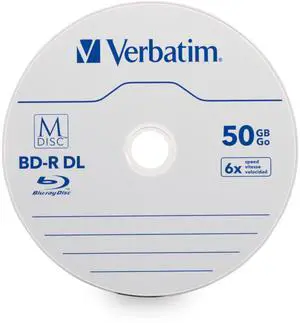
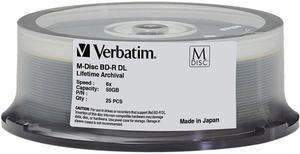
Verbatim - 98924 - Verbatim Blu-ray Recordable Media - BD-R DL - 6x - 50 GB - 25 Pack Spindle - 120mm - Double-layer
- Model #: 98924
- S$507.59 –
- S$135.30 Shipping
Quick View
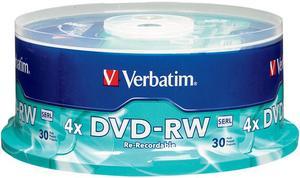
Verbatim 4.7GB 4X DVD-RW 30 Packs Spindle Disc Model 95179
- Packaging: Spindle
- Parts: Lifetime limited
- Labor: Lifetime limited
- Model #: 95179
- S$74.51 –
- S$135.30 Shipping
Quick View
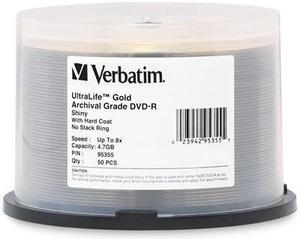
Verbatim UltraLife Gold Archival Grade Storage media 4.7GB 8X DVD-R 50 Packs Spindle Disc Model 95355 - OEM
- Packaging: Spindle
- Parts: Manufacturers Limited Warranty: Lifetime / Parts Only
- Model #: 95355
- S$325.07 –
- More options from S$203.03 - S$325.07
- S$175.89 Shipping
Quick View
- S$83.15 –
- S$135.30 Shipping
Quick View
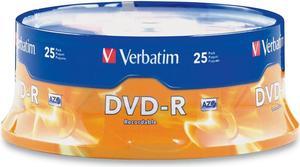
Verbatim AZO 4.7GB 16X DVD-R 25 Packs Disc - Model 95058
- Record Time: 2 Hours
- Surface Top: Branded
- Packaging: Spindle
- Model #: 95058
- S$48.59 –
- S$135.30 Shipping
Quick View
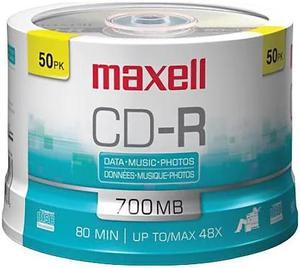
Maxell MaxData CD-R Music 80min Recordable Discs (50 Disc Spindle)
- Packaging: Spindle
- Parts: Manufacturers Limited Warranty: Lifetime / Parts Only
- Model #: 625156-CDR80MU50PK
- S$58.31 –
- S$135.30 Shipping
Quick View

- S$80.99 –
- S$94.71 Shipping
Quick View
- S$122.03 –
- S$175.89 Shipping
Quick View
- S$95.03 –
- S$216.48 Shipping
Quick View
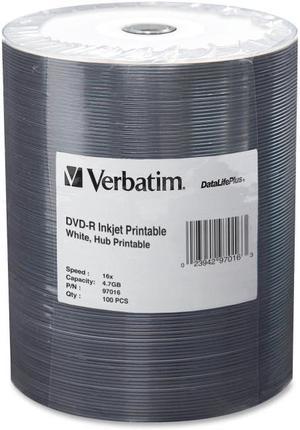
VERBATIM CORPORATION 97016 100PK DVD-R 16X 4.7GB WHITE
- Model #: 97016
- S$182.51 –
- More options from S$79.92 - S$182.51
- S$216.48 Shipping
Quick View
- S$198.71 –
- S$744.15 Shipping
Quick View
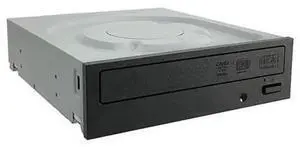
Lite-On IHAS124 24X SATA CD DVD/RW Dual Layer Internal Burner Drive Writer - Black (Bulk)
- Model #: DVD-C5KU-024
- S$52.66 –
- Free Shipping
Quick View
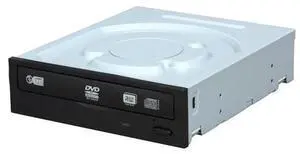
LITE-ON DVD/CD WRITER 24X DVD+R 8X DVD+RW 12X DVD+R DL 24X DVD-R 6X DVD-RW 16X DVD-ROM 48X CD-R 32X CD-RW 48X CD-ROM Black SATA Model iHAS524-T98A
- Model #: DVD-C5KU-025
- S$62.19 –
- Free Shipping
Quick View
LITE-ON DVD/CD WRITER 24X DVD+R 8X DVD+RW 12X DVD+R DL 24X DVD-R 6X DVD-RW 16X DVD-ROM 48X CD-R 32X CD-RW 48X CD-ROM Black SATA Model iHAS524-T98A
- Model #: DVD-C5KU-028
- S$50.12 –
- Free Shipping
Quick View
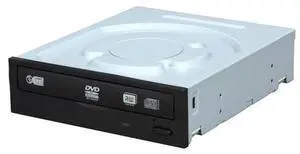
LITE-ON DVD/CD WRITER 24X DVD+R 8X DVD+RW 12X DVD+R DL 24X DVD-R 6X DVD-RW 16X DVD-ROM 48X CD-R 32X CD-RW 48X CD-ROM Black SATA Model iHAS524-T98A
- Model #: DVD-C5KU-023
- S$62.19 –
- Free Shipping
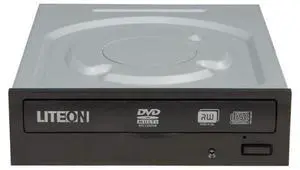
Quick View
LITE-ON 24X DVD Writer Internal 24X DVD+R 8X DVD+RW 12X DVD+R DL 24X DVD-R 6X DVD-RW 16X DVD-ROM 48X CD-R 32X CD-RW 48X CD-ROM SATA Model ihas324-07
- Model #: DVD-C5KU-031
- S$50.75 –
- Free Shipping
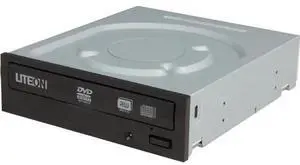
Quick View
LITE-ON 24X DVD Writer Internal 24X DVD+R 8X DVD+RW 12X DVD+R DL 24X DVD-R 6X DVD-RW 16X DVD-ROM 48X CD-R 32X CD-RW 48X CD-ROM SATA Model ihas324-07
- Model #: DVD-C5KU-020
- S$52.09 –
- Free Shipping
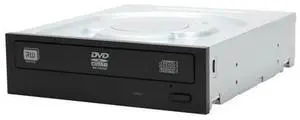
Quick View
LITE-ON 24x DVD Burner - Bulk 24X DVD+R 8X DVD+RW 12X DVD+R DL 24X DVD-R 6X DVD-RW 16X DVD-ROM 48X CD-R 32X CD-RW 48X CD-ROM Black SATA Model DH-24AAS
- Model #: DVD-C5KU-018
- S$72.52 –
- Free Shipping
The form of a disk drive or burner you select depends on what kind of work or entertainment you do, and your storage and media-sharing needs. CD, DVD and Blu-ray™ media differ in storage capacity, images and audio. The drives and burners can be internal or external, including compatibility with ReWritable disks whenever you record on a CD, DVD or Blu-ray. For instance, the Blu-ray optical disk allows you to store several hours of high-definition video and store large amounts of data in general. A disk's compatibility with any Windows® operating system guarantees smooth application and a user-friendly interface.
Blu-ray Burners Help Share Multimedia Files With Clients, Friends and Family
Improving the storage capacity of your computer means finding compatible CD DVD and Blu-ray media . Preferably, if you want to save and share content using a Blu-ray disk, you need an external Blu-ray burner. A disk offerS an enormous storage capacity for images, video and data files. An external Blu-ray burner is more workable by using a USB cable and USB connector, and a Windows system will automatically recognize and install the appropriate drivers for the burner. Using a multimedia disk, you can share photography and home movies with your clients, family and friends. For instance, you give them the Blu-ray optical disc, and they pop into their player and view the high-definition images or video of your recent vacation or special event. Using a Blu-ray burner offers flexible formatting as well, because you can burn CDs and DVDs.
Watching and Sharing High-Definition Media Using a Blu-ray Burner
The form of a disk drive or burner you select depends on what kind of work or entertainment you do, and your storage and media-sharing needs. CD, DVD and Blu-ray™ media differ in storage capacity, images and audio. The drives and burners can be internal or external, including compatibility with ReWritable disks whenever you record on a CD, DVD or Blu-ray. For instance, the Blu-ray optical disk allows you to store several hours of high-definition video and store large amounts of data in general. A disk's compatibility with any Windows® operating system guarantees smooth application and a user-friendly interface.
Blu-ray Burners Help Share Multimedia Files With Clients, Friends and Family
Improving the storage capacity of your computer means finding compatible CD DVD and Blu-ray media . Preferably, if you want to save and share content using a Blu-ray disk, you need an external Blu-ray burner. A disk offerS an enormous storage capacity for images, video and data files. An external Blu-ray burner is more workable by using a USB cable and USB connector, and a Windows system will automatically recognize and install the appropriate drivers for the burner. Using a multimedia disk, you can share photography and home movies with your clients, family and friends. For instance, you give them the Blu-ray optical disc, and they pop into their player and view the high-definition images or video of your recent vacation or special event. Using a Blu-ray burner offers flexible formatting as well, because you can burn CDs and DVDs.
Watching and Sharing High-Definition Media Using a Blu-ray Burner
Whether you use an internal or external Blu-ray burner and media, the dual-layer function provides a smart option for backup and storage use, including sharing high-definition images and video playback. You can write to the Blue-ray optical disks, as well as read what is on the discs with the driver. Watching high-definition movies on the computer is another option to consider when viewing images and videos. The burner can read and write data to and from blu-ray discs, which enables you to display 1080p video while dragging and dropping contents.
CD DVD Blu-ray Media Sharing Works With External CD/DVD Blu-ray Drives
The optical disk media works in cooperation with external CD/DVD Blu-ray drivers. Deciding which one is most suitable for reading, writing data and sharing it begins with your computer’s compatibility. Using an external drive, such as a portable CD/DVD driver, extends flexibility, enabling you to work anywhere with a comfortable carrying case. If you have the device with you during a meeting, you can quickly and efficiently share Blu-ray optical disc copies right away. If you want something more extensive, the standalone external drive works better. You can share DVDs or Blu-ray disks that may contain fiscal reports with executives and shareholders, or you can store photographs and memories on media created with a CD/DVD Blu-ray driver.