All CategoriesAll CategoriesAll Categories
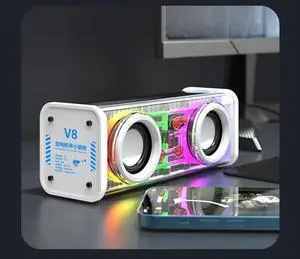

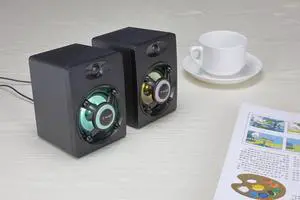
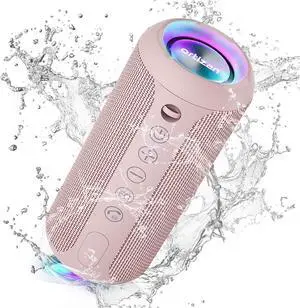
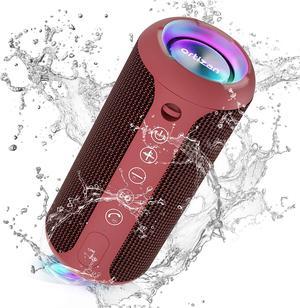
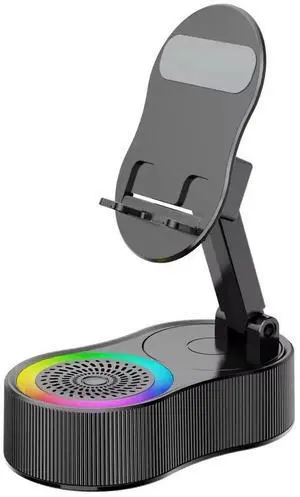
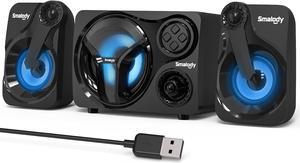
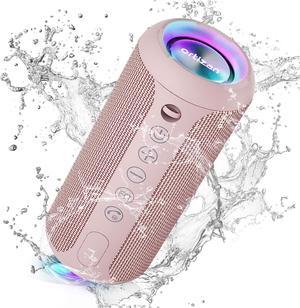
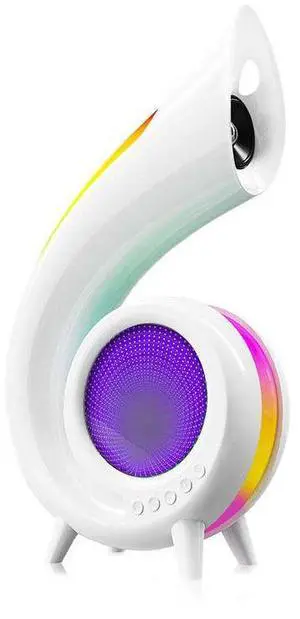
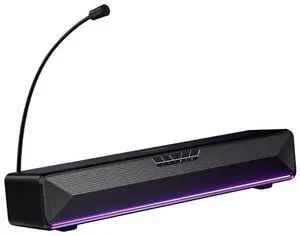
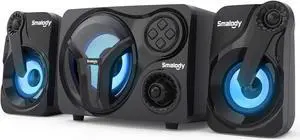
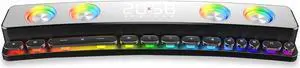
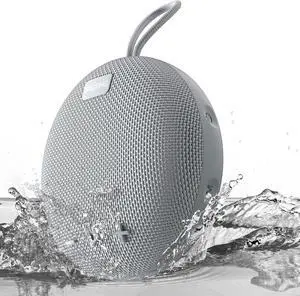
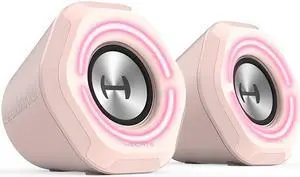
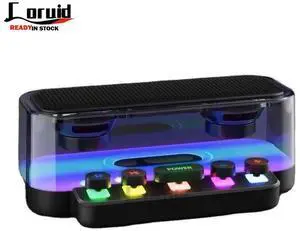
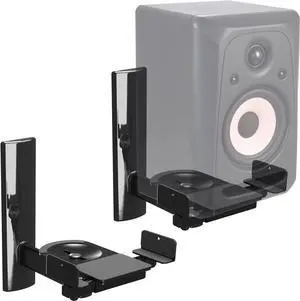
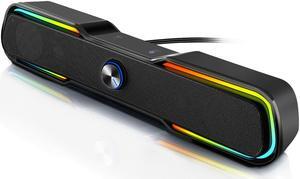
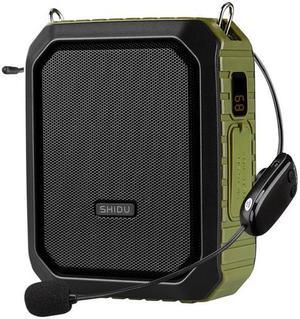
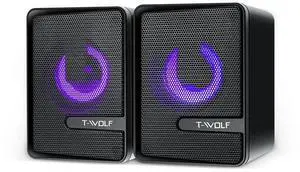
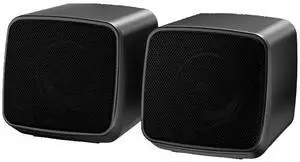
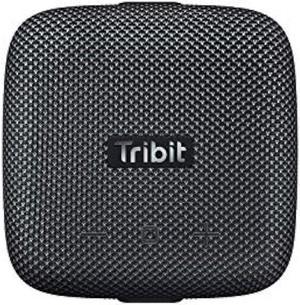
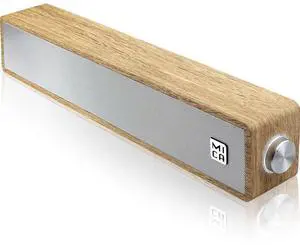
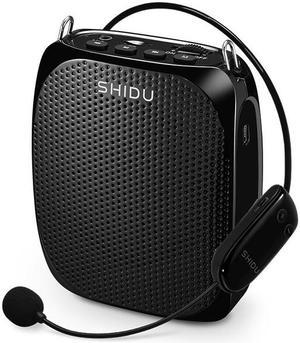
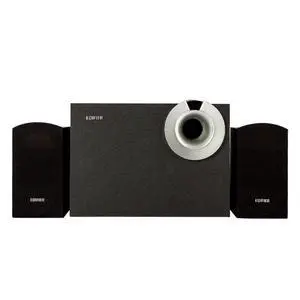
It's not a given when you buy a new computer that it's going to have a sound card built in, and even if it does, there's no guarantee that it's going to be good. To get the best possible performance for streaming movies and video playback, as well as in-game audio experiences, it's essential that you get the best computer speakers to round out your machine.
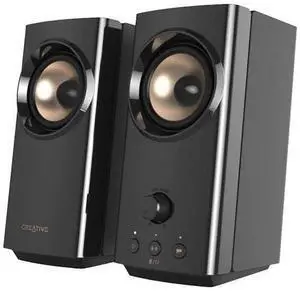
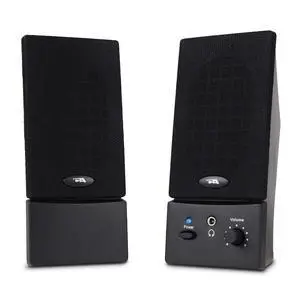
A standard set of side-by-side speakers will let you hear what's happening more clearly than using an onboard sound device. Without a tool like this, you may not get any audio with your playback at all, so this should be considered a basic purchase to go along with upgrading a keyboard and mouse. If you want a real experience with your media, try purchasing a heftier system. Something with a subwoofer and additional high-powered speakers can make it feel like you have a surround sound experience in your computer chair.
Purchasing a speaker system also means considering how these will be connected. Some systems have USB hook-ups or other plugs and cables that won't require as many dedicated sockets, but there are expanders and other solutions to increase the maximum number of USB devices you can have going at once. Some devices will also be able to pull power right from the computer they're attached to, but in some cases they have a dedicated power supply that will need its own wall outlet. You may need to buy a separate power strip on top of speakers to make sure the entire system will function correctly.
Buying the best computer speakers will ensure high-quality gaming and viewing from your machine. While devices come equipped in some cases with onboard sound capability, these tools can't compare to a system of computer speakers.