here!
here!
I’m your shopping assistant for PC builds, upgrades, and everything tech.
Got questions? Ask away!
Start a conversation
here!
I’m your shopping assistant for PC builds, upgrades, and everything tech.
Got questions? Ask away!
Start a conversation
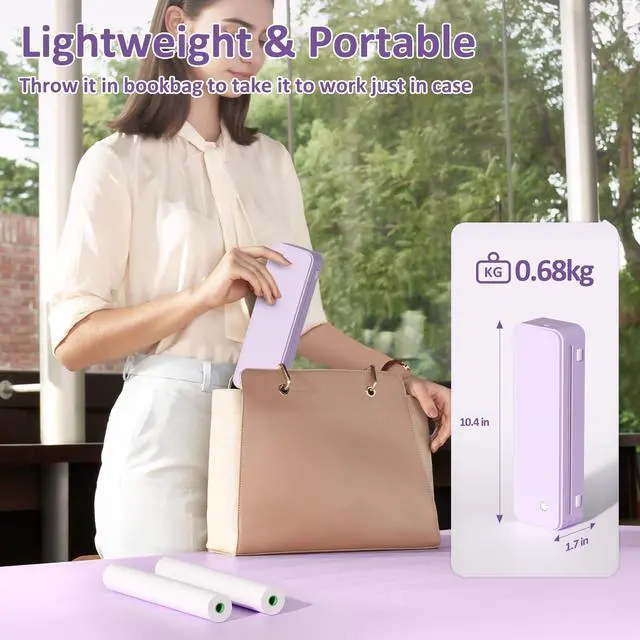
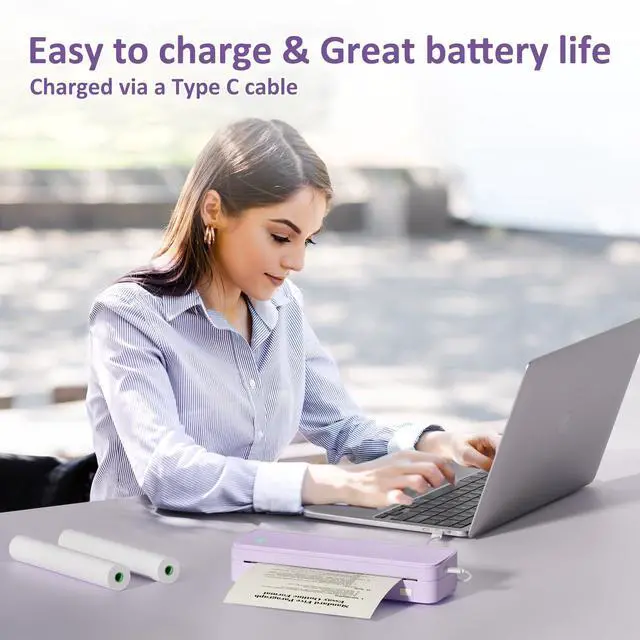
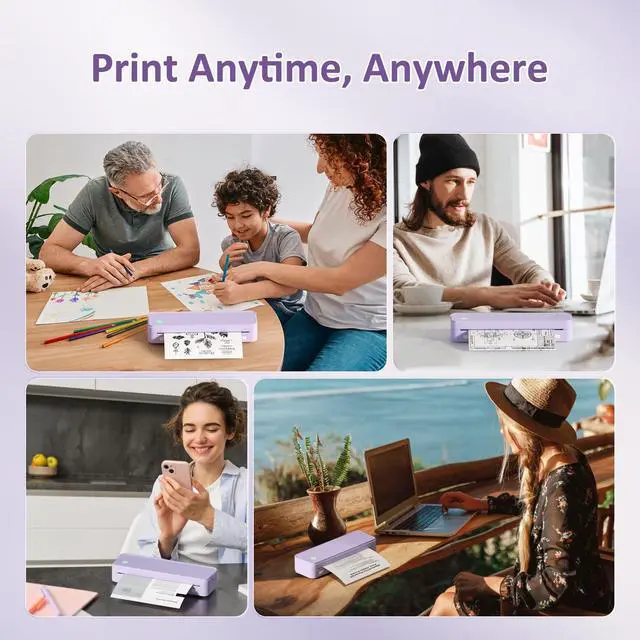



Any questions? Ask CelesteSM will help you find out quickly.
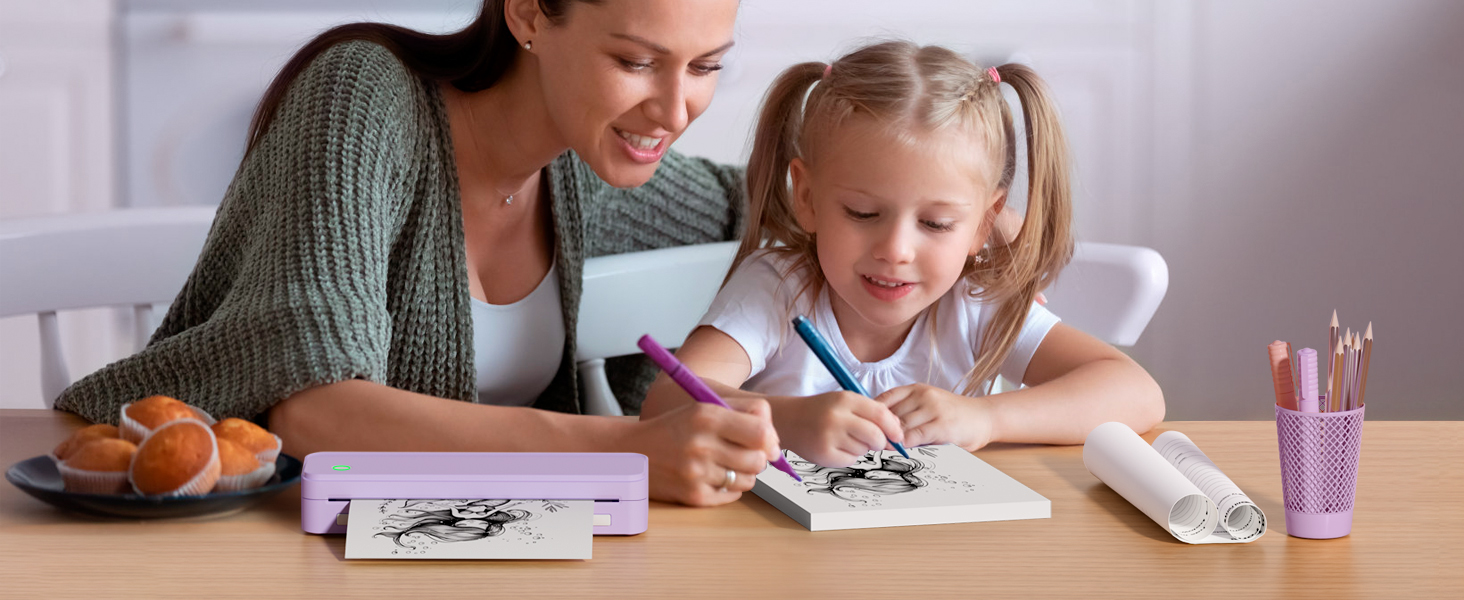
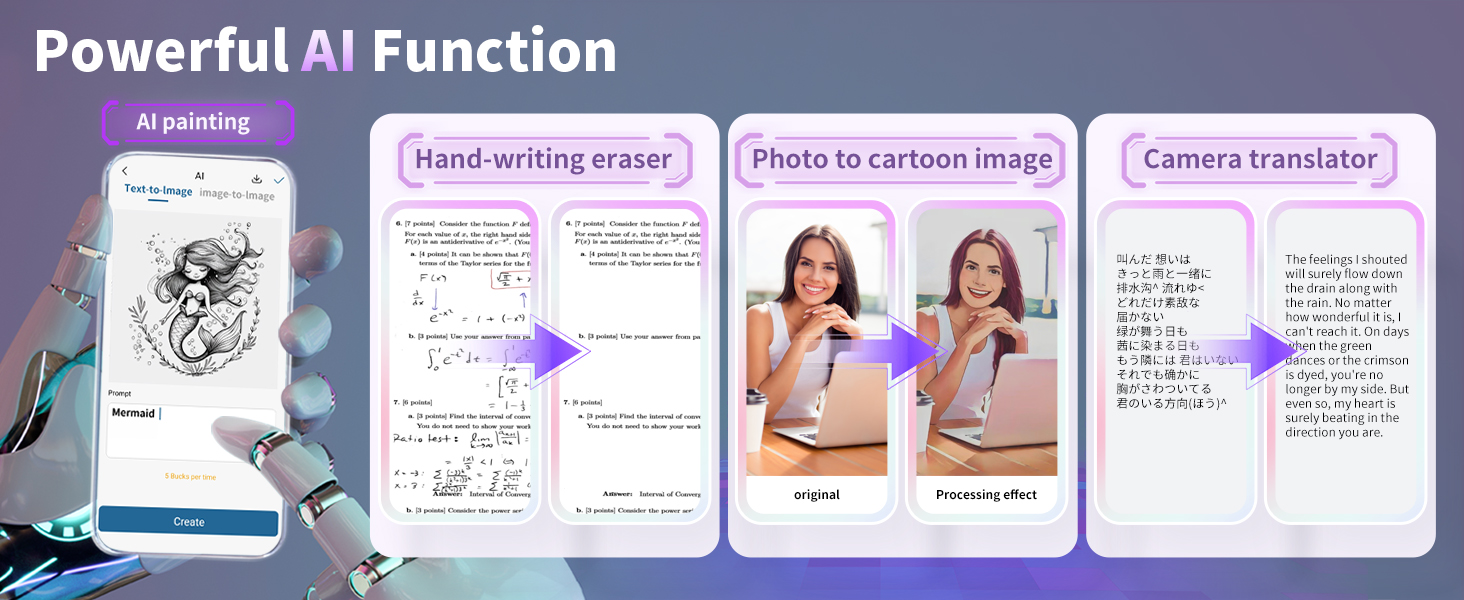
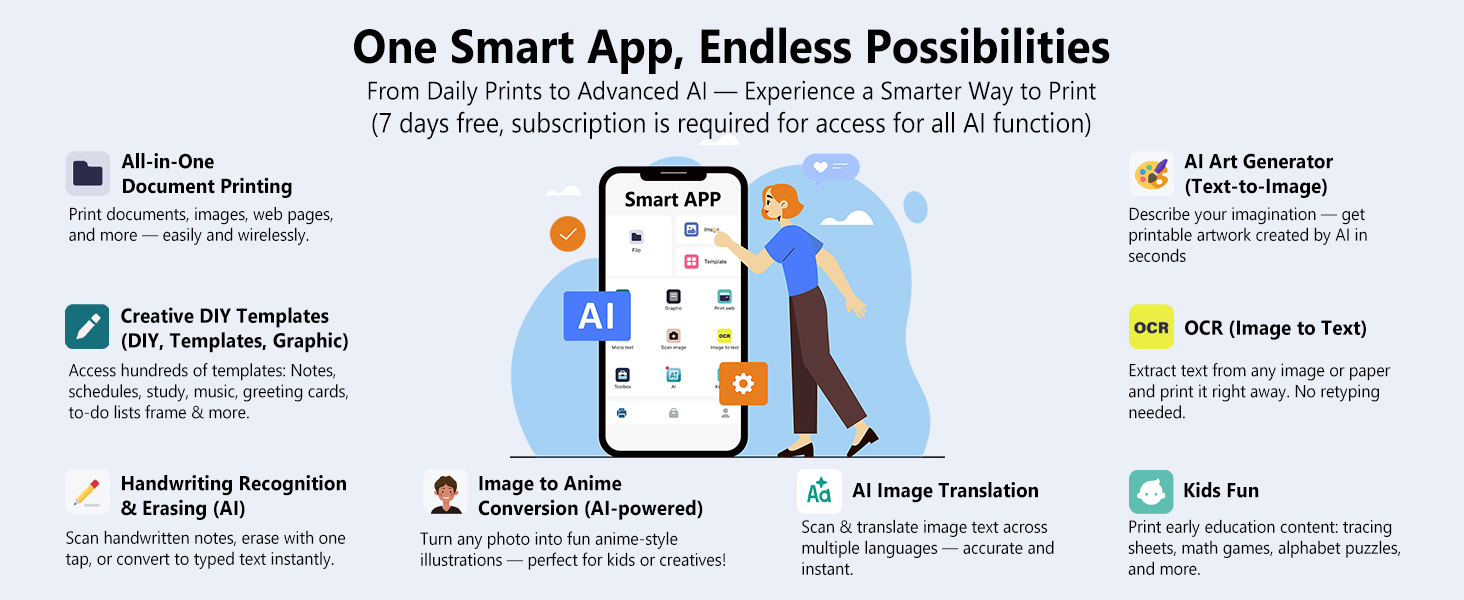
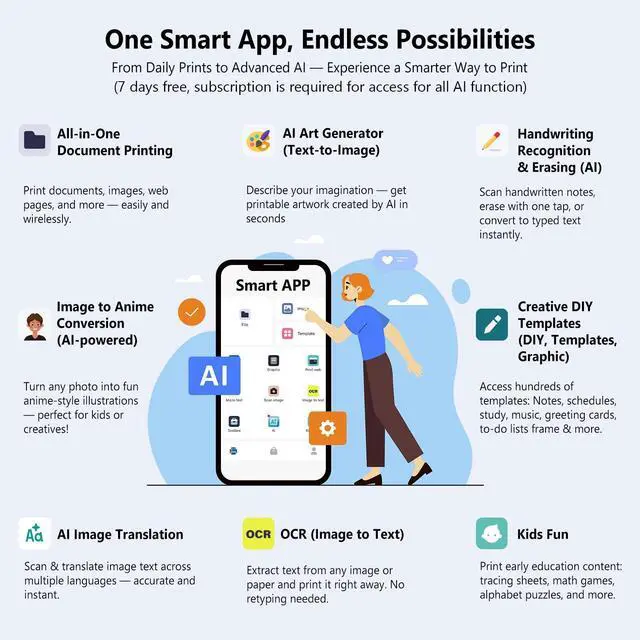
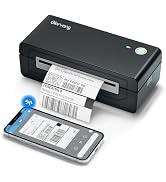
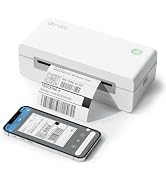
No ink needed, rechargeable, and easily connects to your smartphone from the app.
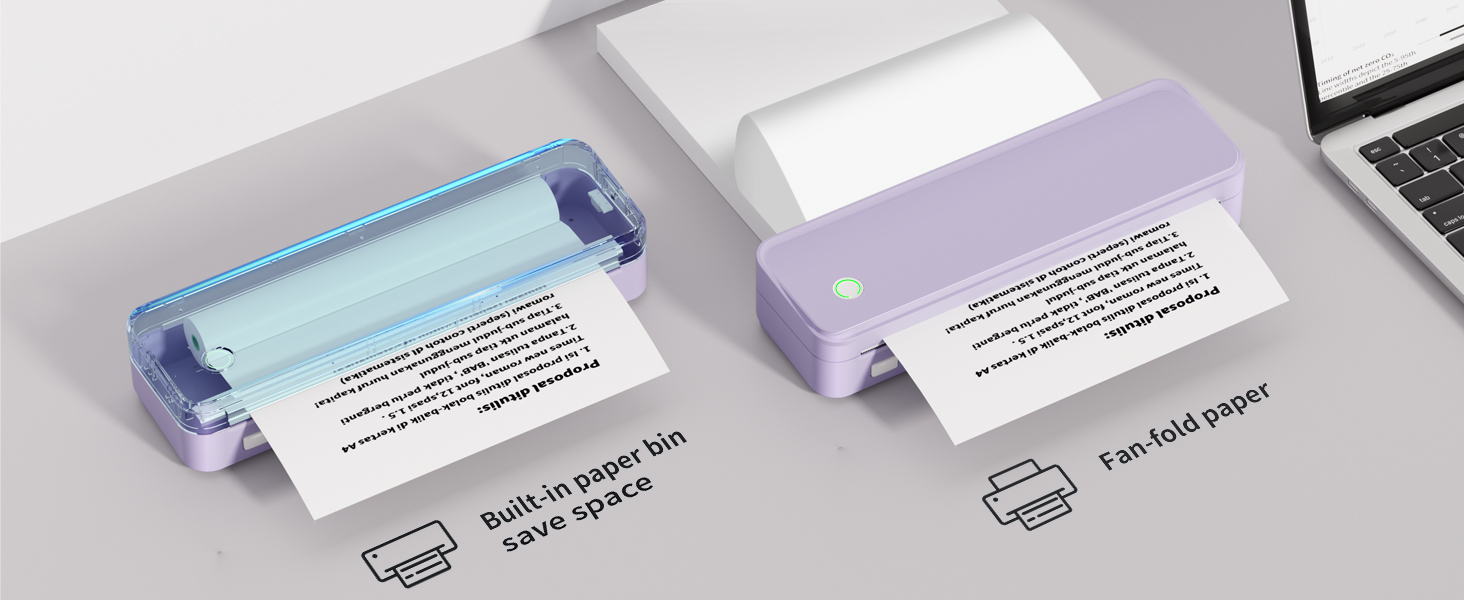
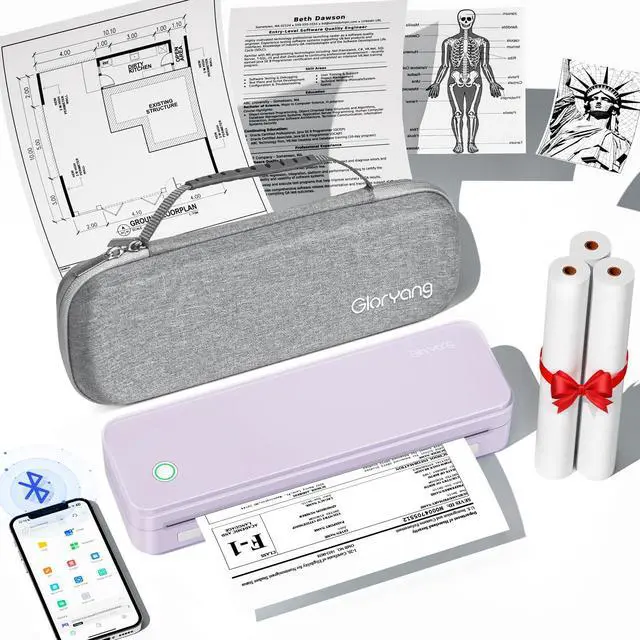
Each package includes three rolls of paper & a sturdy carry case.
Popular for its convenience and reliability.
Please note: Only supports thermal paper, Not work with regular standards paper!! Only Print in Black!
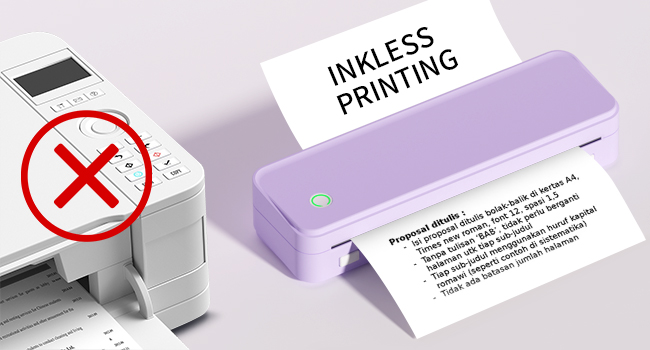
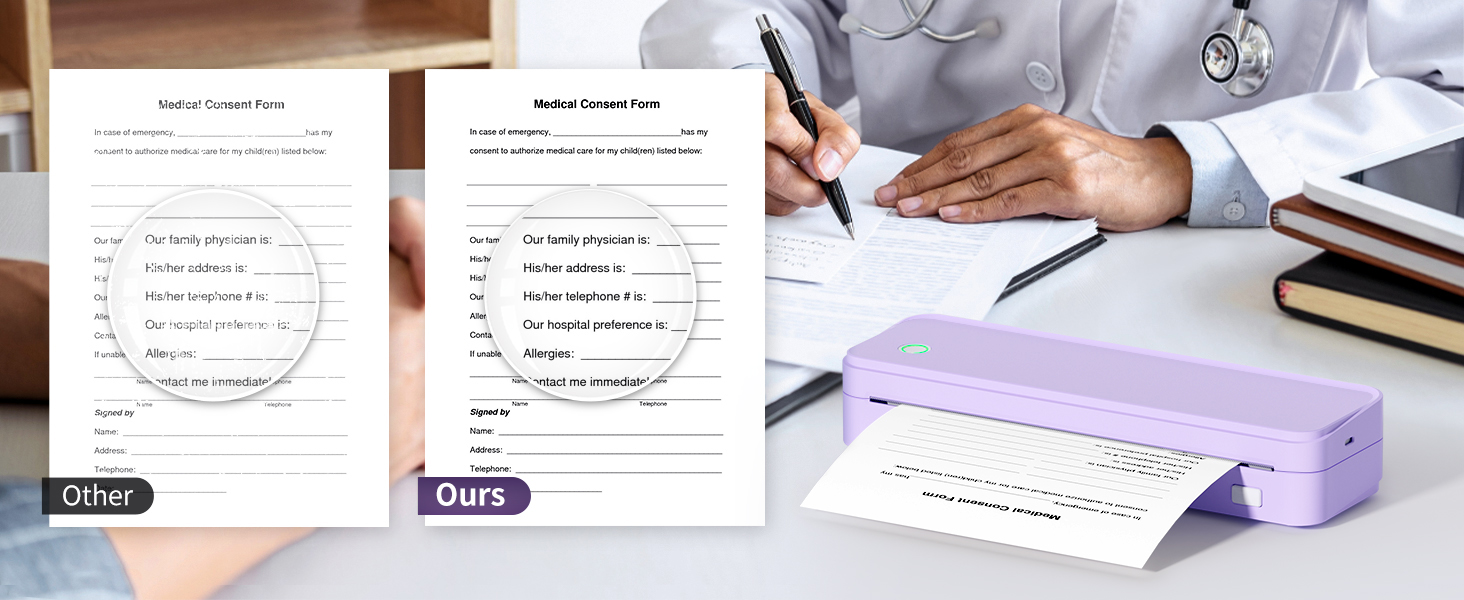
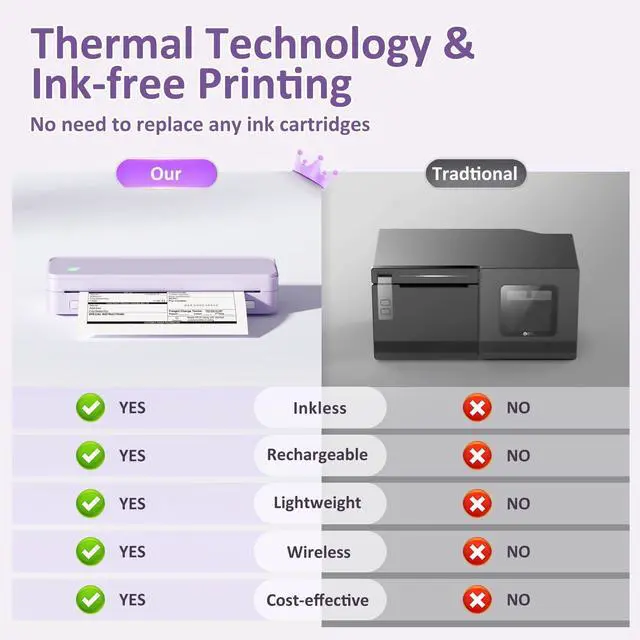
Different from traditional inkjet printers and laser printers, this inkless printer utilizes advanced thermal technology, eliminating the need for ink or toner to print directly. It saves a lot of money on ink and toner each year, and it's convenient, saving time on installing ink and toner.
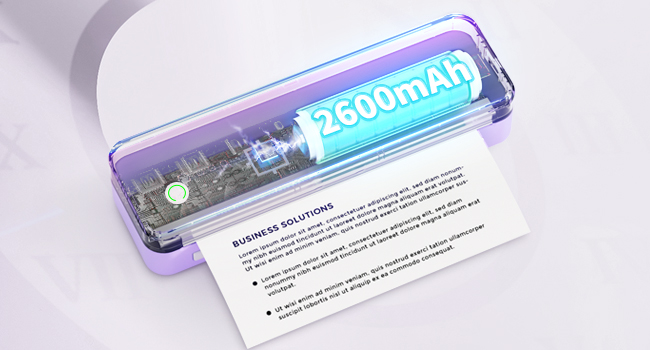
This rechargeable printer is equipped with an advanced battery. It boasts long time and can print continuously for over 360 labels, with a continuous time for 3-4 hours. It comes with a USB charging cable, meeting the needs of on-the-go charging for mobile office use.

What You Get with The Gloryang PD-A4 Set?
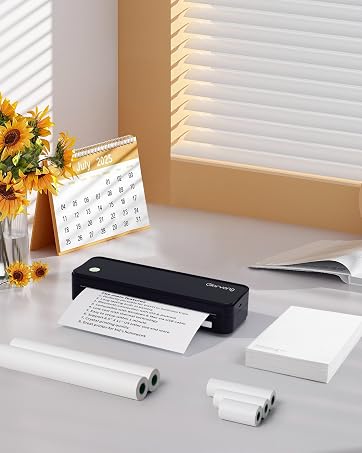
1 x PD-A4 portable thermal printer
1 x Portable carry case
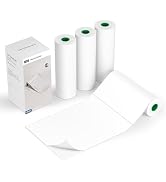
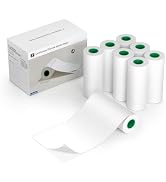
3 x 8.5'' x 11'' US Letter size thermal roll paper
1 x USB cable, 1 x Type-C adapter , 1 x user mamual
How can I do if I print blank/nothing?
Flip the paper to print again. Please use Gloryang/JADENS thermal paper to get the best performance. Only Supports Thermal Paper!! It doesn't compatible with other regular standard paper.
How to connect with computer?
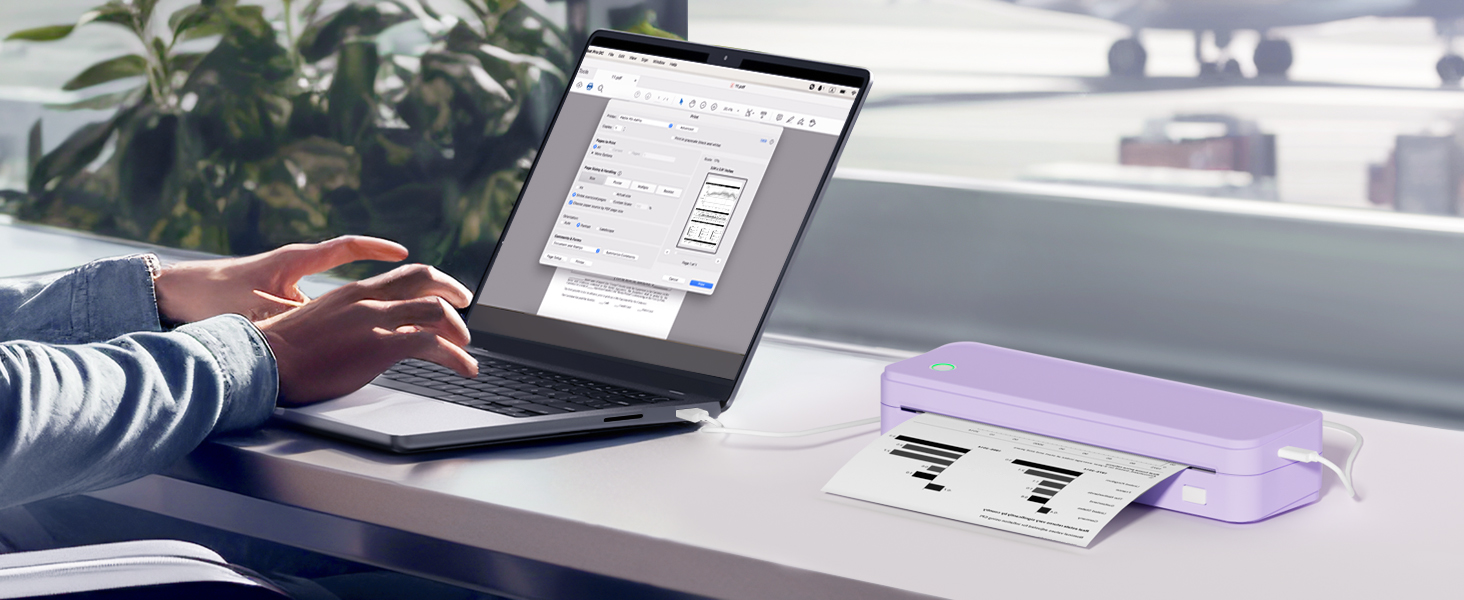
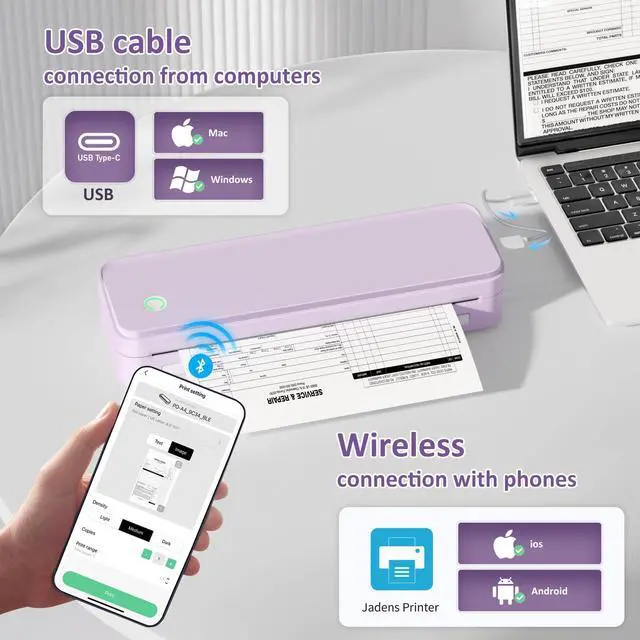
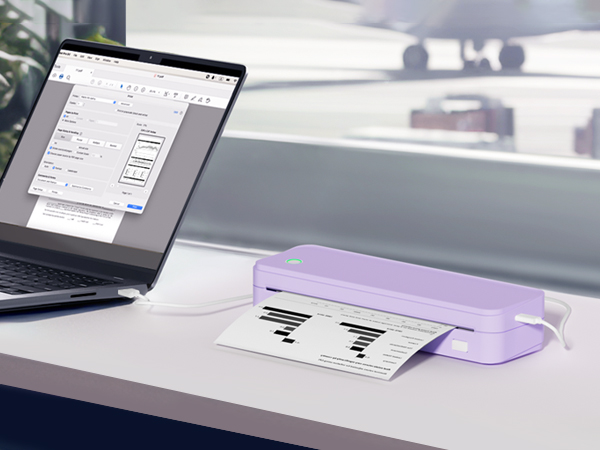
Turn on the printer and connect the printer to the computer. Download the driver from the website first. If it shows the driver is not available, please restrart your computer. (It Does support Bluetooth with Mac)
How to use with Chromebook?
Install the latest 'shipping Printer' extension to print. You can find the tutorial video on jadens website.
How to use with phone?
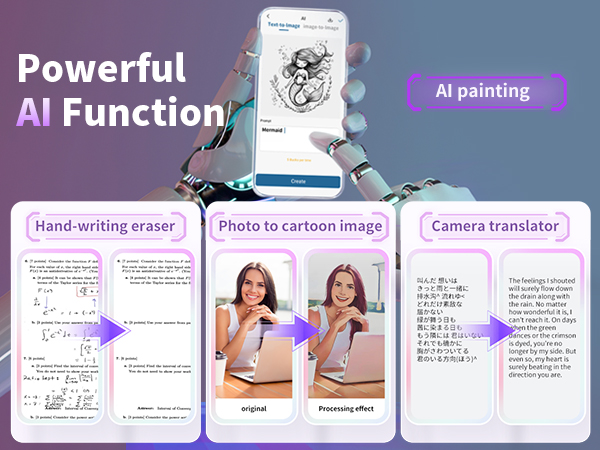
Turn on the Printer. Download the 'Jadens printer' App, and then connect the Bluetooth through the app. Turn off your Bluetooth and restart the app if you can't find the printer model.
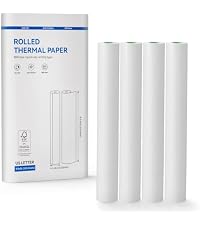 8.5 x 11'' Thermal Paper | 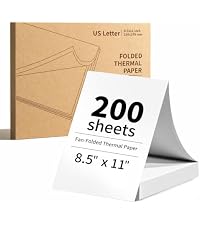 8.5 x 11'' Thermal Paper | 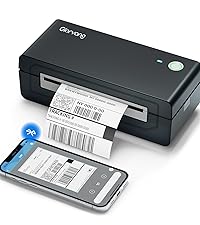 Thermal Printer | 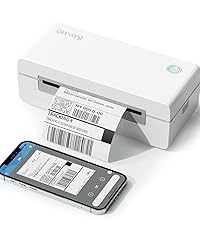 Thermal Printer | |
|---|---|---|---|---|
Customer Reviews | — | — | — | — |
Price | — | — | — | — |
Sheets | 100 sheets/ 4 rolls | 200sheets | 50 sheets | 50 sheets |
Size | 8.5X11'' | 8.5X11'' | 2inch | 2inch |
Color | White | White | 4inch | 4inch |
Thermal Technology | ? | ? | ? | ? |
Waterproof & Oliproof | ? | ? | ? | ? |
BPA-Free | ? | ? | ? | ? |
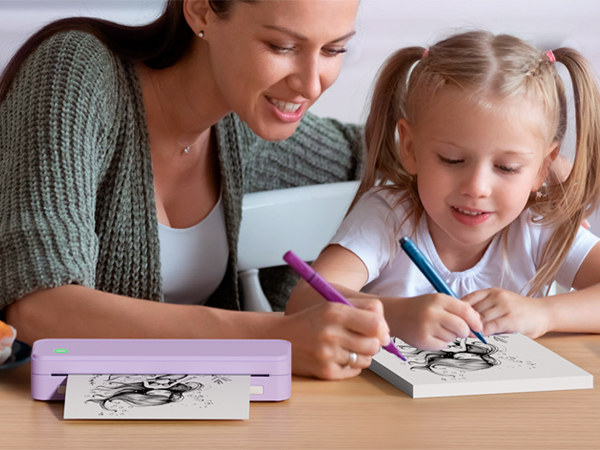
No ink needed, rechargeable, and easily connects to your smartphone from the app.
Each package includes three rolls of paper & a sturdy carry case.
Popular for its convenience and reliability.
Please note: Only supports thermal paper, Not work with regular standards paper!! Only Print in Black!
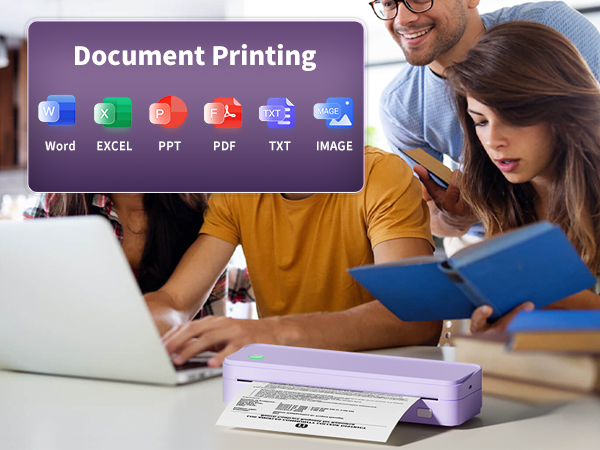
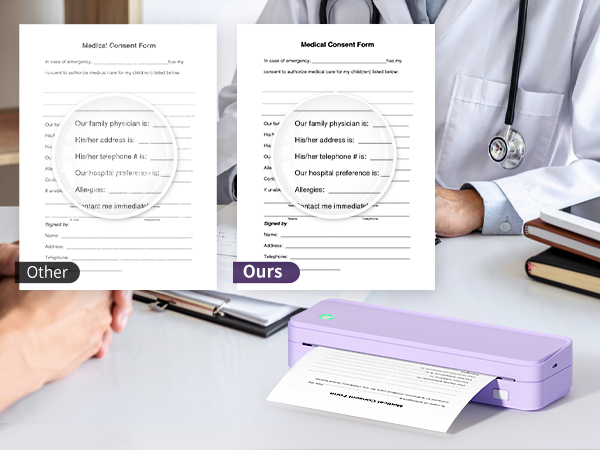
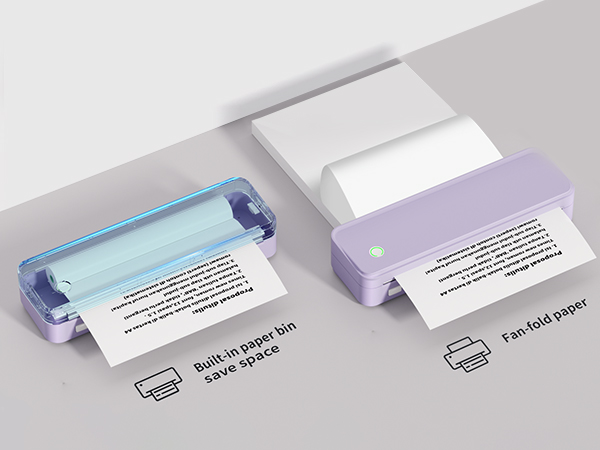
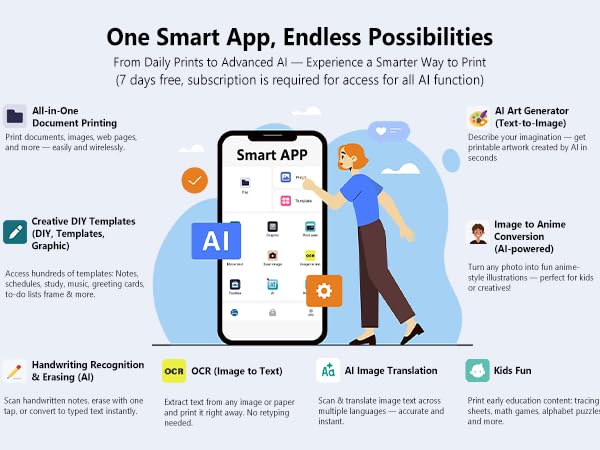
Different from traditional inkjet printers and laser printers, this inkless printer utilizes advanced thermal technology, eliminating the need for ink or toner to print directly. It saves a lot of money on ink and toner each year, and it's convenient, saving time on installing ink and toner.
This rechargeable printer is equipped with an advanced battery. It boasts long time and can print continuously for over 360 labels, with a continuous time for 3-4 hours. It comes with a USB charging cable, meeting the needs of on-the-go charging for mobile office use.

What You Get with The Gloryang PD-A4 Set?
1 x PD-A4 portable thermal printer
1 x Portable carry case
3 x 8.5'' x 11'' US Letter size thermal roll paper
1 x USB cable, 1 x Type-C adapter , 1 x user mamual
How can I do if I print blank/nothing?
Flip the paper to print again. Please use Gloryang/JADENS thermal paper to get the best performance. Only Supports Thermal Paper!! It doesn't compatible with other regular standard paper.
How to connect with computer?
Turn on the printer and connect the printer to the computer. Download the driver from the website first. If it shows the driver is not available, please restrart your computer. (It Does support Bluetooth with Mac)
How to use with Chromebook?
Install the latest 'shipping Printer' extension to print. You can find the tutorial video on jadens website.
How to use with phone?
Turn on the Printer. Download the 'Jadens printer' App, and then connect the Bluetooth through the app. Turn off your Bluetooth and restart the app if you can't find the printer model.
8.5 x 11'' Thermal Paper | 8.5 x 11'' Thermal Paper | Thermal Printer | Thermal Printer |
|---|---|---|---|
| Customer Reviews | |||
| — | — | — | — |
| Price | |||
| — | — | — | — |
| Sheets | |||
| 100 sheets/ 4 rolls | 200sheets | 50 sheets | 50 sheets |
| Size | |||
| 8.5X11'' | 8.5X11'' | 2inch | 2inch |
| Color | |||
| White | White | 4inch | 4inch |
| Thermal Technology | |||
| ? | ? | ? | ? |
| Waterproof & Oliproof | |||
| ? | ? | ? | ? |
| BPA-Free | |||
| ? | ? | ? | ? |
Included a nice carry case & 3 roll thermal paper. Ideal gift for family, friends & colleagues.
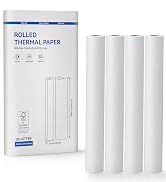
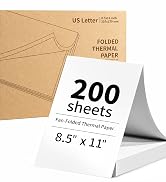



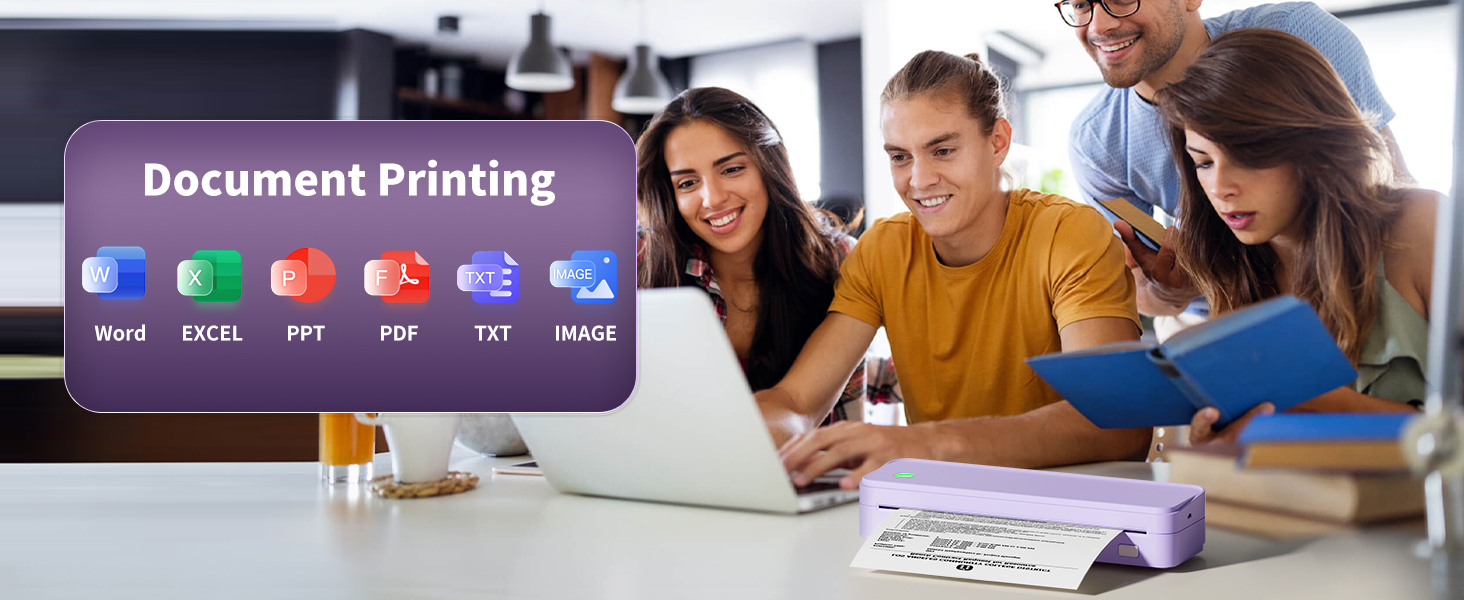
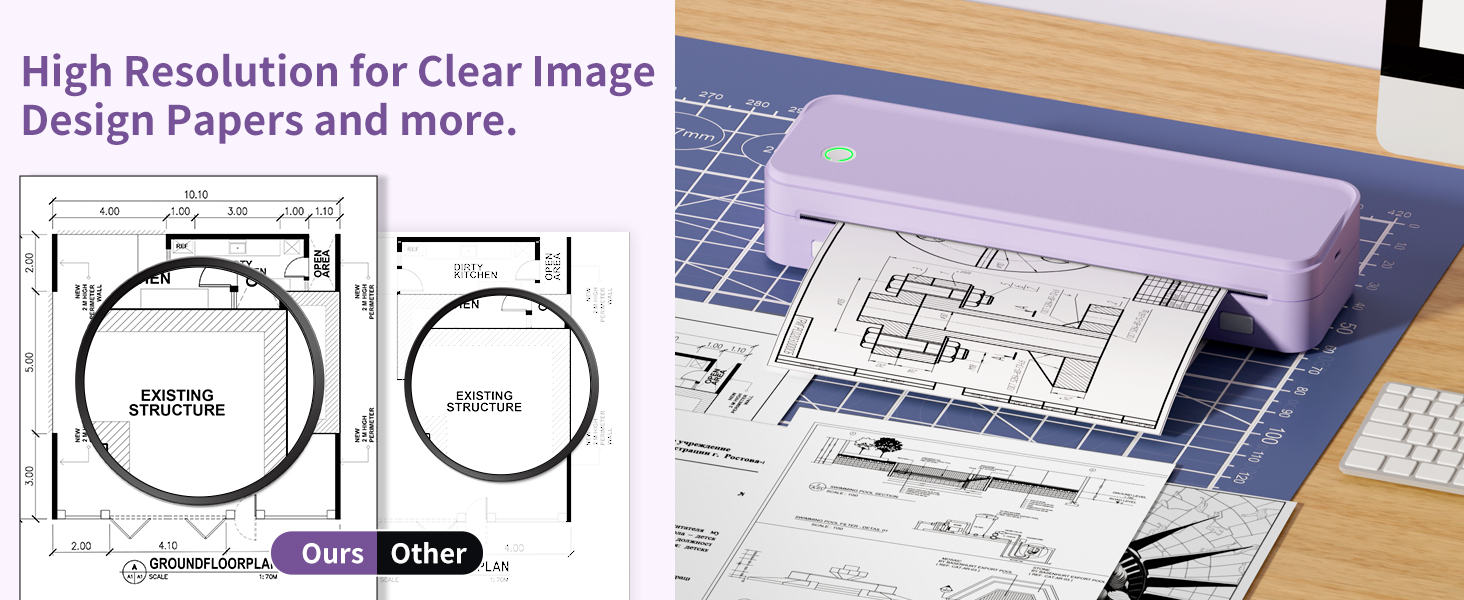
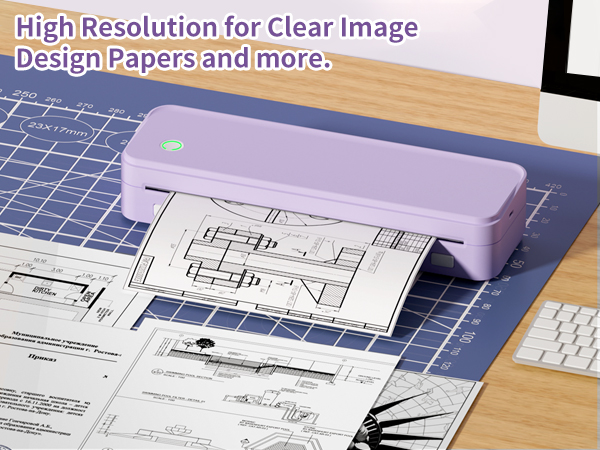
Mutiple purpose for printing contract, school materials, list, pre-school image and so on.