here!
here!
I’m your shopping assistant for PC builds, upgrades, and everything tech.
Got questions? Ask away!
Start a conversation
here!
I’m your shopping assistant for PC builds, upgrades, and everything tech.
Got questions? Ask away!
Start a conversation






Any questions? Ask CelesteSM will help you find out quickly.


Where can I download the GM012 software?
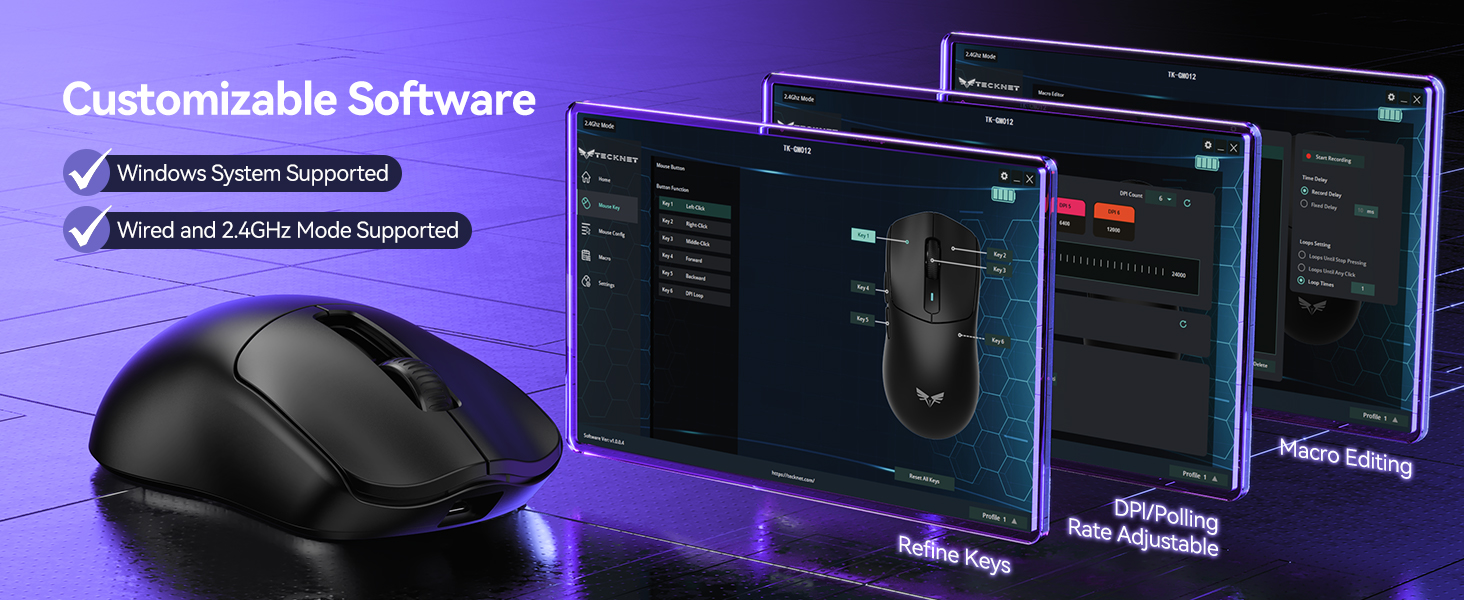
Visit ??????????????.?????? ? Support ? Product Drivers & Manuals. Search “GM012,” find “TK-GM012,” and click “Software.” Software requires Windows and a 2.4GHz or USB-C wired connection.
Does every mode support 1000Hz polling?
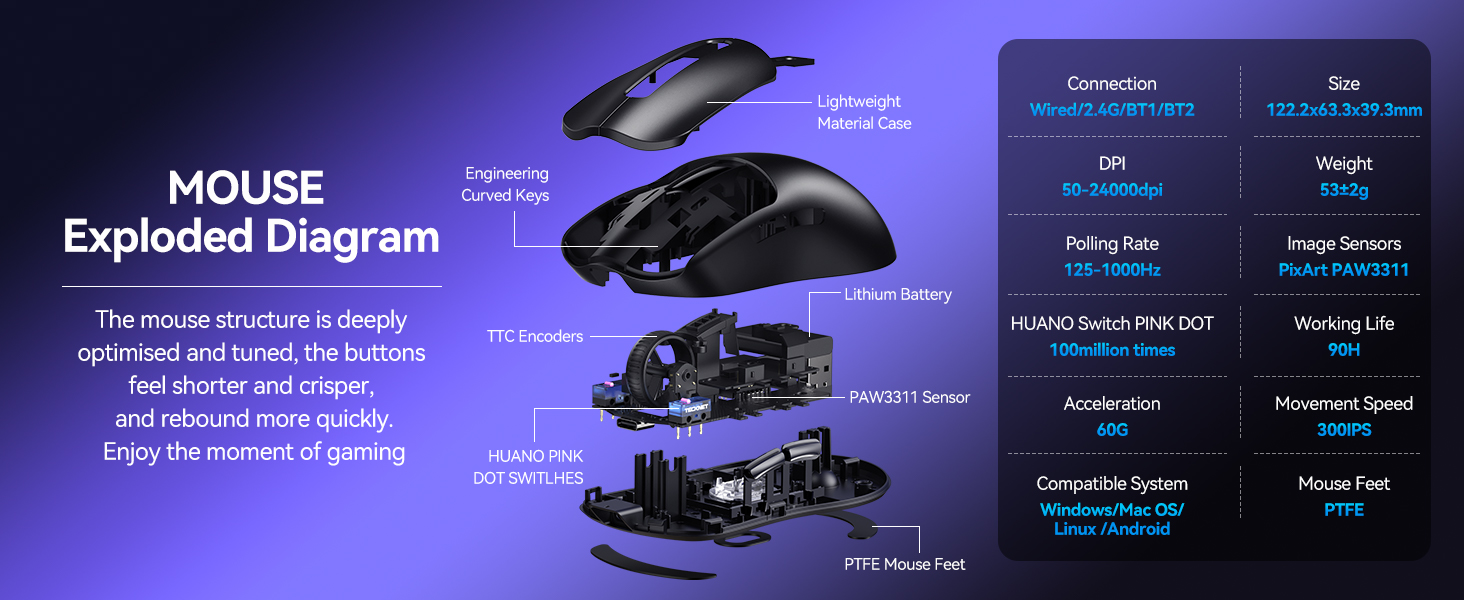
No. 2.4GHz wireless and USB-C wired modes support up to 1000Hz. Bluetooth supports 125Hz. Use 2.4GHz or wired mode for gaming.
Can I switch between different devices?
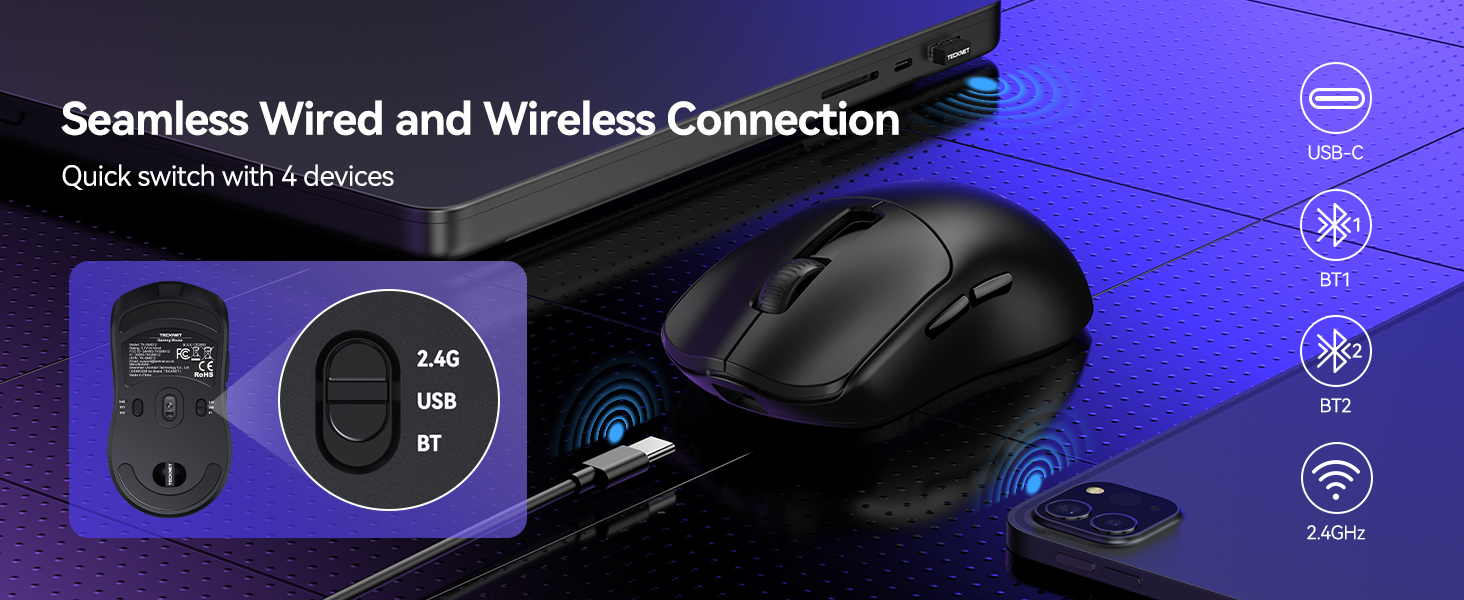
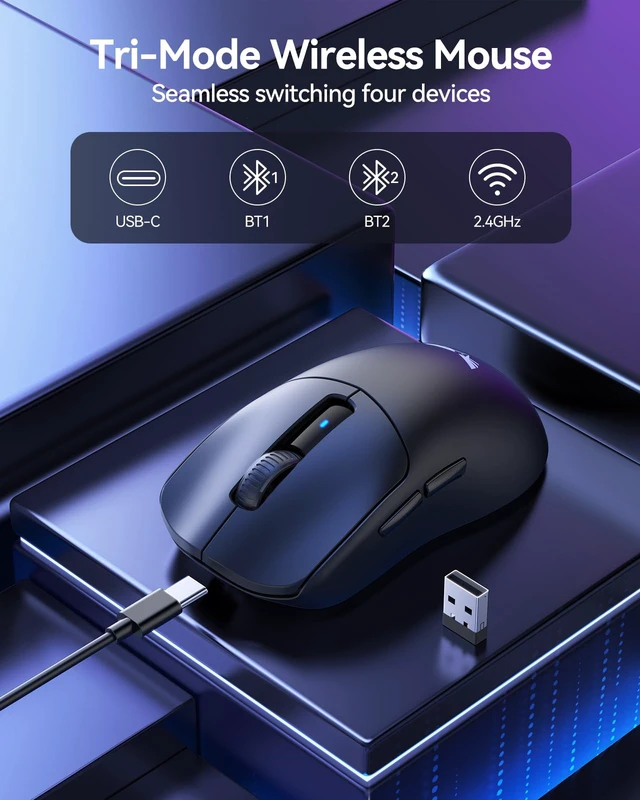
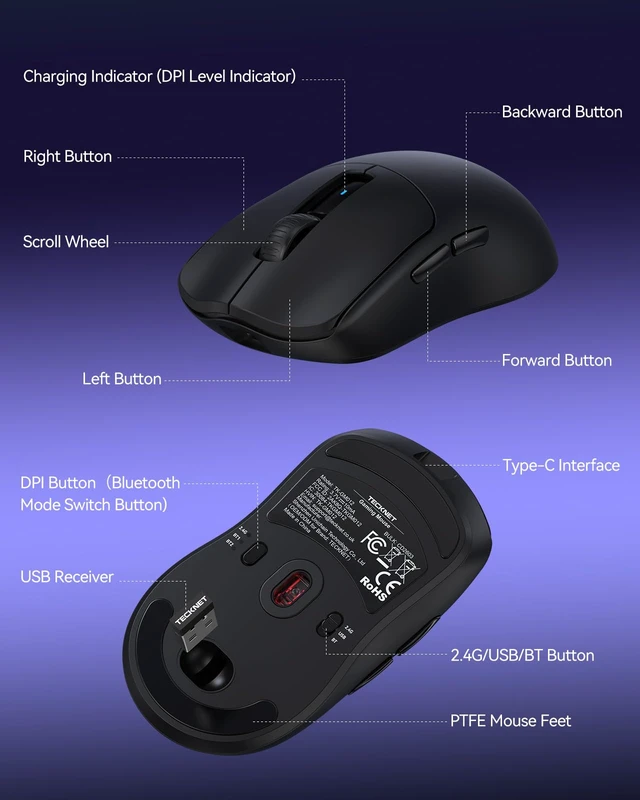
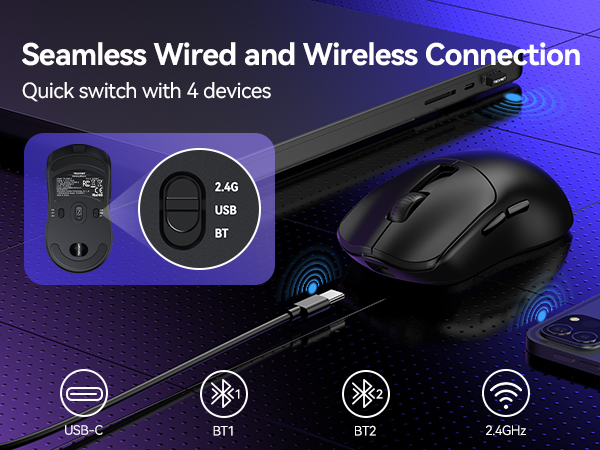
Yes. Use the mode switch on the bottom of the mouse to select 2.4GHz wireless, USB-C wired, or two Bluetooth channels. This gaming mouse can compatible with Windows, macOS, Linux, and Android.
How do I connect GM012 via Bluetooth?
1.Switch to BT.
2.Enable Bluetooth.
3.???????? ????????, ???????????? ?????????? ?????? ?????????? ?????????????? ???????????????? for 3s. LED blinks blue.
4.Select TKGM012 BT1/BT2. LED turns off.
5.Hold DPI for 3s to switch BT1/BT2.













Where can I download the GM012 software?
Visit ??????????????.?????? ? Support ? Product Drivers & Manuals. Search “GM012,” find “TK-GM012,” and click “Software.” Software requires Windows and a 2.4GHz or USB-C wired connection.
Does every mode support 1000Hz polling?
No. 2.4GHz wireless and USB-C wired modes support up to 1000Hz. Bluetooth supports 125Hz. Use 2.4GHz or wired mode for gaming.
Can I switch between different devices?
Yes. Use the mode switch on the bottom of the mouse to select 2.4GHz wireless, USB-C wired, or two Bluetooth channels. This gaming mouse can compatible with Windows, macOS, Linux, and Android.
How do I connect GM012 via Bluetooth?
1.Switch to BT.
2.Enable Bluetooth.
3.???????? ????????, ???????????? ?????????? ?????? ?????????? ?????????????? ???????????????? for 3s. LED blinks blue.
4.Select TKGM012 BT1/BT2. LED turns off.
5.Hold DPI for 3s to switch BT1/BT2.