



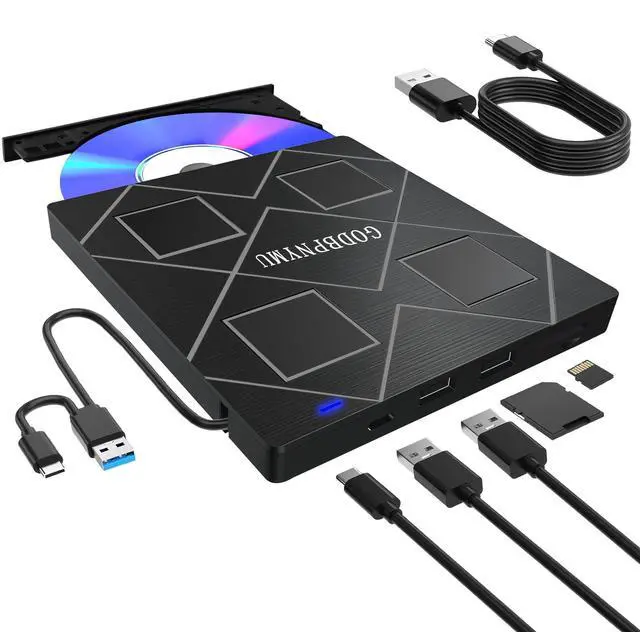
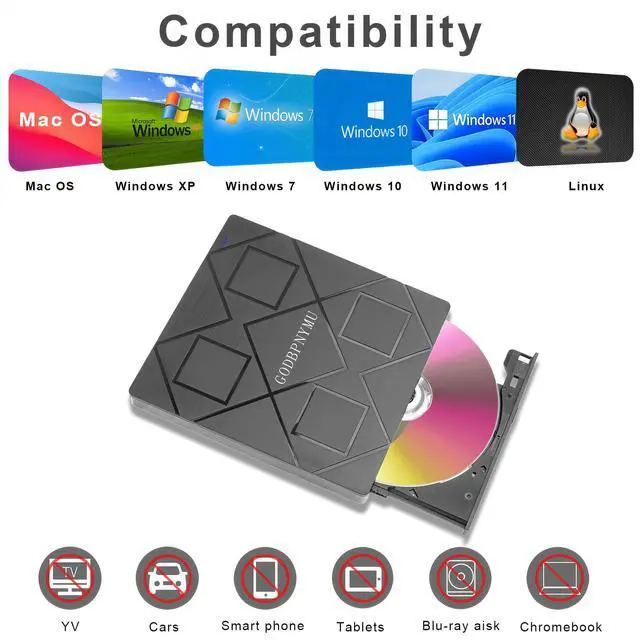
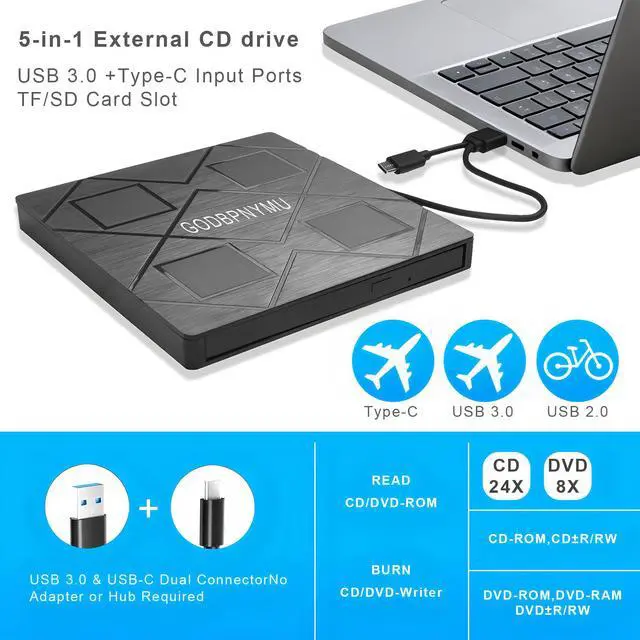
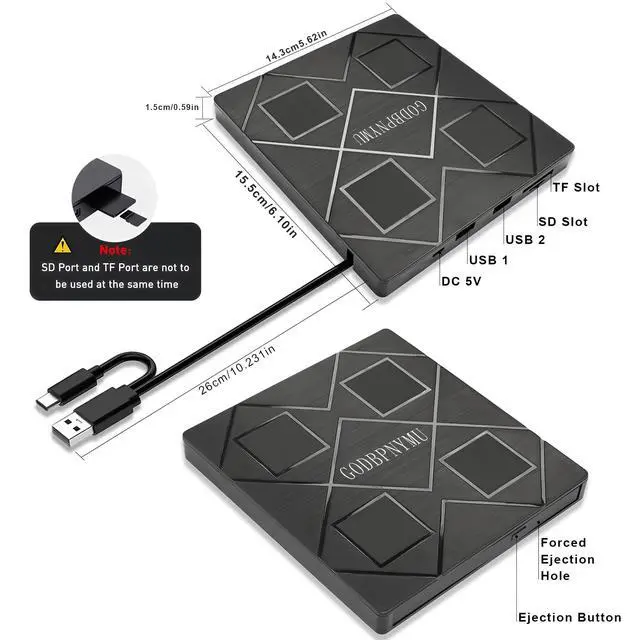
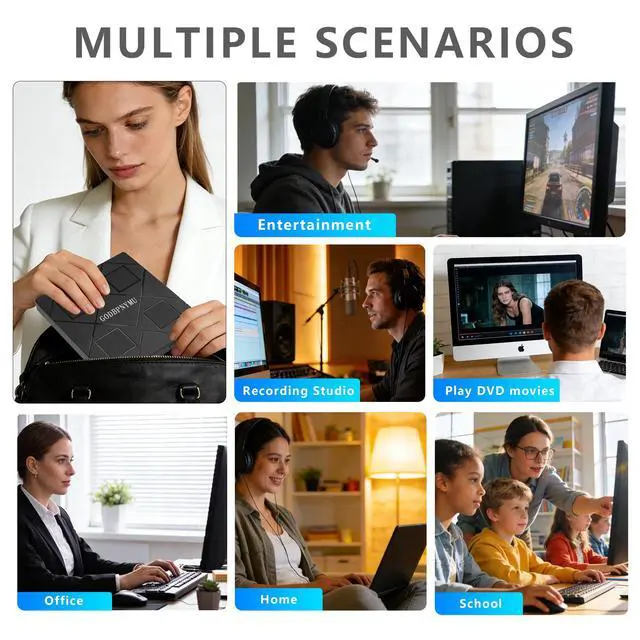
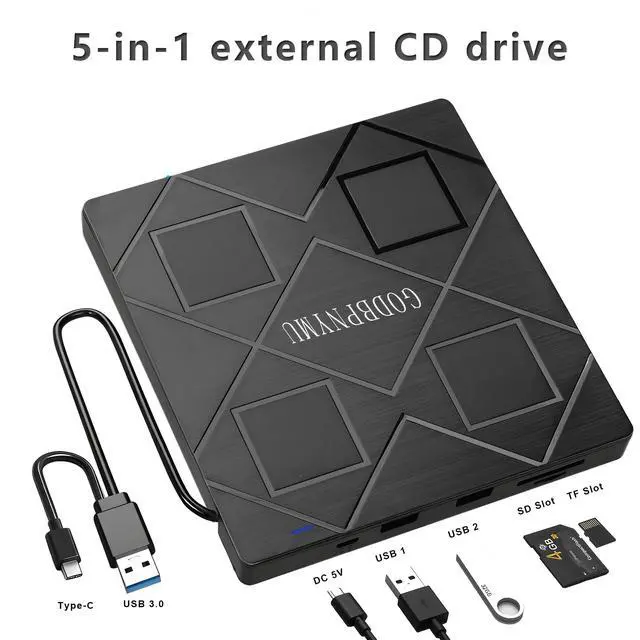




External DVD Burner User Guide I. Core Functions Playback Function: Relive cherished moments preserved on VCD/CD/DVD—wedding day warmth, birthday party joy, Christmas Eve gatherings, and other special celebrations. Supports diverse content including home videos, classic films, music albums, educational materials, game discs, and important documents. Burning Function: Burn digital content like music, photos, and videos onto discs for long-term preservation, playback across multiple devices, and digital organization/archiving. II. Software Preparation Player Software (Required): Since most operating systems do not pre-install DVD playback components, a third-party player must be installed beforehand. Recommended Options: VLC Media Player: Free and open-source with comprehensive format support and optimal compatibility KMPlayer: Feature-rich with excellent decoding capabilities Burning Software (Optional): Prepare dedicated software if disc burning is required. Recommended Options: BurnAware Free Edition: Lightweight design for basic burning needs Nero: Professional-grade tool offering advanced burning and editing features III. Critical Considerations Genuine/Protected DVDs: First-time playback requires setting the “Region Code.” Select the option that exactly matches the disc's labeled region. Important Note: Region code changes are limited (typically =5 times). Choose carefully. Standard Discs:Includes self-burned VCD/CD/DVD data discs, music CDs, game discs, etc. Typically plug-and-play after installing playback software. IV. Operation Flow 1. Install required playback/burning software 2. Connect external optical drive via USB port 4. Use corresponding software to play or burn


External DVD Burner User Guide I. Core Functions Playback Function: Relive cherished moments preserved on VCD/CD/DVD—wedding day warmth, birthday party joy, Christmas Eve gatherings, and other special celebrations. Supports diverse content including home videos, classic films, music albums, educational materials, game discs, and important documents. Burning Function: Burn digital content like music, photos, and videos onto discs for long-term preservation, playback across multiple devices, and digital organization/archiving. II. Software Preparation Player Software (Required): Since most operating systems do not pre-install DVD playback components, a third-party player must be installed beforehand. Recommended Options: VLC Media Player: Free and open-source with comprehensive format support and optimal compatibility KMPlayer: Feature-rich with excellent decoding capabilities Burning Software (Optional): Prepare dedicated software if disc burning is required. Recommended Options: BurnAware Free Edition: Lightweight design for basic burning needs Nero: Professional-grade tool offering advanced burning and editing features III. Critical Considerations Genuine/Protected DVDs: First-time playback requires setting the “Region Code.” Select the option that exactly matches the disc's labeled region. Important Note: Region code changes are limited (typically =5 times). Choose carefully. Standard Discs:Includes self-burned VCD/CD/DVD data discs, music CDs, game discs, etc. Typically plug-and-play after installing playback software. IV. Operation Flow 1. Install required playback/burning software 2. Connect external optical drive via USB port 4. Use corresponding software to play or burn