here!
here!
I’m your shopping assistant for PC builds, upgrades, and everything tech.
Got questions? Ask away!
Start a conversation
here!
I’m your shopping assistant for PC builds, upgrades, and everything tech.
Got questions? Ask away!
Start a conversation
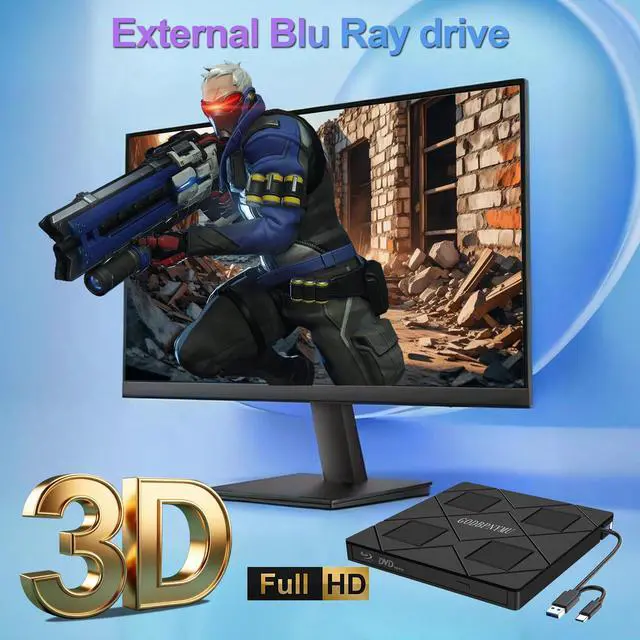
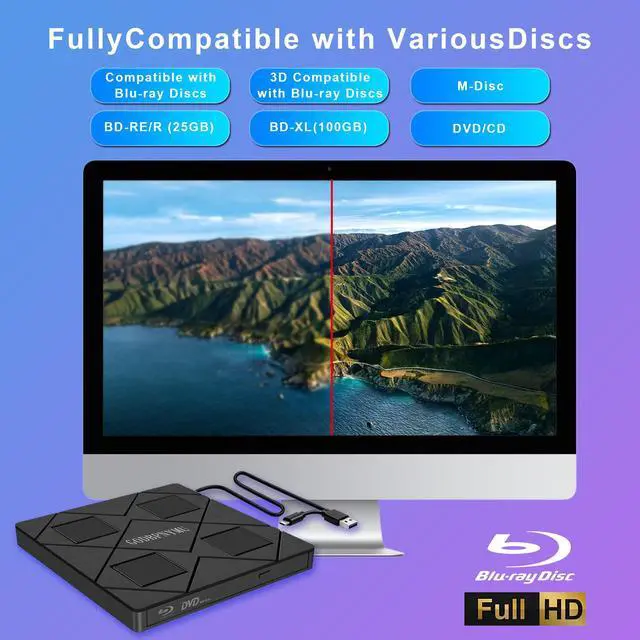
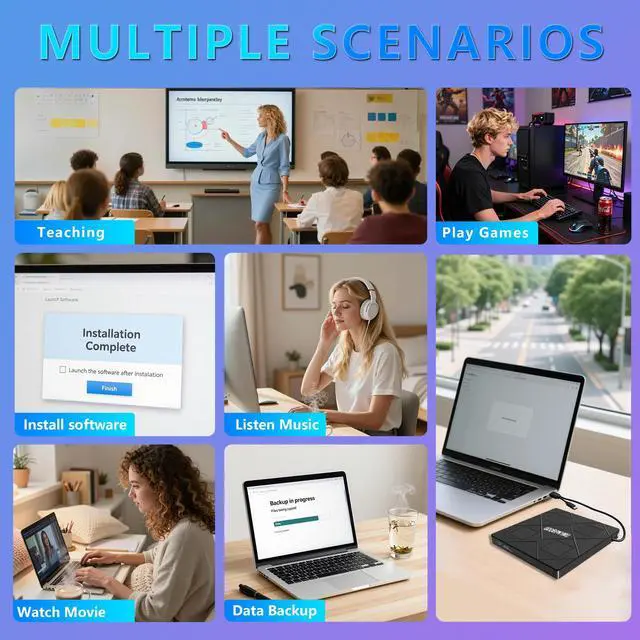
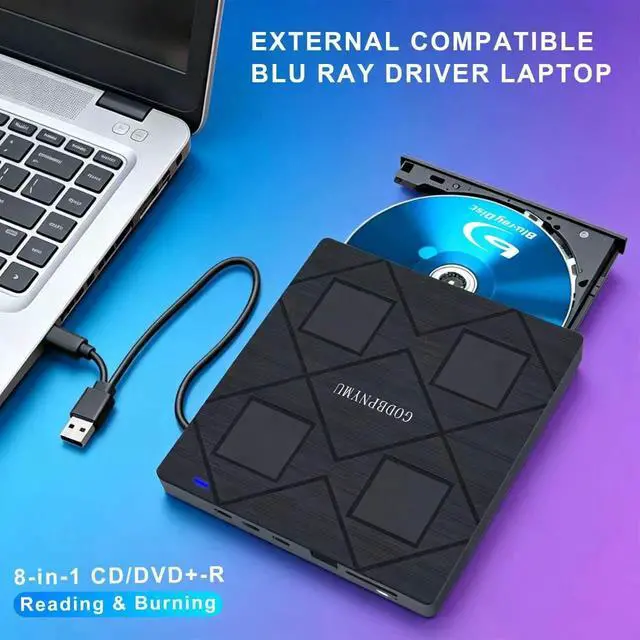



Any questions? Ask CelesteSM will help you find out quickly.
Does it work with Blu-ray discs?
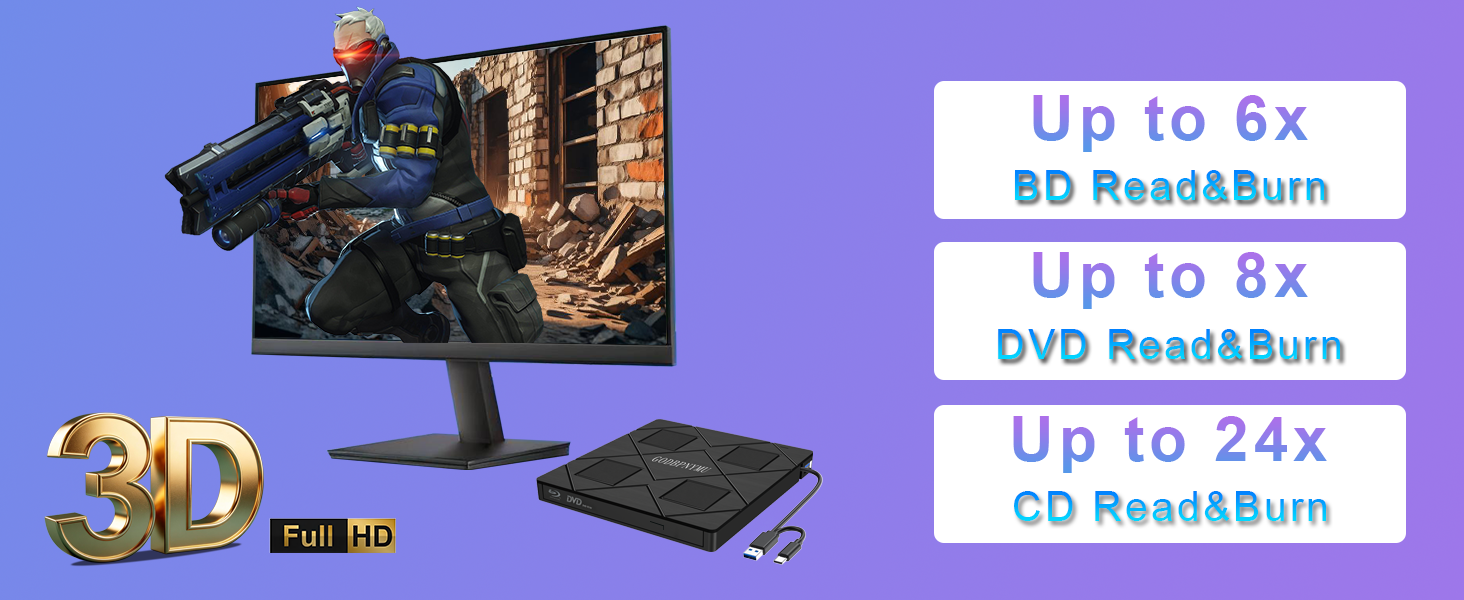
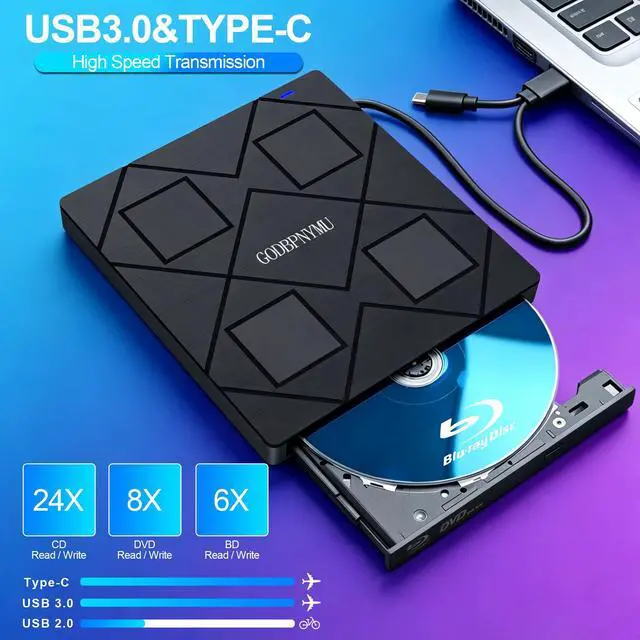
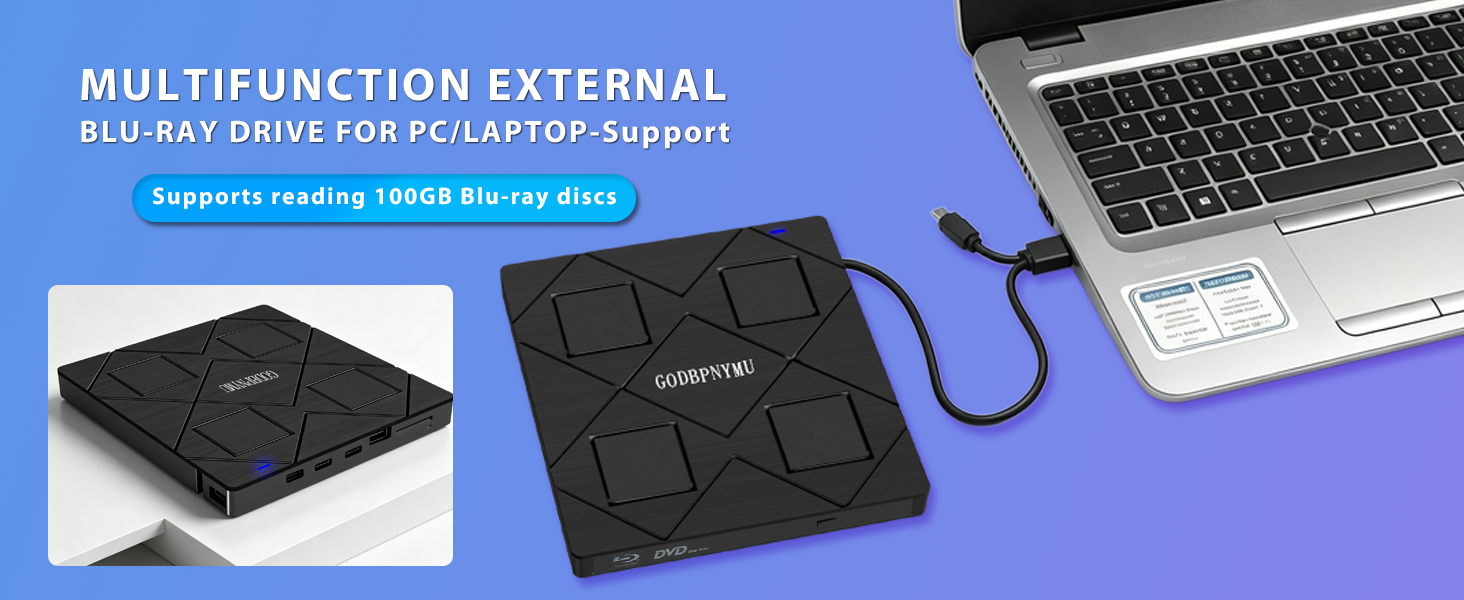
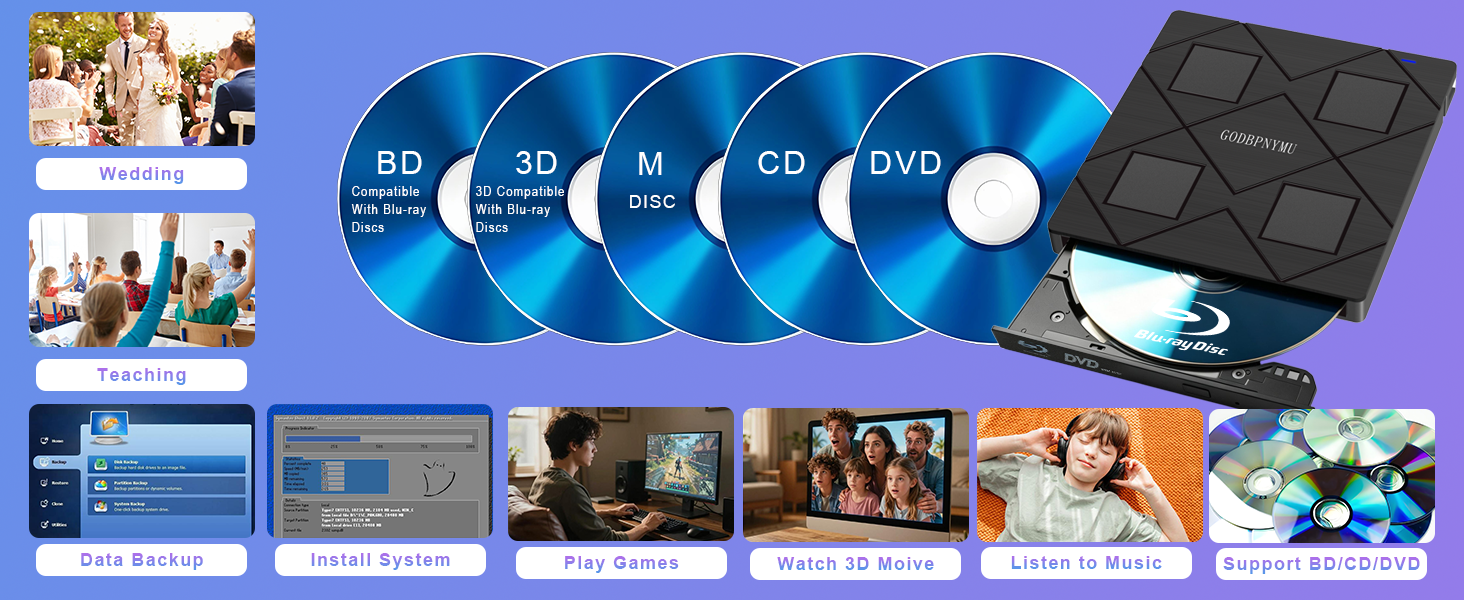
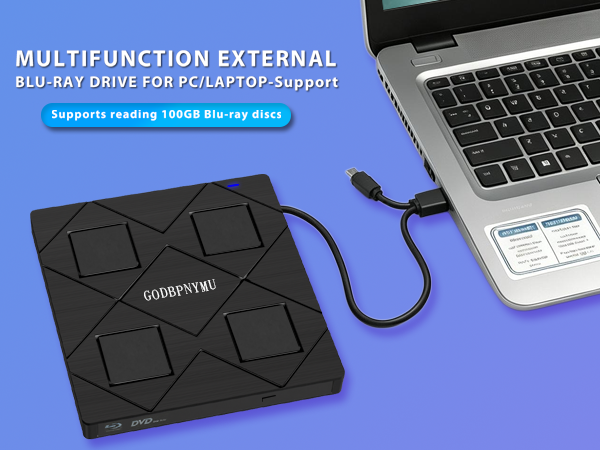
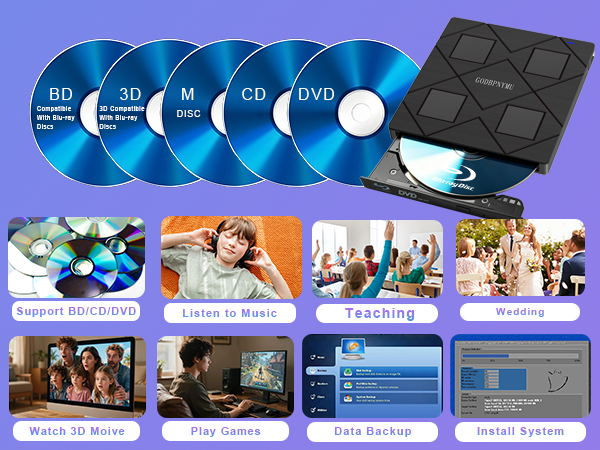
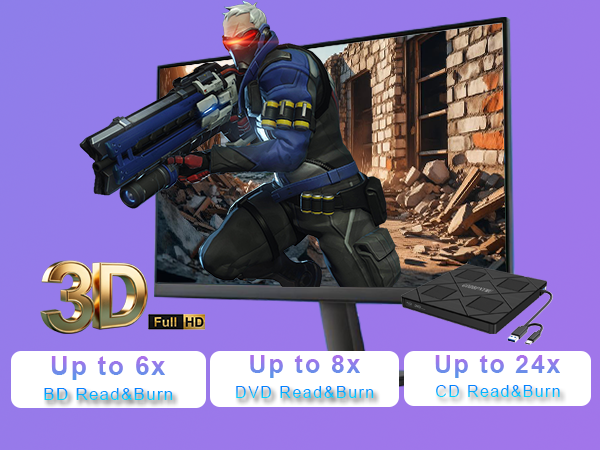
Yes, it reads and burns BD, DVD, and CD. Supports BD-ROM, BD-R/RE (25GB/50GB), BD-R DL, M-DISC, and 3D Blu-ray playback (software required). Note: No 4K Blu-ray support. Max burn capacity is 50GB.
Can I use other devices while reading a disc?
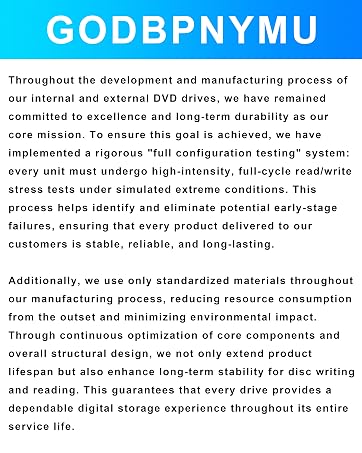
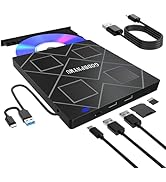
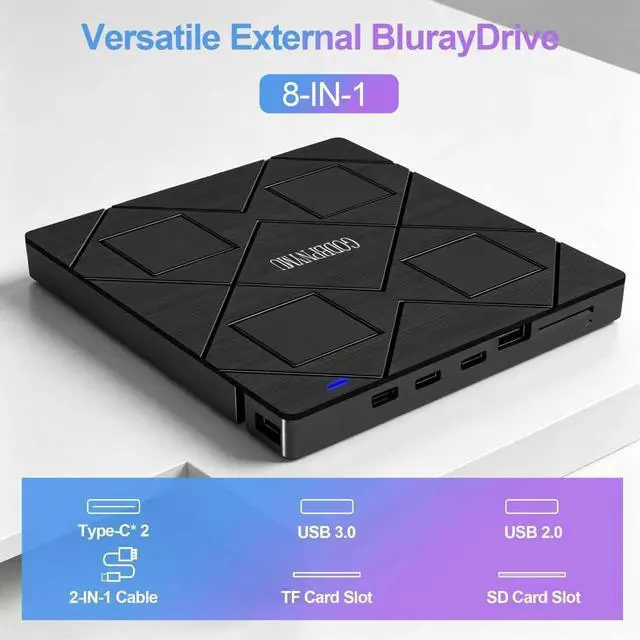
Yes. This 8-in-1 drive has a built-in 4-port USB hub: 2 USB-C, 1 USB 3.0, 1 USB 2.0, plus TF/SD card slot. Connect mouse, keyboard, USB drive, or transfer photos/videos from memory cards while using the drive.
Does it require external power?
It draws power via USB. An extra USB-A to DC 5V power cable is included – connect to a computer USB port or 5V/2A adapter if power is insufficient. Note: power cable does not support data transfer.
What software do I need for Blu-ray playback?
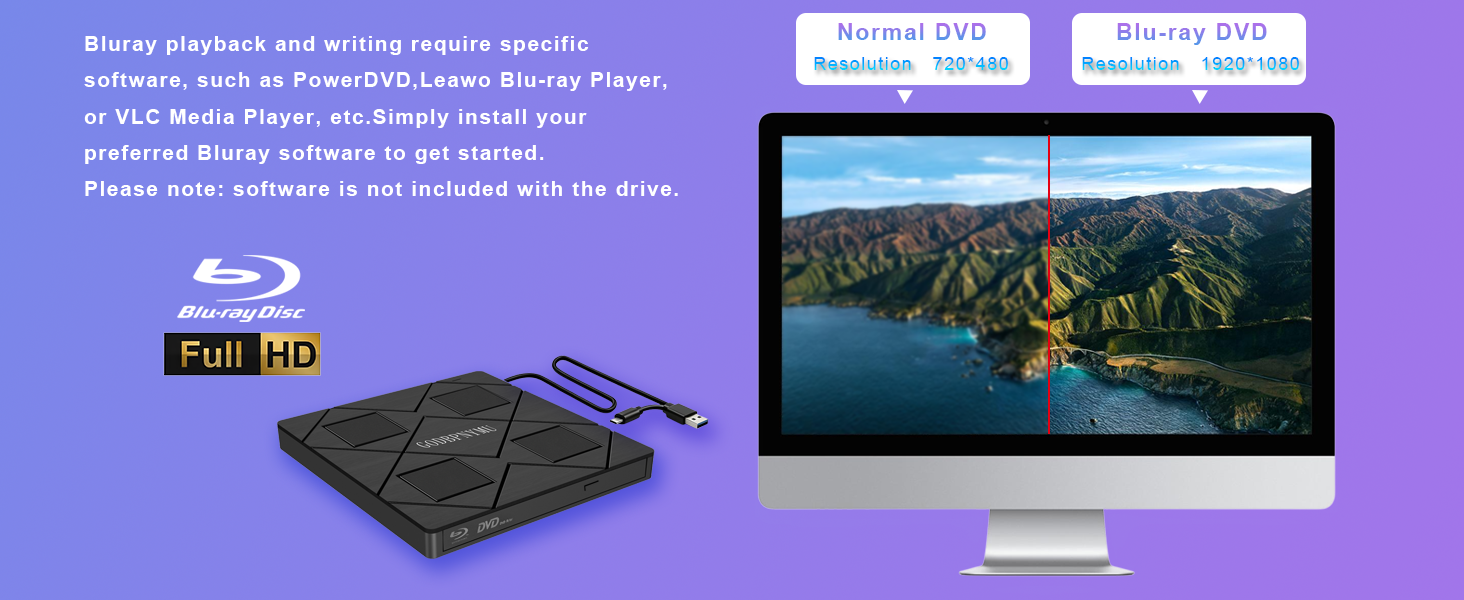
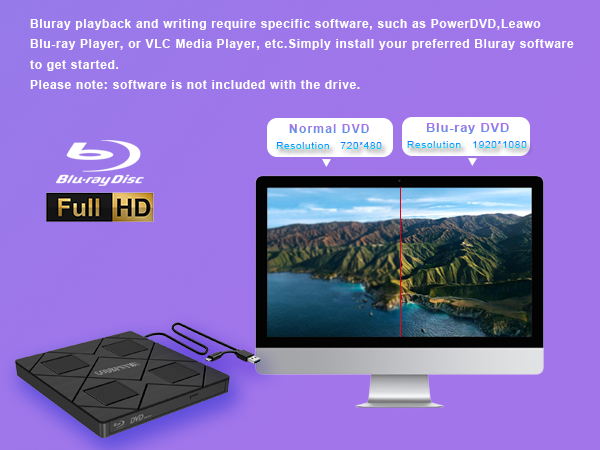
Most OS don't include Blu-ray/DVD playback. Install third-party software like PowerDVD, Leawo (free), or VLC. For burning, use BurnAware, Nero, or CDBurnerXP. Commercial Blu-ray/DVD may need region code setup first.
What's the difference between this Blu-ray drive and a standard DVD drive?
A DVD drive cannot read or burn any Blu-ray disc. This Blu-ray drive reads/writes BD (up to 50GB) plus all DVDs and CDs – offering 5x more capacity per disc, 1080p HD/3D playback, and a built-in 4-port USB hub. Same size, but far more capability.
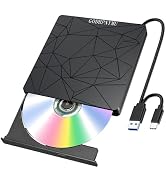
This drive supports reading and burning Blu-ray, DVD, and CD discs. Playback Function: Experience 1080p HD Blu-ray quality with Blu-ray 3D playback support (requires third-party software like PowerDVD or Leawo). Replay home videos, classic movies, music albums, game discs, and important documents stored on DVDs and CDs.
Burning Function: Burn music, photos, videos, and data onto BD, DVD, or CD discs for long-term preservation and multi-device sharing.
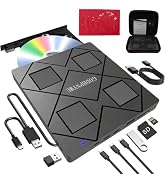
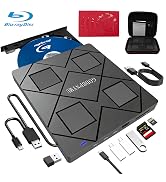
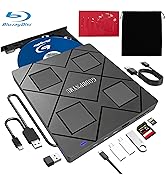
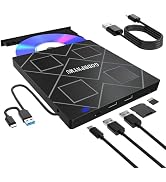
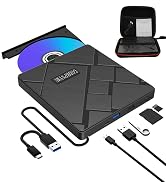
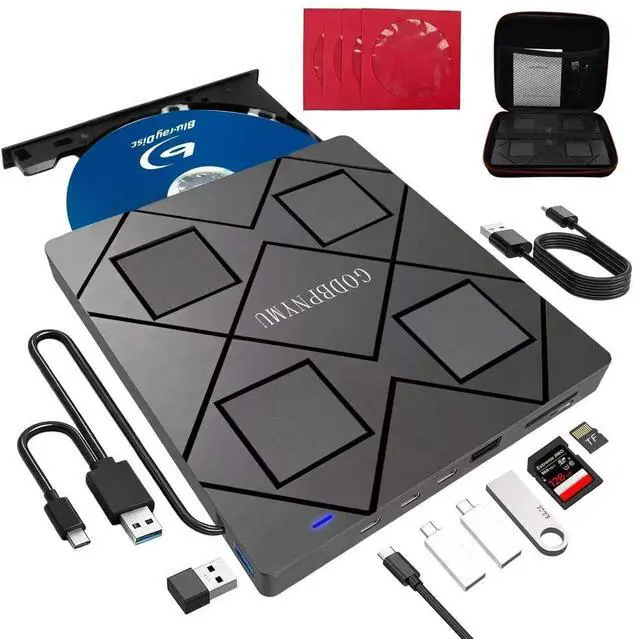
USB Hub Function: Built-in 4-port USB hub (2 USB-C, 1 USB 3.0, 1 USB 2.0) plus TF/SD card slot. Connect mouse, keyboard, USB drive, and other peripherals while using the drive, or transfer photos/videos directly from camera or phone memory cards.
Software Preparation: Most operating systems do not include Blu-ray/DVD playback components. Install playback software in advance (recommended: PowerDVD, Leawo, or VLC). For burning, optional software includes BurnAware, Nero, or CDBurnerXP.
Region Code Notice: First-time playback of commercial Blu-ray/DVD discs requires region code setup. Region code changes are limited (typically =5 times). Choose carefully. Self-burned discs usually do not require region code settings. Power Supply Note: Includes a USB-A to DC 5V power cable. If power is insufficient, connect to a computer USB port or 5V/2A power adapter (power cable does not support data transfer).
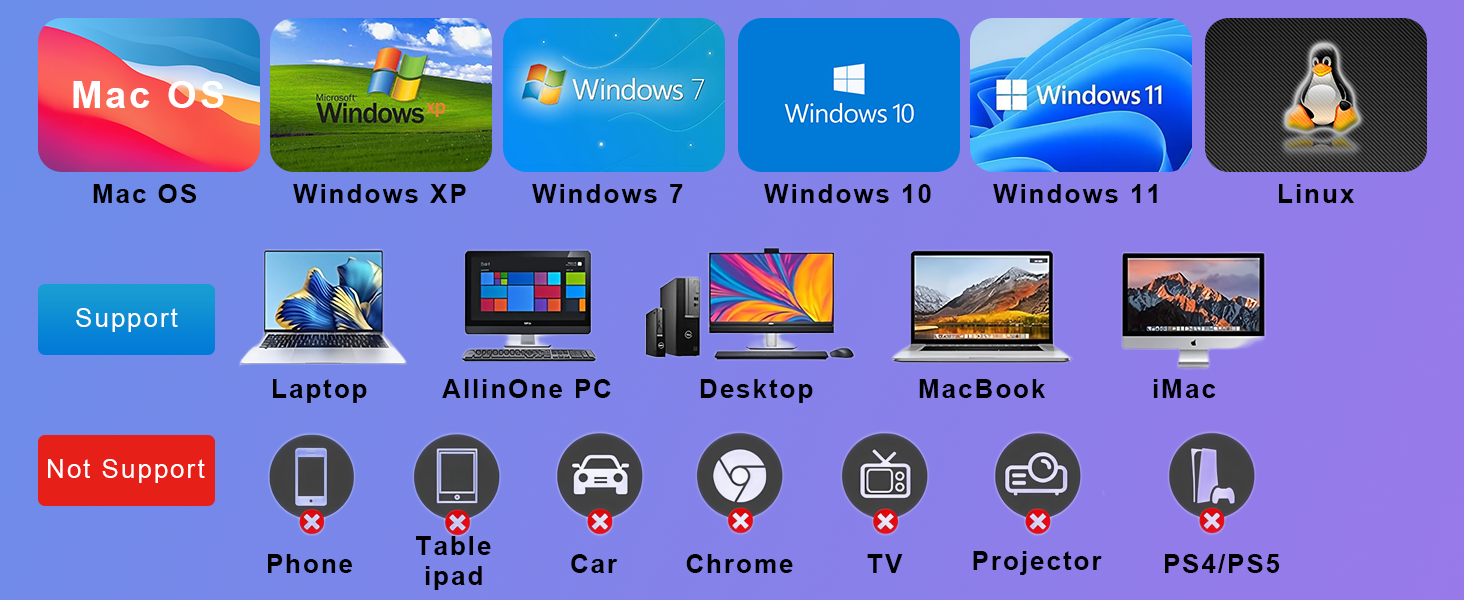
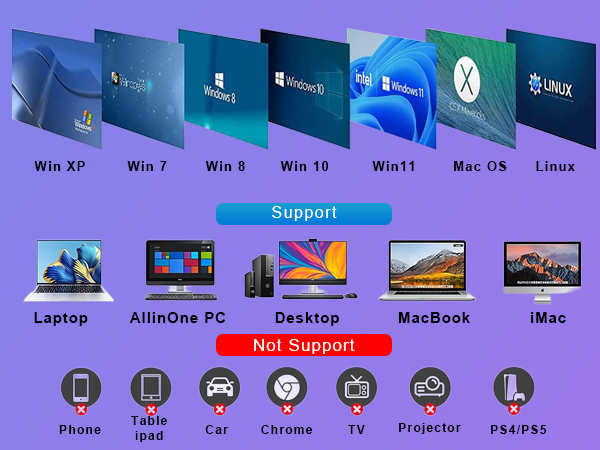
Compatibility: Supports Windows 11/10/8.1/7/XP/ME/2000 and macOS 10.6 and above. Works with laptops, desktops, mini PCs, MacBooks, and other mainstream devices.
!!!Notice: Not compatible with TVs, tablets, phones, or in-vehicle devices.
Operation Flow: Install software ? Connect drive via USB-A or USB-C ? Insert disc ? Launch software to play or burn.
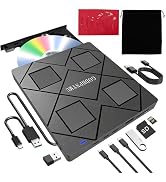
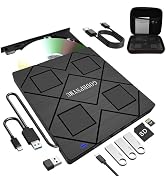
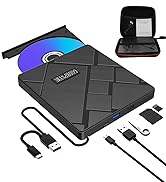
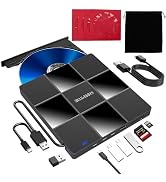
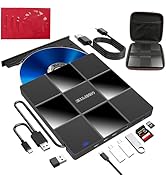
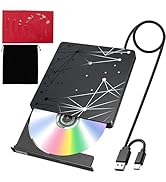
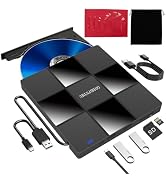
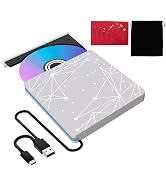
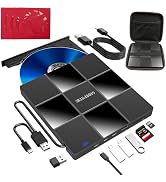
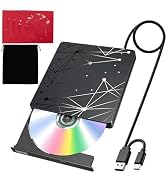
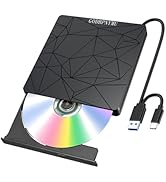
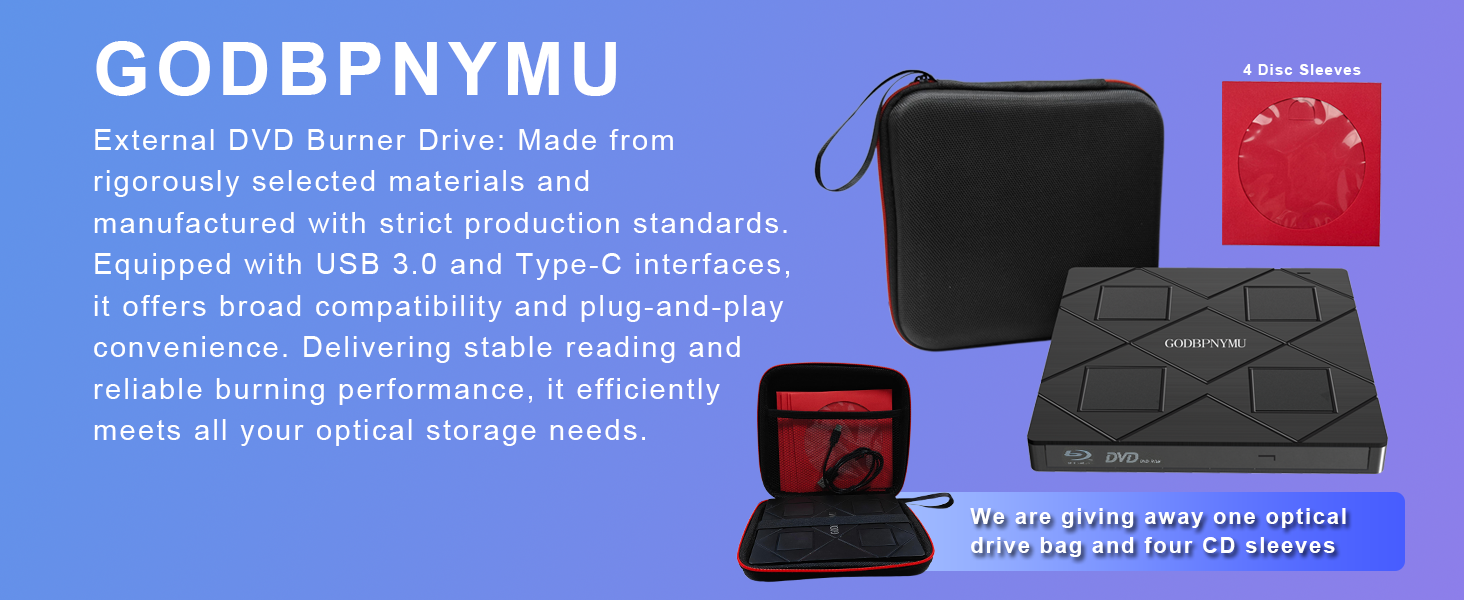
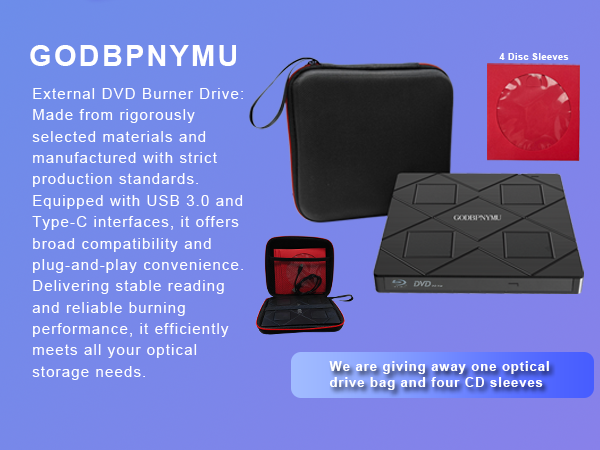
Package Contents: External Blu-ray drive ×1, power cable ×1, carrying case ×1, CD/DVD protective sleeves ×4, user manual ×1.
Best For: Watching Blu-ray/DVD movies, burning data backups, expanding USB ports, portable disc solution for travel, archiving photos, videos, and documents.
Does it work with Blu-ray discs?
Yes, it reads and burns BD, DVD, and CD. Supports BD-ROM, BD-R/RE (25GB/50GB), BD-R DL, M-DISC, and 3D Blu-ray playback (software required). Note: No 4K Blu-ray support. Max burn capacity is 50GB.
Can I use other devices while reading a disc?
Yes. This 8-in-1 drive has a built-in 4-port USB hub: 2 USB-C, 1 USB 3.0, 1 USB 2.0, plus TF/SD card slot. Connect mouse, keyboard, USB drive, or transfer photos/videos from memory cards while using the drive.
Does it require external power?
It draws power via USB. An extra USB-A to DC 5V power cable is included – connect to a computer USB port or 5V/2A adapter if power is insufficient. Note: power cable does not support data transfer.
What software do I need for Blu-ray playback?
Most OS don't include Blu-ray/DVD playback. Install third-party software like PowerDVD, Leawo (free), or VLC. For burning, use BurnAware, Nero, or CDBurnerXP. Commercial Blu-ray/DVD may need region code setup first.
What's the difference between this Blu-ray drive and a standard DVD drive?
A DVD drive cannot read or burn any Blu-ray disc. This Blu-ray drive reads/writes BD (up to 50GB) plus all DVDs and CDs – offering 5x more capacity per disc, 1080p HD/3D playback, and a built-in 4-port USB hub. Same size, but far more capability.
This drive supports reading and burning Blu-ray, DVD, and CD discs. Playback Function: Experience 1080p HD Blu-ray quality with Blu-ray 3D playback support (requires third-party software like PowerDVD or Leawo). Replay home videos, classic movies, music albums, game discs, and important documents stored on DVDs and CDs.
Burning Function: Burn music, photos, videos, and data onto BD, DVD, or CD discs for long-term preservation and multi-device sharing.
USB Hub Function: Built-in 4-port USB hub (2 USB-C, 1 USB 3.0, 1 USB 2.0) plus TF/SD card slot. Connect mouse, keyboard, USB drive, and other peripherals while using the drive, or transfer photos/videos directly from camera or phone memory cards.
Software Preparation: Most operating systems do not include Blu-ray/DVD playback components. Install playback software in advance (recommended: PowerDVD, Leawo, or VLC). For burning, optional software includes BurnAware, Nero, or CDBurnerXP.
Region Code Notice: First-time playback of commercial Blu-ray/DVD discs requires region code setup. Region code changes are limited (typically =5 times). Choose carefully. Self-burned discs usually do not require region code settings. Power Supply Note: Includes a USB-A to DC 5V power cable. If power is insufficient, connect to a computer USB port or 5V/2A power adapter (power cable does not support data transfer).
Compatibility: Supports Windows 11/10/8.1/7/XP/ME/2000 and macOS 10.6 and above. Works with laptops, desktops, mini PCs, MacBooks, and other mainstream devices.
!!!Notice: Not compatible with TVs, tablets, phones, or in-vehicle devices.
Operation Flow: Install software ? Connect drive via USB-A or USB-C ? Insert disc ? Launch software to play or burn.
Package Contents: External Blu-ray drive ×1, power cable ×1, carrying case ×1, CD/DVD protective sleeves ×4, user manual ×1.
Best For: Watching Blu-ray/DVD movies, burning data backups, expanding USB ports, portable disc solution for travel, archiving photos, videos, and documents.