here!
here!
I’m your shopping assistant for PC builds, upgrades, and everything tech.
Got questions? Ask away!
Start a conversation
here!
I’m your shopping assistant for PC builds, upgrades, and everything tech.
Got questions? Ask away!
Start a conversation



Any questions? Ask CelesteSM will help you find out quickly.

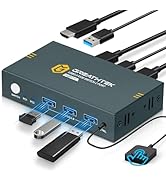
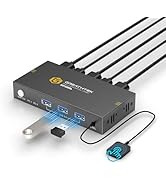
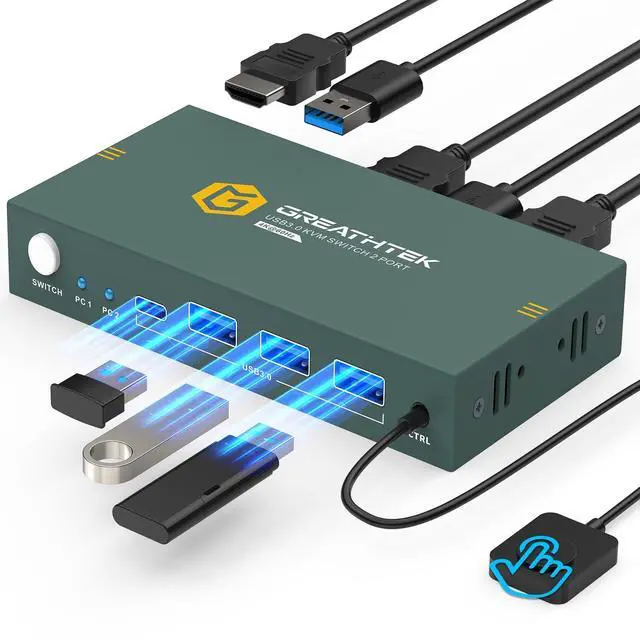
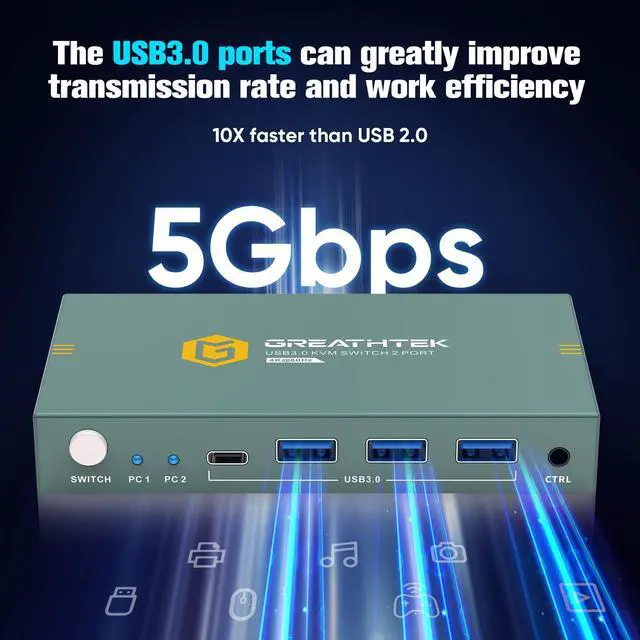
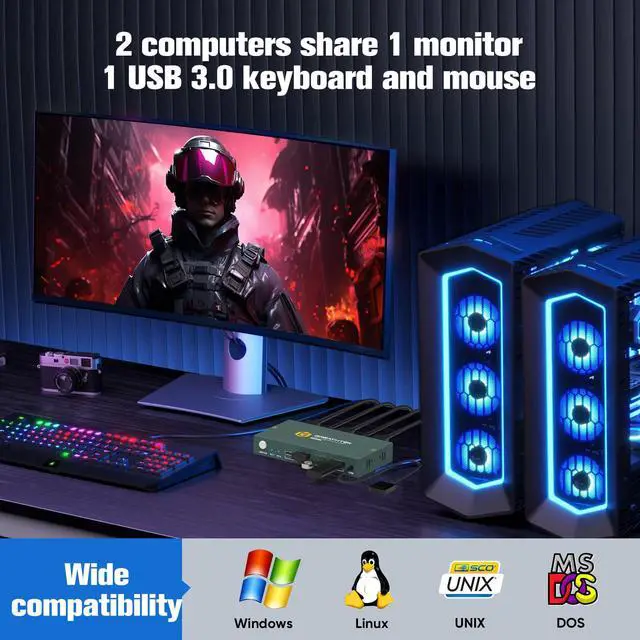
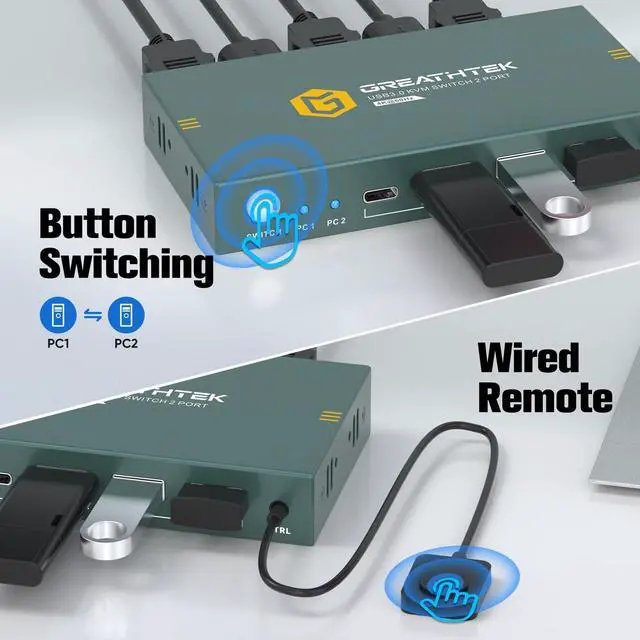
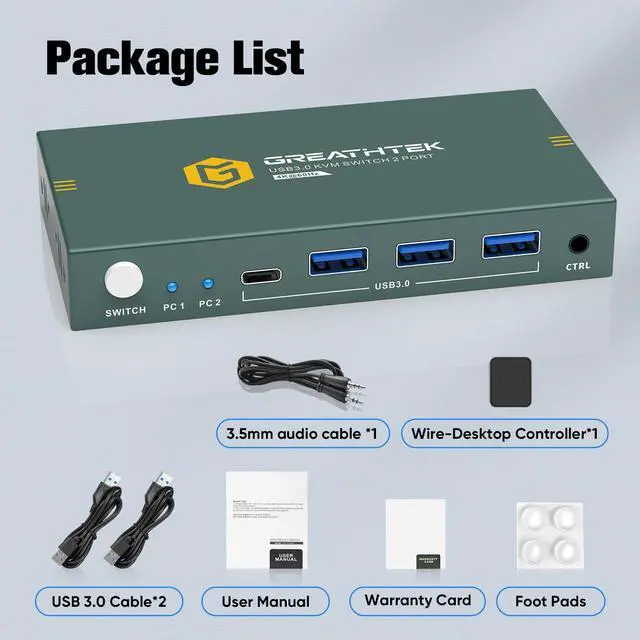
This USB 3.0 KVM switch 2 port allows 2 computers to share 1 monitor and three USB 3.0 devices. You can switch between 2 computers through a button or a wired remote control. Compatible with multiple systems, such as Windows, Mac, Unix, etc. It is easy to connect and plug and play.


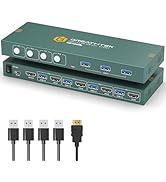
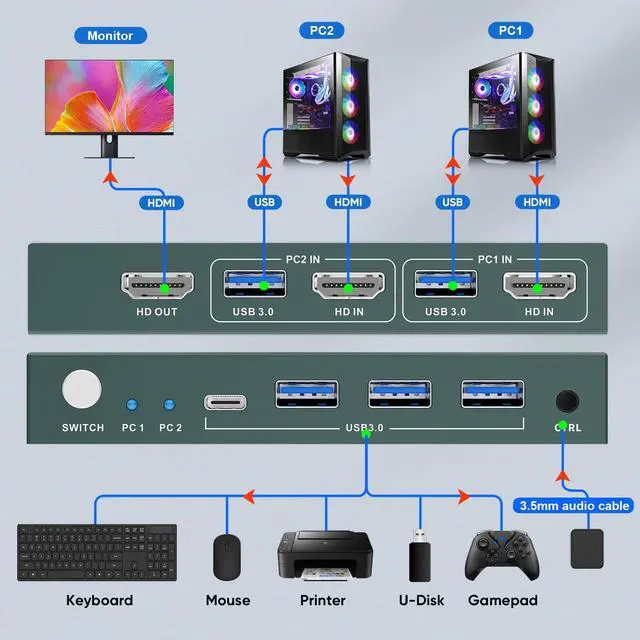
Kind reminder: The product packaging is equipped with 2 USB3.0 cables, and you need to use your 3 HDMI2.0 cables to complete the complete connection.
The "Ctrl" port is limited to connecting a wired remote control and does not support audio output.
Why is the remote control not working?
Please check if the remote control cable is securely connected.
Note: Make sure the cable is fully inserted into the port until it is firmly seated.
Why is the USB device not working?
Please ensure both USB cables between each PC and the KVM switch are connected.
Missing or loose connections may cause the USB devices to be unrecognized.
Why is the monitor not displaying an image?
Please make sure all HDMI cables between the PCs, the switch, and the monitor are properly connected.
Each PC must be connected to the switch with one HDMI cable and one USB cable.
 4K HDMI KVM (2 In 1 Out) |  8K HDMI KVM (2 In 1 Out) |  4K HDMI KVM (4 In 1 Out) |  8K HDMI KVM (2 In 2 Out) |  4K HDMI KVM (8 In 1 Out) |  4K HDMI KVM (4 In 2 Out) | |
|---|---|---|---|---|---|---|
Customer Reviews | — | — | — | — | — | — |
Price | — | — | — | — | — | — |
USB standard | USB3.0*3 | USB3.0*3 | USB3.0*3 | USB3.0*3 | USB1.1*2+USB2.0*2 | USB3.0*3 |
Input | Per PC: HDMI2.0*1+USB | Per PC: HDMI2.1*1+USB | Per PC: HDMI2.0*1+USB | Per PC: HDMI2.1*2+USB | Per PC: HDMI1.4*1+USB | Per PC: HDMI2.0*2+USB |
Output | HDMI2.0*1 | HDMI2.1*1 | HDMI2.0*2 | HDMI2.1*2 | HDMI1.4*1 | HDMI2.0*2 |
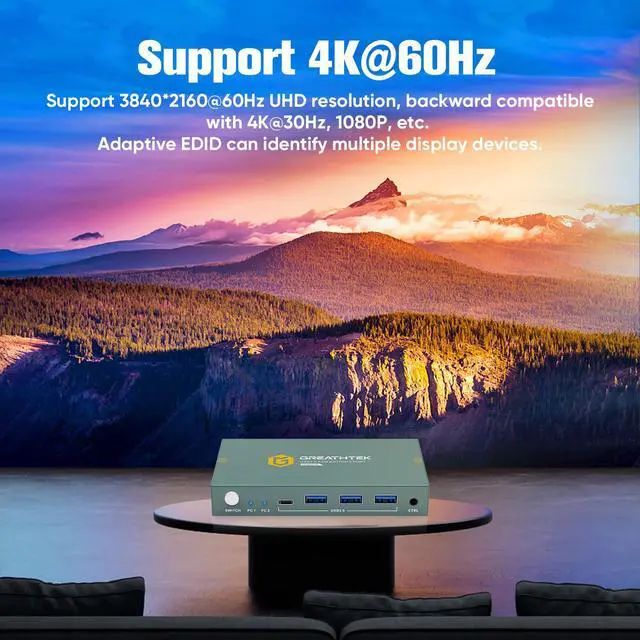
Maximum resolution | 4K@60Hz | 8K@60Hz | 4K@60Hz | 8K@60Hz | 4K@30Hz | 4K@60Hz |
Switching method | Button Switch+Wired Remote | Button Switch+Wired Remote | Button Switch | Button Switch+Wired Remote | Button Switch/Hotkey Switch | Button Switch |
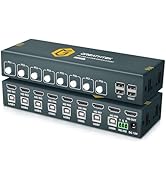
Features | 2 PCs share 1 monitor | 2 PCs share 1 monitor | 4 PCs share 1 monitor | 2 PCs share 2 monitors | 8 PCs share 1 monitor | 4 PCs share 2 monitors |
Plug and Play | ? | ? | ? | ? | ? | ? |

This USB 3.0 KVM switch 2 port allows 2 computers to share 1 monitor and three USB 3.0 devices. You can switch between 2 computers through a button or a wired remote control. Compatible with multiple systems, such as Windows, Mac, Unix, etc. It is easy to connect and plug and play.


Kind reminder: The product packaging is equipped with 2 USB3.0 cables, and you need to use your 3 HDMI2.0 cables to complete the complete connection.
The "Ctrl" port is limited to connecting a wired remote control and does not support audio output.
Why is the remote control not working?
Please check if the remote control cable is securely connected.
Note: Make sure the cable is fully inserted into the port until it is firmly seated.
Why is the USB device not working?
Please ensure both USB cables between each PC and the KVM switch are connected.
Missing or loose connections may cause the USB devices to be unrecognized.
Why is the monitor not displaying an image?
Please make sure all HDMI cables between the PCs, the switch, and the monitor are properly connected.
Each PC must be connected to the switch with one HDMI cable and one USB cable.
4K HDMI KVM (2 In 1 Out) | 8K HDMI KVM (2 In 1 Out) | 4K HDMI KVM (4 In 1 Out) | 8K HDMI KVM (2 In 2 Out) | 4K HDMI KVM (8 In 1 Out) | 4K HDMI KVM (4 In 2 Out) |
|---|---|---|---|---|---|
| Customer Reviews | |||||
| — | — | — | — | — | — |
| Price | |||||
| — | — | — | — | — | — |
| USB standard | |||||
| USB3.0*3 | USB3.0*3 | USB3.0*3 | USB3.0*3 | USB1.1*2+USB2.0*2 | USB3.0*3 |
| Input | |||||
| Per PC: HDMI2.0*1+USB | Per PC: HDMI2.1*1+USB | Per PC: HDMI2.0*1+USB | Per PC: HDMI2.1*2+USB | Per PC: HDMI1.4*1+USB | Per PC: HDMI2.0*2+USB |
| Output | |||||
| HDMI2.0*1 | HDMI2.1*1 | HDMI2.0*2 | HDMI2.1*2 | HDMI1.4*1 | HDMI2.0*2 |
| Maximum resolution | |||||
| 4K@60Hz | 8K@60Hz | 4K@60Hz | 8K@60Hz | 4K@30Hz | 4K@60Hz |
| Switching method | |||||
| Button Switch+Wired Remote | Button Switch+Wired Remote | Button Switch | Button Switch+Wired Remote | Button Switch/Hotkey Switch | Button Switch |
| Features | |||||
| 2 PCs share 1 monitor | 2 PCs share 1 monitor | 4 PCs share 1 monitor | 2 PCs share 2 monitors | 8 PCs share 1 monitor | 4 PCs share 2 monitors |
| Plug and Play | |||||
| ? | ? | ? | ? | ? | ? |