



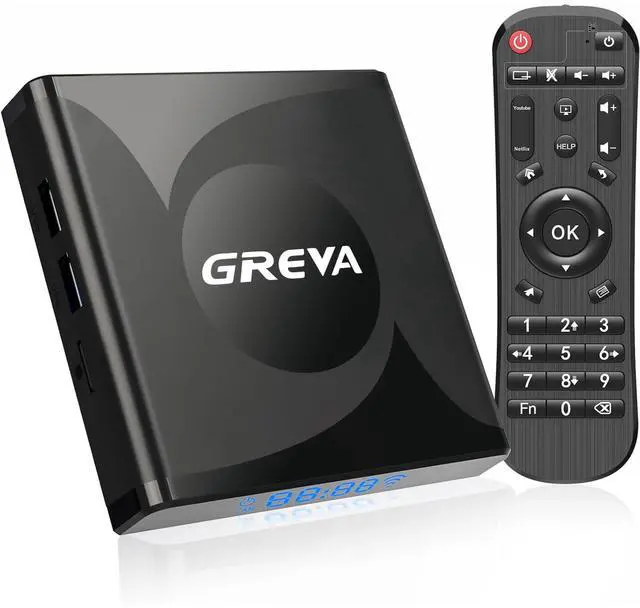


ABOUT GREVA
Formally established in 2021, GREVA is a young consumer electronics and smart manufacturing company. We specialize in the R&D of smart TV boxes, with "quality seek survival, prestige seek development" the company philosophy, on the basis of high quality, good reputation, full service to satisfy the needs of customers.
Our goal is let people enjoy the better life brought by technology.
Not satisfied with your purchase?
We offer a 30-day return/exchange on all orders if you are not satisfied with the product you received.
How long will we reply your messages?
If you have any questions, please leave us a message anytime. We strive to respond to customers within 24 hours.
If my products have issues, what should I do?
If you encounter issues after you ordered our products, please send message to us, We will provide satisfied solutions.
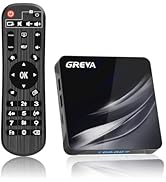
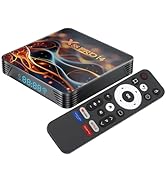
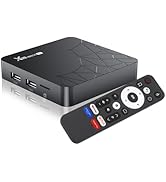
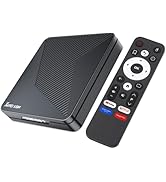
GREVA TV BOX ANDROID
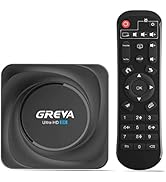
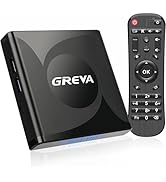
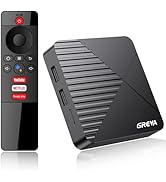
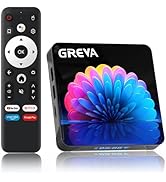
GREVA TV BOX ANDROID
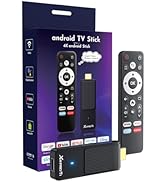
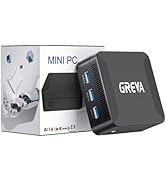
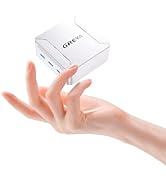
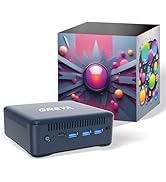
MINI PC
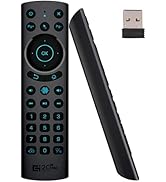
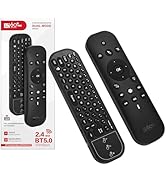
TV Antenna
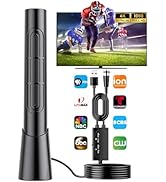
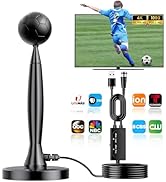
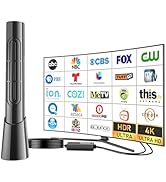
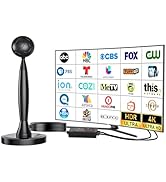
TV Antenna
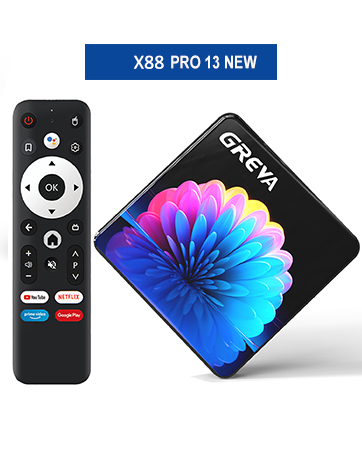
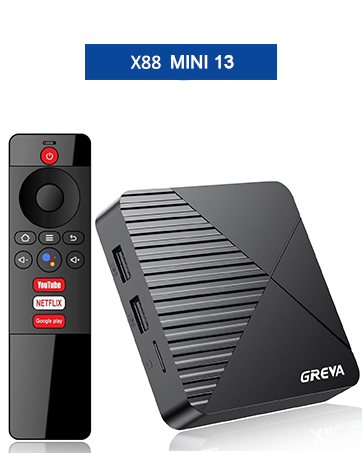
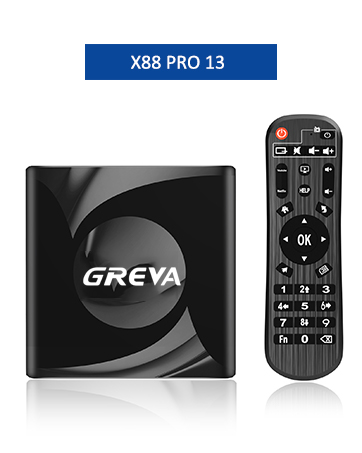
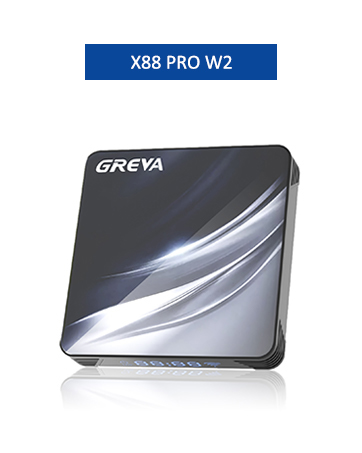
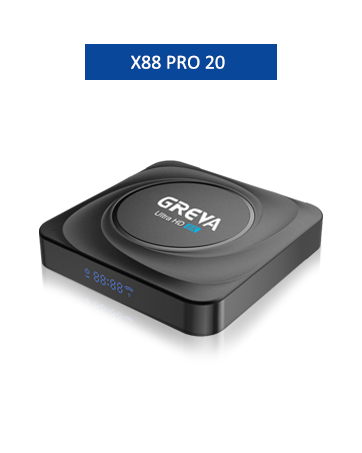
Why is the app displayed in the foreground not working?
The app in the foreground is for quick display only and needs to be downloaded before use.
Why is the video quality poor?
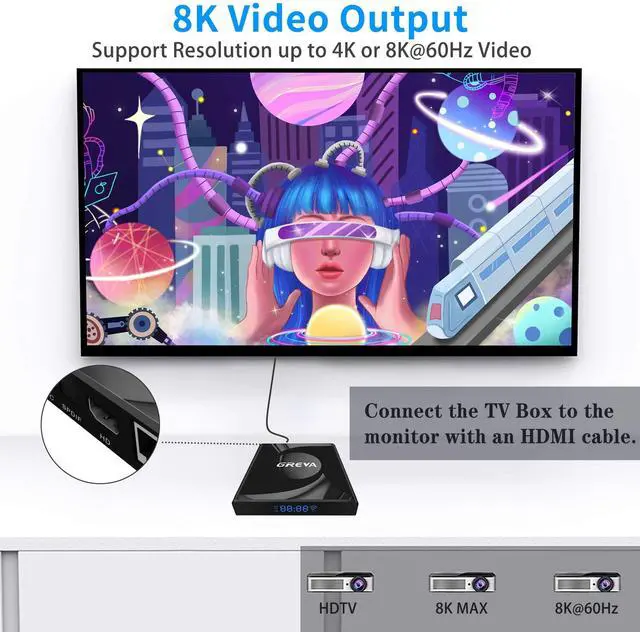
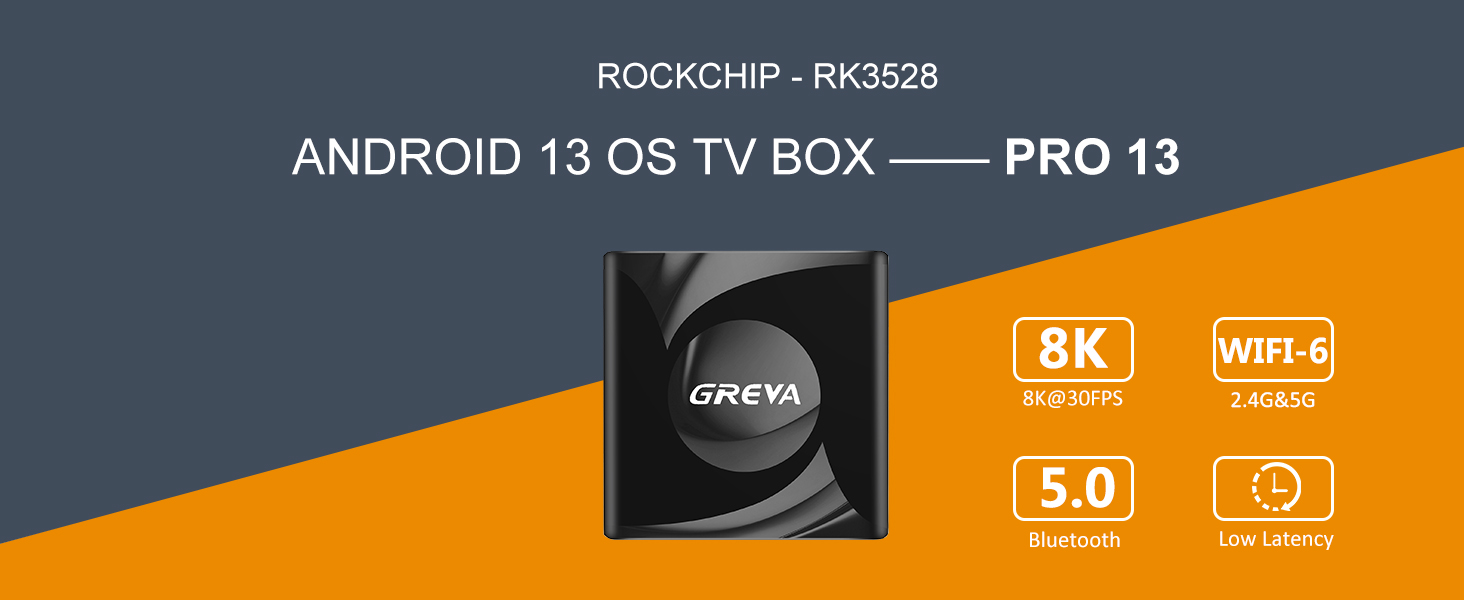
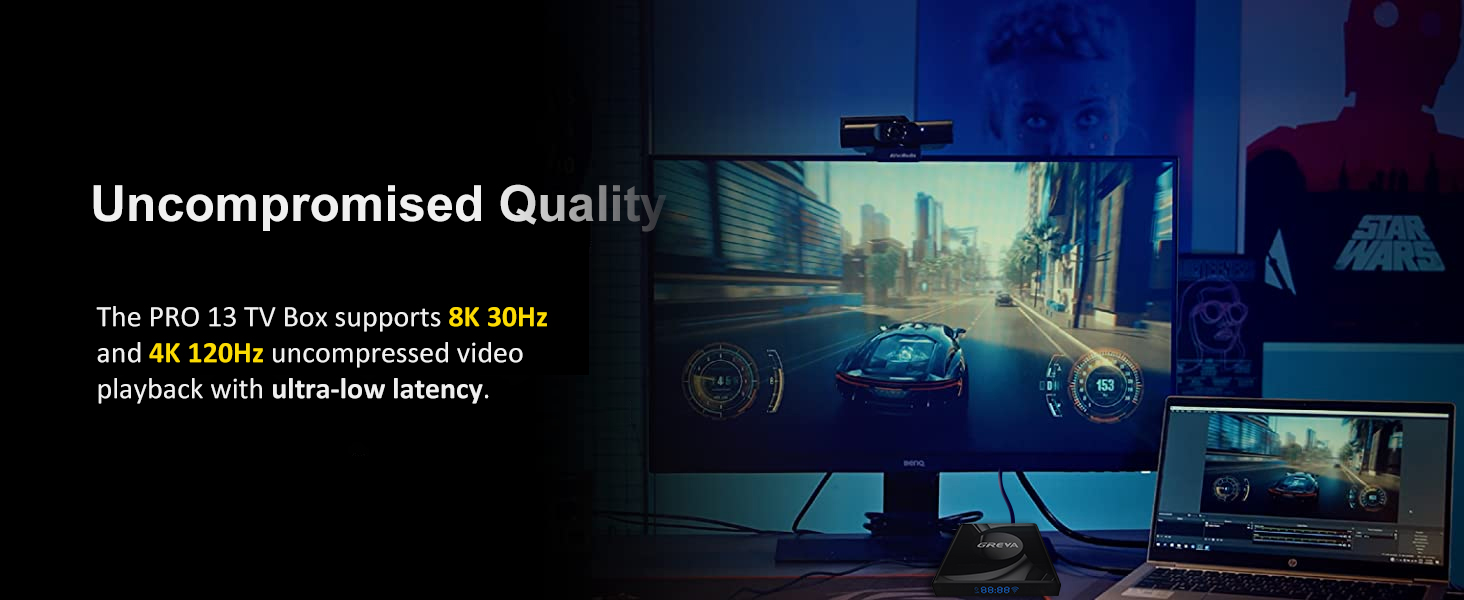
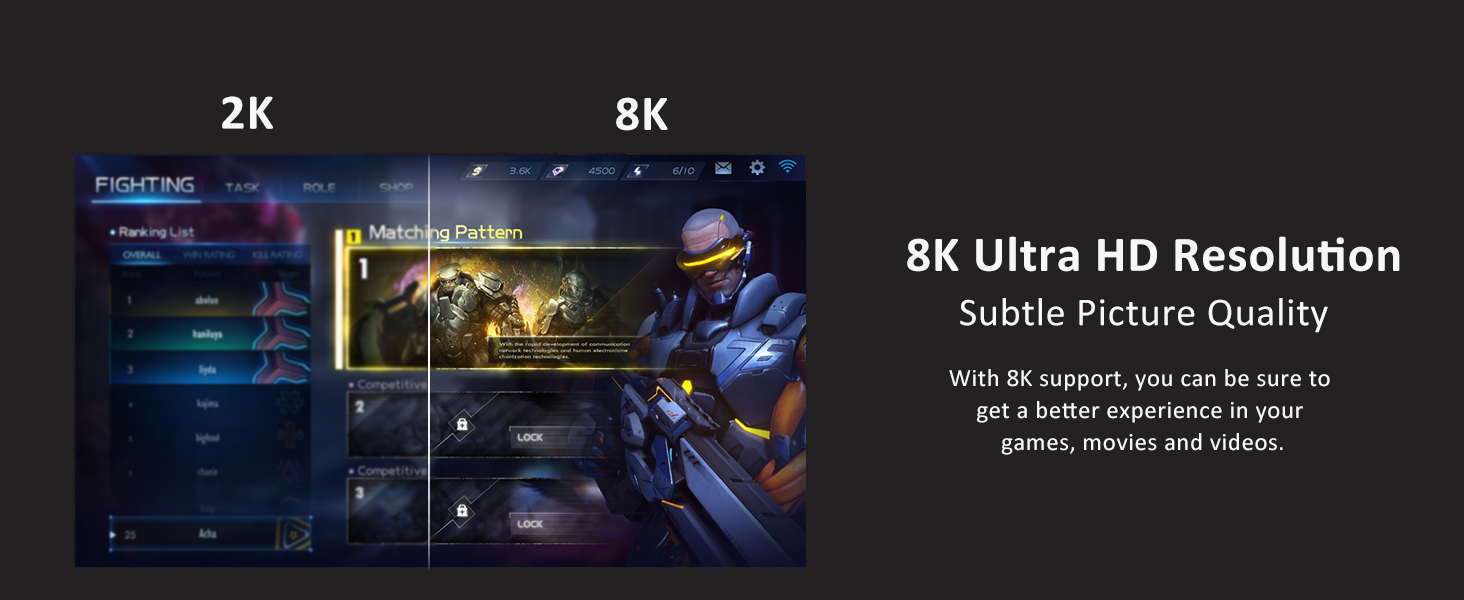
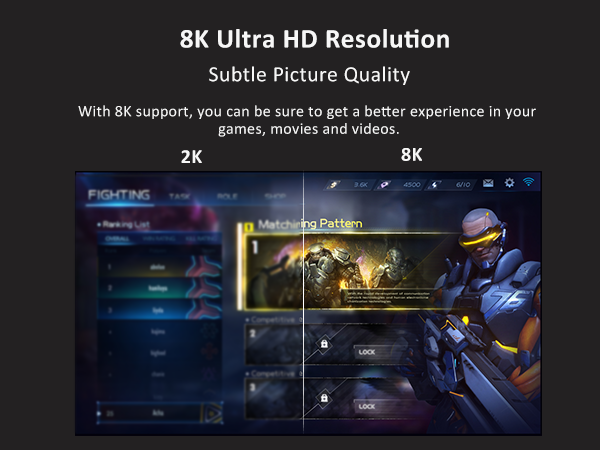
The tv boxes support up to 8K@30fps. The quality of the output video depends on the resolution supported by your monitor, and the quality of the currently playing video, and so on.
Why is the audio quality poor?
Sorry for the bad experience. The issues has been resolved, please feel free to use it! Please feel free to contact me if you are still facing this problem.
Can't find the Google Play Store?
It is not showing in the foreground. Specific path: Settings?Apps?See all apps?System Software?Google Play. (Need to change the theme to customize the app displayed in the foreground)
Is this true 8K picture quality?
After actual testing, it can reach 8K@30fps.
Common Customer Issues:
1. Note on "Android TV Box is embedded with malware" - We are sorry for the misunderstanding you caused. Our aim is to facilitate users to enjoy the experience immediately when they open the TV box, avoiding the process of waiting for the download, which has no malware. If don't need it, please uninstall. (We will also learn from our customers' opinions, if there are too many feedback, we will reduce the pre-installed software in the next version)
Path to uninstall software: Settings?Apps?See all apps?Installed apps?(Select the application you want to uninstall)?Uninstall.
2. Fixing bugs -You can press the reset hole on the AV port with a pin or restore the TV box to factory settings in settings.
3. Remote Control - If the remote control cannot select up or down, it may be in mouse mode. You can exit this mode by pressing the mouse button on the remote control.
You can always contact GREVA if you need anything further.
2.4G /5G Dual-Band Wireless
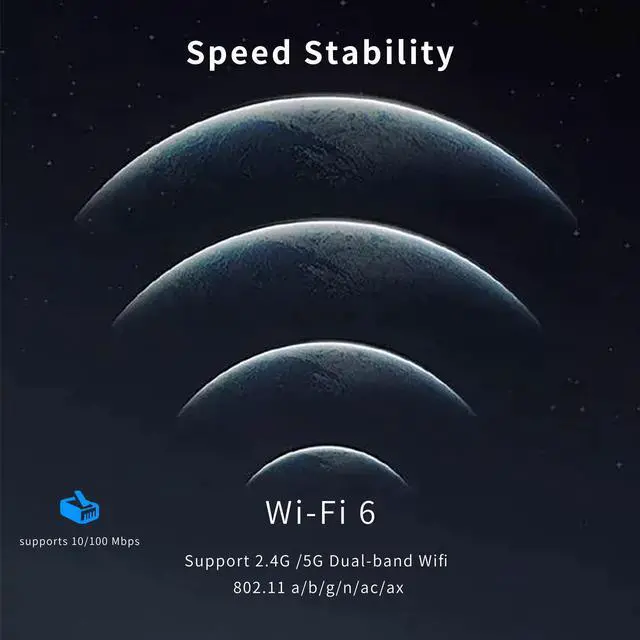
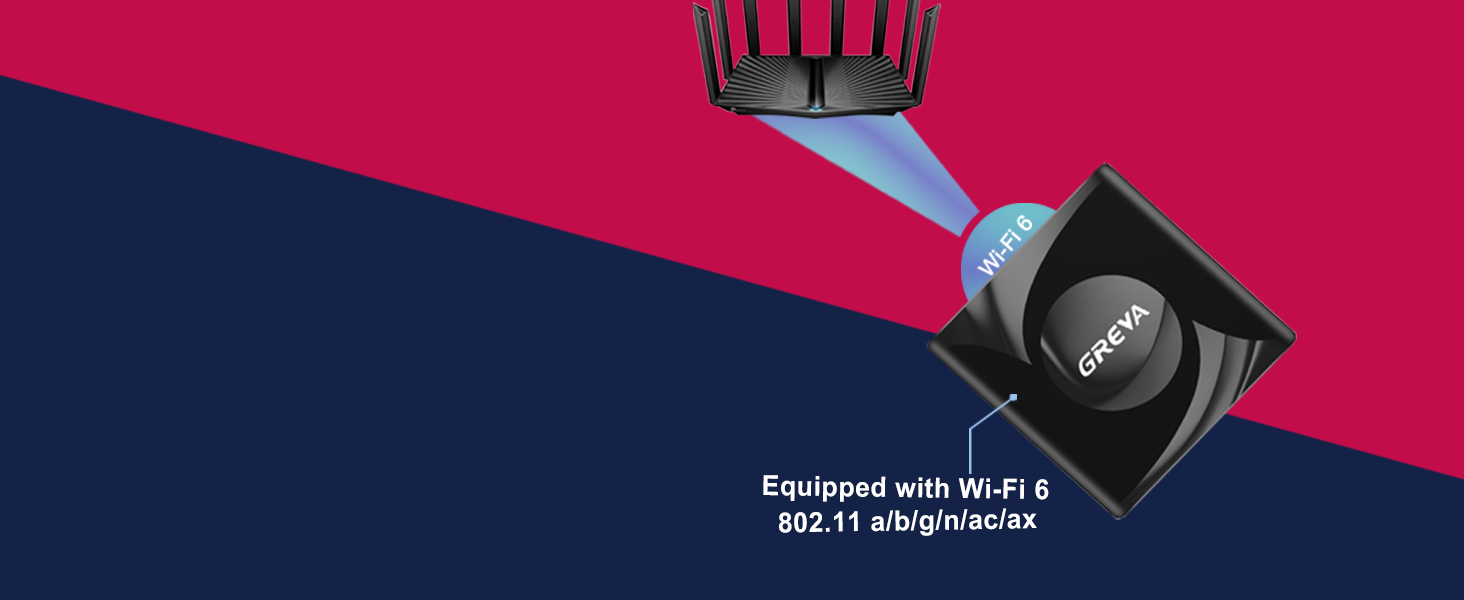
Equipped with Wi-Fi 6 Technology
Wi-Fi 6 is the new generation of the IEEE 802.11ax wireless standard. Wi-Fi 6 can reach a speed of 9.6Gbps and much higher than Wi-Fi 5's 3.5Gbps.
Why is the app displayed in the foreground not working?
The app in the foreground is for quick display only and needs to be downloaded before use.
Why is the video quality poor?
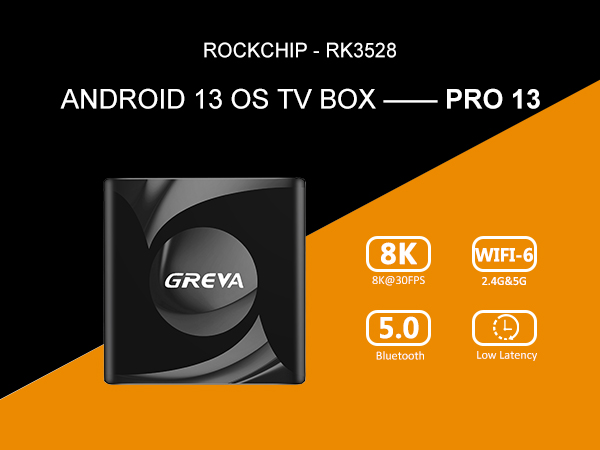
The tv boxes support up to 8K@30fps. The quality of the output video depends on the resolution supported by your monitor, and the quality of the currently playing video, and so on.
Why is the audio quality poor?
Sorry for the bad experience. The issues has been resolved, please feel free to use it! Please feel free to contact me if you are still facing this problem.
Can't find the Google Play Store?
It is not showing in the foreground. Specific path: Settings?Apps?See all apps?System Software?Google Play. (Need to change the theme to customize the app displayed in the foreground)
Is this true 8K picture quality?
After actual testing, it can reach 8K@30fps.
Common Customer Issues:
1. Note on "Android TV Box is embedded with malware" - We are sorry for the misunderstanding you caused. Our aim is to facilitate users to enjoy the experience immediately when they open the TV box, avoiding the process of waiting for the download, which has no malware. If don't need it, please uninstall. (We will also learn from our customers' opinions, if there are too many feedback, we will reduce the pre-installed software in the next version)
Path to uninstall software: Settings?Apps?See all apps?Installed apps?(Select the application you want to uninstall)?Uninstall.
2. Fixing bugs -You can press the reset hole on the AV port with a pin or restore the TV box to factory settings in settings.
3. Remote Control - If the remote control cannot select up or down, it may be in mouse mode. You can exit this mode by pressing the mouse button on the remote control.
You can always contact GREVA if you need anything further.
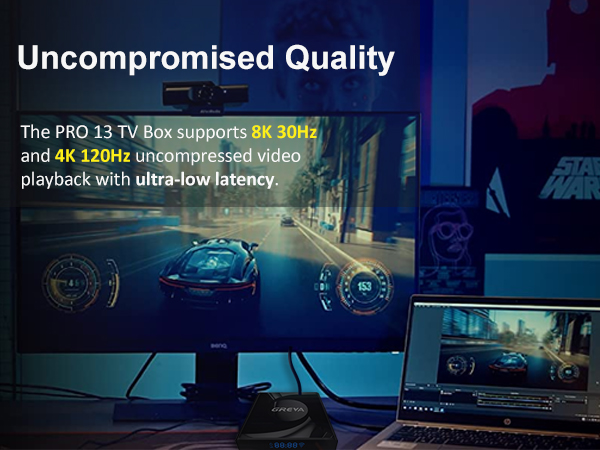
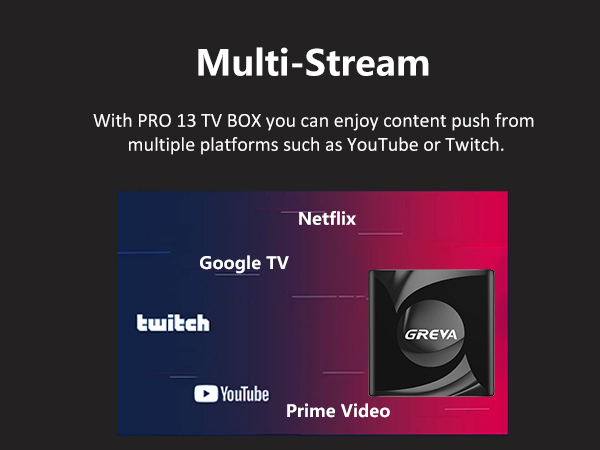
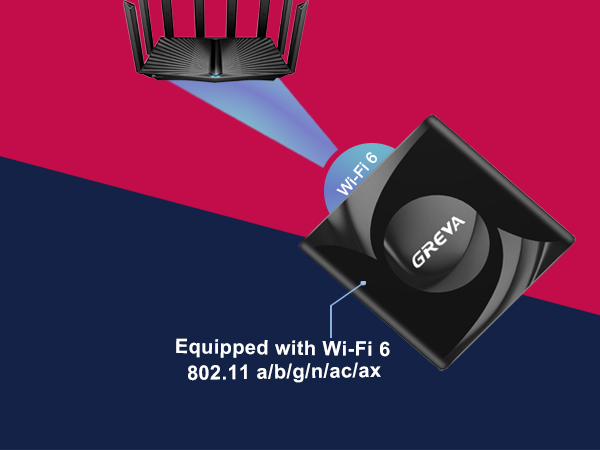
Equipped with Wi-Fi 6 Technology
Wi-Fi 6 is the new generation of the IEEE 802.11ax wireless standard. Wi-Fi 6 can reach a speed of 9.6Gbps and much higher than Wi-Fi 5's 3.5Gbps.
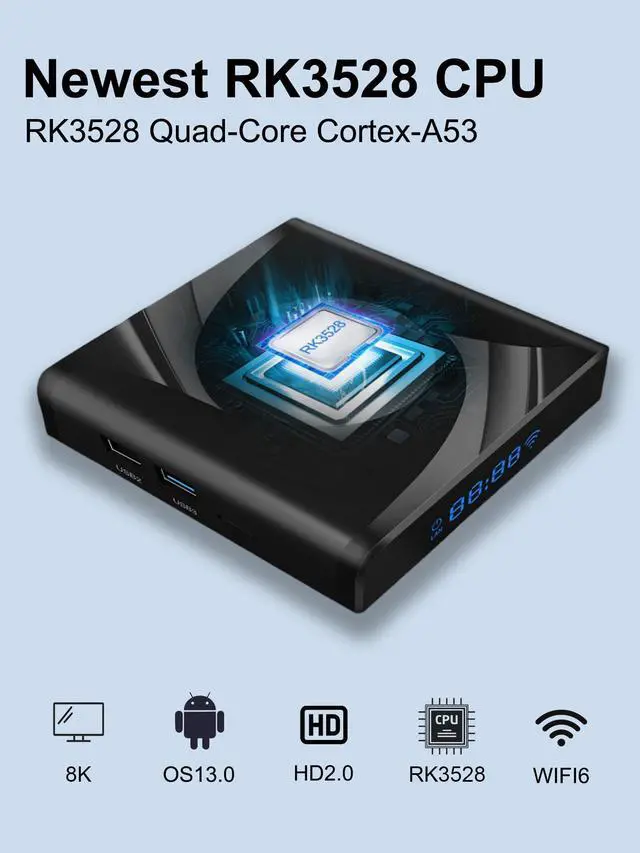
| Chipset | Rockchip-RK3528 Quad-Core 64bit Cortex-A53 |
|---|---|
| GPU | Mali 450 MP2 |
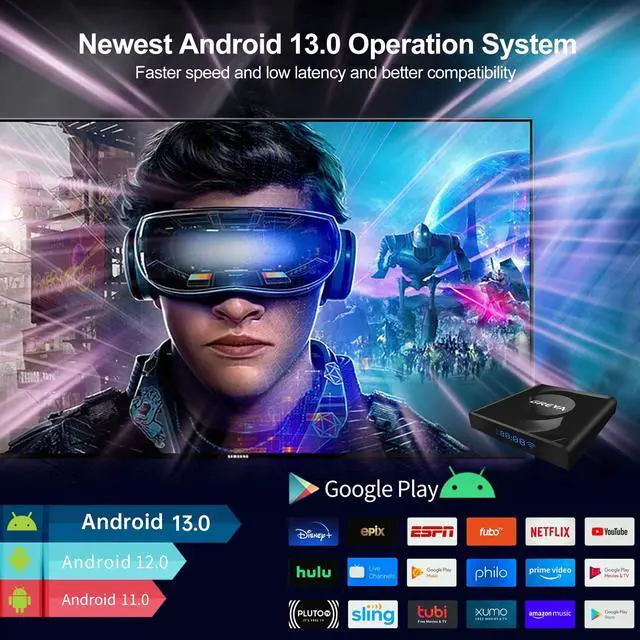
| Operating System | Android 13.0 |
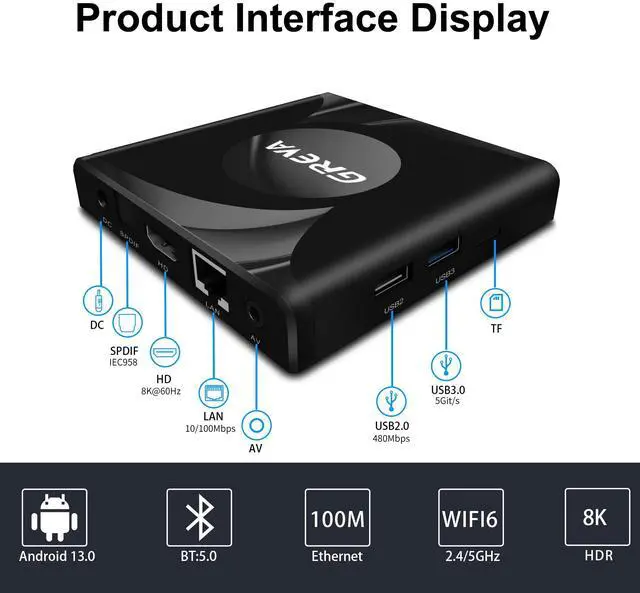
| Wi-Fi 6 | 2.4G/5G Dual WiFi IEEE802. a/b/g/n/ac/ax |
| LAN | 10/100M standard RJ-45 |
| Bluetooth | V5.0 |
| RAM | 2GB/4GB |
| ROM | 16GB/32GB/64GB EMMC |
| Support Decoder format | H.265/H.264/VP9 up to 8K@30fps; H.264/AVC BP/MP/HP profile @ level 5.1; H.264/AVC MVC; up to 4Kx2K @ 60fps H.265/HEVC Main/Main10 profile @ level 5.1 High-tier; up to 4Kx2K @ 120fps VP9 P2 4KX2K @60fps AVS2 4KX2K @60fps MPEG-1, Main profile, up to 1080P @ 60fps MPEG-2, SP@ML, MP@HL, up to 1080P @ 60fps MPEG-4, ASP profile @ level 5, up to 1080P @ 60fps |
| Support Media format | AVI/TS/VOB/MKV/MOV/ISO/WMV/ASF/FLV/DAT/MPG/MPEG |
| Support Music format | MP3/WMA/AAC/WAV/OGG/DDP/HD/FLAC/APE |
| Support Photo format | HD JPEG/BMP/GIF/PNG/TIFF |
| Language support | English/French/German/Spanish/Italian/ etc multilateral languages |
ABOUT GREVA
Formally established in 2021, GREVA is a young consumer electronics and smart manufacturing company. We specialize in the R&D of smart TV boxes, with "quality seek survival, prestige seek development" the company philosophy, on the basis of high quality, good reputation, full service to satisfy the needs of customers.
Our goal is let people enjoy the better life brought by technology.
Not satisfied with your purchase?
We offer a 30-day return/exchange on all orders if you are not satisfied with the product you received.
How long will we reply your messages?
If you have any questions, please leave us a message anytime. We strive to respond to customers within 24 hours.
If my products have issues, what should I do?
If you encounter issues after you ordered our products, please send message to us, We will provide satisfied solutions.
GREVA TV BOX ANDROID
GREVA TV BOX ANDROID
MINI PC
TV Antenna
TV Antenna