



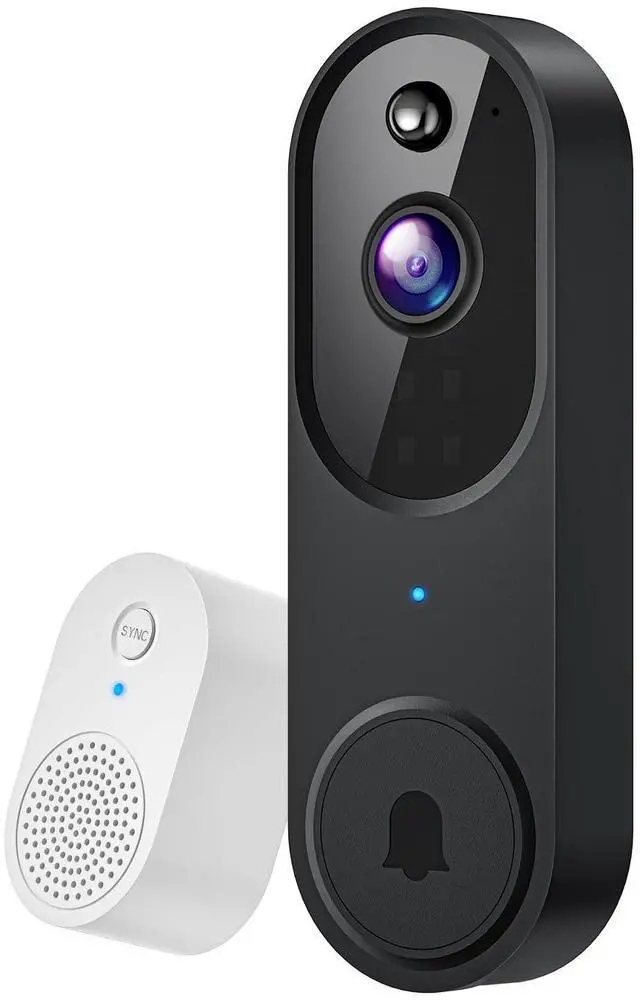


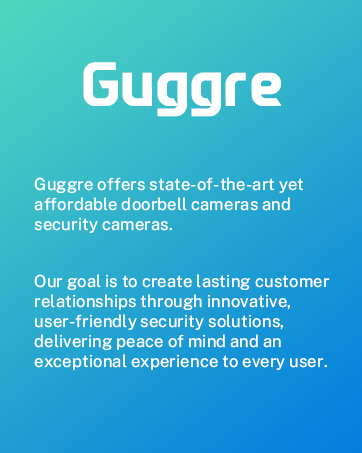
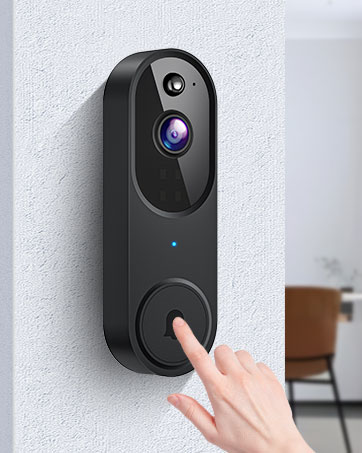
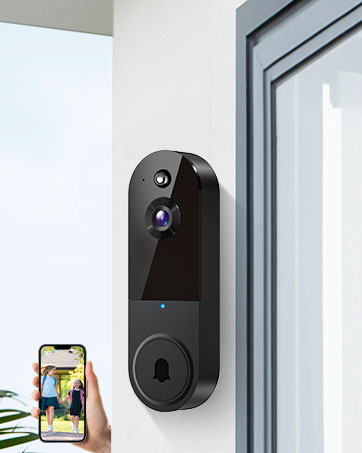
Smart Wireless Video Doorbell Camera with Doorbell Receiver
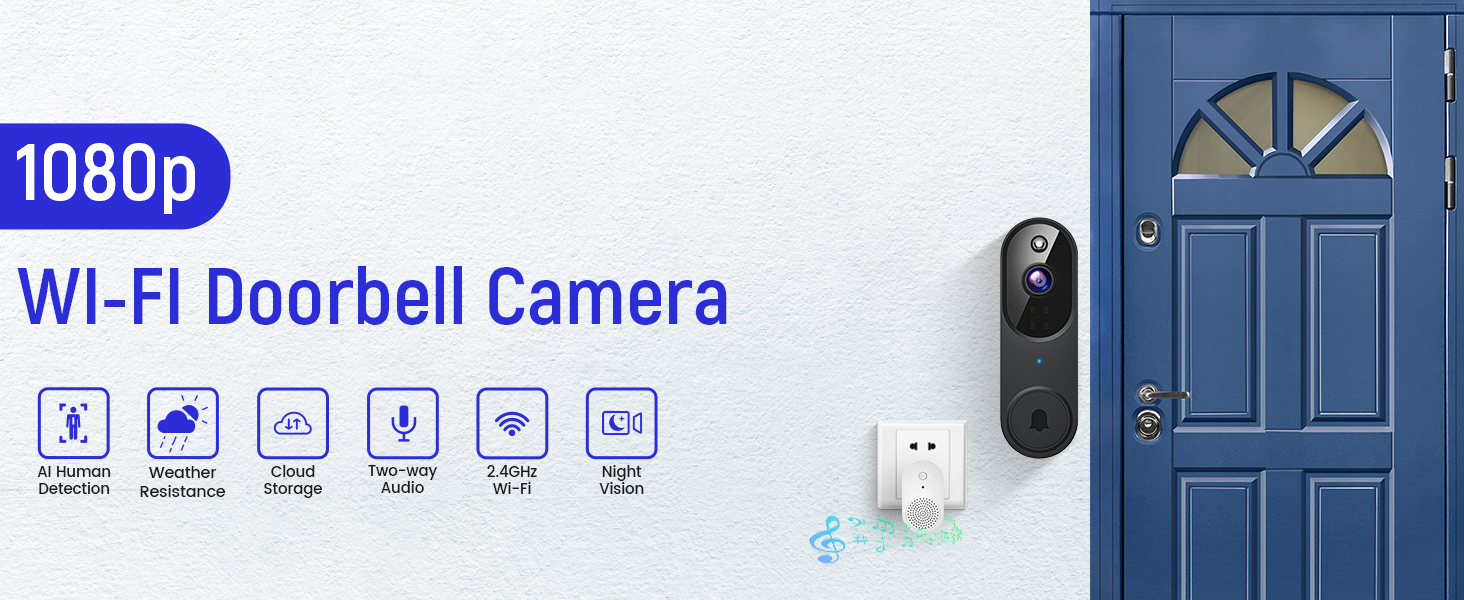
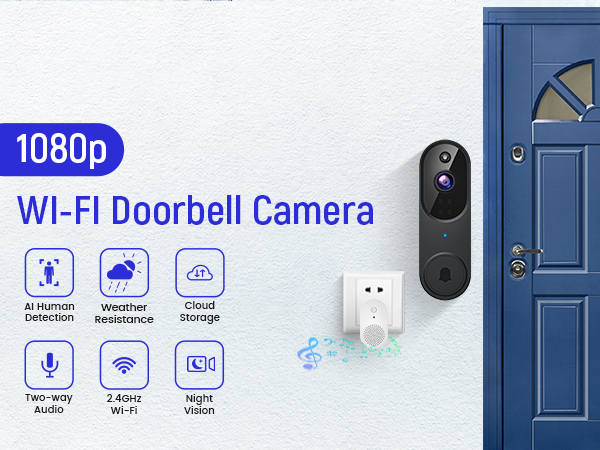
Features of Guggre Video Doorbell
hero-video
Merchant Video
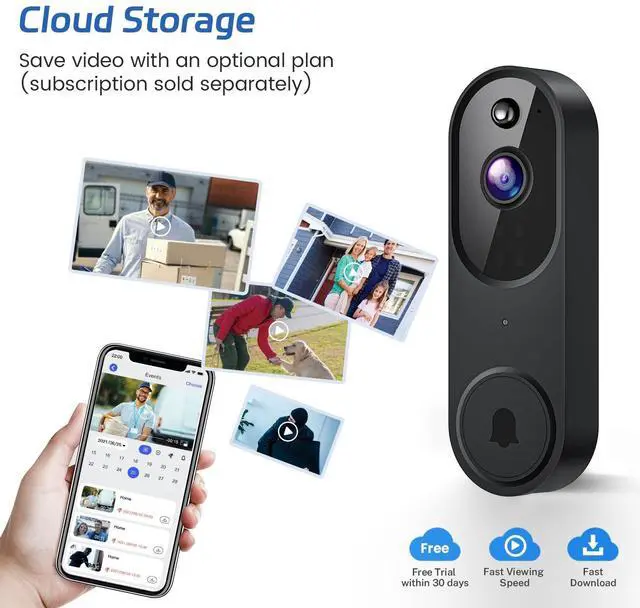
Optional AES-128 Cloud Storage
Choose an optional subscription for AES 128-bit encrypted cloud storage (sold separately) and enjoy video recording, playback, and sharing.
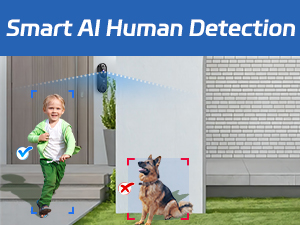
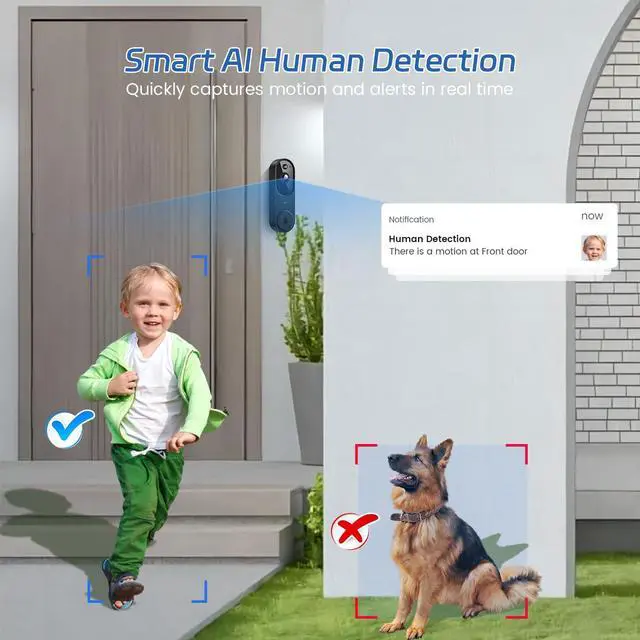
Human Recognition Technology
Leverage AI capabilities to distinguish between human presence and other moving objects like cars and pets.

Extreme Viewing Experience
Watch live video streams through a 1080p wide-angle lens with extremely realistic detail.
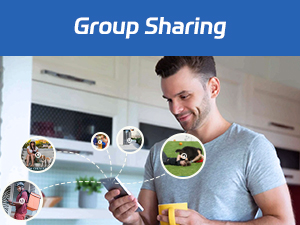
Simplify security sharing
Effortlessly grant access to family members' cameras for shared monitoring and protection, ensuring that everyone stays informed of family activities.
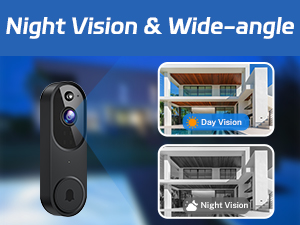
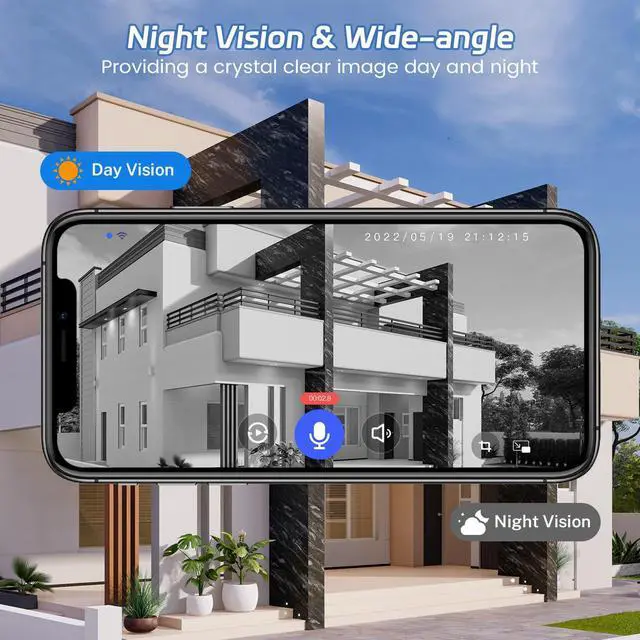
Night Vision & Wide-Angle
With four infrared LEDs and a smart IR sensor, the doorbell provides continuous surveillance, ensuring clear video capture in low-light scenarios.
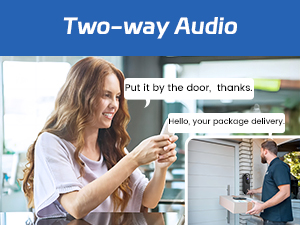
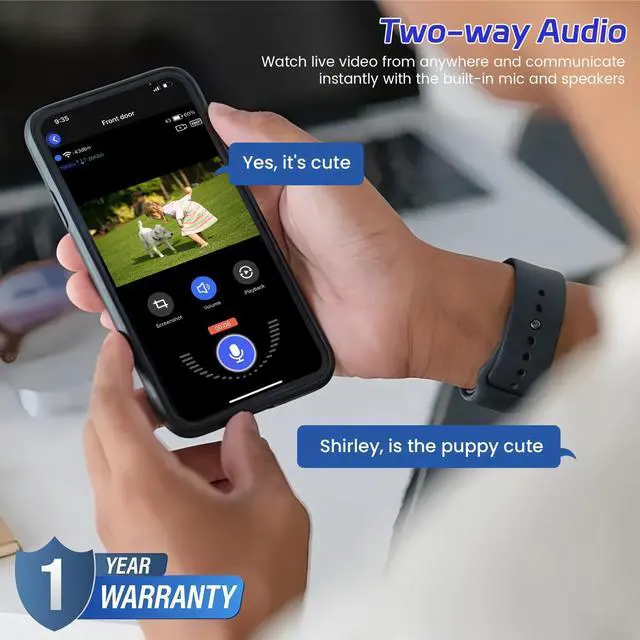
Interactive Two-Way Audio
Communicate with visitors directly and in real time from any location for smooth interactions.
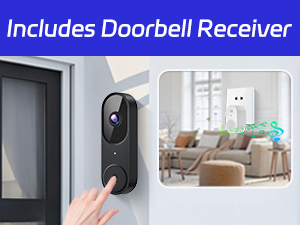
Included Doorbell Receiver
Install the accompanying doorbell receivers within your home. Multiple doorbell receivers can be synced with one doorbell for added convenience.
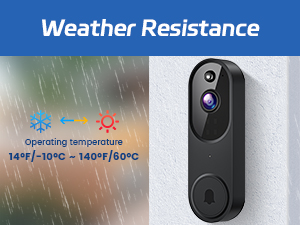
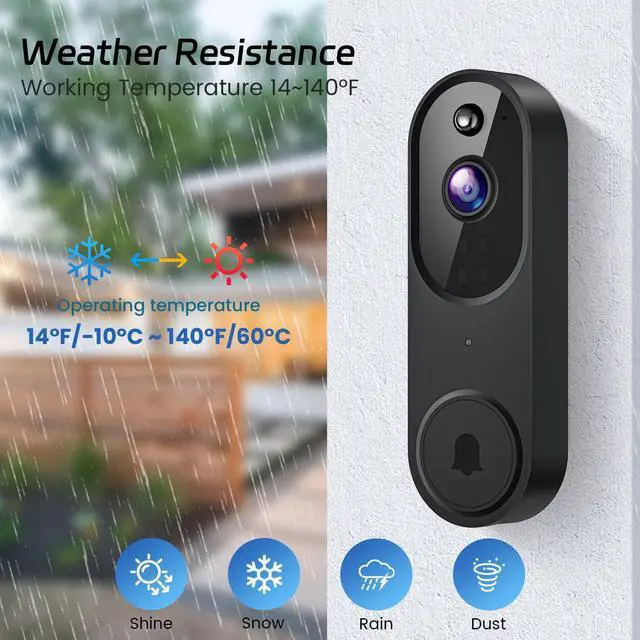
Weather Resistance
The doorbell is designed to endure diverse weather conditions, offering reliable year-round functionality.
Simple Installation Steps
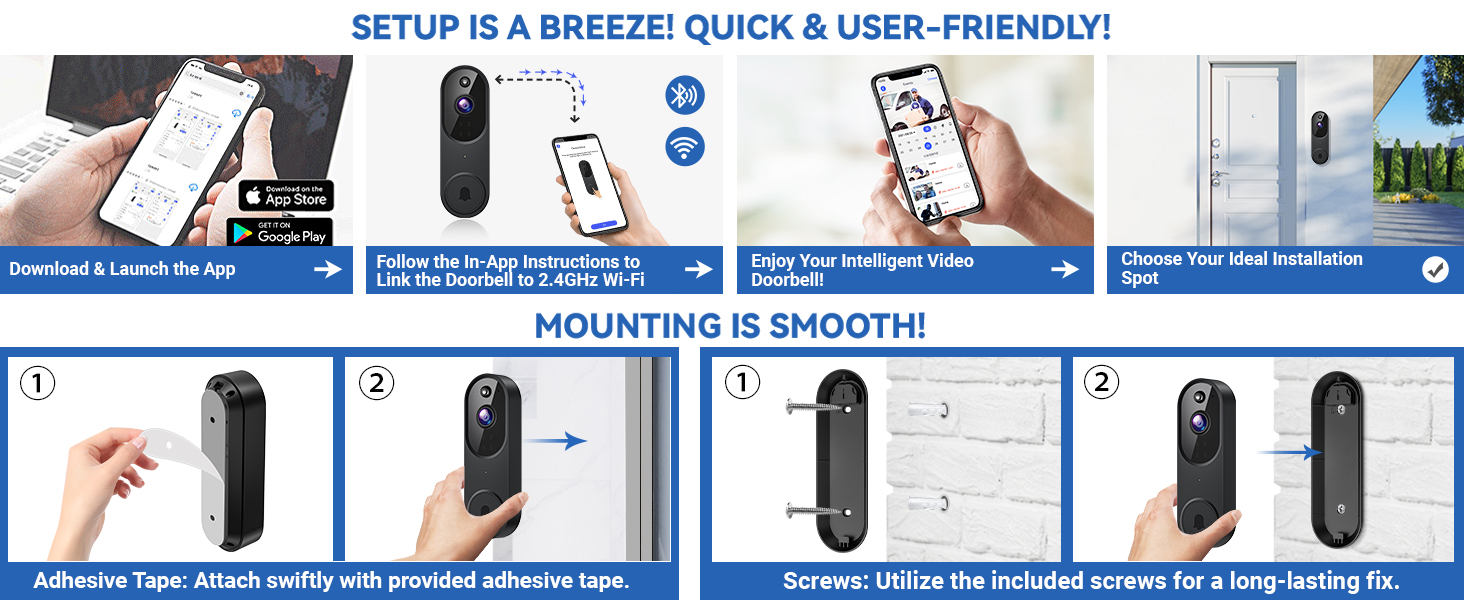
Installation Methods:
Method 1: Stick the doorbell to a smooth wall or door through the adhesive tape included in the box;
Method 2: After drilling holes at suitable locations, mount the doorbell to the wall or door through the screws included in the box.
Is cloud storage an option for the doorbell camera's video recordings?
Video storage requires a separate subscription to the cloud service. You can save or share videos at any time after subscription.
How can I fine-tune human detection to extend the doorbell camera's battery life?
If there's a lot of movement, especially kids playing, it can result in many alerts and fast battery drain. Set human detection to high accuracy to reduce alerts and save battery.
Why does my Wi-Fi not work with this product?
1. Device supports 2.4G Wi-Fi only.
2. Ensure you enter the correct Wi-Fi name and password.
3. Check distance between device and Wi-Fi router, the device should be within 33ft (10 meters) of the router.
Troubleshooting network connection issues:
(1) The doorbell camera only works with 2.4GHz Wi-Fi. Please connect it to a 2.4GHz network.
(2) Double-check that you are entering the correct Wi-Fi name and password.
(3) Verify the distance between the doorbell and the Wi-Fi router; the doorbell should be within 33 feet (10 meters) of the router.
(4) Please enable Bluetooth on your phone, but you don't need to connect Bluetooth with the device, just ensure the Bluetooth is on.
(5) If you changed your Wi-Fi password, or your camera got disconnected, please reset the Wi-Fi connection with the camera:
Press and hold the doorbell button until the camera was reset, and then add the camera again back to the same App account.
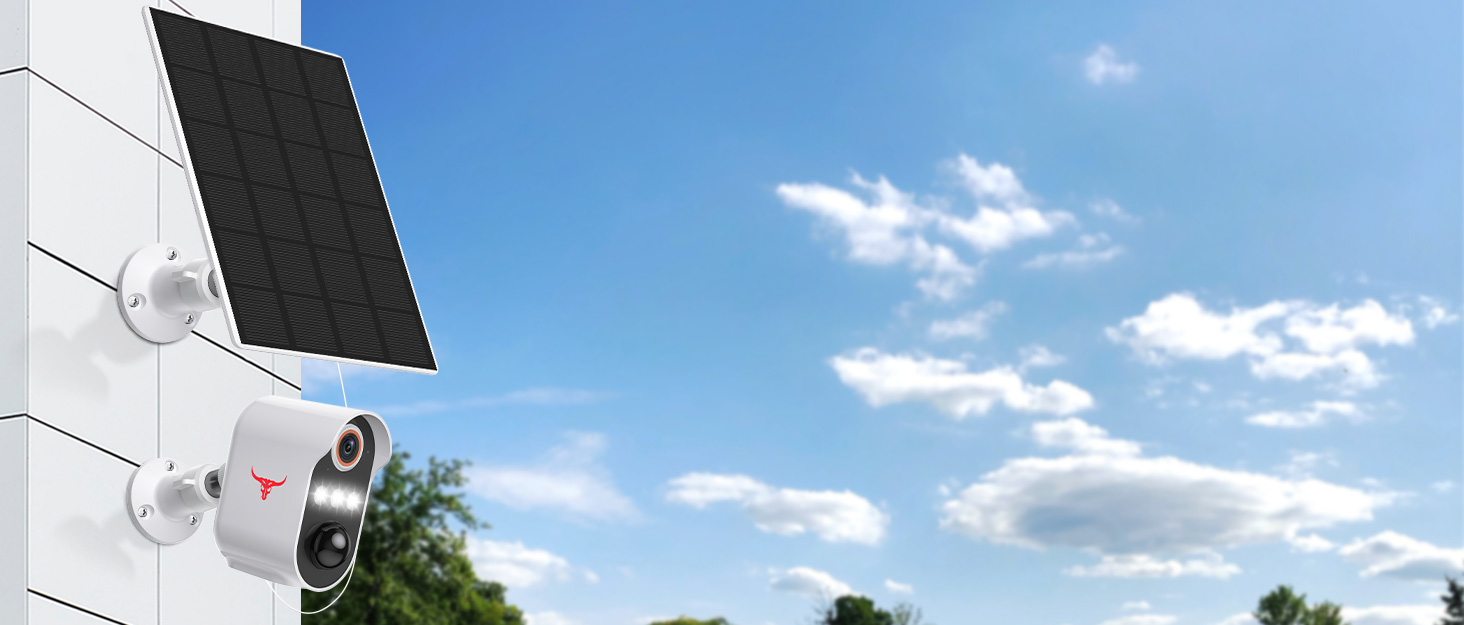
Smart Wireless Video Doorbell Camera with Doorbell Receiver
Features of Guggre Video Doorbell
hero-video
Merchant VideoOptional AES-128 Cloud Storage
Choose an optional subscription for AES 128-bit encrypted cloud storage (sold separately) and enjoy video recording, playback, and sharing.
Human Recognition Technology
Leverage AI capabilities to distinguish between human presence and other moving objects like cars and pets.
Extreme Viewing Experience
Watch live video streams through a 1080p wide-angle lens with extremely realistic detail.
Simplify security sharing
Effortlessly grant access to family members' cameras for shared monitoring and protection, ensuring that everyone stays informed of family activities.
Night Vision & Wide-Angle
With four infrared LEDs and a smart IR sensor, the doorbell provides continuous surveillance, ensuring clear video capture in low-light scenarios.
Interactive Two-Way Audio
Communicate with visitors directly and in real time from any location for smooth interactions.
Included Doorbell Receiver
Install the accompanying doorbell receivers within your home. Multiple doorbell receivers can be synced with one doorbell for added convenience.
Weather Resistance
The doorbell is designed to endure diverse weather conditions, offering reliable year-round functionality.
Simple Installation Steps
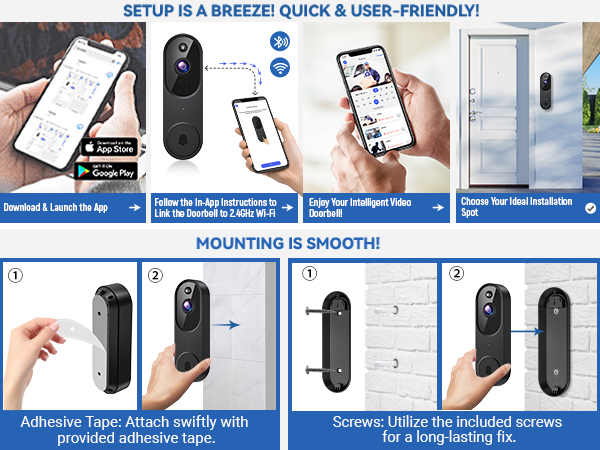
Installation Methods:
Method 1: Stick the doorbell to a smooth wall or door through the adhesive tape included in the box;
Method 2: After drilling holes at suitable locations, mount the doorbell to the wall or door through the screws included in the box.
Is cloud storage an option for the doorbell camera's video recordings?
Video storage requires a separate subscription to the cloud service. You can save or share videos at any time after subscription.
How can I fine-tune human detection to extend the doorbell camera's battery life?
If there's a lot of movement, especially kids playing, it can result in many alerts and fast battery drain. Set human detection to high accuracy to reduce alerts and save battery.
Why does my Wi-Fi not work with this product?
1. Device supports 2.4G Wi-Fi only.
2. Ensure you enter the correct Wi-Fi name and password.
3. Check distance between device and Wi-Fi router, the device should be within 33ft (10 meters) of the router.
Troubleshooting network connection issues:
(1) The doorbell camera only works with 2.4GHz Wi-Fi. Please connect it to a 2.4GHz network.
(2) Double-check that you are entering the correct Wi-Fi name and password.
(3) Verify the distance between the doorbell and the Wi-Fi router; the doorbell should be within 33 feet (10 meters) of the router.
(4) Please enable Bluetooth on your phone, but you don't need to connect Bluetooth with the device, just ensure the Bluetooth is on.
(5) If you changed your Wi-Fi password, or your camera got disconnected, please reset the Wi-Fi connection with the camera:
Press and hold the doorbell button until the camera was reset, and then add the camera again back to the same App account.