



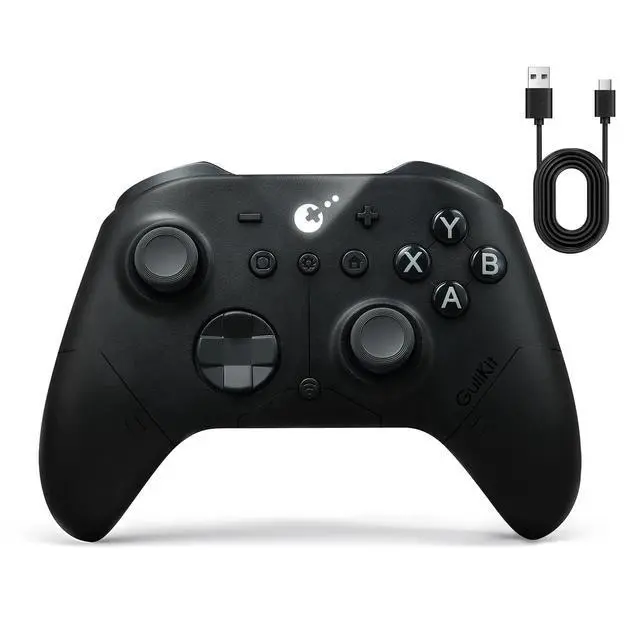
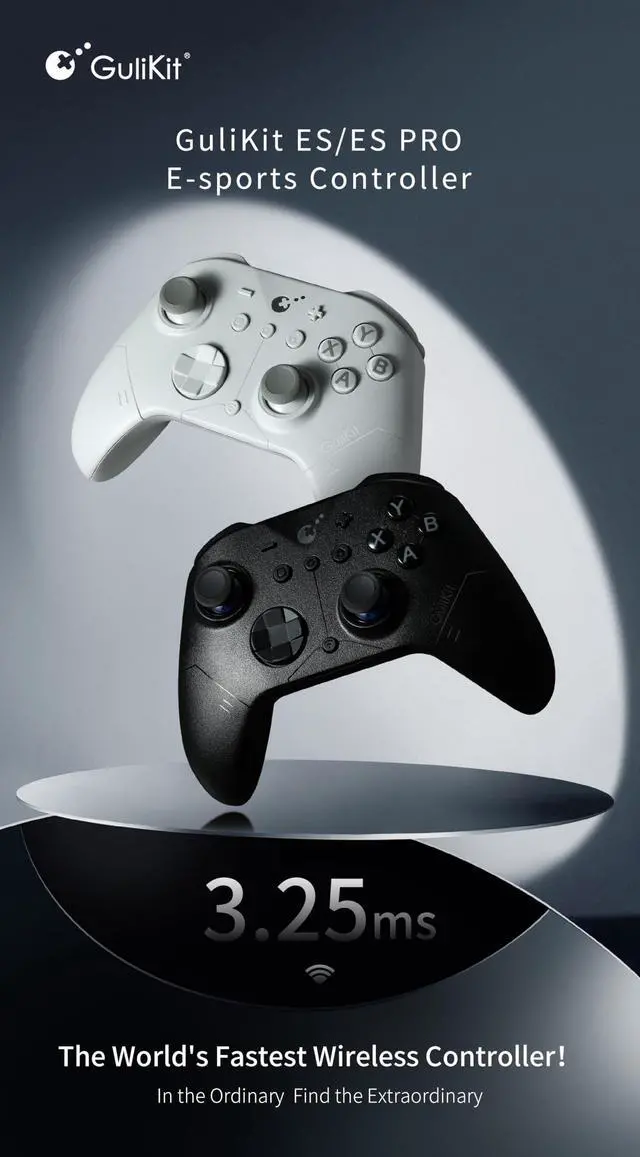
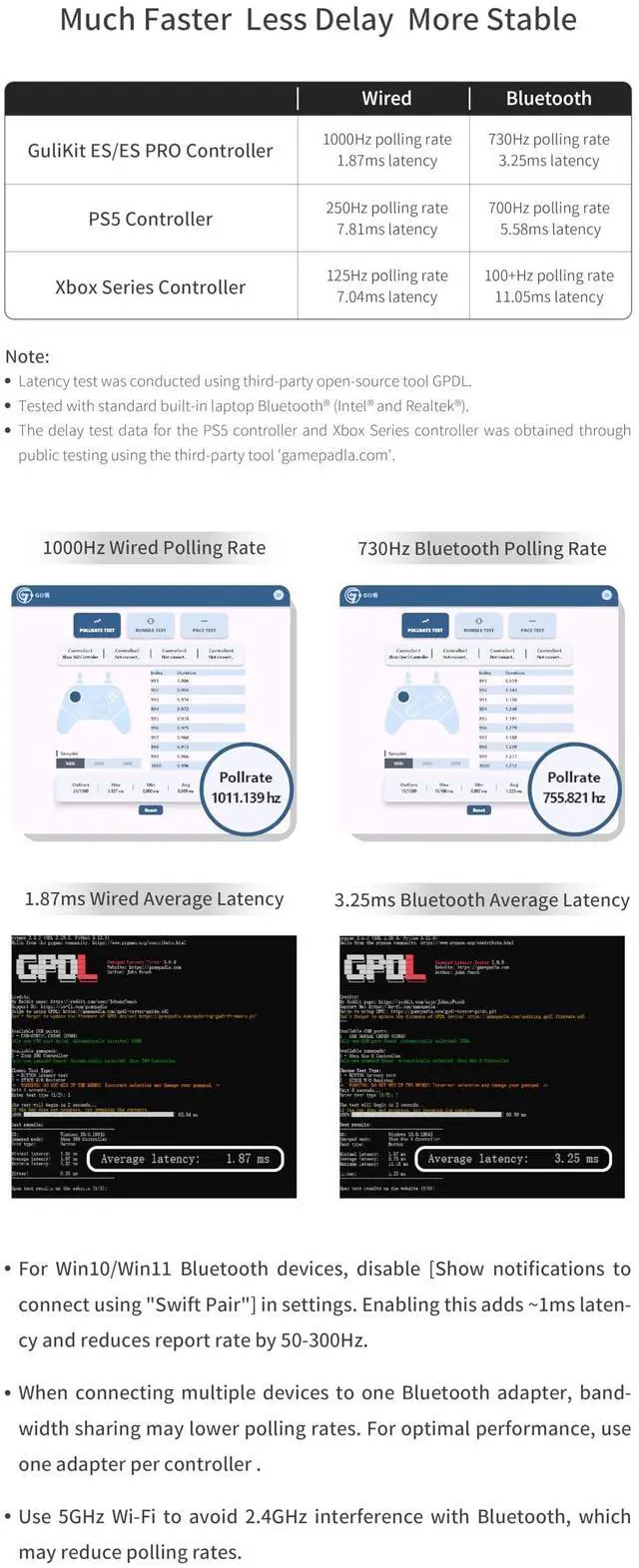


The faster wireless controller by bluetooth

IMPORTANT COMPATIBILITY NOTE:
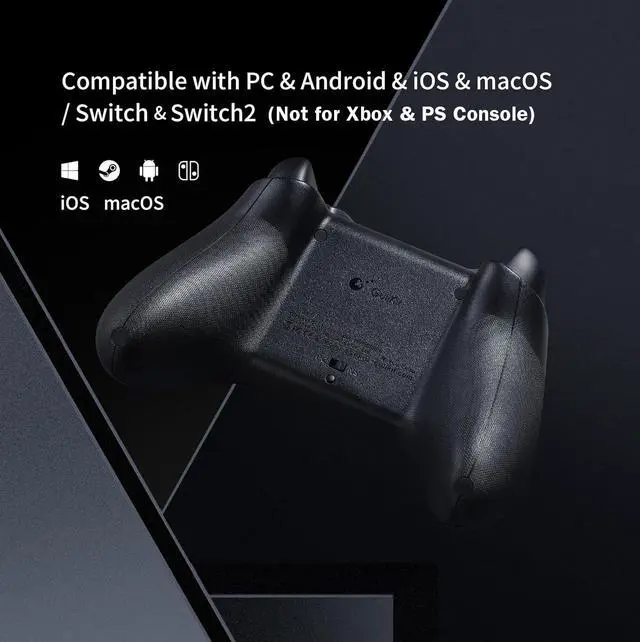
A.Compatible with PC Windows7.0+,Switch2,Switch,Switch Lite,Switch OLED,Steam Deck,ROG Ally/ROG Ally X,Android9.0+,iOS16+, macOS12.7.6+. Note: Not compatible with PS and Xbox consoles.
B.Bluetooth issues may be caused by low battery, wireless interference, or long distance. Please try these steps:
1.Fully charge the controller.
2.Move the controller closer to your console devices.
3.Turn off other nearby Bluetooth devices.
4.Re-pair the controller.
C.If you need further help, please message us. We’re happy to help.

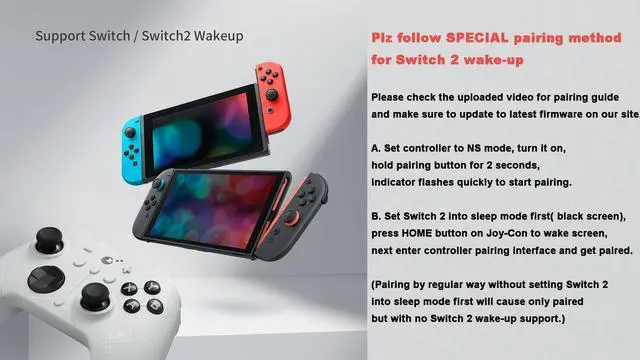
NOTE: Please follow SPECIAL pairing method for Switch 2 wake-up
Please check the uploaded video for pairing guide and make sure to update to latest firmware on our site.
A. Set controller to NS mode, turn it on, hold pairing button for 2 seconds, indicator flashes quickly to start pairing.
B. Set Switch 2 into sleep mode first( black screen), press HOME button on Joy-Con to wake screen, next enter controller pairing interface and get paired. (Pairing by regular way without setting Switch 2 into sleep mode first will cause only paired but with no Switch 2 wake-up support.)
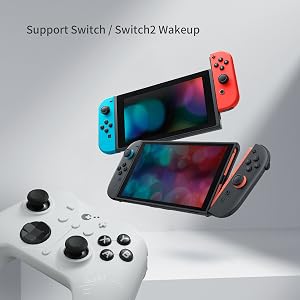
Support your Switch 1/2 Wake-up
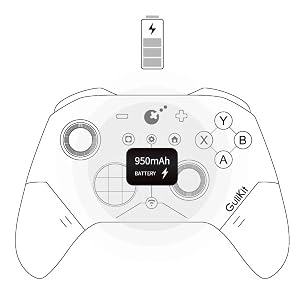
Support your 30 hours gaming

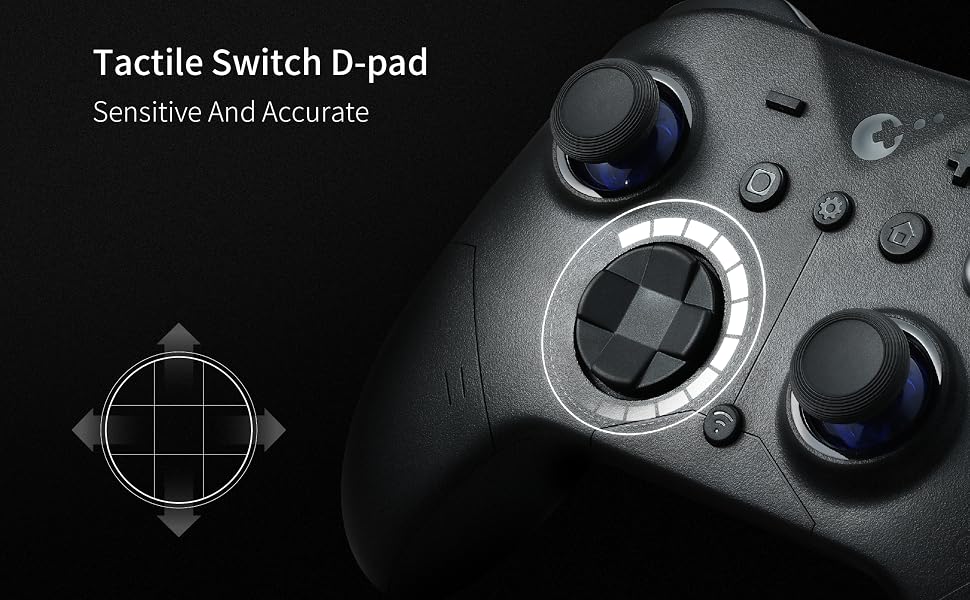
Deliver 256-level high precision

Q&A
1.Q: Why some Windows computer can't retains its pairing relationship with the ES/ES PRO controller?
A:a. This is most likely due to a problem with the computer's Bluetooth settings.
First, update the Bluetooth driver and reset the Bluetooth settings to factory settings. If that doesn't work, check to see if your computer is using a third-party Bluetooth filter driver that's preventing it from remembering the previous controller connection.
b.Our ES Pro controller will only remember the last device used in the same mode(PC or Switch). If you first connected the controller to Windows and then used the controller to connect to an Android phone. The connection between the controller and the computer will be disconnected.After using the phone to play games, they need to re-pair the controller if they want to use it with the Windows computer again.
2.Q: How to improve the accuracy of shooting games?
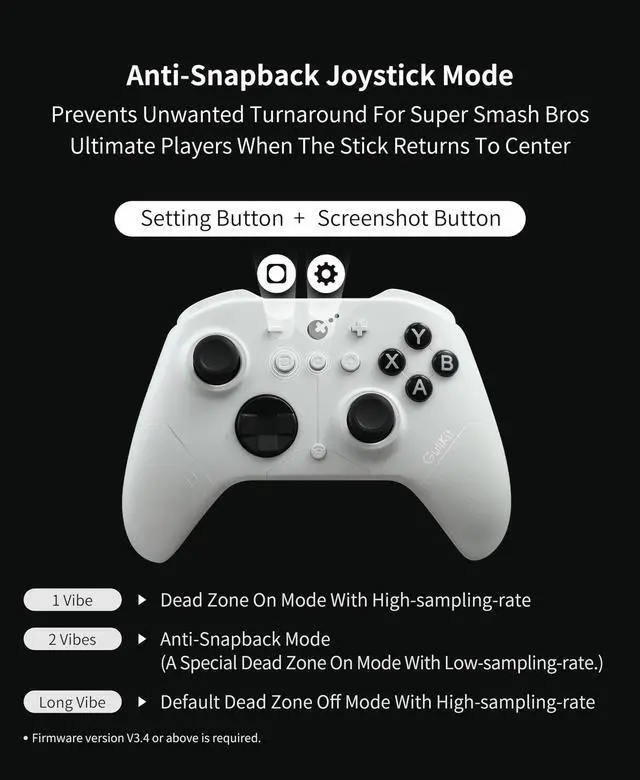
A: The ES Pro controller's joystick supports three levels of sensitivity adjustment, allowing you to adjust it to your desired setting based on your gaming needs. It also supports PC motion aiming, helping you aim. Please note that you must update your firmware to the latest version to fully utilize this feature.
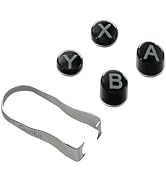
3.Q: What is the ABXY layout of our ES PRO controller?
A: Our original ES PRO controller uses a PC layout. We have released a new Switch layout replacement in our store.
4.Q: Is the ES/ES PRO controller compatible with Xbox and PS consoles?
A: No, it is not compatible with any Xbox or PS consoles. It is only compatible with Windows PC, Switch 2, Switch, Switch Lite, Switch OLED, Steam Deck, ROG Ally/ROG Ally X, Android, iOS and macOS.
 GuliKit ES PRO Wireless Gaming Controller for Switch/Switch 2,Windows,iOS & A... | 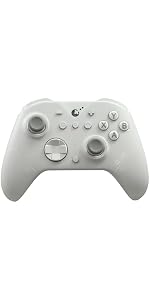 GuliKit ES Wireless Gaming Controller for Switch/Switch 2,Windows,iOS & Andro... | |
|---|---|---|
| Customer Reviews | — | — |
| Price | — | — |
| Compatibility | Windows,Switch,Switch 2,Android Platforms, Wired & Wireless Connection. | Windows,Switch,Switch 2,Android Platforms, Wired & Wireless Connection. |
| Vibration | Rotor vibration | Rotor vibration |
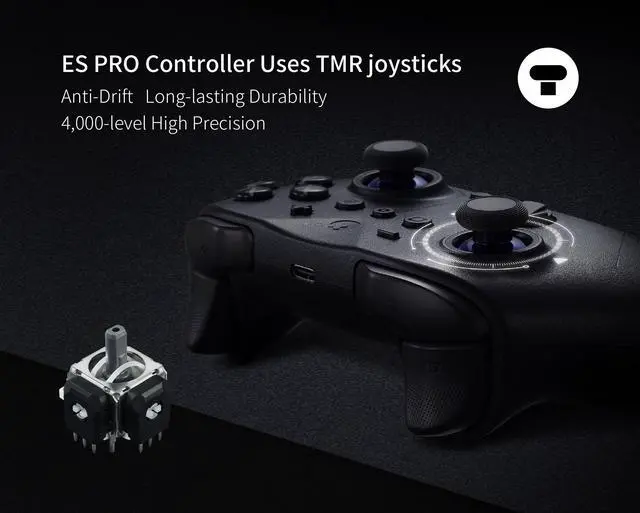
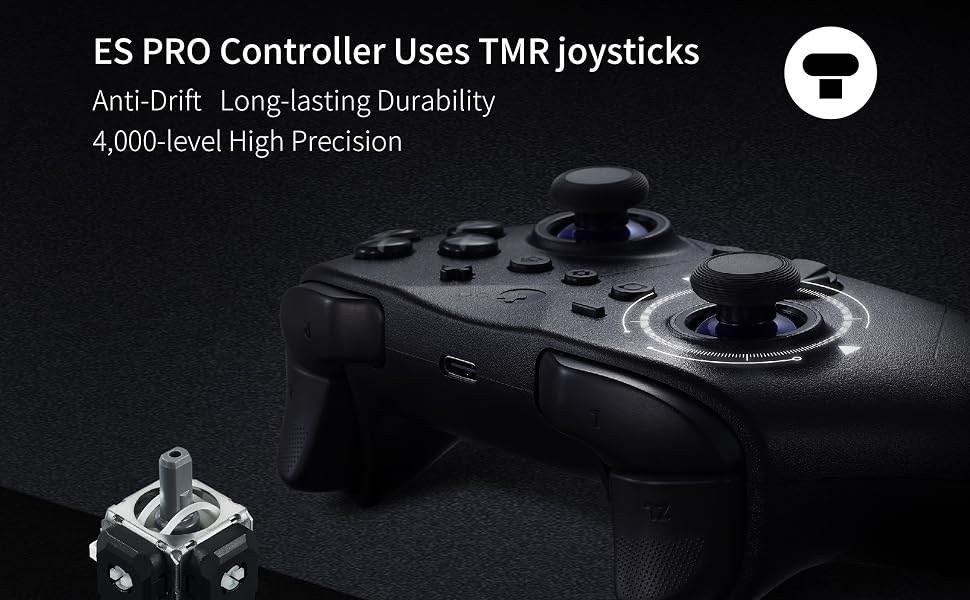
| Joysticks | Anti-drift TMR joysticks | Anti-drift Hall effect joysticks |
| Polling rate | 1000Hz wired/730Hz Bluetooth | 1000Hz wired/730Hz Bluetooth |
| Switch 1 wakeup | YES | YES |
| Switch 2 wakeup | YES | YES |
| Motion control on Switch /Switch 2 | YES | YES |
| PC motion aim control | YES | NO |
| Joystick sensitivity adjustment | YES | NO |
| D-pad 8-direciton/4-direction swap | YES | NO |
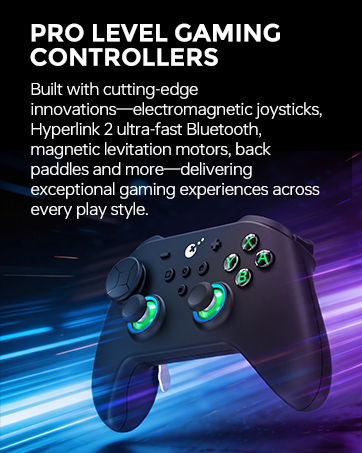
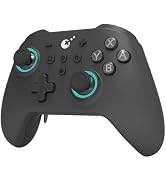
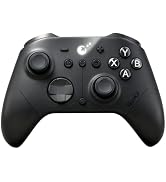
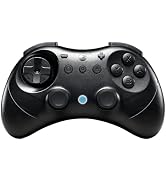
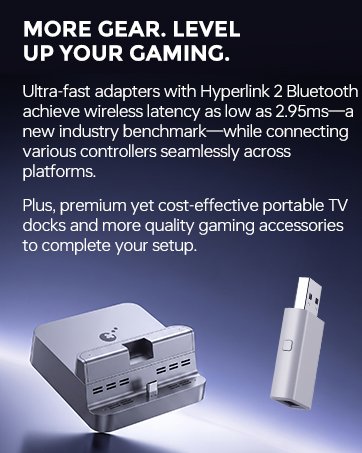
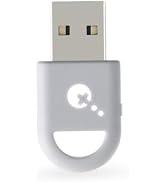

Latest Products
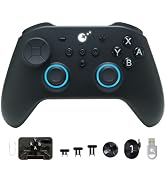
Tri-mode Gaming Controllers
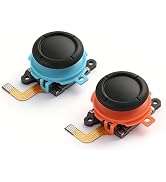
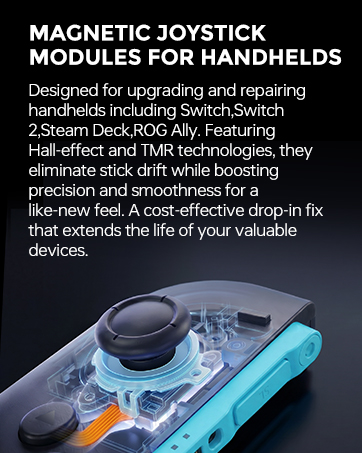
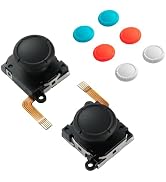
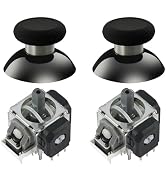
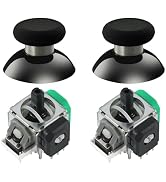
Magnetic Joystick for Handheld
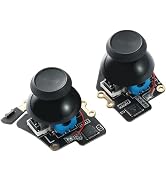
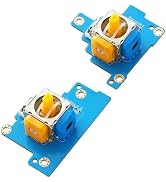
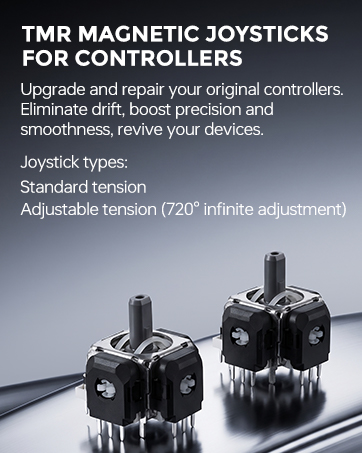
TMR Joystick for Controllers
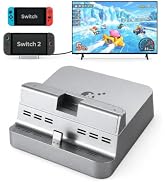
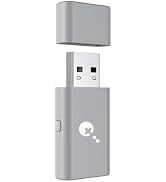
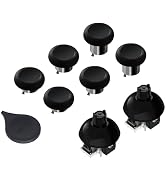
Adapters,Docks & Accessories
The faster wireless controller by bluetooth
IMPORTANT COMPATIBILITY NOTE:
A.Compatible with PC Windows7.0+,Switch2,Switch,Switch Lite,Switch OLED,Steam Deck,ROG Ally/ROG Ally X,Android9.0+,iOS16+, macOS12.7.6+. Note: Not compatible with PS and Xbox consoles.
B.Bluetooth issues may be caused by low battery, wireless interference, or long distance. Please try these steps:
1.Fully charge the controller.
2.Move the controller closer to your console devices.
3.Turn off other nearby Bluetooth devices.
4.Re-pair the controller.
C.If you need further help, please message us. We’re happy to help.
NOTE: Please follow SPECIAL pairing method for Switch 2 wake-up
Please check the uploaded video for pairing guide and make sure to update to latest firmware on our site.
A. Set controller to NS mode, turn it on, hold pairing button for 2 seconds, indicator flashes quickly to start pairing.
B. Set Switch 2 into sleep mode first( black screen), press HOME button on Joy-Con to wake screen, next enter controller pairing interface and get paired. (Pairing by regular way without setting Switch 2 into sleep mode first will cause only paired but with no Switch 2 wake-up support.)
Support your Switch 1/2 Wake-up
Support your 30 hours gaming
Deliver 256-level high precision
Q&A
1.Q: Why some Windows computer can't retains its pairing relationship with the ES/ES PRO controller?
A:a. This is most likely due to a problem with the computer's Bluetooth settings.
First, update the Bluetooth driver and reset the Bluetooth settings to factory settings. If that doesn't work, check to see if your computer is using a third-party Bluetooth filter driver that's preventing it from remembering the previous controller connection.
b.Our ES Pro controller will only remember the last device used in the same mode(PC or Switch). If you first connected the controller to Windows and then used the controller to connect to an Android phone. The connection between the controller and the computer will be disconnected.After using the phone to play games, they need to re-pair the controller if they want to use it with the Windows computer again.
2.Q: How to improve the accuracy of shooting games?
A: The ES Pro controller's joystick supports three levels of sensitivity adjustment, allowing you to adjust it to your desired setting based on your gaming needs. It also supports PC motion aiming, helping you aim. Please note that you must update your firmware to the latest version to fully utilize this feature.
3.Q: What is the ABXY layout of our ES PRO controller?
A: Our original ES PRO controller uses a PC layout. We have released a new Switch layout replacement in our store.
4.Q: Is the ES/ES PRO controller compatible with Xbox and PS consoles?
A: No, it is not compatible with any Xbox or PS consoles. It is only compatible with Windows PC, Switch 2, Switch, Switch Lite, Switch OLED, Steam Deck, ROG Ally/ROG Ally X, Android, iOS and macOS.
GuliKit ES PRO Wireless Gaming Controller for Switch/Switch 2,Windows,iOS & A... | GuliKit ES Wireless Gaming Controller for Switch/Switch 2,Windows,iOS & Andro... | |
|---|---|---|
| Customer Reviews | — | — |
| Price | — | — |
| Compatibility | Windows,Switch,Switch 2,Android Platforms, Wired & Wireless Connection. | Windows,Switch,Switch 2,Android Platforms, Wired & Wireless Connection. |
| Vibration | Rotor vibration | Rotor vibration |
| Joysticks | Anti-drift TMR joysticks | Anti-drift Hall effect joysticks |
| Polling rate | 1000Hz wired/730Hz Bluetooth | 1000Hz wired/730Hz Bluetooth |
| Switch 1 wakeup | YES | YES |
| Switch 2 wakeup | YES | YES |
| Motion control on Switch /Switch 2 | YES | YES |
| PC motion aim control | YES | NO |
| Joystick sensitivity adjustment | YES | NO |
| D-pad 8-direciton/4-direction swap | YES | NO |