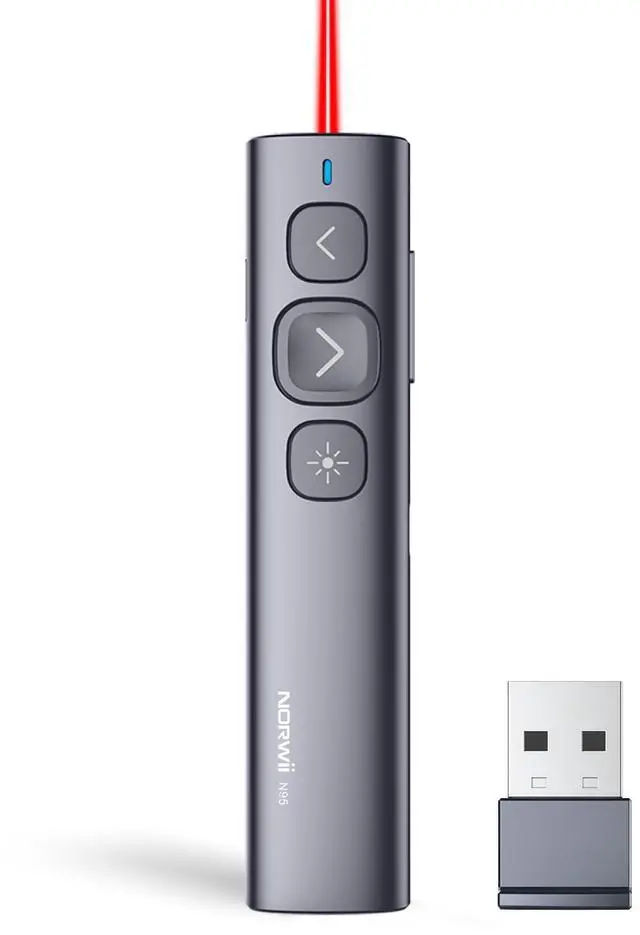
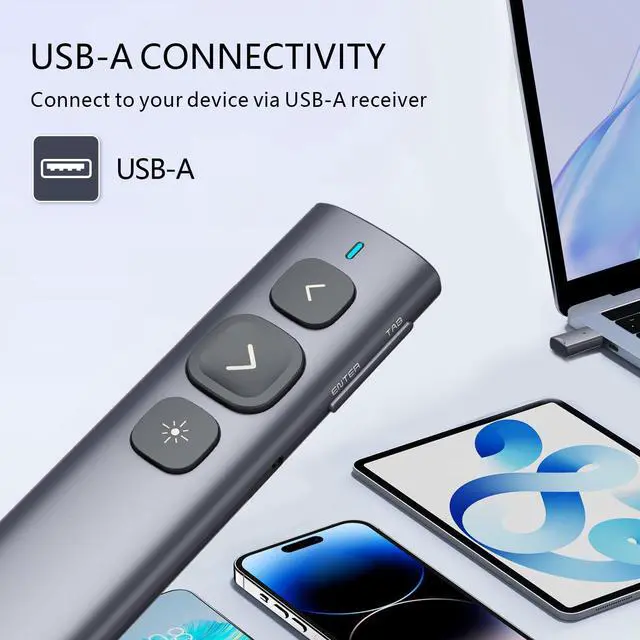
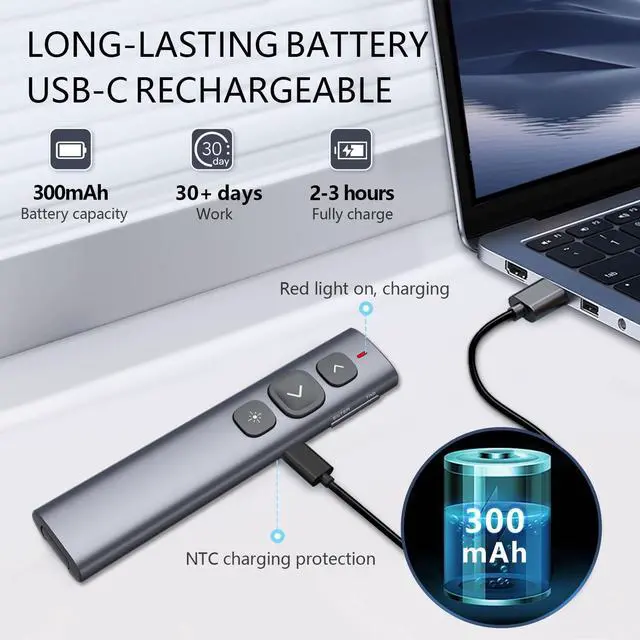
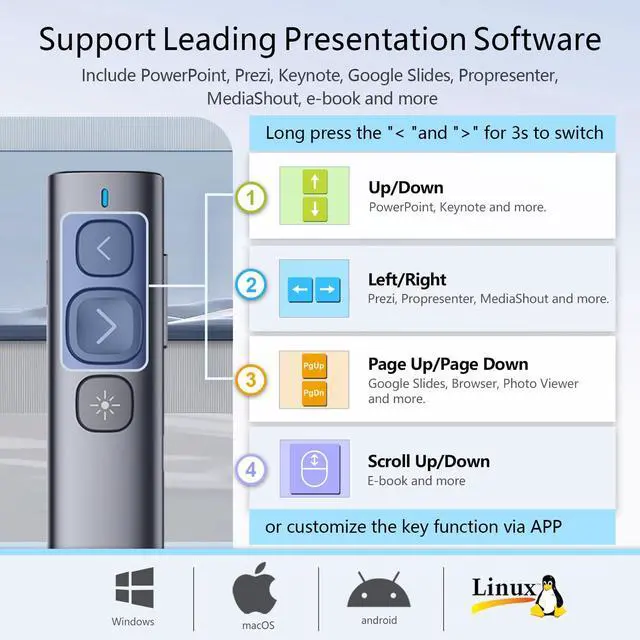
USB-A Connectivity - Connect the presentation clicker to your devices via USB-A receiver. It's plug & play, no software needed for slide control. Compatibility - The presentation remote supports leading presentation software include PowerPoint, Prezi, Keynote, Google Slides, Propresenter, MediaShout and more
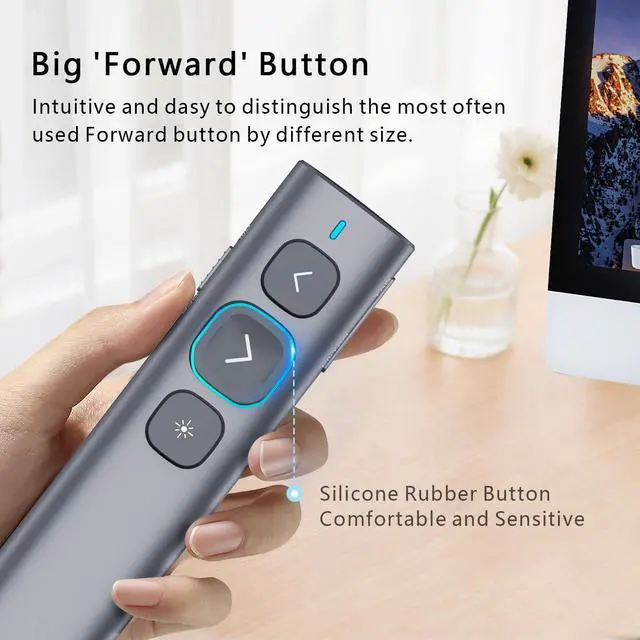
Simple and Practical - It is easy to start with short learning curve. The most commonly used "Forward" button comes in different sizes, which not only provides a comfortable feel but also makes it easier to identify through touch, ensuring more precise operation and less confusion of functions. *It is not for TV screen, please see N95s, N97s for TV screen
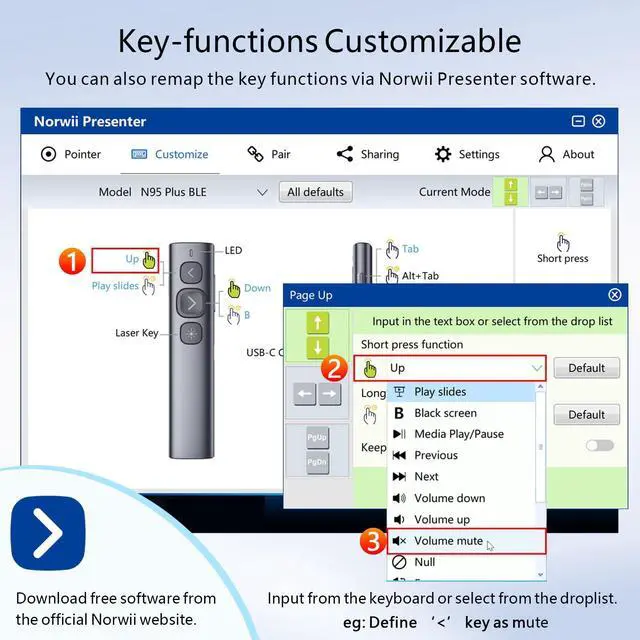
Reprogrammable buttons - You can remap the button functions to suit your personal needs via Norwii Presenter app. Download the free software from Norwii Official. Long press the forward and backward button for 3 seconds to switch between the four function modes of the forward and backward button: up/down, left/right, Pgup/Pgdn, Scroll up/down
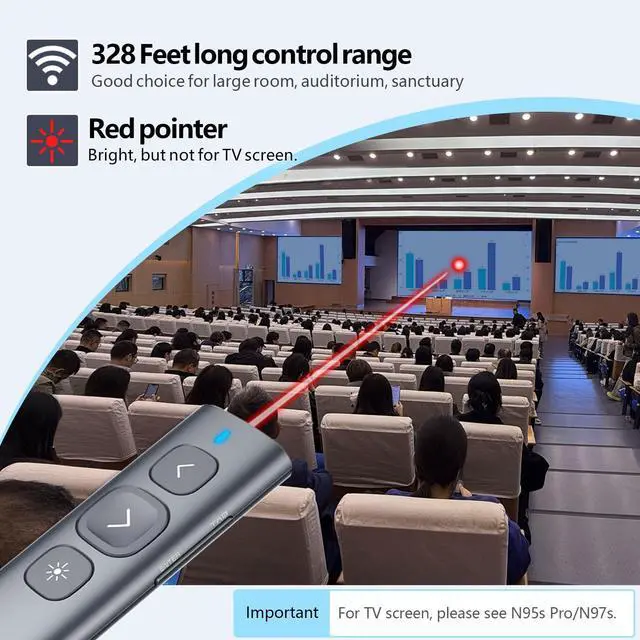
Long control range - With a wireless control range of up to 100 meters, you can move around freely. Suitable for large rooms, auditoriums, churches. *The actual control range varies depending on the specific teaching environment
+
+
Overview
Specs
Reviews
Any questions? Our AI beta will help you find out quickly.
Try me now
N95 Presentation Clicker, PowerPoint Clicker for Presentation Remote, Rechargeable Wireless Presenter Pointer, Slide Advancer for PC/Laptop/e-Book in Classroom, Auditorium, Church (Red, USB-A)
Learn more about the Generic Brand N95
Model
Brand
GWC
Model
N95
Part Number
N95
Wireless
Power Supply
2 x AAA Batteries
Details
Receiver Interface
USB
Control
USB-A
Color
Black
Features
Features
USB-A, Norwii, Red Light, true, 1 year warranty, 2AXGRN95, Shanghai Norwii Technology Co., LTd.
Dimensions & Weight
Dimension
14.33in W x 12.83in H x 9.06in D
Weight
1.2 ounces
Additional Information
First Listed on Newegg
April 13, 2026
Customer Reviews of the Generic Brand N95
There are no reviews yet.
Do you own this product?
Warranty & Returns
Warranty, Returns, And Additional Information
Warranty
Please contact the Seller directly for warranty information. Warranty information may also be found on the Manufacturer's website.