
Your Browsing History




Any questions? Our AI beta will help you find out quickly.
How to connect the Bluetooth keyboard?
1. Open the case, and insert the tablet into the case.
2. Dial ON/OFF button on right direction for opening keyboard, press FN+C into wireless matching condition.(The Bluetooth light blinks slowly)
3. Open bluetooth on device, search keyboard name(Bluetooth Keyboard 3.0) for matching device to keyboard
4. Click the "Bluetooth Keyboard 3.0" to connect, finish.
Features:
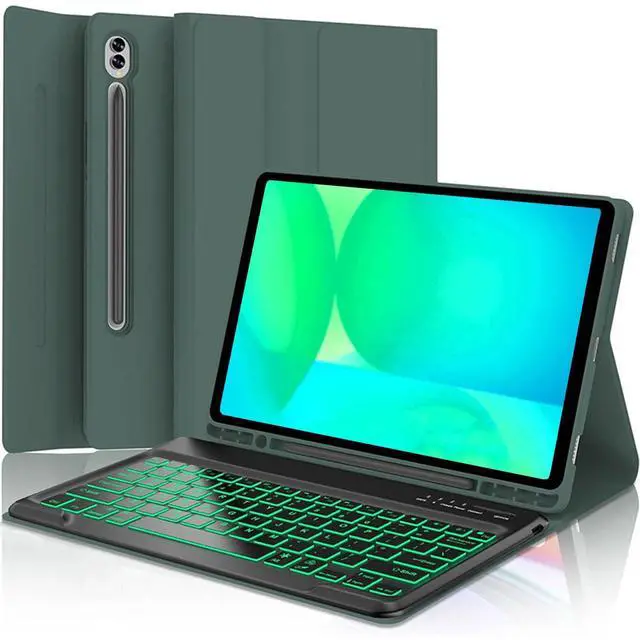
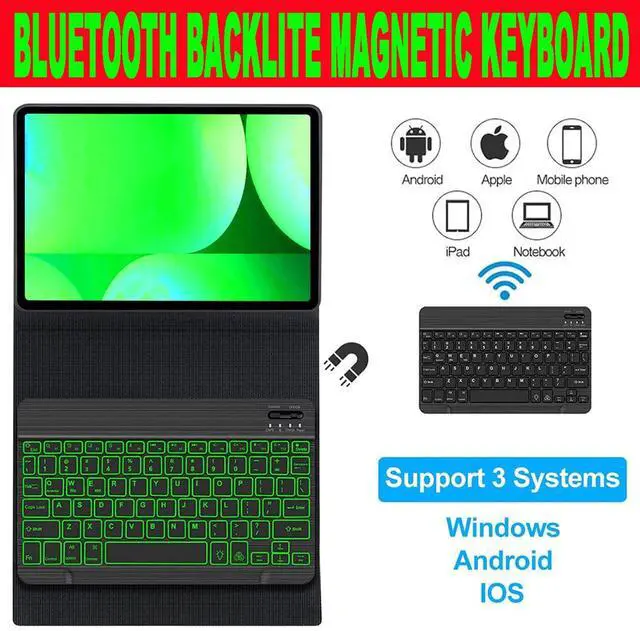
1. Magnetic removeable keyboard
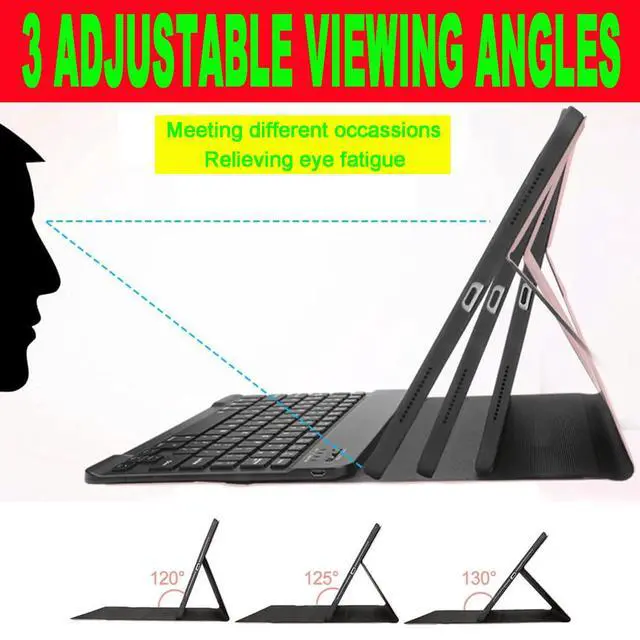
2. Converts from to stand
3. Stylish PU leather Covering/ case
4. With front and rear-facing canera holes
Specification:
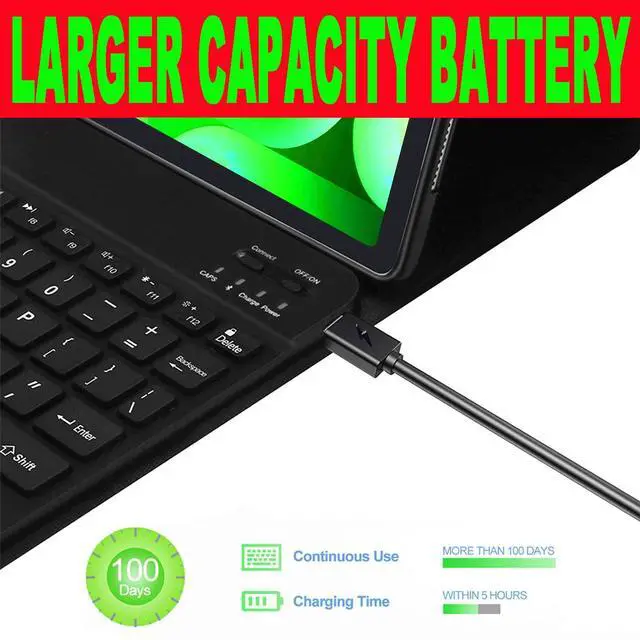
1. Battery Capacity: 400mAh(2*200mAh)
2. Voltage: 3.7V
3. Input Voltage: Micro USB Charge 5V
4. Standby Time: >100 Days
5. Charging Time: 3-4 Hours
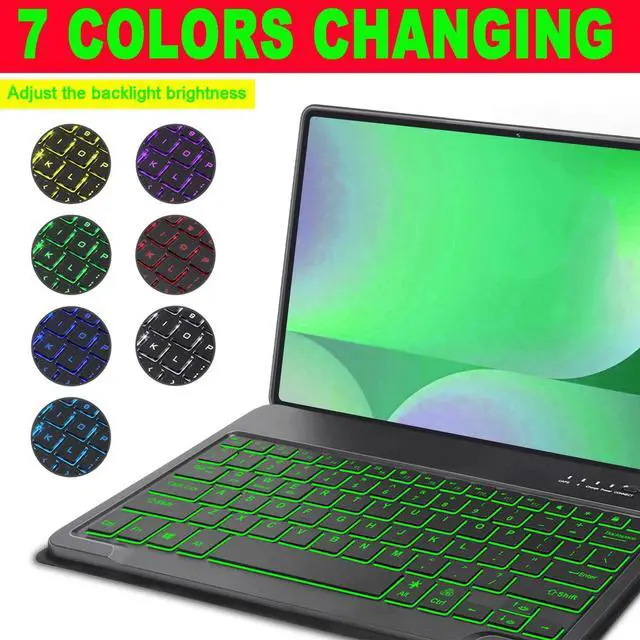
6. Working Time with backlit: About 100 hours
7. Operating Temperature: -20-55
8. Storage Temperature: -40-70
9. Working Distance: 10M
11. Modulation System: GFSK
Package Included:
1*bluetooth Keyboard with Case
1*Micro USB Charging Cable
1*User Manual
Kind Tips:
1. The keyboard will automatically sleep if you do not use it within 10 minute.
2. Then press any key and wait 2-3 seconds, the device will automatic return the last time you read.
| Brand | HAASHADA |
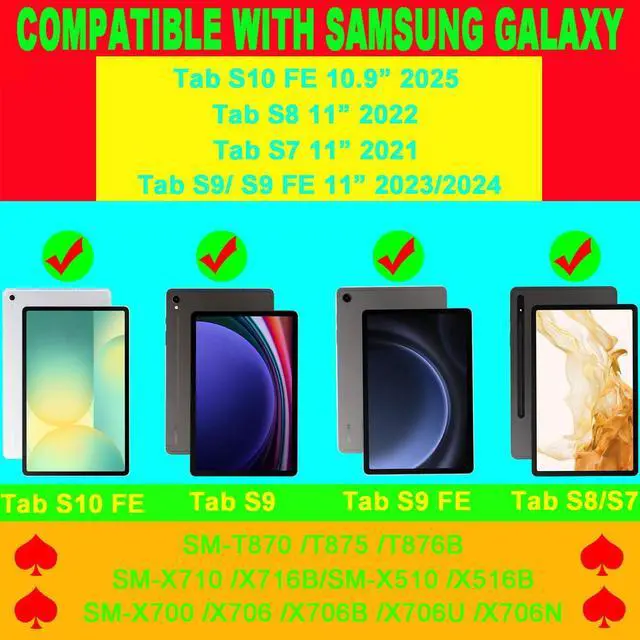
| Compatible Devices | Samsung Galaxy Tab S10 Lite/ S10 FE 10.9 Inches, Samsung Galaxy Tab S7 11 Inches, Samsung Galaxy Tab S8 11 Inches, Samsung Galaxy Tab S9/ S9 FE 11 Inches |
| Connectivity Technology | Bluetooth |
| Keyboard Description | Ergonomic |
| Recommended Uses For Product | Business |
| Special Feature | noise-canceling |
| Color | Green |
| Style | HAASHADA S7/ S8/ S9/ S9 FE/ S10FE 11" /10.9 Inches Keyboard Case |
| Product Dimensions | 10"L x 8"W x 1"H |
| Material | Plastic |
| Item Weight | 1.34 pounds |
| Manufacturer | HAASHADA |
| Item model number | ZH-S10FE-GRB |
| Batteries | 2 Lithium Ion batteries required. (included) |
| Date First Available | April 23, 2025 |