




 here!
here!
I’m your shopping assistant for PC builds, upgrades, and everything tech.
Got questions? Ask away!
Start a conversation
here!
I’m your shopping assistant for PC builds, upgrades, and everything tech.
Got questions? Ask away!
Start a conversationShipped by YellowRiver Bay Store




Any questions? Ask CelesteSM will help you find out quickly.
Does it work with macbook or Windows PC/ laptop?
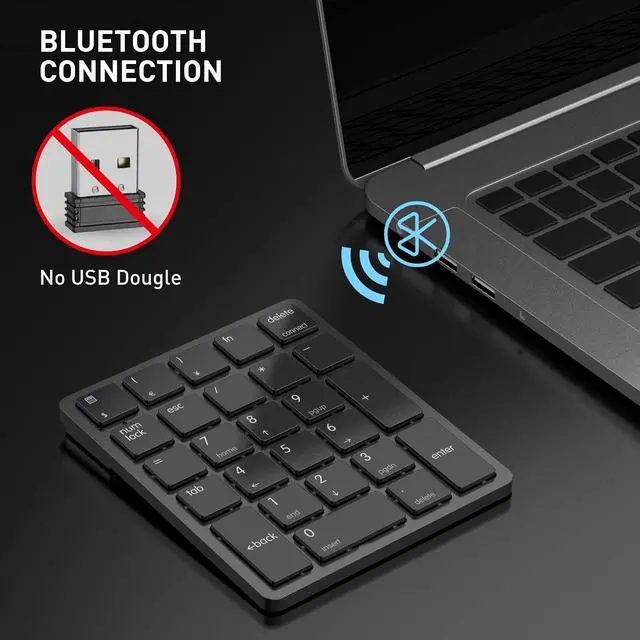
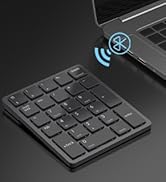
To use this number pad, your device must have Bluetooth. It is fully compatible with Windows PC/ laptop, but it is not compatible with macbook.
Is it Bluetooth only? Or Can you connect this to your computer with the provided usb?
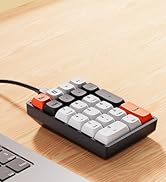
Yes, it's Bluetooth only. The USB cable is only for charging it, it's a Bluetooth numpad not wired.
How to pair it with Bluetooth device?
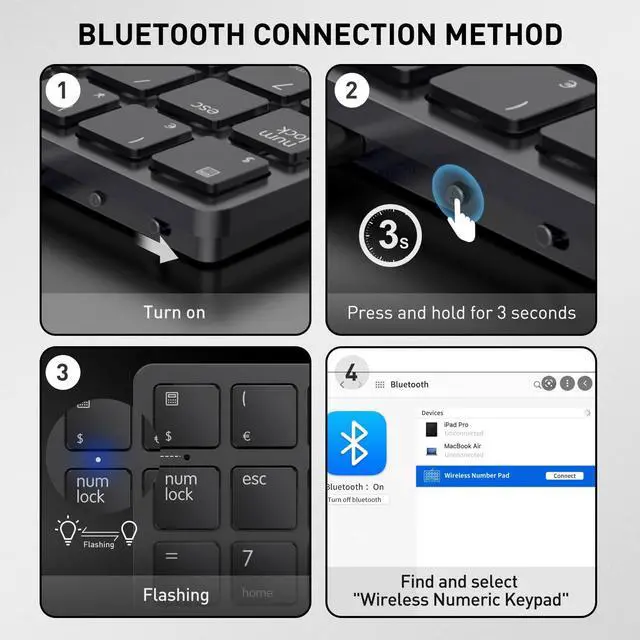
Firstly, push the power switch to On, then press and hold "Bluetooth Pairing Button" for 3s to enter pairing mode, pair your device with Havit smart26 numpad named "Wireless Numeric Keypad" and they are connected.
Is this numeric keypad programmable?
No, this Bluetooth num pad is not programmable. It's plug and play, no driver is needed.
Does this number pad have a backlight?
No, this wireless numpad comes with no backlit.


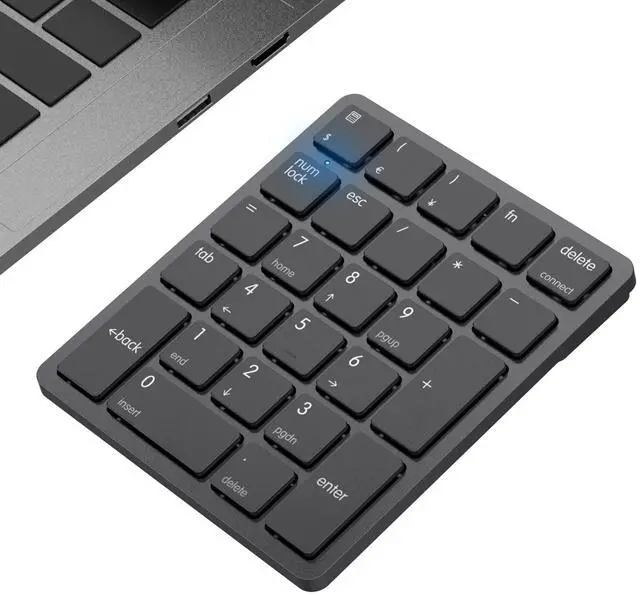
Blue light is off, you can use the function keys such as HOME, but the num keys is unavailable.
Blue light is on, you could use the number key

There are four non-slip pads on the back of the numeric keypad to prevent it from sliding during use.

With lithium battery, the numpad can be charged by USB-A to USB-C cable (Provided). It can be used for 1-2 months with one charge.

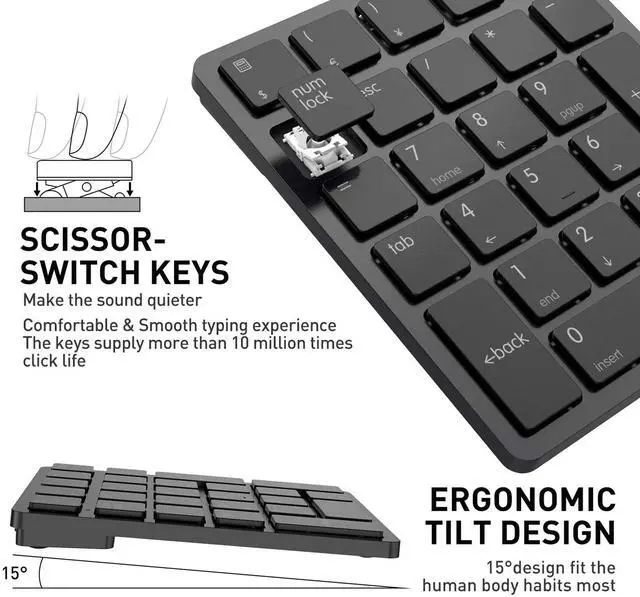
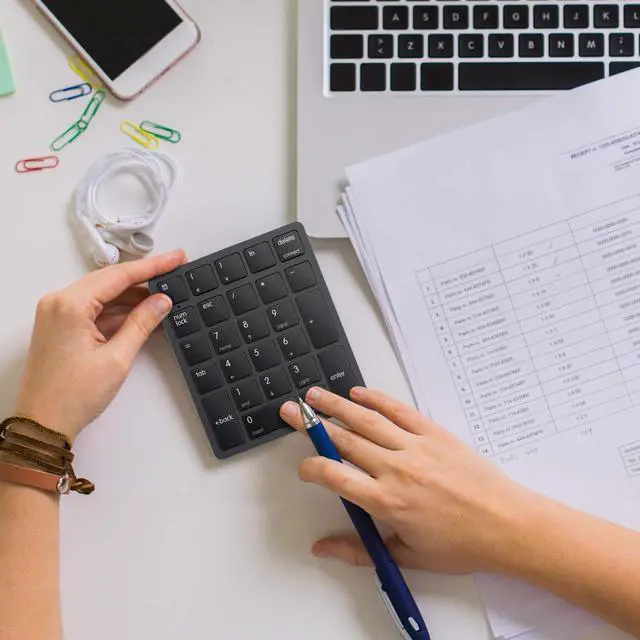
Havit numpad provides a comfortable and smooth typing experience. Keep the office quiet and improve work efficiency.

Have it, have fun.
Since 1998.
HAVIT has been engaged in electronic technology field for over 20 years, adhering to the attitude of "being responsible for every product" and striving on satisfy our users with high-quality products for the pleasure of technology.

Does it work with macbook or Windows PC/ laptop?
To use this number pad, your device must have Bluetooth. It is fully compatible with Windows PC/ laptop, but it is not compatible with macbook.
Is it Bluetooth only? Or Can you connect this to your computer with the provided usb?
Yes, it's Bluetooth only. The USB cable is only for charging it, it's a Bluetooth numpad not wired.
How to pair it with Bluetooth device?
Firstly, push the power switch to On, then press and hold "Bluetooth Pairing Button" for 3s to enter pairing mode, pair your device with Havit smart26 numpad named "Wireless Numeric Keypad" and they are connected.
Is this numeric keypad programmable?
No, this Bluetooth num pad is not programmable. It's plug and play, no driver is needed.
Does this number pad have a backlight?
No, this wireless numpad comes with no backlit.


Blue light is off, you can use the function keys such as HOME, but the num keys is unavailable.
Blue light is on, you could use the number key
There are four non-slip pads on the back of the numeric keypad to prevent it from sliding during use.
With lithium battery, the numpad can be charged by USB-A to USB-C cable (Provided). It can be used for 1-2 months with one charge.
Havit numpad provides a comfortable and smooth typing experience. Keep the office quiet and improve work efficiency.
Have it, have fun.
Since 1998.
HAVIT has been engaged in electronic technology field for over 20 years, adhering to the attitude of "being responsible for every product" and striving on satisfy our users with high-quality products for the pleasure of technology.


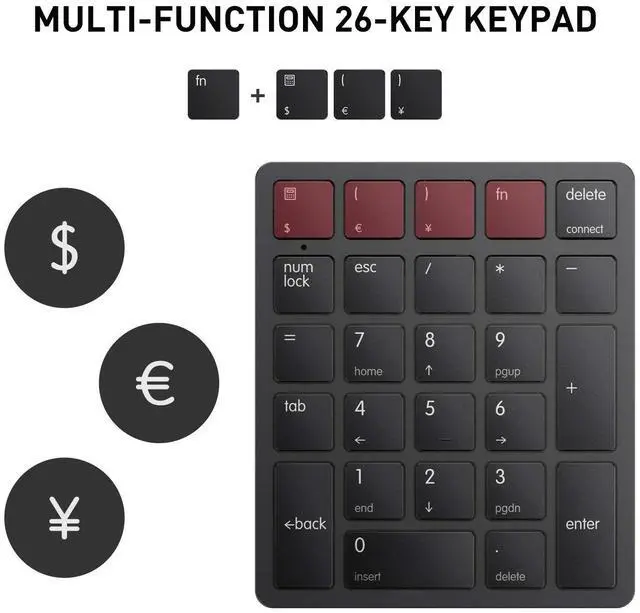
The numeric keypad is made of ABS material, it can provide comfortable touch and precise control, good resilience, quick response and reduced pressing sound. Number pad with function keys Press the Num lock key Blue light is on, you could use the function keys such as HOME and Pgup, but the number keys such as 1,2,3 is unavailable. Blue light is off, you could use the number key Number Pad There are four pads on the back of the numeric keypad to prevent it from sliding during use. With large lithium battery, the numpad could be charged by USB-A to USB-C cable (Provided). It can be used for 1-2 months with one charge. The switch is near charging port,Please turn on the switch before use.
| Brand | havit |
| Compatible Devices | Laptop, PC, Tablet |
| Connectivity Technology | Bluetooth |
| Keyboard Description | Numeric |
| Recommended Uses For Product | Education, Everyday Use, office |
| Special Feature | Ergonomic, Non Slip, Portable, Ultra slim |
| Color | Black |
| Keyboard backlighting color support | Single Color |
| Style | Modern |
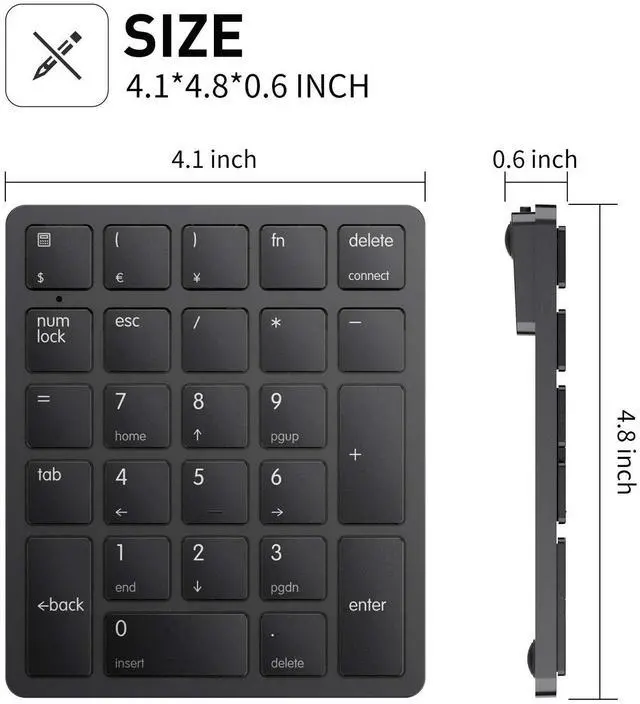
| Product Dimensions | 4.1"L x 4.8"W x 0.6"H |
| Item Weight | 5.6 ounces |
| Manufacturer | havit |
| Item model number | smart26 |
| Batteries | 1 Lithium Ion batteries required. (included) |
| Date First Available | November 20, 2020 |


