• $28.62
  • Free 30-day Returns
  • Ships from China.
    Sold by Piower Links

    Shipped by Piower Links

    Price alert
    Shop it at NeweggBusiness.

    Meet Your Seller

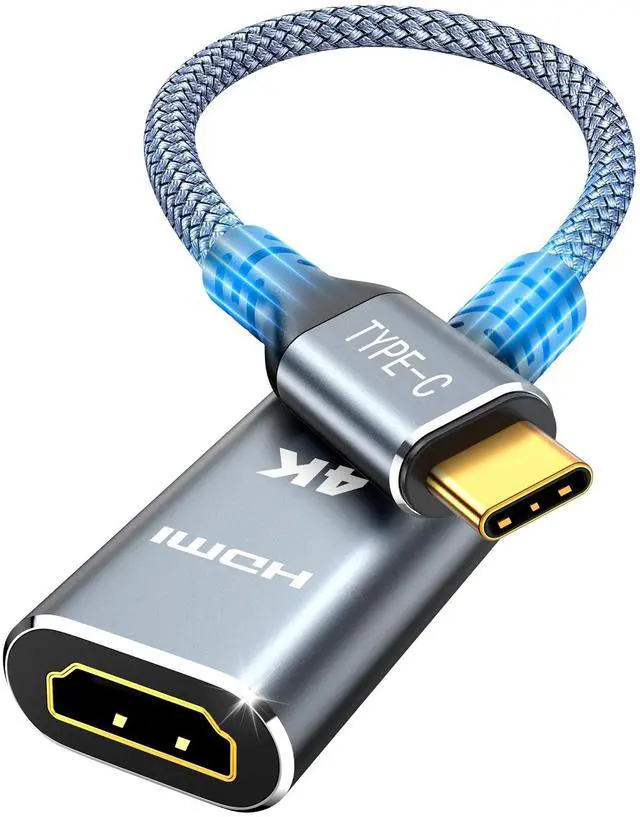
    Highwings USB C to HDMI Adapter (4K@60Hz), USB Type C to HDMI Cable Adapter | Thunderbolt 5/4/3 Support, High-Speed USBC Male to HDMI Female Braided Compatible for MacBook Neo, iPhone 18/17 Pro/Max

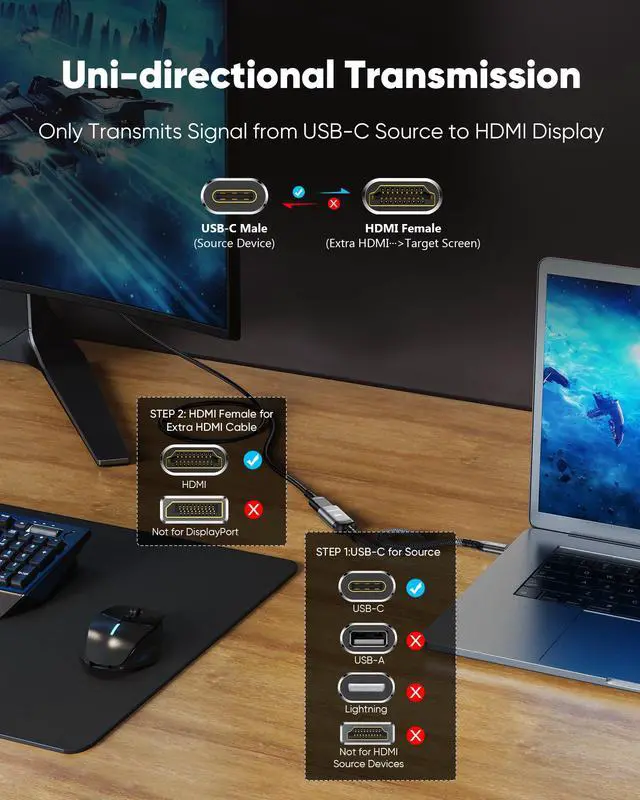
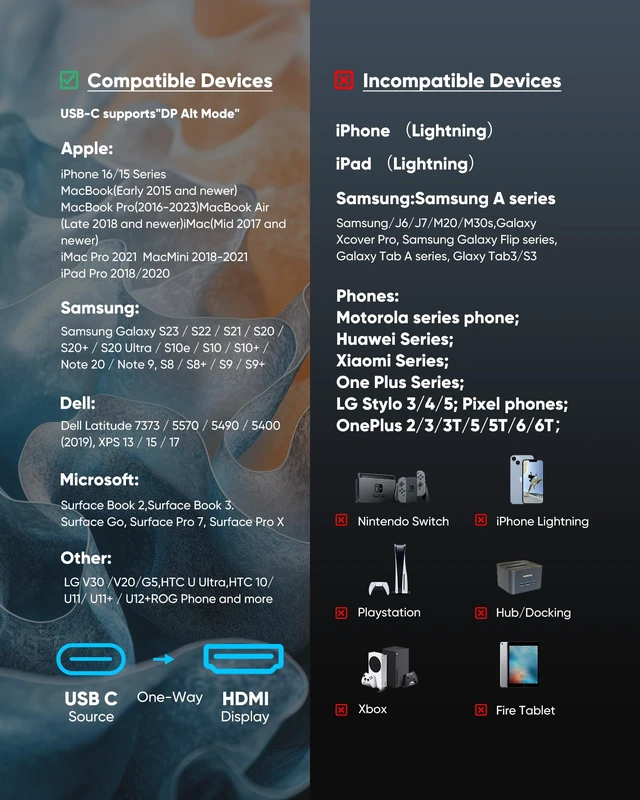
    • CHECK YOUR DEVICE FIRST( USB-C MALE TO HDMI FEMALE): This adapter works with USB Type C ports that support DP Alt Mode. Want to be sure before you buy? Check your device specs - not every USB-C port sends video.
    • ONE-WAY VIDEO & AUDIO OUTPUT: This adapter sends video and audio from your USB-C device to an HDMI display. It does not support charging, and it is not designed for HDMI-to-USB-C direction.
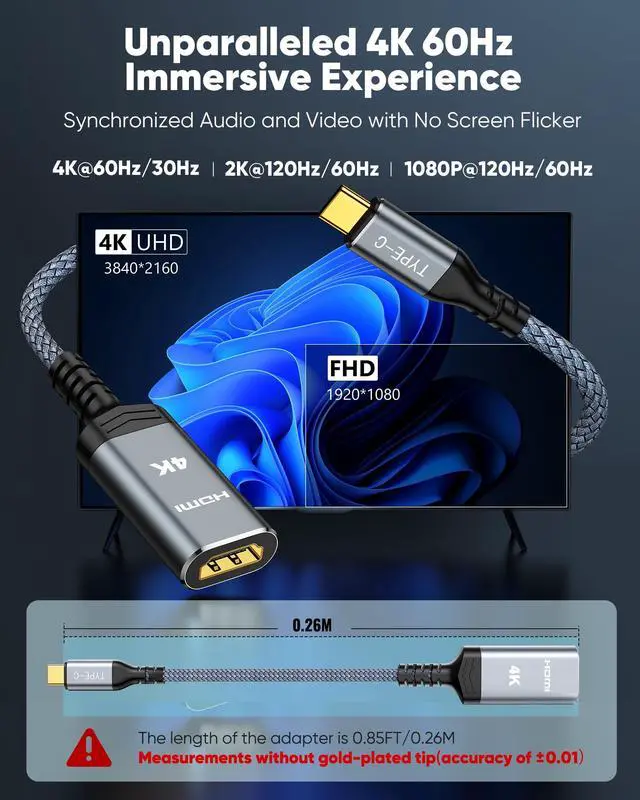
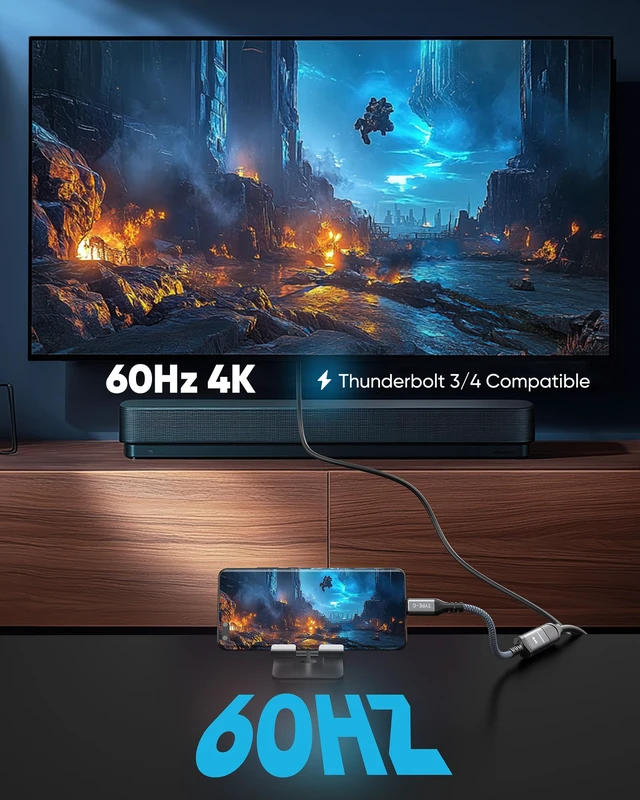
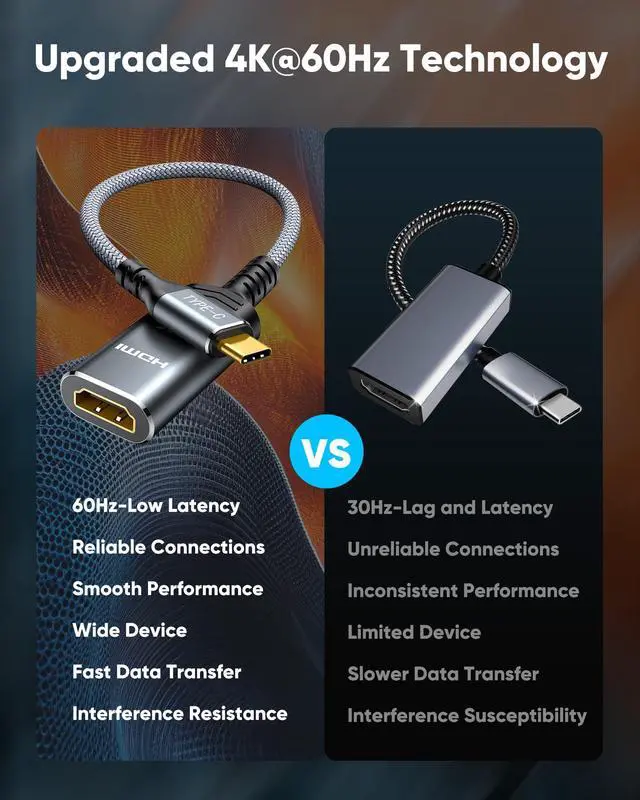
    • 4K@60Hz USB-C TO HDMI ADAPTER CABLE: Get clear 4K picture at 60Hz from a compatible USB-C laptop or tablet. It also works with older HDMI 1.4, 1.3 and 1.2 screens.
    • PLUG AND PLAY, NO SETUP: Turn your USB-C port into an HDMI port with no drivers and no installation. What you see depends on your device and your screen.
    • EXTEND YOUR REACH: Going from USB-C male to HDMI female lets you keep using the HDMI cable you already have, and place your laptop or phone where you want it.
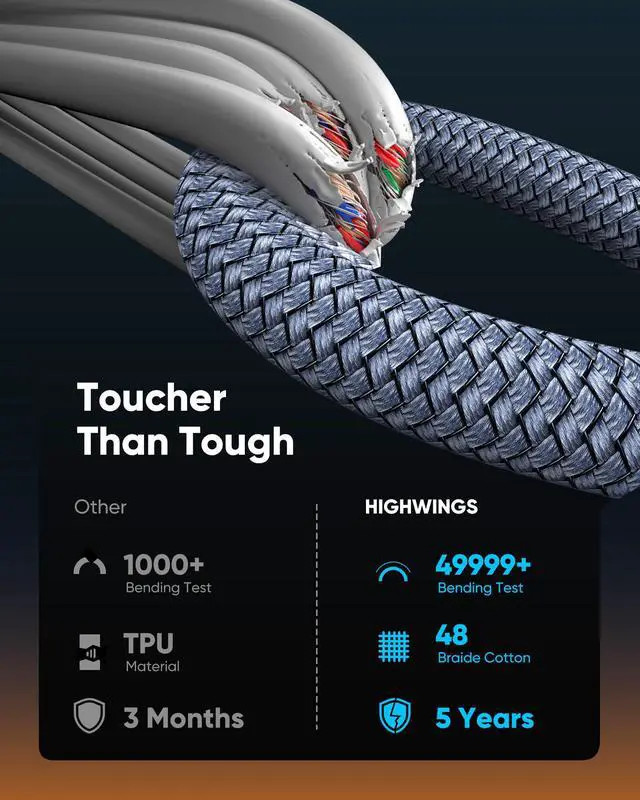
    • BUILT TO LAST: SR flexible strain relief, 24K gold-plated connectors and braided nylon jacket are designed for frequent plug-in use and long-term reliability.
    • USE NOTES: Use a High Speed HDMI cable within 4.5m (15ft) for stable 4K output. The chip may become warm during high-resolution transmission - this is normal.
    • 24-MONTH WARRANTY: Highwings covers this adapter for 24 months. Any questions about how to use it? Contact us and our team will help you sort it out.
    +
    +
    Overview
    Specs
    Reviews

    Any questions? Ask CelesteSM will help you find out quickly.

    USB-C to HDMI Adapter provides a cost-effective and easy solution for connecting a desktop, laptop, or other devices with USB-C port to a HDMIdisplay such as monitor, projector or TV. Connect the USB-C male end of the converter to the USB-C port of your laptop or computer, and connect the HDMI female end to your HDMI cable from the display.

    Warranty & Returns

    Warranty, Returns, And Additional Information

    Warranty

    • Please contact the Seller directly for warranty information. Warranty information may also be found on the Manufacturer's website.
    • CONTACT

    Return Policies

    Manufacturer Contact Info

    LOADING...