

Your Browsing History
- Free 30-day Returns
$31.11


Meet Your Seller


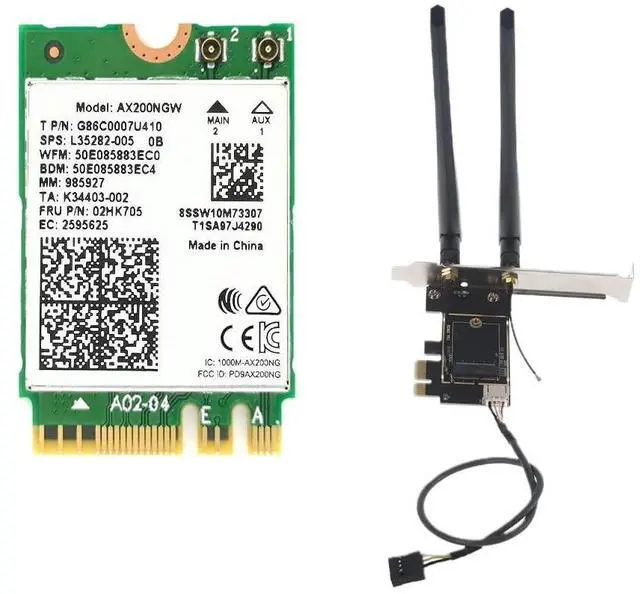
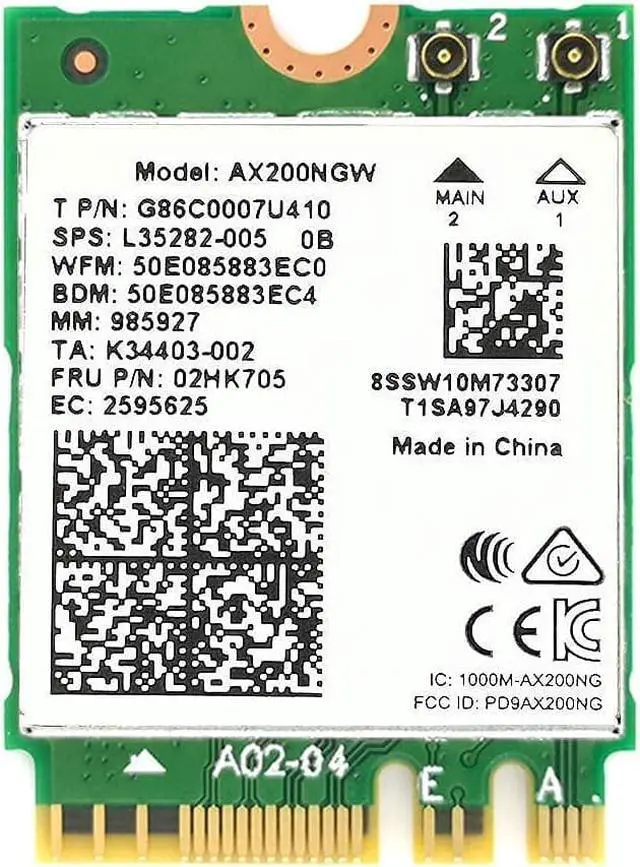

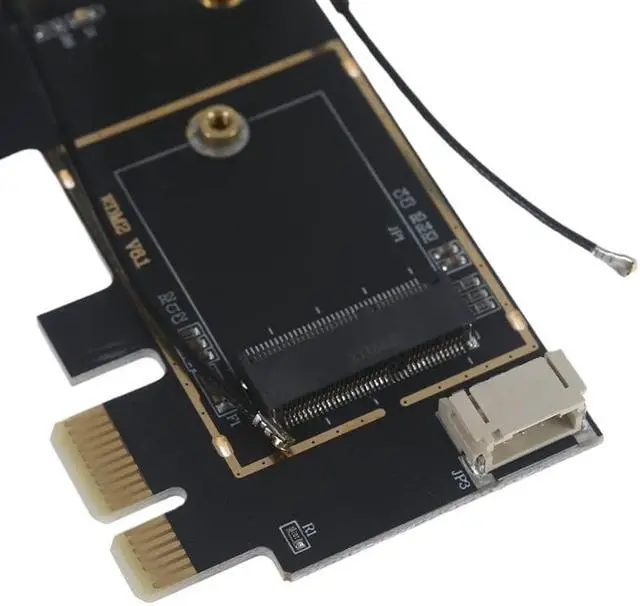
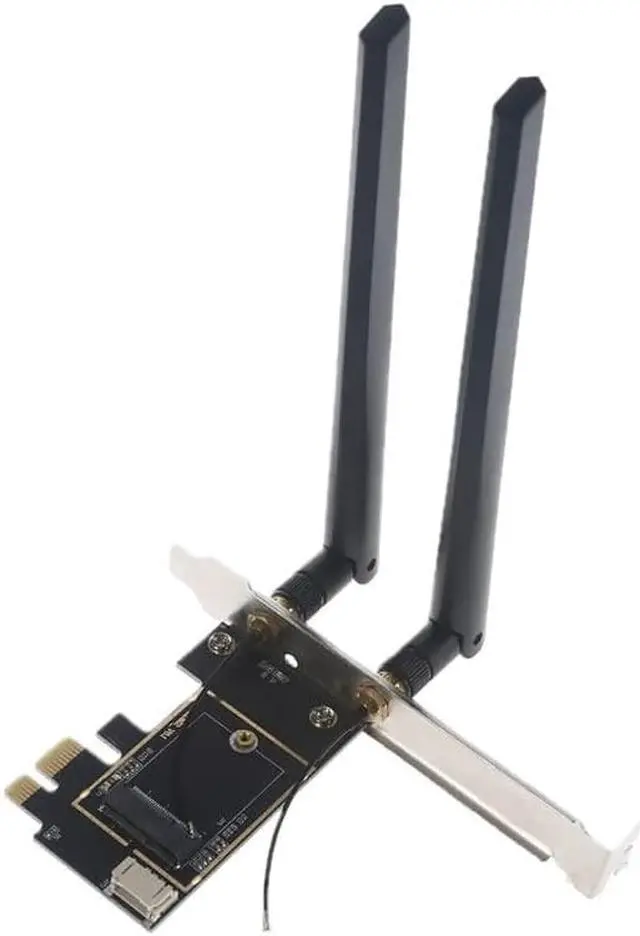


Desktop Wireless Network M.2 WiFi Card to PCIe 1X Adapter Converter with Bluetooth-compatible Cable
- M.2 WiFi Card to PCIe 1X Adapter Converter Card with Bluetooth-compatible Cable and Antennas
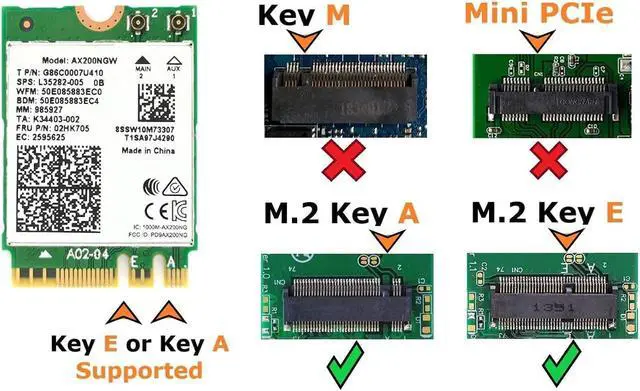
- Supports NGFF M.2 WiFi Cards Key A+E or Key E
- Desktop Connection: PCIe x1, x4, x8, x16
+
+
Overview
Specs
Reviews

Any questions? Our AI mode will help you find out quickly.
Try me now
Note: the WiFi card itself is sold separately!
Specifications & Compatibility Requirements:
- System: Intel-based, motherboard must have available internal USB Pin connector
- Operating System: Windows 10, Windows 11, Linux
- Desktop Connection: PCIe x1, x4, x8, x16
- Supports NGFF M.2 WiFi Cards Key A+E or Key E
Installation:
- Gently insert your WiFi card into the provided Adapter. Secure with the provided screw.
- Gently attach the provided antenna connectors to your network card---be gentle! The connectors generally pop right on!
- Turn off your system's power, open the back cover, and locate an available PCIe x1, x4, x8, or x16 slot
- Install into an available PCIe x1, x4, x8, or x16 slotIf the bracket is not the right size, swap with the other provided bracket
- Screw the provided antennas to the exterior of the card (they should be outside your PC)
- ***Test your new Wifi Card by powering on your system***
- Then, reattach your systems back cover and enjoy your upgraded WiFi!
NOTE: the Wireless Network Card is sold separately. This is a WiFi card connector-converter for Desktop PCs
Package Contents:
(1) Set of antennas & wires
(1) PCIe Adapter Card
(1) Set of Low Profile & Standard Desktop Brackets
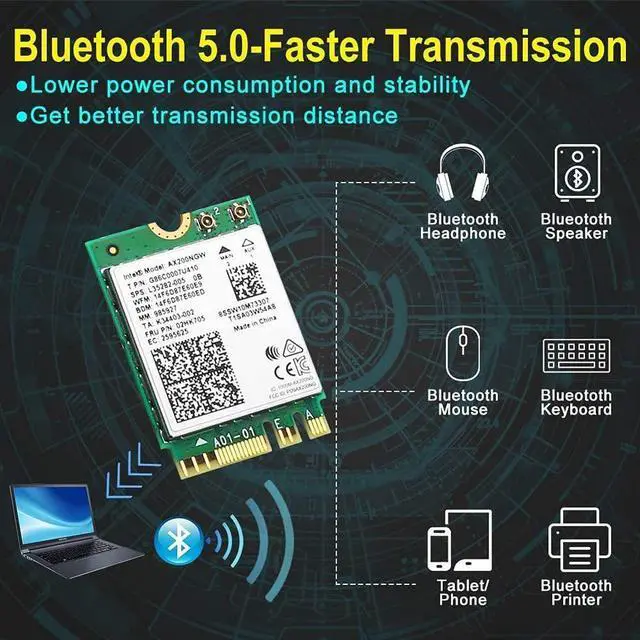
(1) Bluetooth cable (requires open USB pin set on motherboard)
Need assistance on compatibility? Check out our website's support articles for additional information!
Warranty & Returns
Warranty, Returns, And Additional Information
Warranty
- Please contact the Seller directly for warranty information. Warranty information may also be found on the Manufacturer's website.
- CONTACT
Return Policies
- Return for refund within: 30 days
- Return for replacement within: 30 days
- This item is covered by HighZer0 Electronics Return Policy
Manufacturer Contact Info
- For a directory of all our manufacturers, please click below.
- Manufacturers Directory
LOADING...