


• $13.99
  • Free 30-day Returns
  • Ships from China.
    Price alert
    Shop it at NeweggBusiness.

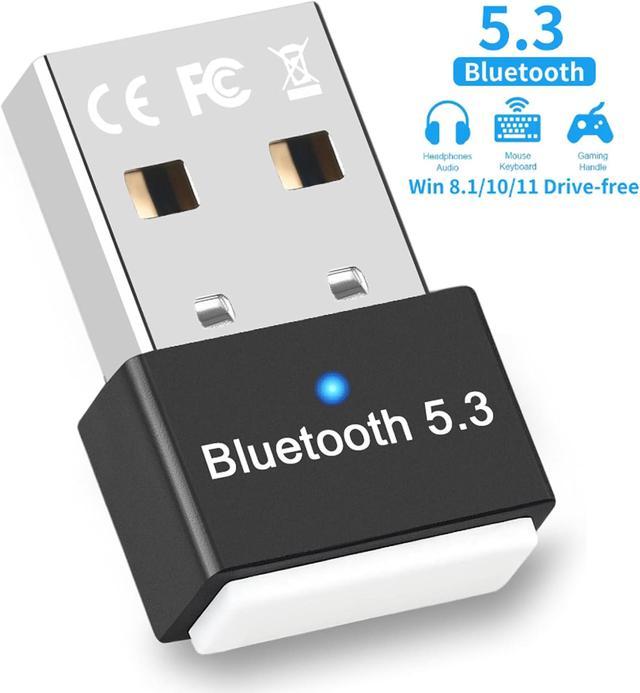
    USB Bluetooth 5.3 Adapter for PC, Supports Windows 11/10/8.1 (Plug & Play), Mini 5.3+ EDR Bluetooth Dongle Receiver &Transmitter, 5.3 Bluetooth USB Adaper for PC, Laptop,Keyboard,Mouse,Headsets

    Limited time offer, ends 01/10 By Smart Life Marketplace

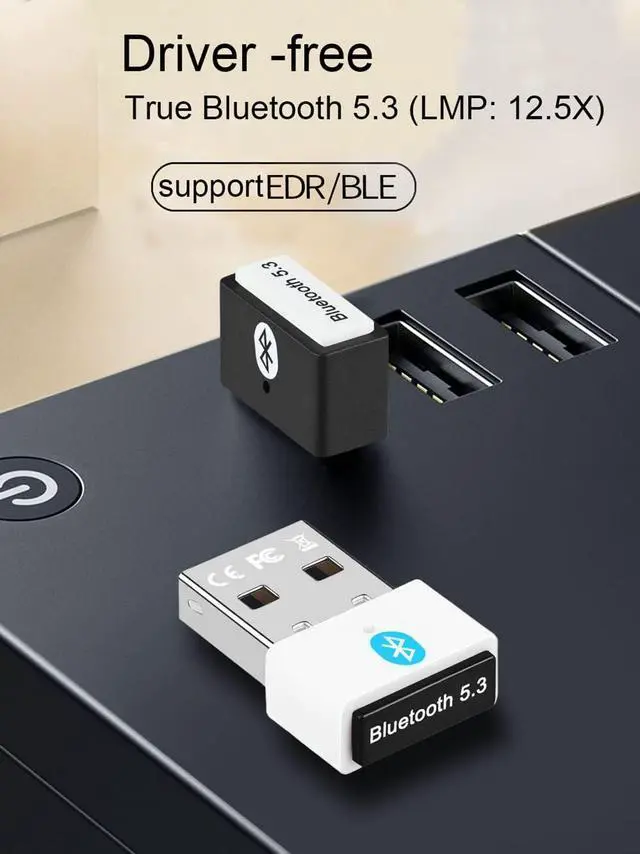
    • Bluetooth 5.3 dongle: with the latest Bluetooth 5.3 + EDR, a faster data rate (3 Mbps) and a lower power consumption; backward compatible with Bluetooth 5.0/4.2/4.1/4.0/2.1/2.0 dual-mode Bluetooth transmission, reduction of interference in the 2.4 GHz band.
    • For Windows 11, 10, and 8.1, it's usually a plug-and-play experience --no drivers needed. While Windows 7 might sometimes require manual driver installation. ((not with Mac OS, Linux, UNRAG system, car stereo systems, Xbox, PS4 or TVS).
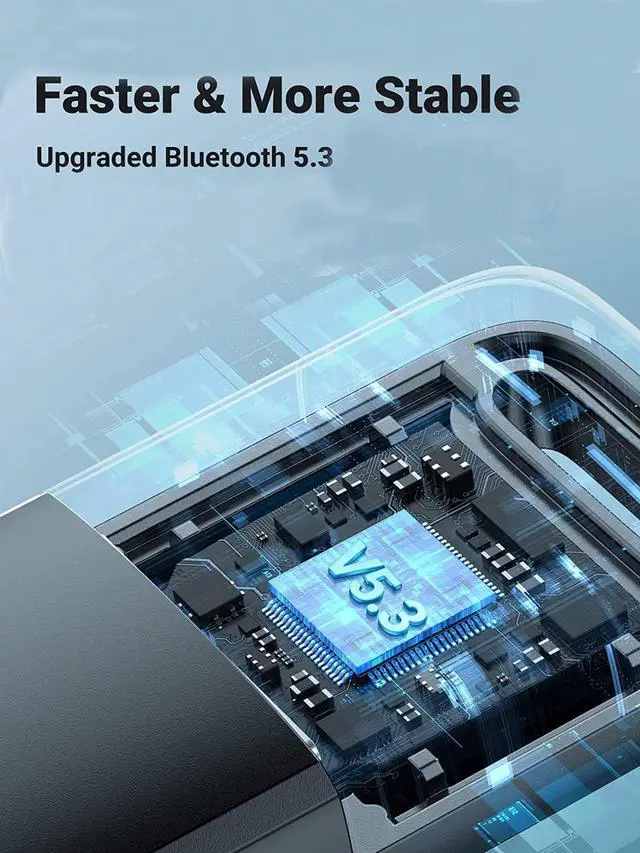
    • Powered by Taiwan's Realtek 5.3 chip, in full compliance with Bluetooth 5.3 specifications, offering dual-mode low-power transmission.
    • Experience extended transmission distances: Reach up to 10-20 meters with an ultra-long, unobstructed signal range.
    • Embrace ultra-low latency for lightning-fast connections, coupled with intelligent sleep and wake functions for energy efficiency. Benefit from 24-bit CRC for interference resistance and adaptive frequency hopping to minimize interference.
    +
    +
    Overview
    Specs
    Reviews
    avatar

    Any questions? Our AI beta will help you find out quickly.

    Elevate Connectivity: The New Bluetooth 5.3 Adapter - Fast, Stable, Seamless
    The Bluetooth 5.3 adapter features a high-performance chip from Realtek that supports dual-mode Blue

    The Bluetooth 5.3 adapter features a high-performance chip from Realtek that supports dual-mode Bluetooth. 

    It enables faster data transmission at 3Mbps with lower latency and power consumption. 

    This improves response times and reduces issues like latency or stuttering caused by interference.

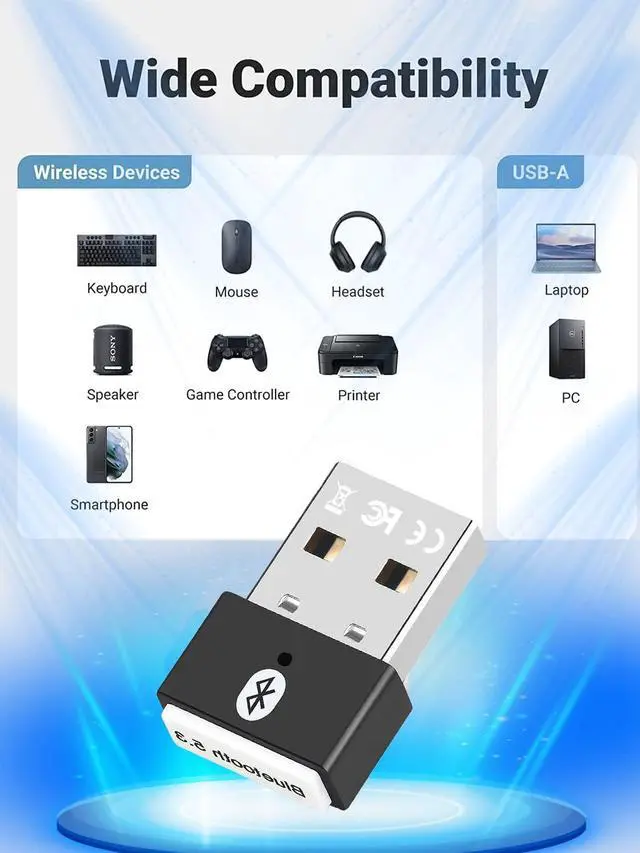
    Multiple device types can connect simultaneously via Bluetooth

    Multiple device types can connect simultaneously via Bluetooth
    Multiple device types can connect simultaneously via Bluetooth
    Compatible with popular operating systems including Windows 7, 8.1, 10, and 11

    Compatible with popular operating systems including Windows 7, 8.1, 10, and 11. 

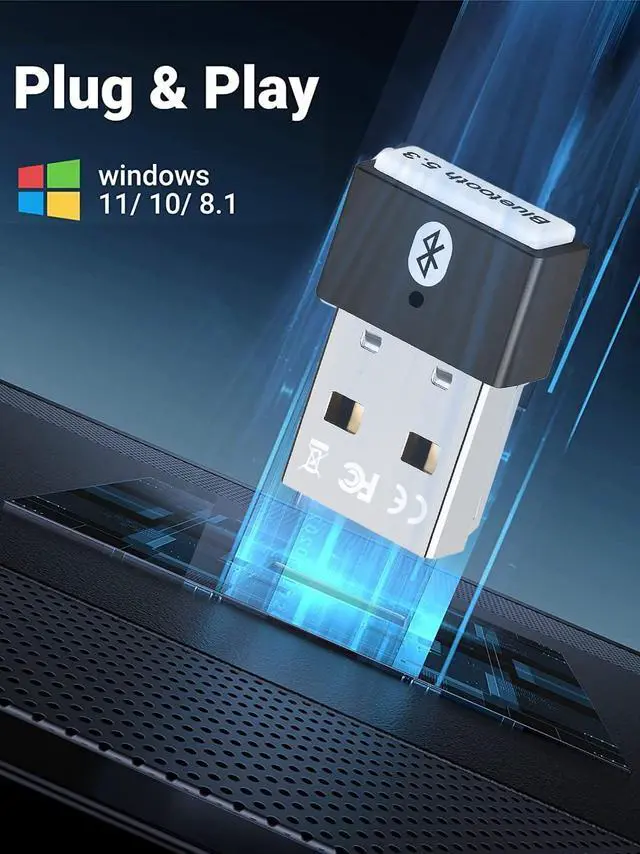
    No driver installation needed for Windows 8.1, 10, and 11. 

    For Windows 7 and XP drivers may be needed, drivers can be downloaded from the included CD or web URL: dropbox(dot)com/s/3ktdqbq7egr50ee/Rtl5.3%20Driver.zip?dl=0

    Wireless earphones equipped with Bluetooth technology.

    Wireless earphones equipped with Bluetooth technology.

    A wireless keyboard that employs Bluetooth technology.

    A wireless keyboard that employs Bluetooth technology.

    A wireless mouse that utilizes Bluetooth technology.

    A wireless mouse that utilizes Bluetooth technology.

    A portable speaker with Bluetooth connectivity.

    A portable speaker with Bluetooth connectivity.
    via Bluetooth

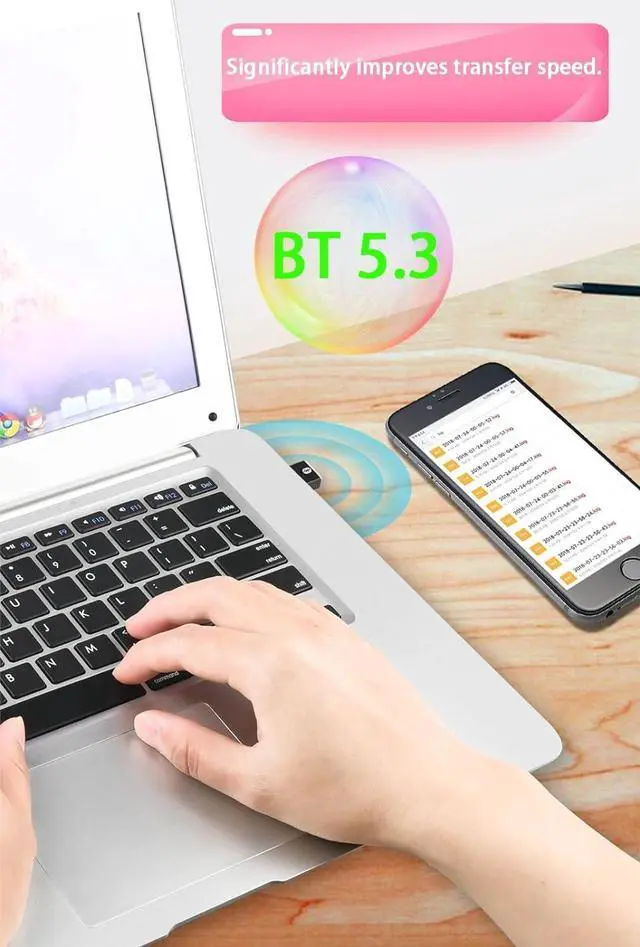
    Plug adapter into your computer and connect your smartphone or tablet for seamless file transfer

    via Bluetooth
    aa
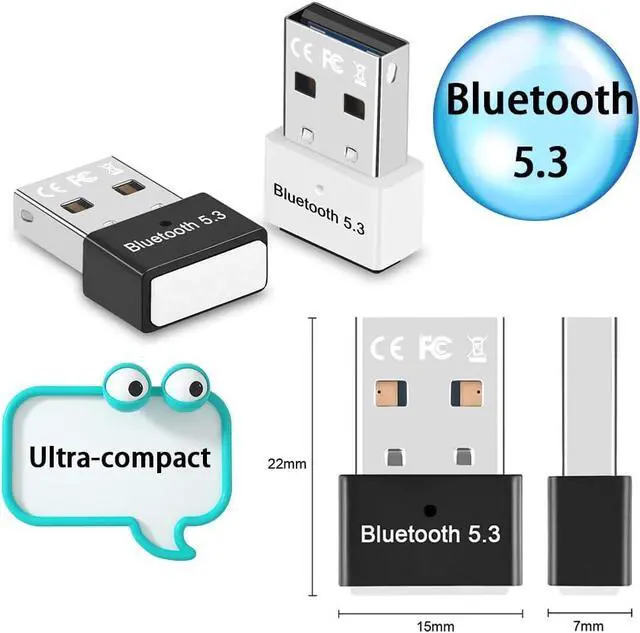
    size

    Q & A: 

    Q1: What systems does the  5.3 Bluetooth adapter support? Is driver installation required for its use?

    A1: The Bluetooth adapter supports Windows 7, 8.1, 10, and 11. It's plug-and-play for Windows 11, 10, and 8.1, but Windows 7 may need driver installation. Please take note that Driver URL:dropbox(dot)com/s/3ktdqbq7egr50ee/Rtl5.3%20Driver.zip?dl=0


    Q2: If your computer already has built-in Bluetooth functionality, can you still use the Bluetooth adapter?

    A2: Yes. The 5.3 Bluetooth adapter solves the problem of computers without Bluetooth or with outdated Bluetooth versions. If your computer already has Bluetooth, you need to disable the built-in Bluetooth, then insert the Bluetooth adapter


    Q3: If your computer has additional built-in Bluetooth, disable them before using the 5.3 Bluetooth adapter.Steps :

    A3: Follow steps:(1)Open the Device Manager on your computer.(2) Locate the Bluetooth section.(3) Disable any other Bluetooth devices listed.(4)Once the other Bluetooth functionalities are disabled, you can proceed to use the 5.3 Bluetooth adapter.


    Q4: Why does the adapter not display the Bluetooth icon when plugged into the computer?

    A4: Ensure Bluetooth is enabled on computer.1.Insert Bluetooth adapter. 2. Open computer menu, find "Bluetooth and other devices," enable Bluetooth, go to "Additional Bluetooth settings," check option to show Bluetooth icon in notification area.


    Q5: Is it possible for the adapter to support multiple devices at the same time?

    A5: The USB Bluetooth adapter can support up to different types of devices simultaneously. However, it is unable to connect two devices of the same function at once, such as two Bluetooth speakers.

    The latest Bluetooth 5.3
    *With advanced Bluetooth 5.3 technologies, your USB audio transmitter is backwards compatible with Bluetooth / 5.2 / 5.0 / 4.2 / 4.0 / 3.0 and can allow your devices to achieve more stable wireless transmission.

    This is a high quality aptX/AAC/SBC USB Bluetooth audio transmitter with Bluetooth 5.3. It supports audio devices (Bluetooth headphones/headset/earphones).
    Note: You cannot use multiple audio devices at the same time. The audio device connection is only one to one connection.

    Plug and play for Windows 11, 10 and 8.1
    For Windows 11, 10 and 8.1, simply plug the Bluetooth dongle into the computer to enjoy a fast and convenient Bluetooth connection (make sure your computer is connected to the Internet).

    Warranty & Returns

    Warranty, Returns, And Additional Information

    Warranty

    • Please contact the Seller directly for warranty information. Warranty information may also be found on the Manufacturer's website.
    • CONTACT

    Return Policies

    Manufacturer Contact Info

    LOADING...