


Out of stock
This item is currently out of stock and it may or may not be restocked.
Most customers receive within 4-9 days.
Shop it at NeweggBusiness.

Meet Your Seller

Honeycomb Aeronautical Bravo Throttle Quadrant

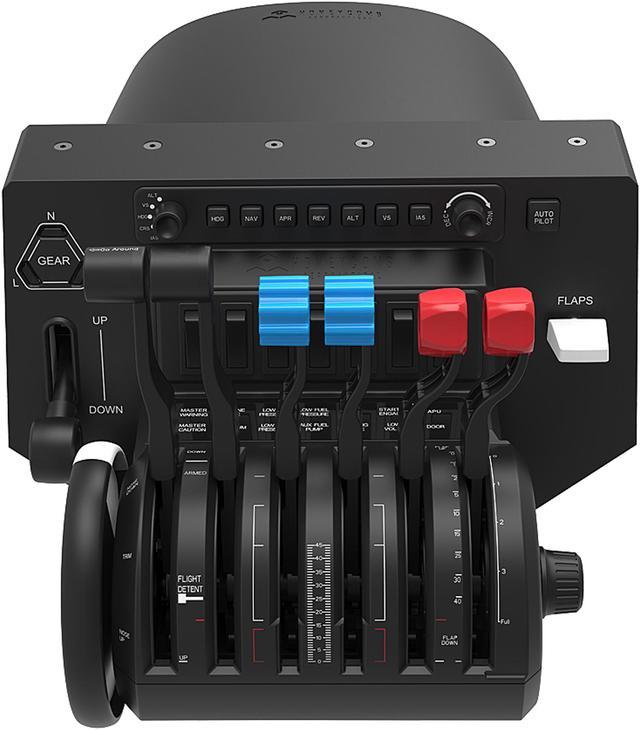
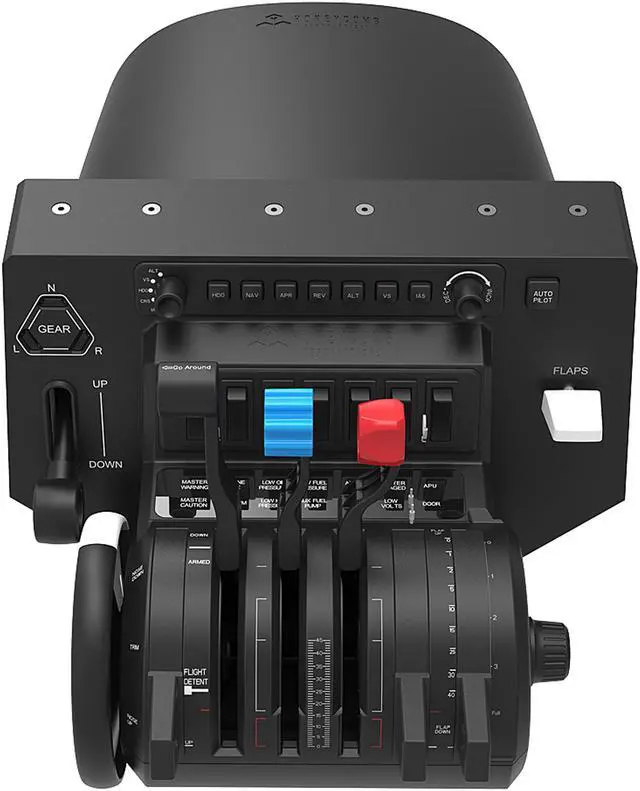
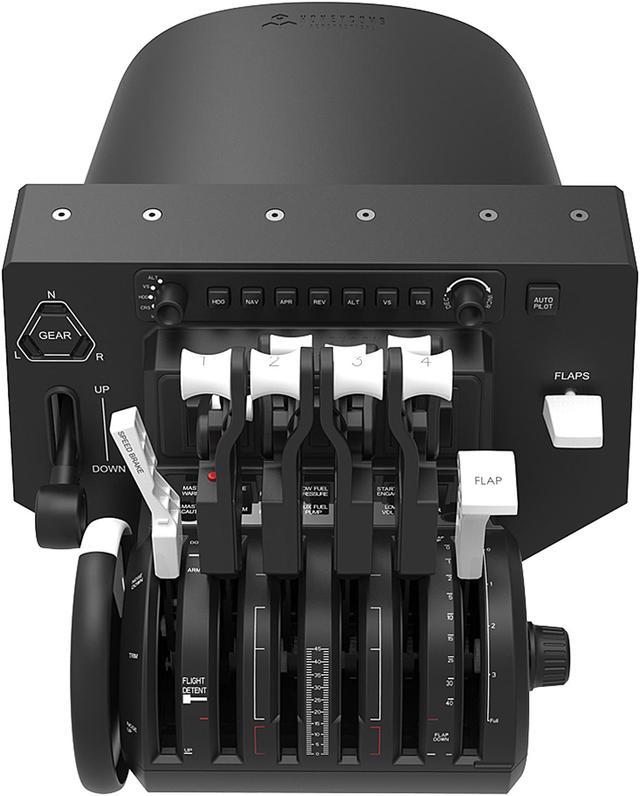
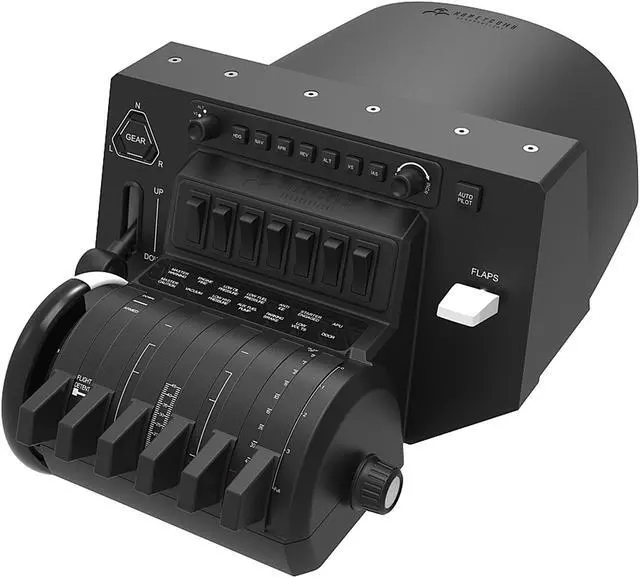
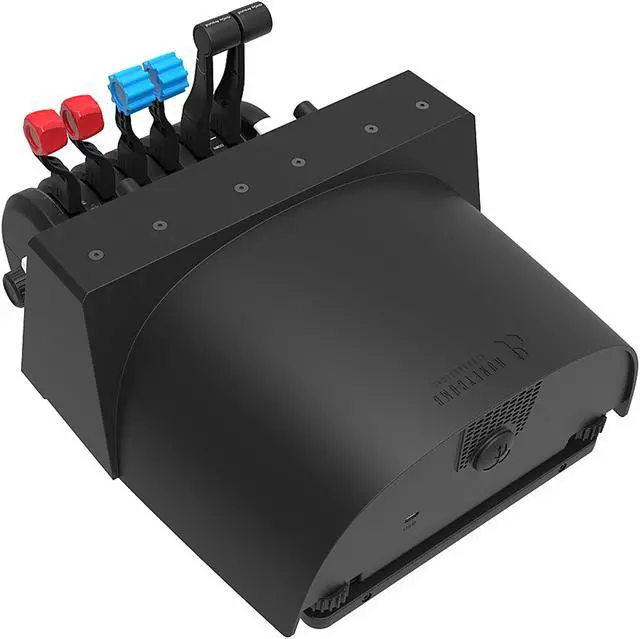
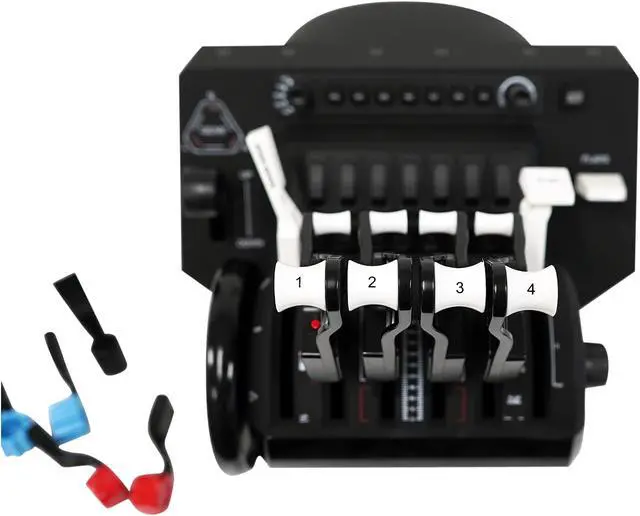
  • The Honeycomb Bravo Throttle Quadrant is an all-in-one cockpit system featuring a configurable throttle setup, from single-engine general aviation to four-engine commercial aircraft
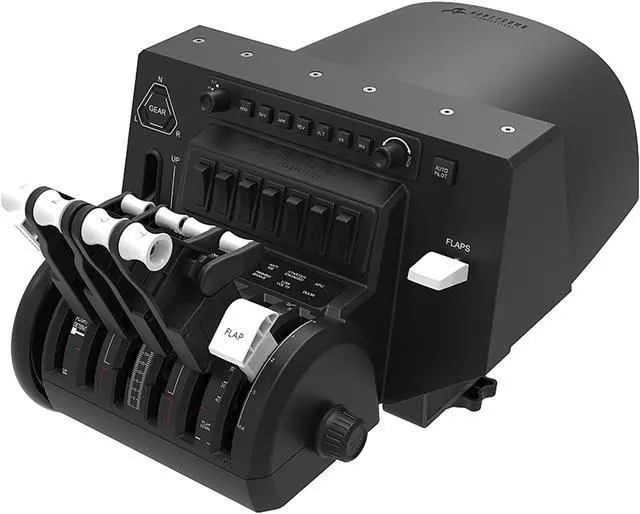
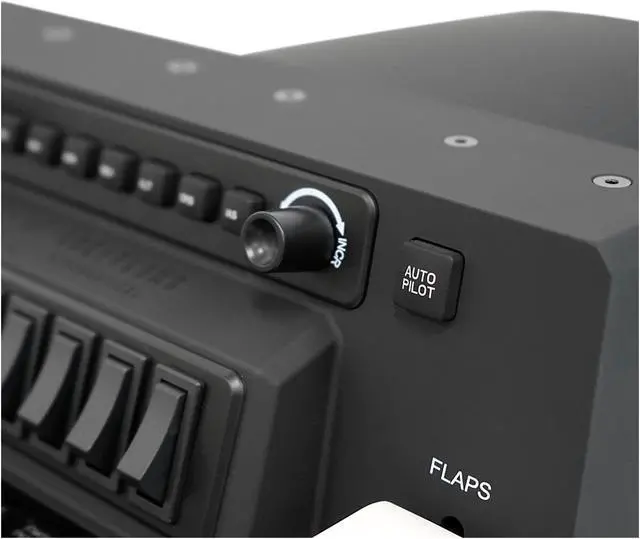
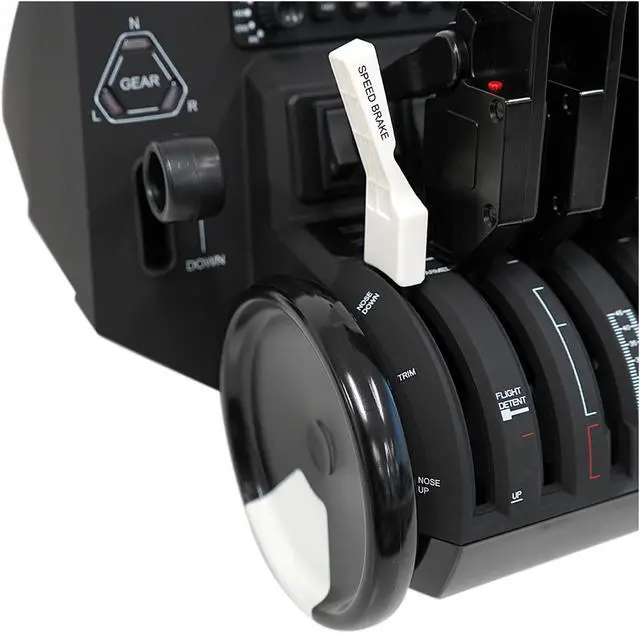
  • Features multiple cockpit components including autopilot, annunciator panel, gear and flap lever as well as a trim wheel
  • The Honeycomb Bravo Throttle Quadrant is designed to ensure the most versatile flight simulation experience possible
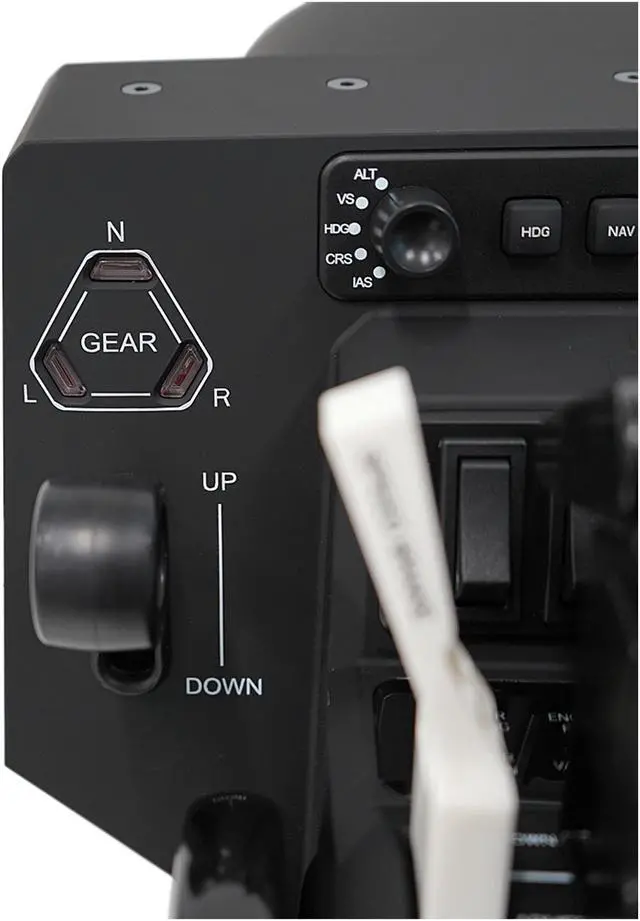
  • Gear lever with red/green LED landing gear indicator lights
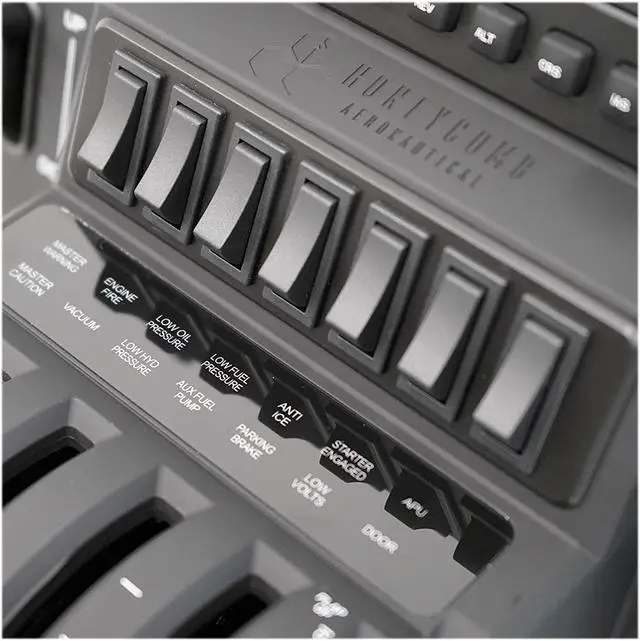
  • Annunciator Panel: Annunciator panel with 7 two-way programmable switches and 14 warning lights
Overview
Specs
Reviews (29)
See all Q & A
avatar

Any questions? Our AI mode will help you find out quickly.

BRAVO THROTTLE QUADRANT

BRAVO THROTTLE QUADRANT

The Honeycomb Bravo Throttle Quadrant is an all-in-one cockpit system featuring a configurable throttle setup, from single-engine general aviation to four-engine commercial aircraft. It features multiple cockpit components including autopilot, annunciator panel, gear &flap lever as well as a trim wheel. The Honeycomb Bravo Throttle Quadrant was designed to ensure the most versatile flight simulation experience possible.

Product Features:

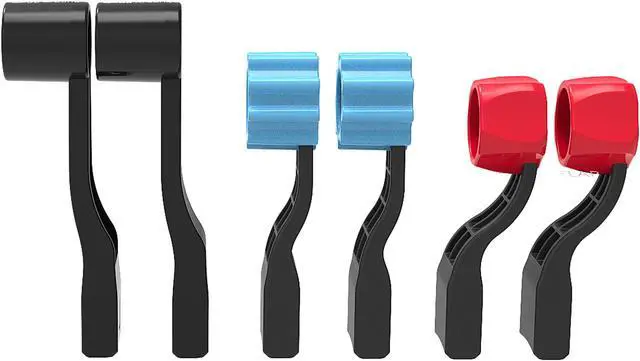
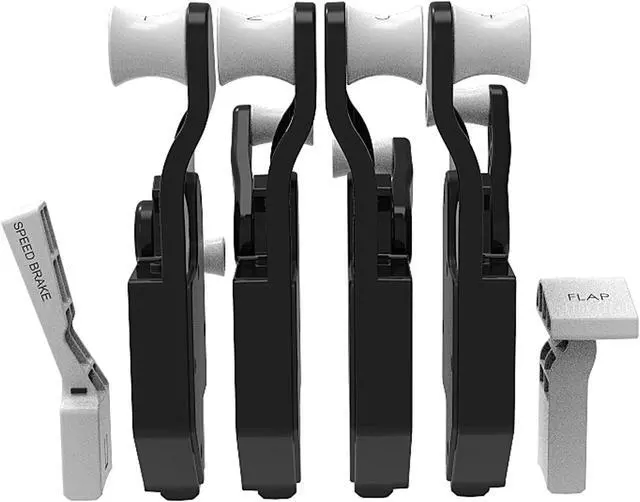
  • 6 Commercial Levers with flaps, spoilers, and functional thrust reversers
  • 6 General Aviation Levers with Functional TOGA (Go Around) Button for multiple aircraft configurations
  • Annunciator Panel with 7 two-way programmable switches and 14 Warning Lights
  • General Aviation Flap Lever
  • Auto Pilot with backlit buttons
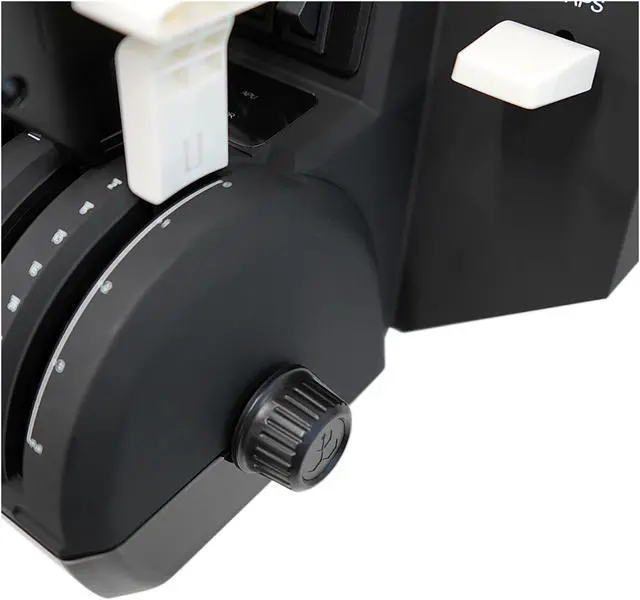
  • Adjustable Lever Tension
  • Gear Lever with Red/Green LED landing gear indicator lights
  • Trim Wheel

System Compatibility: PC, MAC

Connectivity: USB-C to USB (Cable included)

Software Compatibility:

X-Plane 11, Prepar3D, Microsoft Flight Simulator

Warranty & Returns

Warranty, Returns, And Additional Information

Warranty

  • Please contact the Seller directly for warranty information. Warranty information may also be found on the Manufacturer's website.
  • Read full details
  • CONTACT

Return Policies

Manufacturer Contact Info

LOADING...
LOADING...