



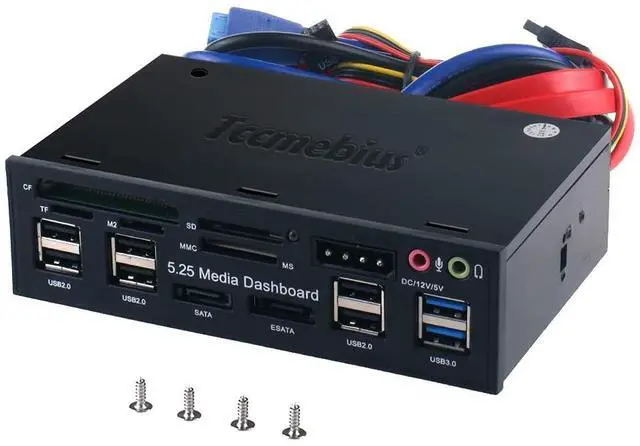
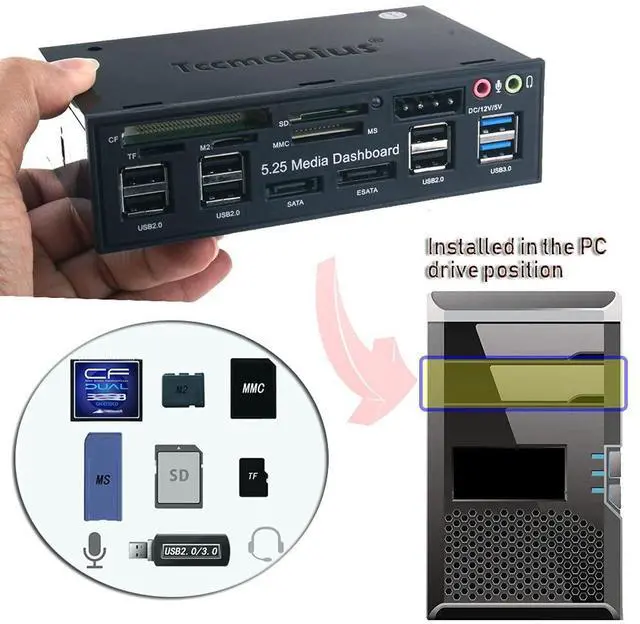
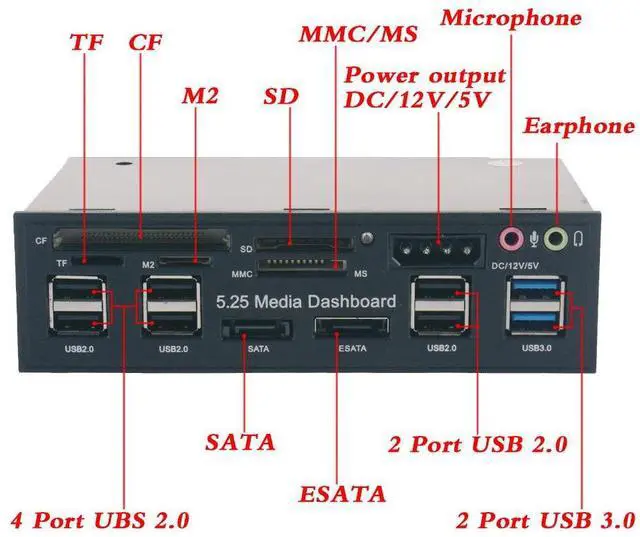
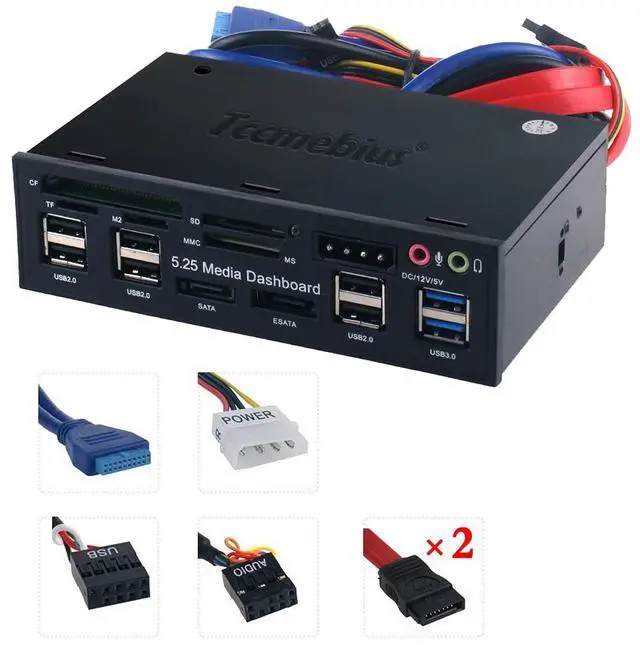
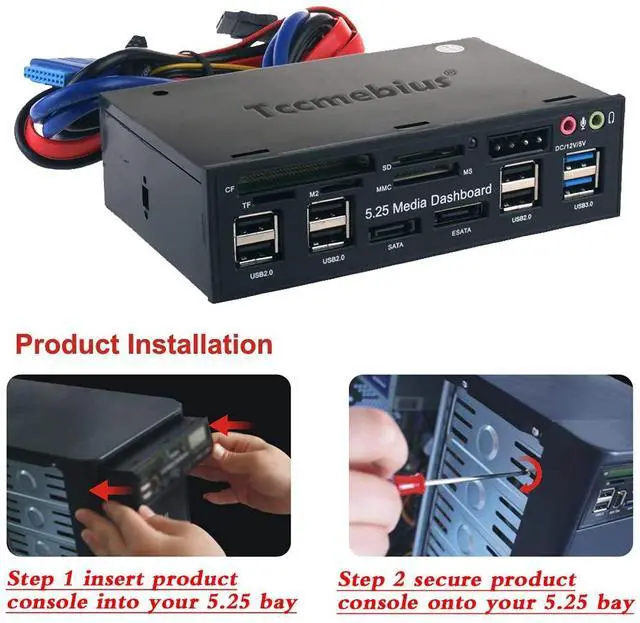
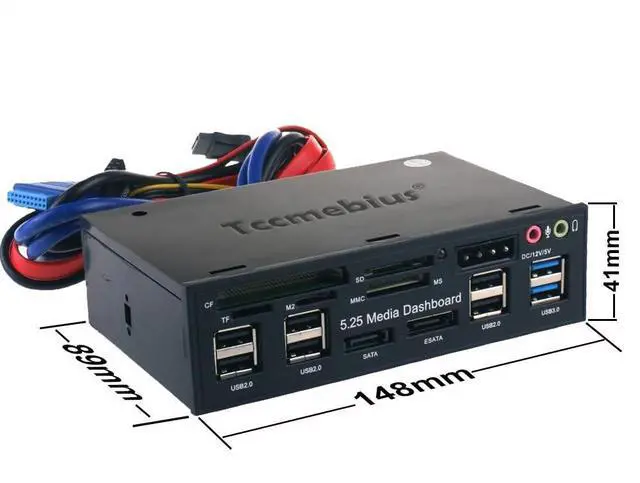


The TCC-QL5E front panel's materials and accessories are all equipped with high-quality material. And the cables can also be clean and beautiful in the computer box. It has build-in USB 3.0 Port, e-SATA, SATA port, 4 pin IDE Power port or DC 12V, Audio, Multi Card Reader, which can command your needs. And it will make your desktop computer show multi-function, high performance, and fashion.
Operating System: Window98/Me/2000/XP/Vista, Win7/ 8 / 8.1 / 10 / 11, Mac9.X/10.X/Linux.

Function:
- 2 USB 3.0 Hub(Host), transfer speed up to 5.0Gbps,downward is compatible with USB2.0 and USB1.1.
- 6 USB 2.0 Hub, transfer speed up to 480Mbps.
- e-SATA port, the transfer speed up to 3.0Gbps.
- SATA Port, the transfer speed up to 1.5Gbps.
- Audio ports: front speakers and microphone. It solves the inconvenience of the plug behind your chassis.
- Note: After the product is normally connected to the computer motherboard, only the audio port on the panel can work normally. If there are other audio ports on the computer, they will stop working.
- All-in-one Card Reader: Support SD / MMC / CF / MS / TF / M2, At the same time Card reader can only read one memory card.
- Supply Port:4Pin Power Interface, 12V/5V output.
NOTE:
- 1. When the computer can not shut down, unplug the 4-pin power cord connected to the computer, can be resolved. Because some computer motherboards in the shutdown will also appear after the return of the phenomenon, leading to not immediately shut down.
- 2. 4pin power connector is to pay attention to the direction of connection, otherwise it will cause a short circuit, the product map has the correct link method.

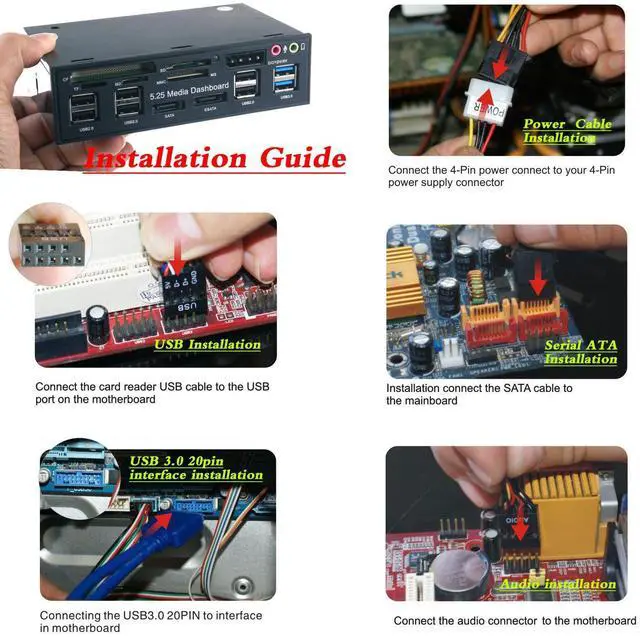
Installation Guide (First check whether the product is in good condition and whether the accessories are complete.)

Step1: Insert product console into your 5.25 bay.

Step2: Secure product console onto your 5.25 bay.

Step3: Connect the 4Pin power connect to your 4-Pin power supply connector.

Step4: Connect the card reader USB cable to the USB port on the motherboard.

Step5: Installation connect the SATA cable to the mainboard.

Step6: Connecting the USB3.0 20PIN to interface in motherboard.

Step7: Connect the audio connector to the motherboard.

Packages:
- 1 x TCC-525E 5.25 Inch PC Multifunctional Dashboard Media Front Panel
- 1 x User Manual
- 4 x Screws
- Weight:405g
- Package Size:168x158x47mm
 TCC-S862 |  TCC-S865 |  TCC-T307U |  TCC-T310U |  TCC-T324U |  TCC-T324C | |
|---|---|---|---|---|---|---|
| Customer Reviews | — | — | — | — | — | — |
| Price | — | — | — | — | — | — |
| USB 2.0 | ? | Backward compatibility | Backward compatibility | Backward compatibility | Backward compatibility | Backward compatibility |
| USB 3.0 | NO | ? | ? | ? | Backward compatibility | NO |
| USB C | NO | NO | ? | ? | USB C 3.2 | USB C 3.2 |
| TF/SD | ? | ? | NO | NO | NO | NO |


Tccmebius dedicated to crafting computer peripherals such, as HDD/SSD docking stations (Enclosure), USB Hub, Card reader, Ethernet adapter, etc.
Since our foundation in 2013, we have continuously learned, innovated, and always listened to the opinions of our customers. Tccmebius is committed to providing customers with high-quality products, friendly designs, and excellent services.
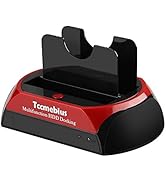
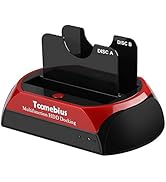
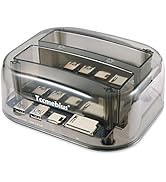
HDD DOCKING STATION
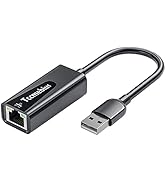
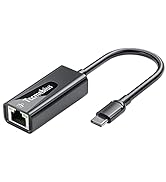
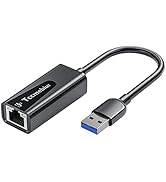
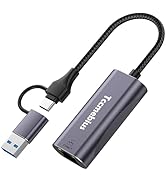
USB A/C Ethernet Adapter
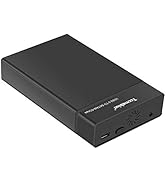
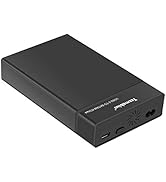
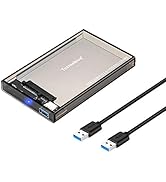
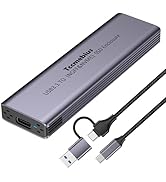
HDD / SSD ENCLOSURE
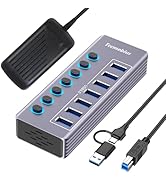
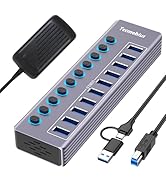
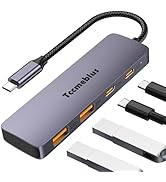
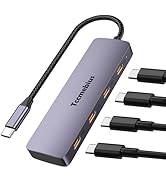
Multi-functional USB Hub
The TCC-QL5E front panel's materials and accessories are all equipped with high-quality material. And the cables can also be clean and beautiful in the computer box. It has build-in USB 3.0 Port, e-SATA, SATA port, 4 pin IDE Power port or DC 12V, Audio, Multi Card Reader, which can command your needs. And it will make your desktop computer show multi-function, high performance, and fashion.
Operating System: Window98/Me/2000/XP/Vista, Win7/ 8 / 8.1 / 10 / 11, Mac9.X/10.X/Linux.
Function:
- 2 USB 3.0 Hub(Host), transfer speed up to 5.0Gbps,downward is compatible with USB2.0 and USB1.1.
- 6 USB 2.0 Hub, transfer speed up to 480Mbps.
- e-SATA port, the transfer speed up to 3.0Gbps.
- SATA Port, the transfer speed up to 1.5Gbps.
- Audio ports: front speakers and microphone. It solves the inconvenience of the plug behind your chassis.
- Note: After the product is normally connected to the computer motherboard, only the audio port on the panel can work normally. If there are other audio ports on the computer, they will stop working.
- All-in-one Card Reader: Support SD / MMC / CF / MS / TF / M2, At the same time Card reader can only read one memory card.
- Supply Port:4Pin Power Interface, 12V/5V output.
NOTE:
- 1. When the computer can not shut down, unplug the 4-pin power cord connected to the computer, can be resolved. Because some computer motherboards in the shutdown will also appear after the return of the phenomenon, leading to not immediately shut down.
- 2. 4pin power connector is to pay attention to the direction of connection, otherwise it will cause a short circuit, the product map has the correct link method.
Installation Guide (First check whether the product is in good condition and whether the accessories are complete.)
Step1: Insert product console into your 5.25 bay.
Step2: Secure product console onto your 5.25 bay.
Step3: Connect the 4Pin power connect to your 4-Pin power supply connector.
Step4: Connect the card reader USB cable to the USB port on the motherboard.
Step5: Installation connect the SATA cable to the mainboard.
Step6: Connecting the USB3.0 20PIN to interface in motherboard.
Step7: Connect the audio connector to the motherboard.
Packages:
- 1 x TCC-525E 5.25 Inch PC Multifunctional Dashboard Media Front Panel
- 1 x User Manual
- 4 x Screws
- Weight:405g
- Package Size:168x158x47mm
TCC-S862 | TCC-S865 |  TCC-T307U | TCC-T310U | TCC-T324U | TCC-T324C | |
|---|---|---|---|---|---|---|
| Customer Reviews | — | — | — | — | — | — |
| Price | — | — | — | — | — | — |
| USB 2.0 | ? | Backward compatibility | Backward compatibility | Backward compatibility | Backward compatibility | Backward compatibility |
| USB 3.0 | NO | ? | ? | ? | Backward compatibility | NO |
| USB C | NO | NO | ? | ? | USB C 3.2 | USB C 3.2 |
| TF/SD | ? | ? | NO | NO | NO | NO |
Tccmebius dedicated to crafting computer peripherals such, as HDD/SSD docking stations (Enclosure), USB Hub, Card reader, Ethernet adapter, etc.
Since our foundation in 2013, we have continuously learned, innovated, and always listened to the opinions of our customers. Tccmebius is committed to providing customers with high-quality products, friendly designs, and excellent services.
HDD DOCKING STATION
USB A/C Ethernet Adapter
HDD / SSD ENCLOSURE
Multi-functional USB Hub