




 here!
here!
I’m your shopping assistant for PC builds, upgrades, and everything tech.
Got questions? Ask away!
Start a conversation
here!
I’m your shopping assistant for PC builds, upgrades, and everything tech.
Got questions? Ask away!
Start a conversation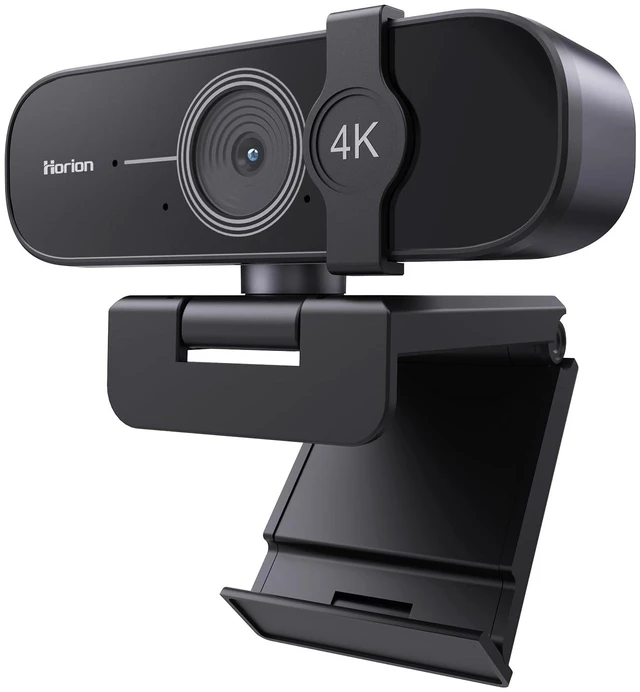




Any questions? Ask CelesteSM will help you find out quickly.
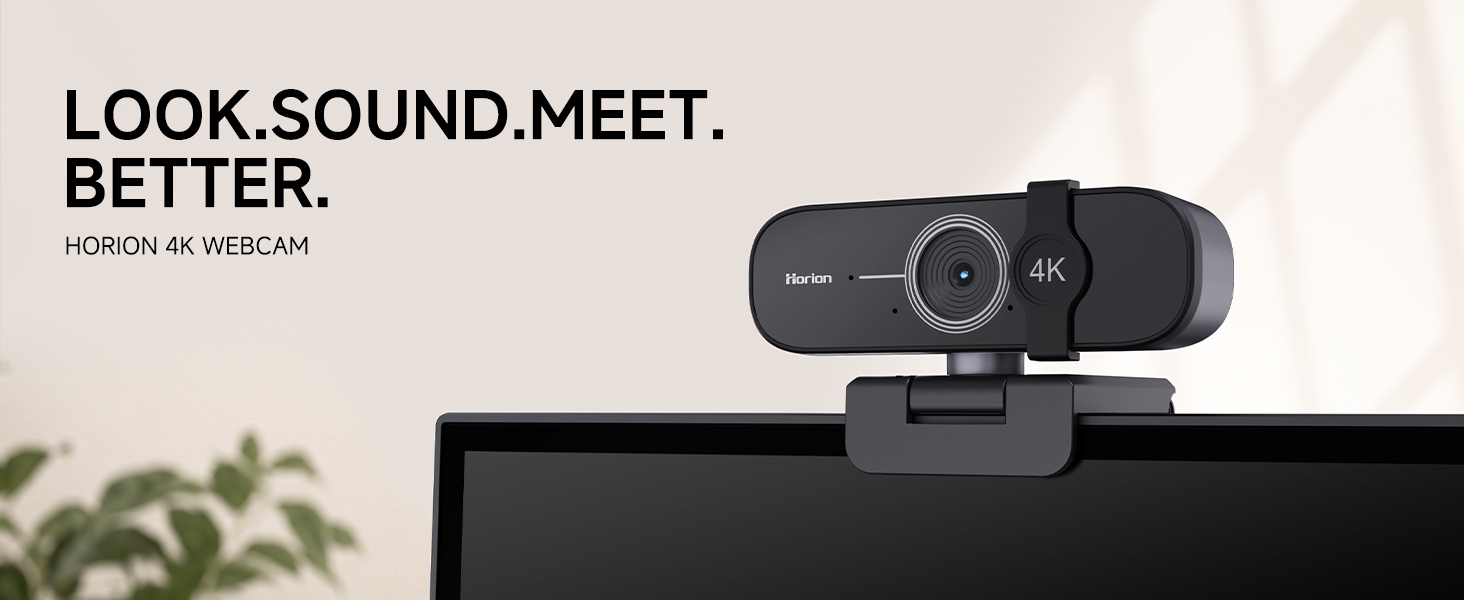
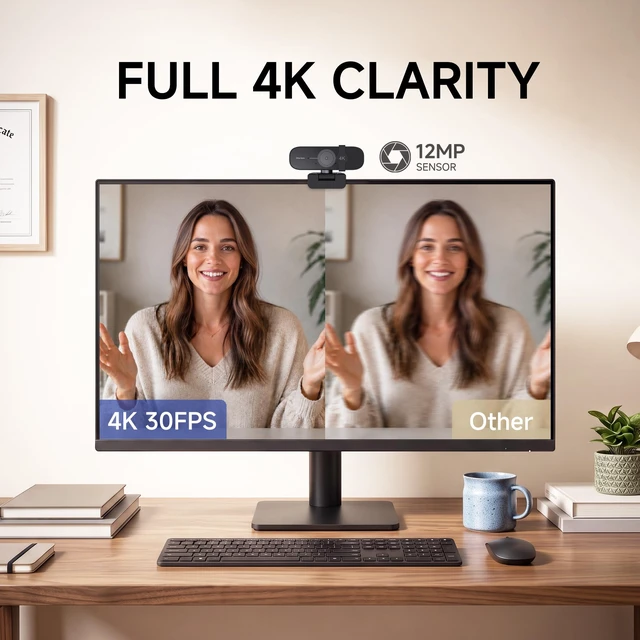
See every detail clearly with sharp 4K video for meetings, calls, and everyday conversations.
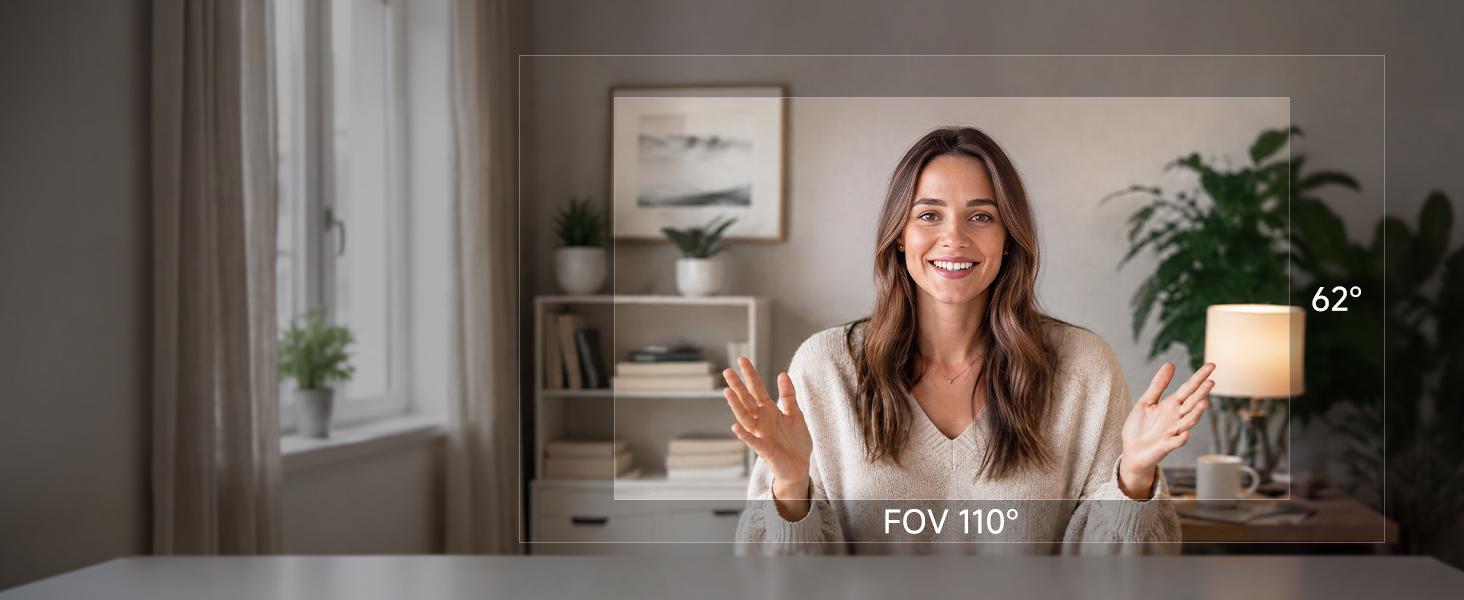
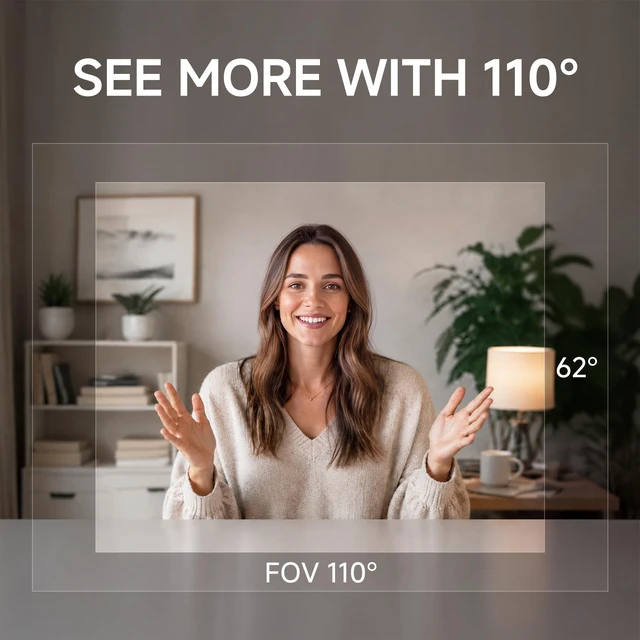
The 110° wide-angle view fits more into the frame, while auto white balance keeps colors natural.

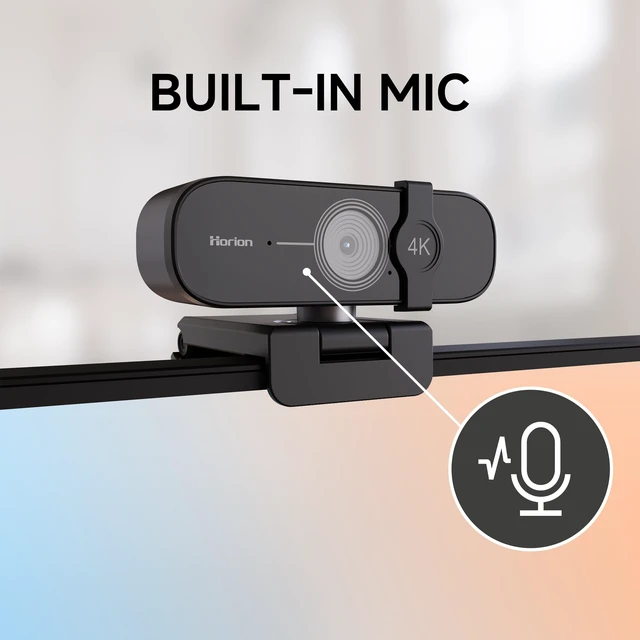
The built-in microphone picks up your voice clearly, so you can be heard in every video call.
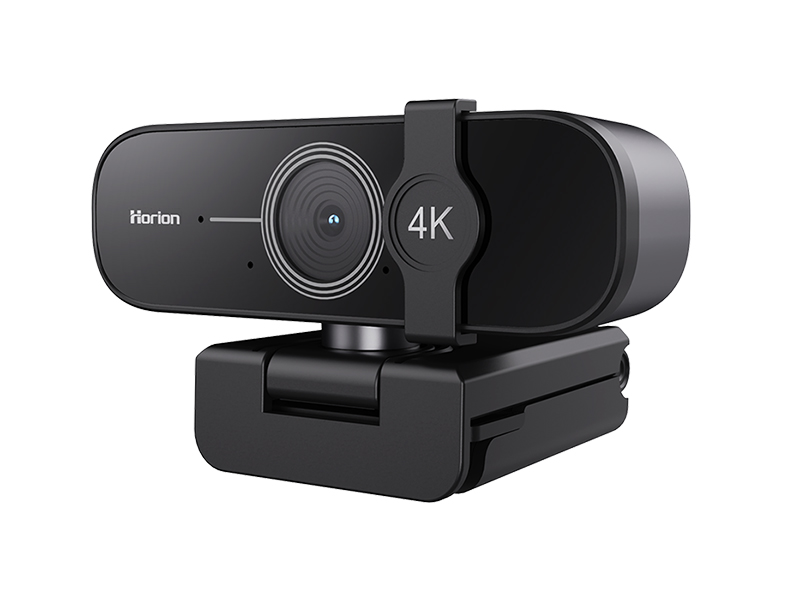
Compatible with major operating systems and popular video calling applications across different devices and platforms.
Works in UVC Plug-and-Play Mode with:
Windows 7, Windows 8.1, Windows 10 or later, macOS 10.10 or later, Linux systems with UVC support, and Android devices with a supported USB connection.
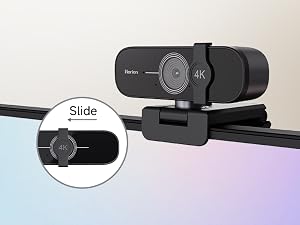
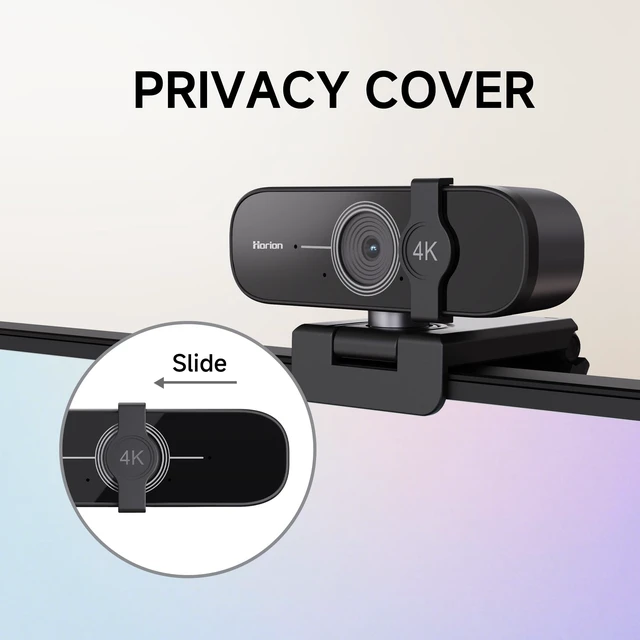
The sliding privacy cover blocks the lens when not in use, giving you privacy when you need it.
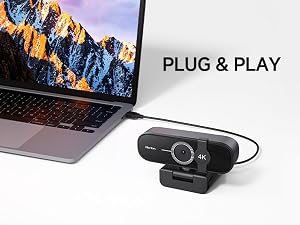
Simply connect to a USB port and start your video call—no extra drivers or setup needed.
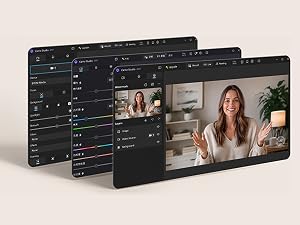
Fine-tune your video with Camo Studio using exposure, white balance, color, and framing.
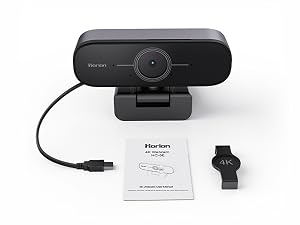
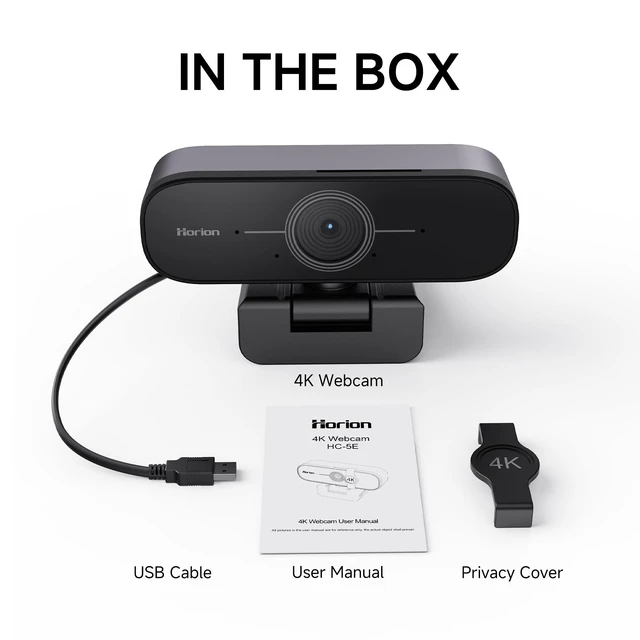
Get started right away with the webcam, privacy cover, and user manual included in the box.
Why do people look smaller on this webcam?
This webcam uses a 110° wide-angle view to show more of the room, so people may appear smaller in the frame. It’s ideal for group meetings and presentations.
Does this webcam support 4K video?
Yes. It supports up to 4K resolution for clear, detailed video during meetings, calls, and streaming.
Does this webcam support autofocus?
Yes. Autofocus helps keep you clear and sharp as you move during video calls and meetings.
Do I need to install a driver?
No. It supports UVC plug-and-play. Simply connect it to a compatible USB port and start using it.
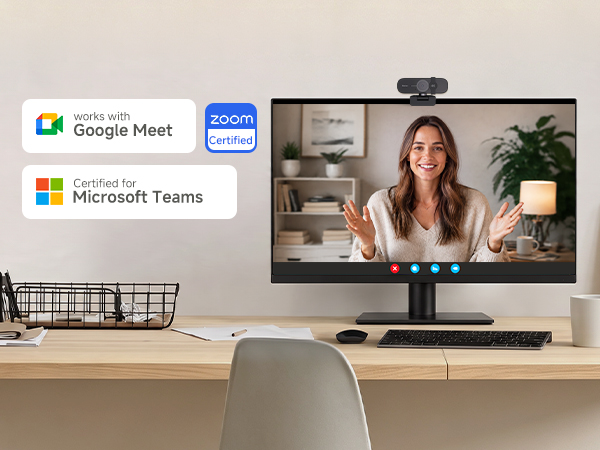
Does it work with Zoom, Microsoft Teams, and Google Meet?
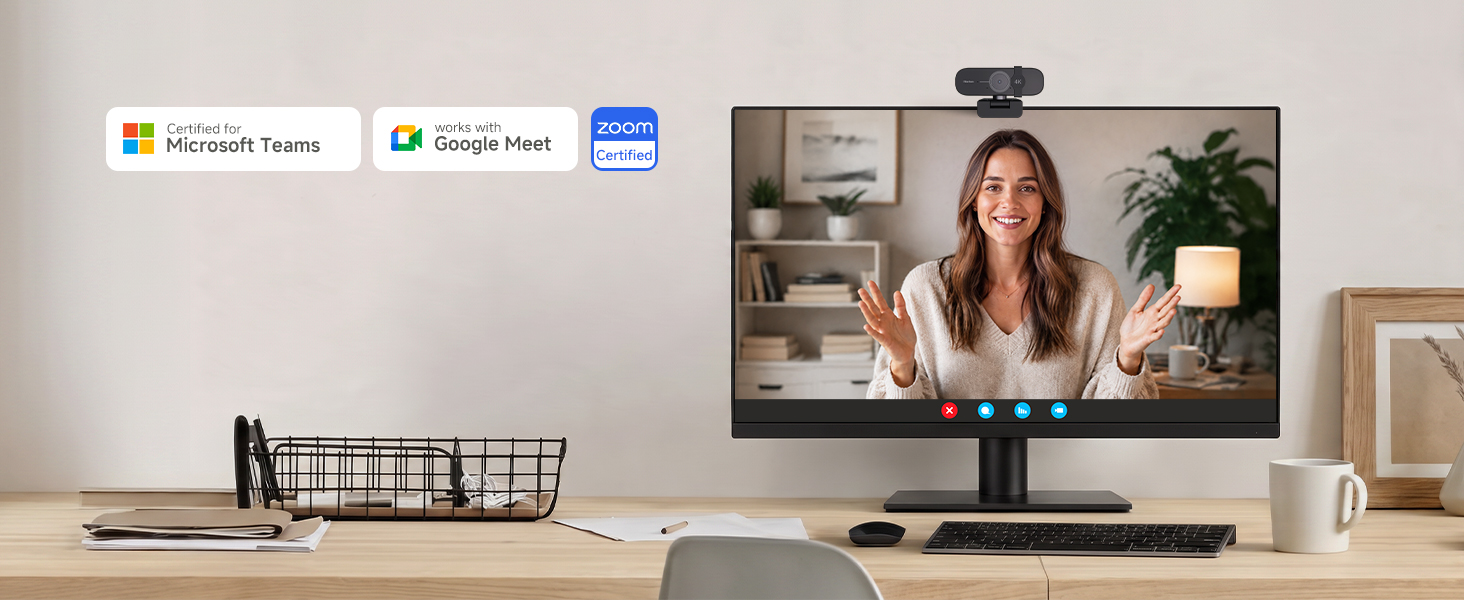
Yes. It works with popular video calling applications including Zoom, Microsoft Teams, Google Meet, and other compatible apps.
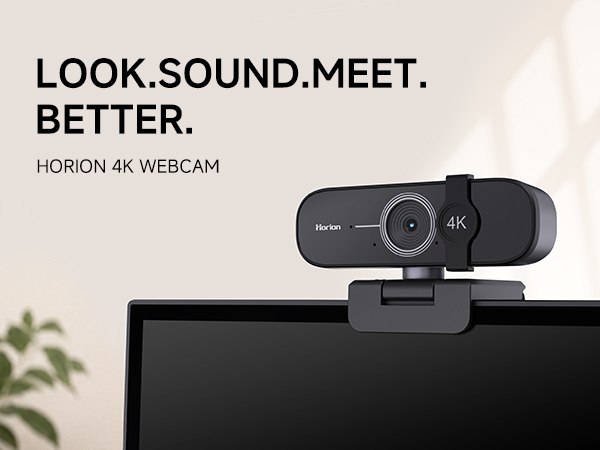
See every detail clearly with sharp 4K video for meetings, calls, and everyday conversations.
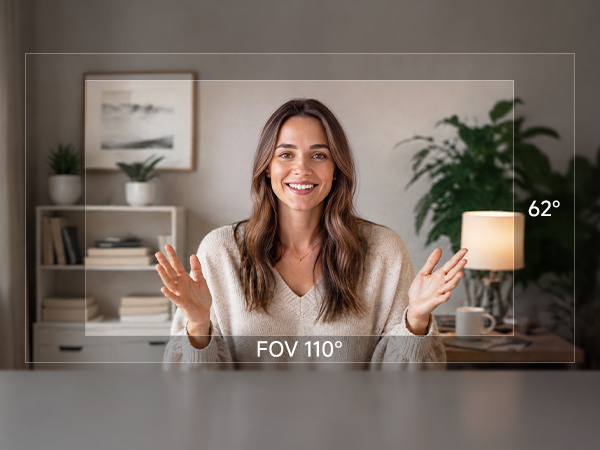
The 110° wide-angle view fits more into the frame, while auto white balance keeps colors natural.
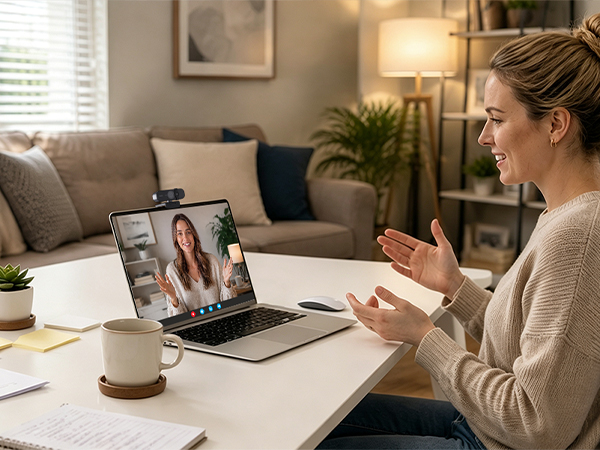
The built-in microphone picks up your voice clearly, so you can be heard in every video call.
Compatible with major operating systems and popular video calling applications across different devices and platforms.
Works in UVC Plug-and-Play Mode with:
Windows 7, Windows 8.1, Windows 10 or later, macOS 10.10 or later, Linux systems with UVC support, and Android devices with a supported USB connection.
The sliding privacy cover blocks the lens when not in use, giving you privacy when you need it.
Simply connect to a USB port and start your video call—no extra drivers or setup needed.
Fine-tune your video with Camo Studio using exposure, white balance, color, and framing.
Get started right away with the webcam, privacy cover, and user manual included in the box.
Why do people look smaller on this webcam?
This webcam uses a 110° wide-angle view to show more of the room, so people may appear smaller in the frame. It’s ideal for group meetings and presentations.
Does this webcam support 4K video?
Yes. It supports up to 4K resolution for clear, detailed video during meetings, calls, and streaming.
Does this webcam support autofocus?
Yes. Autofocus helps keep you clear and sharp as you move during video calls and meetings.
Do I need to install a driver?
No. It supports UVC plug-and-play. Simply connect it to a compatible USB port and start using it.
Does it work with Zoom, Microsoft Teams, and Google Meet?
Yes. It works with popular video calling applications including Zoom, Microsoft Teams, Google Meet, and other compatible apps.



