



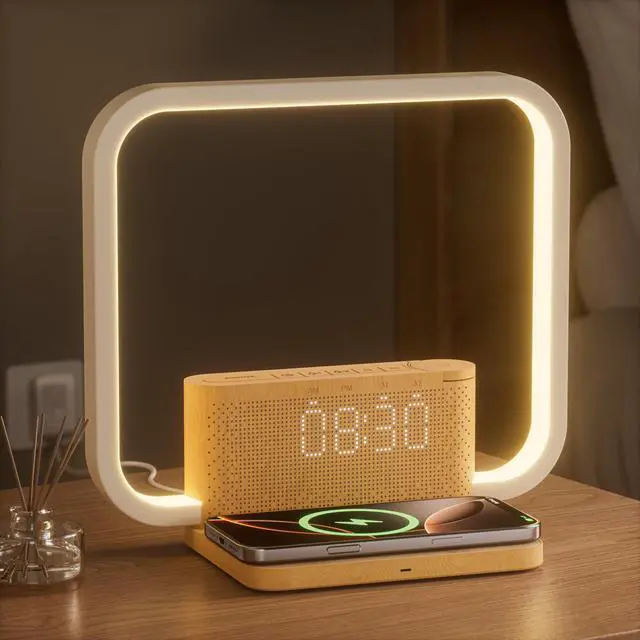


Hero Lifestyle

- Transform Your Morning Routine with Smart Sunrise Wake-Up Light Technology
- The 10-in-1 alarm clock not only realizes more convenient charging, lighting and alarm , but also adds elegant decoration to your bedroom
10-in-1 Smart Bedside Solution
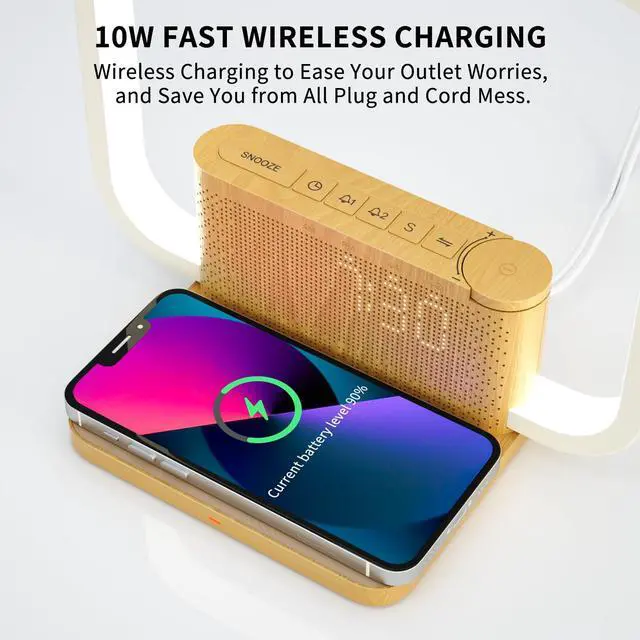
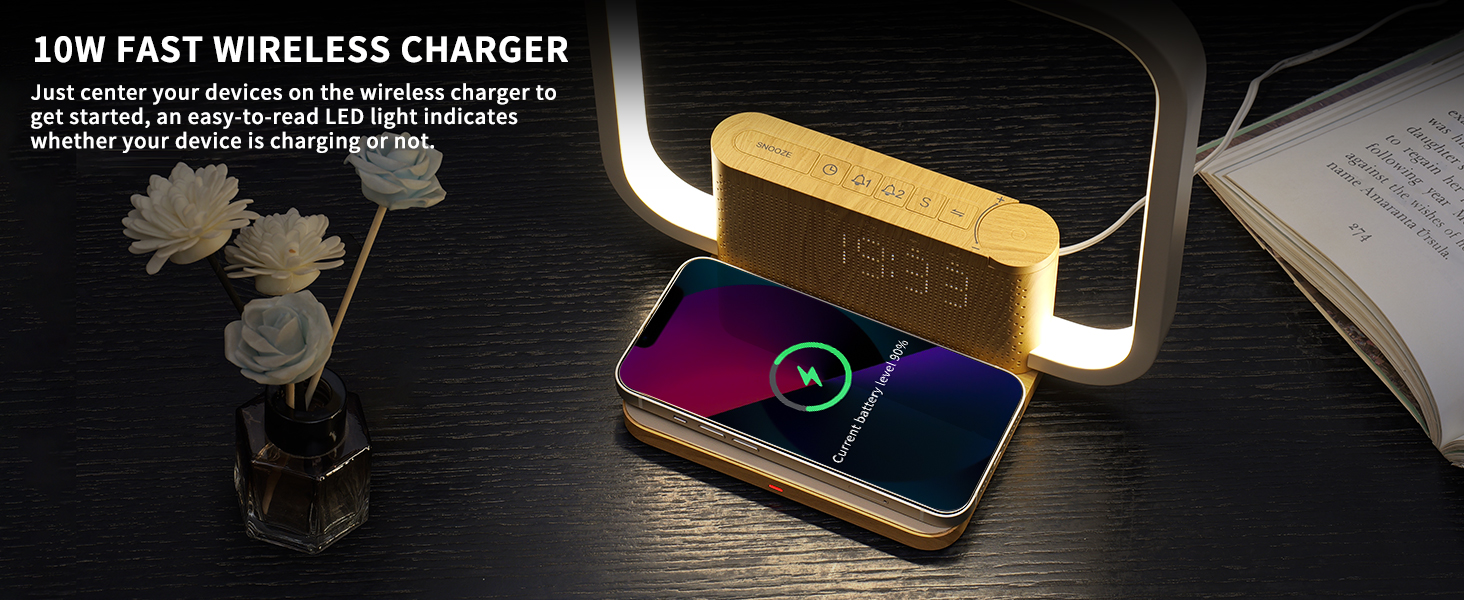
Simply place your phone on it and this bedside lamp will help you keep your charge fully charged!
10-in-1 Smart Bedside Solution
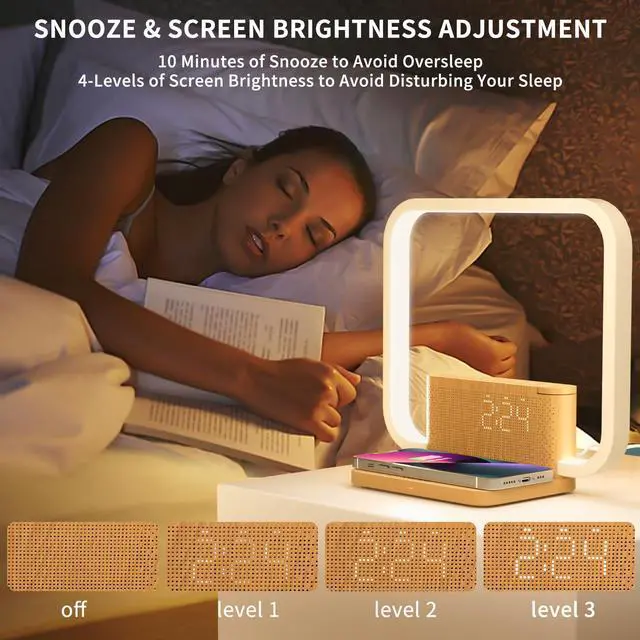
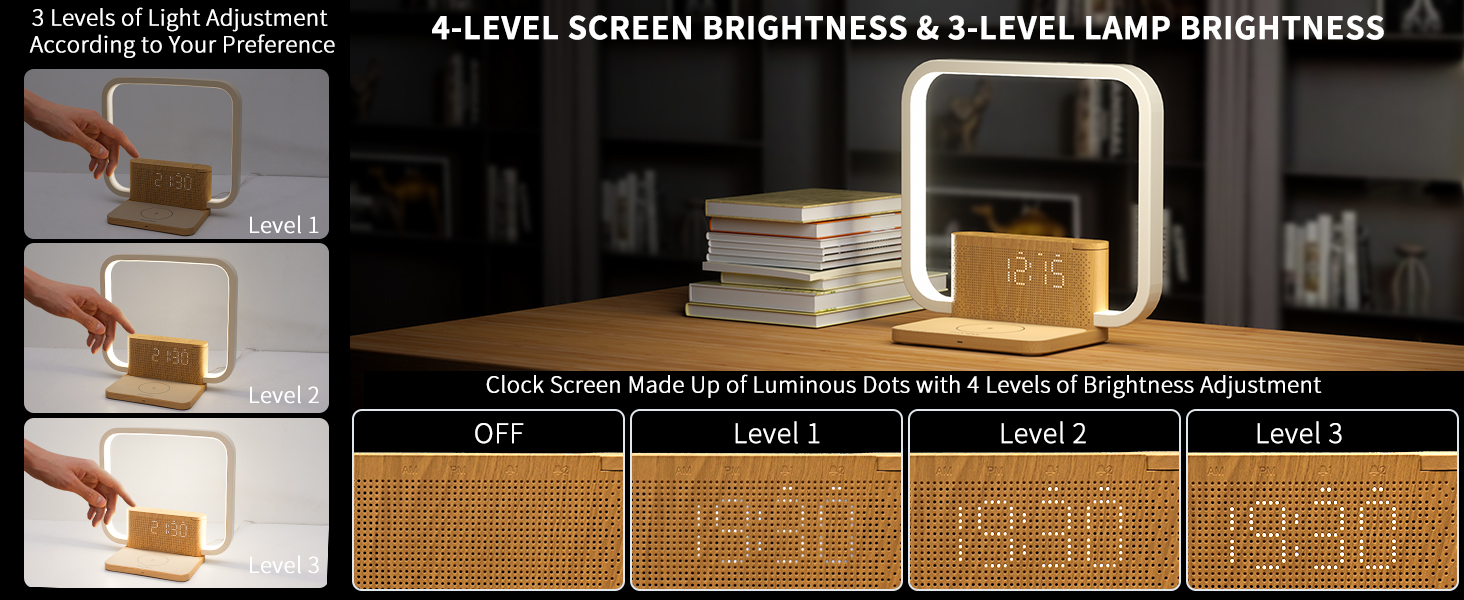
Adjustable screen brightness prevents glare for a comfortable night’s sleep
10-in-1 Smart Bedside Solution
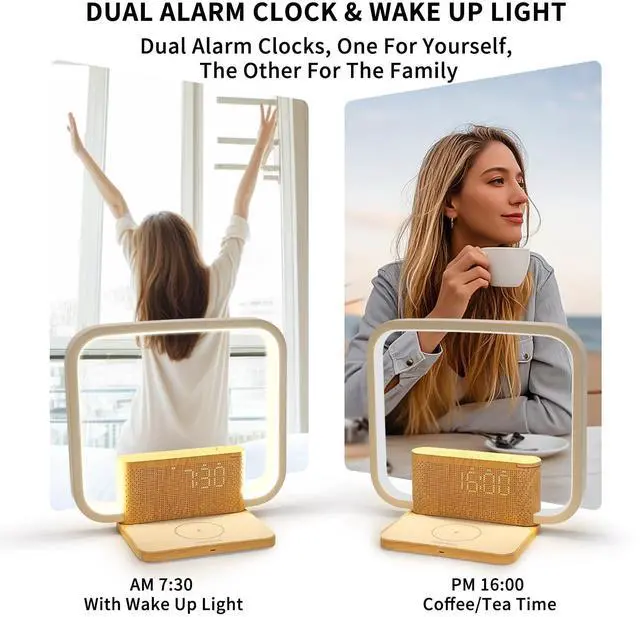
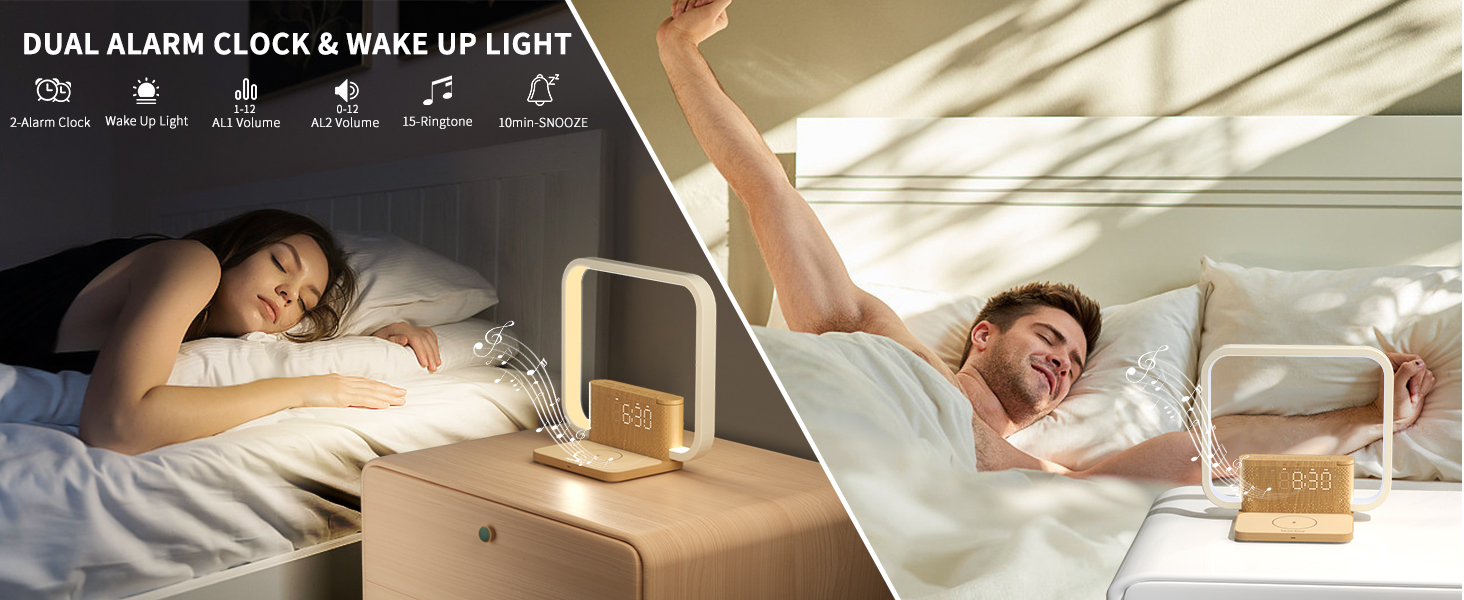
Choose Alarm 1 or Alarm 2 to remind you to do something ,manage your time better
10-in-1 Smart Bedside Solution
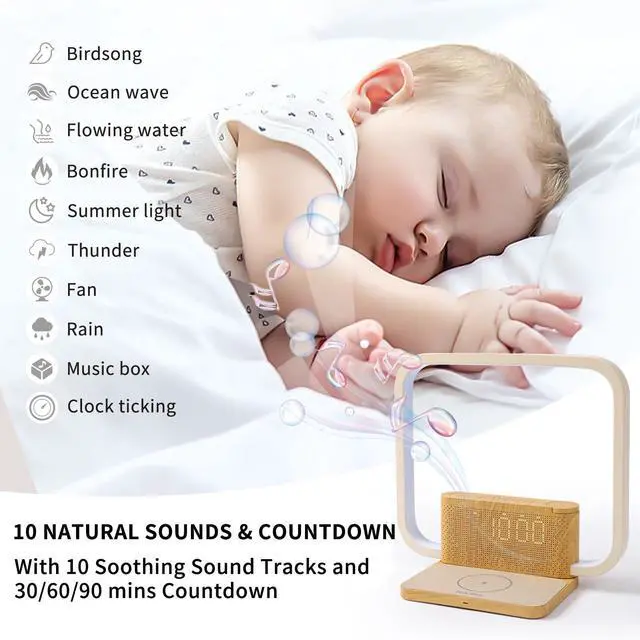
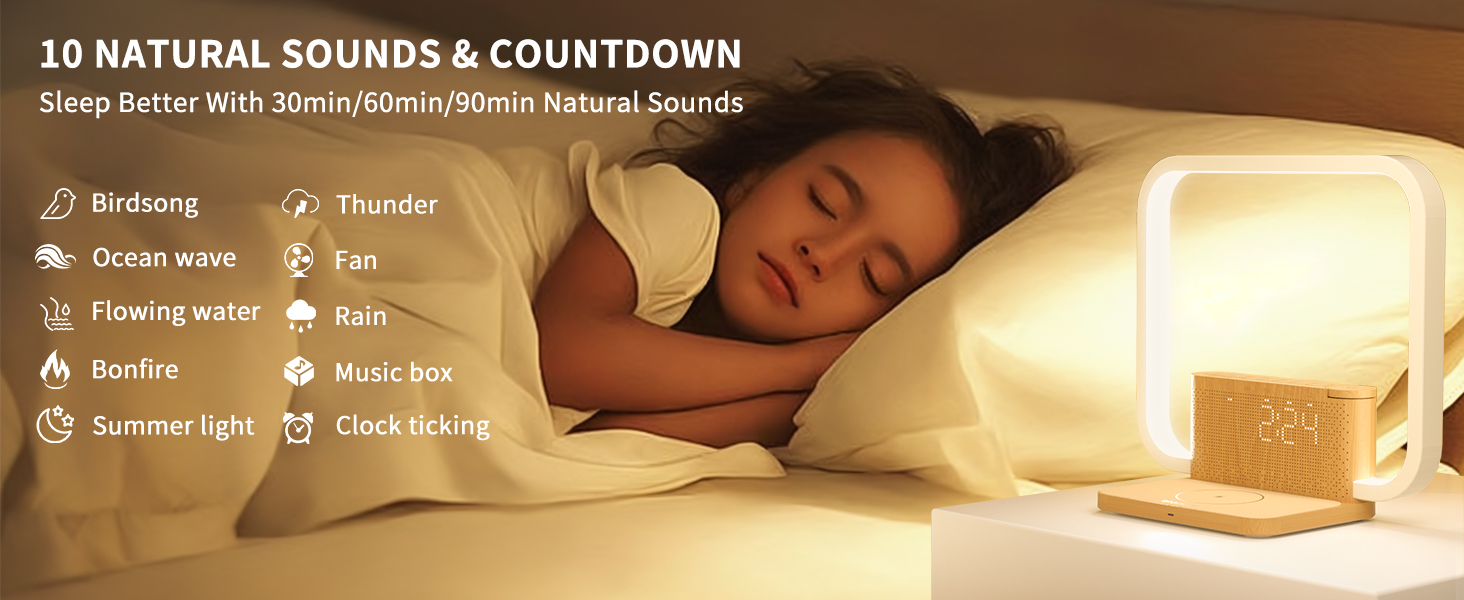
This alarm clock is suitable for kids,choose a soothing white noise to accompany kids to fall asleep
Effortless Wireless Charging

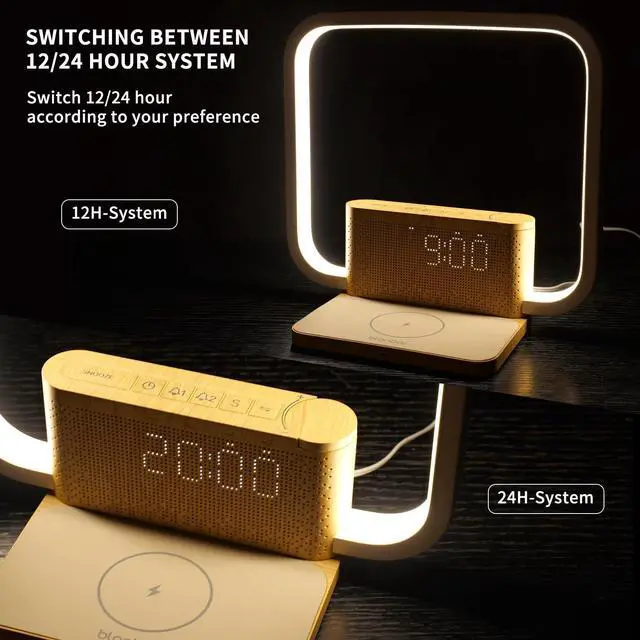
Clock 12h display/24h display
3-Grade brightness and 12/24 hour display
The 12/24 hour display can be switched with a simple press of the clock button. Three levels of dimming are necessary for use in different lighting conditions, so you can read the time clearly at any time without worrying about the light.

Wireless Charging & Clock Display
Special table lamp comes with wireless charger and a clock display, and every detail is meticulously designed; it serves its purpose while making the table lamp even more advanced!
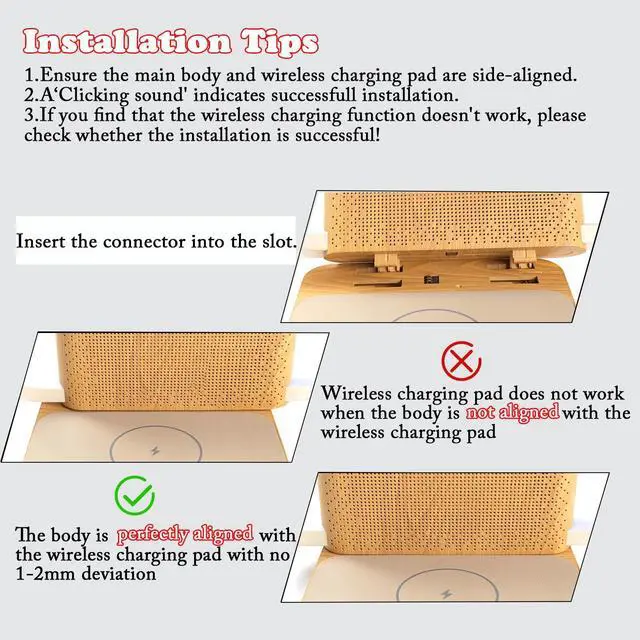
Note that when charging, please remove your phone case first for better fit between your phone and the charging plate.
Is the wireless charging pad not working?
Of course it will work, if it doesn't work, it may be that the body of your desk lamp is not aligned with the wireless charging pad, please make them aligned completely
What if the lamp body is aligned with the wireless charging pad, but doesn't charge?
Check whether the phone model supports wireless charging function, if so, please check whether the phone case is too thick resulting in poor contact between the charging plate and the phone.
How can I set the alarm clock so that only the light comes on at sunrise, but no alarm sound is heard?
You can set the volume to "0" in Alarm 2 mode. This allows you to wake up with just the alarm light and mute the alarm.
How can I adjust the brightness of the clock screen?
You can press the SNOOZE button to adjust the brightness of the clock screen; there are 3 brightness levels: High - Medium - Low - Off.
How to cancel the alarm?
Double-tap the alarm button to turn off the alarm. The alarm is turned off when the two white dots do not appear on the clock digits.
Easy to Use - Alarm Clock User Guide
Key Description & Technical Specifications
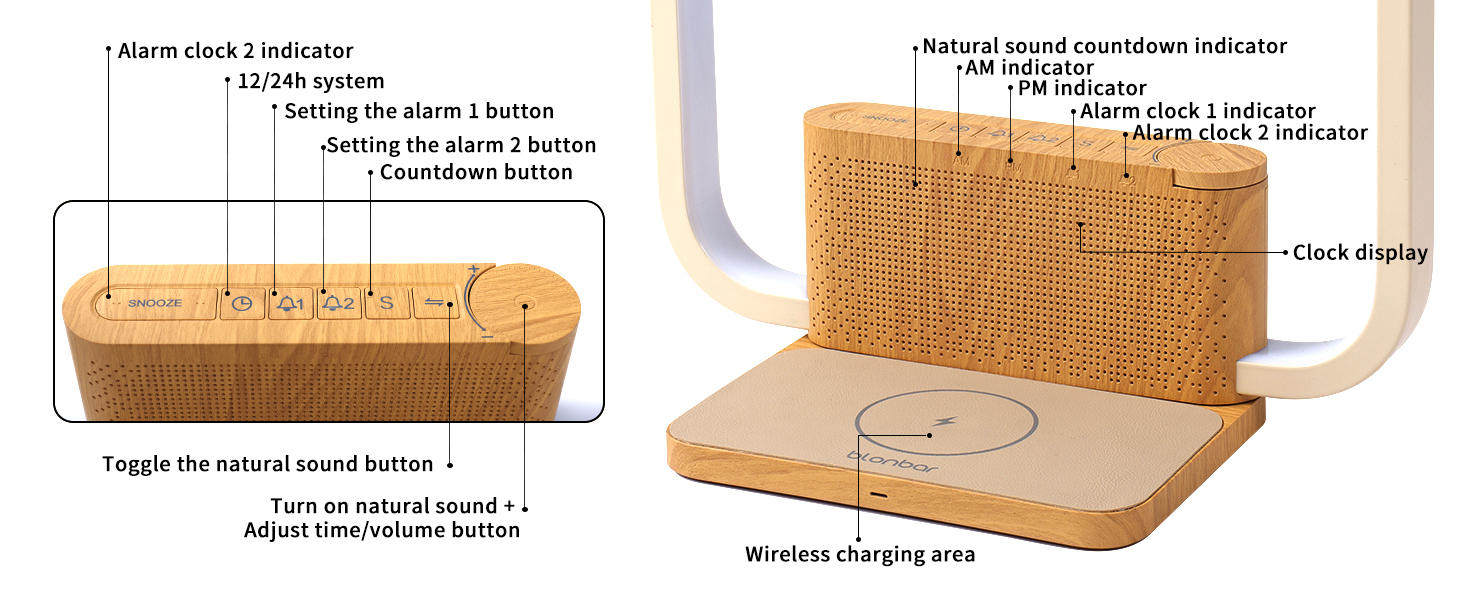
Dimensions: 8.86 × 4.37 × 8.82 in / 225 × 111 × 224 mm
Weight: 380g
Wireless Output: 10 W
Input: DC 12 V/1.5 A
Gifts for family
Blonbar Alarm Clock & Beside Lamp
Merchant Video
BLONBAR Bedside Lamp

Blonbar - After Sunset, Remaining Light
Blonbar - a company established in 2008 with more than ten years of experience in research and development of lamps. We are committed to creating simple, creative, easy-to-use, and comfortable lamps. We do a good job with every detail of our products. We are responsible for every product and every customer! We hope our lamps can make you relax after you come home tired.
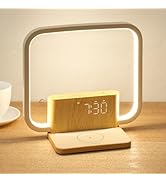
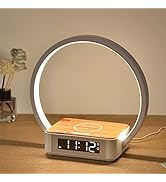
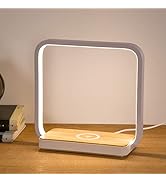
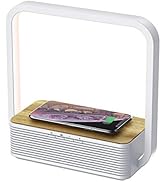
desk lamp & wireless charger
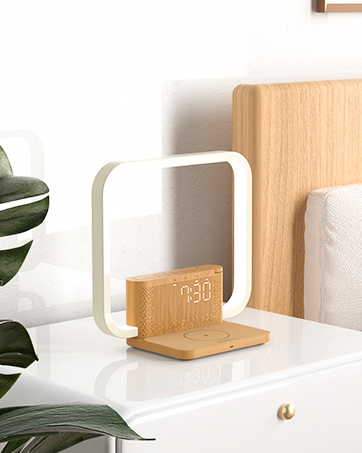
Wake-Up Lamp & Alarm Clock
wake you up with 10 natural sounds
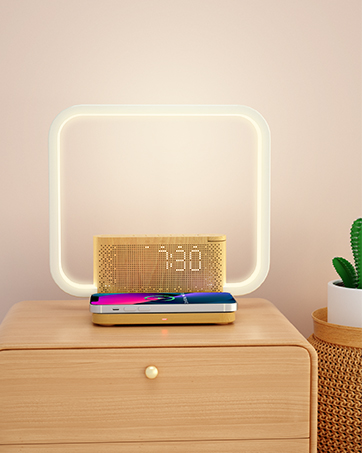
Lamp &10W wireless charger
Simply place the phone on a flat surface to charge it
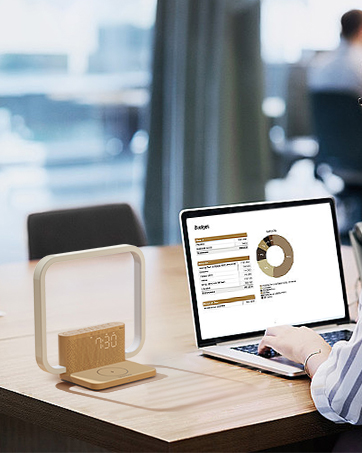
Desk lamp & Clock
It can be used as a desktop decorative light and always update the time
Hero Lifestyle

- Transform Your Morning Routine with Smart Sunrise Wake-Up Light Technology
- The 10-in-1 alarm clock not only realizes more convenient charging, lighting and alarm , but also adds elegant decoration to your bedroom
10-in-1 Smart Bedside Solution
Simply place your phone on it and this bedside lamp will help you keep your charge fully charged!
10-in-1 Smart Bedside Solution
Adjustable screen brightness prevents glare for a comfortable night’s sleep
10-in-1 Smart Bedside Solution
Choose Alarm 1 or Alarm 2 to remind you to do something ,manage your time better
10-in-1 Smart Bedside Solution
This alarm clock is suitable for kids,choose a soothing white noise to accompany kids to fall asleep


Effortless Wireless Charging
Clock 12h display/24h display
3-Grade brightness and 12/24 hour display
The 12/24 hour display can be switched with a simple press of the clock button. Three levels of dimming are necessary for use in different lighting conditions, so you can read the time clearly at any time without worrying about the light.
Wireless Charging & Clock Display
Special table lamp comes with wireless charger and a clock display, and every detail is meticulously designed; it serves its purpose while making the table lamp even more advanced!
Note that when charging, please remove your phone case first for better fit between your phone and the charging plate.
Is the wireless charging pad not working?
Of course it will work, if it doesn't work, it may be that the body of your desk lamp is not aligned with the wireless charging pad, please make them aligned completely
What if the lamp body is aligned with the wireless charging pad, but doesn't charge?
Check whether the phone model supports wireless charging function, if so, please check whether the phone case is too thick resulting in poor contact between the charging plate and the phone.
How can I set the alarm clock so that only the light comes on at sunrise, but no alarm sound is heard?
You can set the volume to "0" in Alarm 2 mode. This allows you to wake up with just the alarm light and mute the alarm.
How can I adjust the brightness of the clock screen?
You can press the SNOOZE button to adjust the brightness of the clock screen; there are 3 brightness levels: High - Medium - Low - Off.
How to cancel the alarm?
Double-tap the alarm button to turn off the alarm. The alarm is turned off when the two white dots do not appear on the clock digits.
Easy to Use - Alarm Clock User Guide
Product Operation Video
Blonbar Alarm Clock & Beside Lamp
Desk Lamp Base Installation + Wireless Charging
Product Operation Video
Blonbar Alarm Clock & Beside Lamp
1. Steps for setting the time
Product Operation Video
Blonbar Alarm Clock & Beside Lamp
2. Steps for setting the alarm clock
Product Operation Video
Blonbar Alarm Clock & Beside Lamp
3. Alarm 1 or 2 Turn on/off
Product Operation Video
Blonbar Alarm Clock & Beside Lamp
4. Natural sounds + Countdown settings
Product Operation Video
Blonbar Alarm Clock & Beside Lamp
5. 3-Level lighting adjustment ( screen brightness + light brightness )
Key Description & Technical Specifications

Dimensions: 8.86 × 4.37 × 8.82 in / 225 × 111 × 224 mm
Weight: 380g
Wireless Output: 10 W
Input: DC 12 V/1.5 A
Gifts for family
Blonbar Alarm Clock & Beside Lamp
Merchant VideoBLONBAR Bedside Lamp
Blonbar - After Sunset, Remaining Light
Blonbar - a company established in 2008 with more than ten years of experience in research and development of lamps. We are committed to creating simple, creative, easy-to-use, and comfortable lamps. We do a good job with every detail of our products. We are responsible for every product and every customer! We hope our lamps can make you relax after you come home tired.
desk lamp & wireless charger
Wake-Up Lamp & Alarm Clock
wake you up with 10 natural sounds
Lamp &10W wireless charger
Simply place the phone on a flat surface to charge it
Desk lamp & Clock
It can be used as a desktop decorative light and always update the time