

Your Browsing History


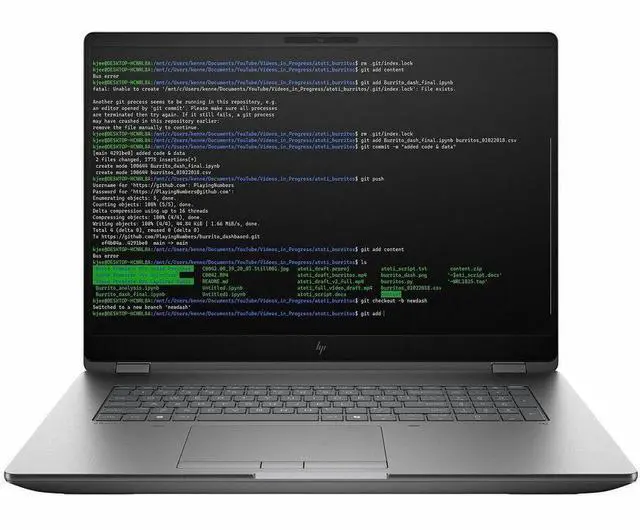
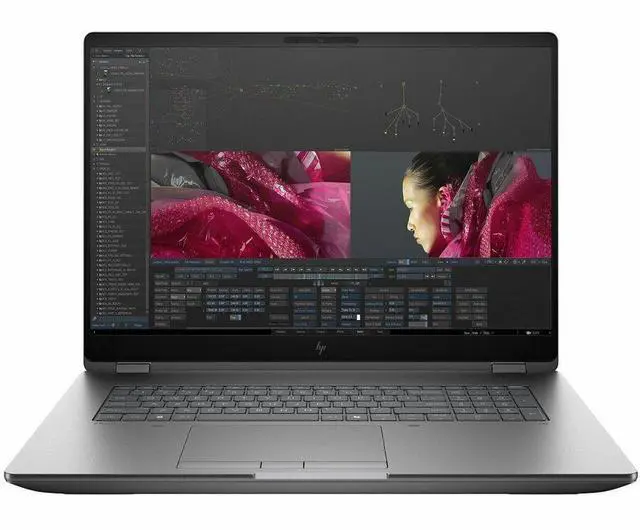
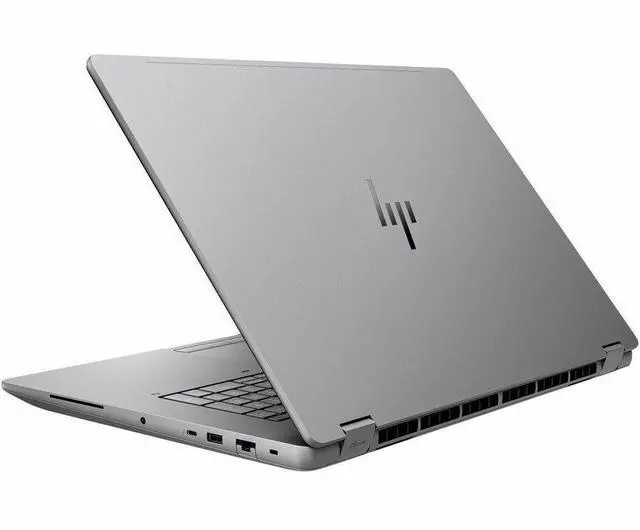
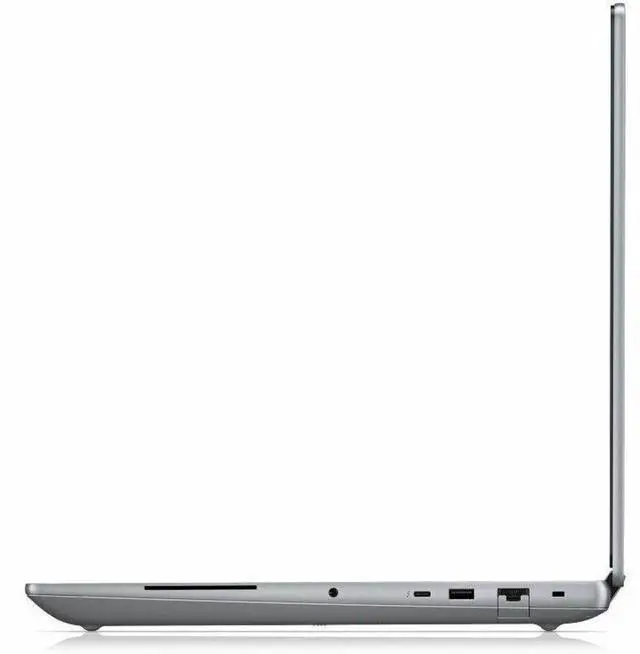


HP ZBook Fury G1i 18" Mobile Workstation - WQXGA - Intel Core Ultra 9 285HX - 32 GB - 1 TB SSD - Windows 11 Pro - NVIDIA RTX PRO 3000 Blackwell 12 GB, NVIDIA - Webcam - Wi-Fi 7 - C94C8UT#ABA
- Intel Core Ultra 9 285HX
- 32GB DDR5 Memory / 1TB SSD
- NVIDIA RTX Pro 3000 Blackwell
- Non-Touch Screen
- 2560 x 1600
- Windows 11 Pro
Overview
Specs
Reviews
See all Q & A 
Any questions? Our AI mode will help you find out quickly.
Try me now
SMART BUY ZBOOK G1I 18 U9 285HX 18 32GB/1T PC
Warranty & Returns
Warranty, Returns, And Additional Information
Warranty
- Limited Warranty period (parts): 1 year
- Limited Warranty period (labor): 1 year
- Read full details
Return Policies
- Return for refund within: 15 days
- Return for replacement within: 15 days
- This item is covered by Newegg.com's 15-Day Return Policy.
- Read full return policy for details.
Manufacturer Contact Info
- Manufacturer Website
- Support Phone: 1-800-474-6836
- Support Website
- View other products from HP
LOADING...
Learn about this product
The HP ZBook Fury G1i is an 18-inch mobile workstation built for engineers, 3D creators, AI-assisted workflows, and other professionals who need desktop-class performance in a portable system, with an Intel Core Ultra 9 285HX, NVIDIA RTX PRO 3000 graphics, 32GB DDR5 memory, and a 1TB SSD.
Recommended For
- Engineers, CAD users, and simulation-heavy workstation buyers who need certified mobile-workstation hardware, lots of ports, and an 18-inch screen for long sessions in apps like Creo, CATIA, or other pro 3D tools.
- Video editors, VFX artists, and 3D creators who work with large local project files and want a desktop-replacement laptop that can handle multitasking such as editing high-resolution footage, rendering, and color-critical work away from the studio.
- IT teams, technical power users, and on-site professionals who value serviceability and expansion, especially if they expect to add memory, manage multiple SSDs, or keep one mobile system in service for several years.
- Users replacing a tower workstation with one machine for office, lab, client-site, and travel-between-sites work, where carrying a larger 18-inch system is acceptable in exchange for built-in Ethernet, multiple high-speed ports, and workstation-class thermals.
Real-World Use Scenarios
- Working in CAD or BIM apps such as AutoCAD, Revit, or Creo on large models: users can model, rotate views, and export files on one machine with workstation-class responsiveness, making it suited to engineers who need a portable system instead of a desktop tower.
- Editing high-resolution creative projects while keeping several heavy apps open at once: users can work in Photoshop, review assets, and manage large local files without needing an external workstation, which fits studio and production workflows that mix design, review, and file handling.
- Running local AI or computer-vision workloads for development, testing, or inference: users can execute on-device AI tasks without relying entirely on cloud instances, which is useful for private datasets, field demos, and teams validating models on a mobile workstation.
- Using the laptop as a semi-mobile primary workstation at client sites, labs, or job trailers: users get desktop-style performance and a large 18-inch workspace in one device, but the size and weight make it more practical for transport between locations than for frequent lap use or travel-day productivity.
- Driving multiple external displays and wired office peripherals in an engineering or content-production setup: users can dock into a desk environment, connect high-speed storage or monitors, and keep the same system for both office and on-site work instead of syncing files across separate desktop and laptop systems.
Spec Summary
| Attribute | Value |
|---|---|
| Best For | Mobile workstation performance computing and professional content/engineering workflows that need a discrete RTX Pro GPU, built-in NPU acceleration, high‑refresh WQXGA display, and expandable DDR5 memory |
| Processor And Core Count | Intel Core Ultra 9 285HX (Intel Core Ultra 9, Series 2) with up to 5.5 GHz turbo and a built‑in AI Boost NPU |
| GPU And VRAM | Discrete NVIDIA RTX PRO 3000 (Blackwell generation) with 12 GB GDDR7 video memory plus Intel integrated video support |
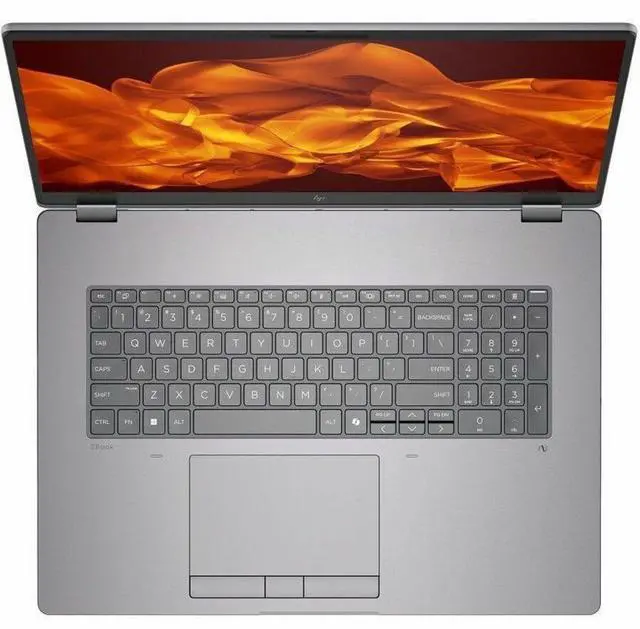
| Display Spec | WQXGA (2560 x 1600) IPS LCD non‑touch display, 165 Hz refresh rate, 500 nit brightness and 100% DCI‑P3 color gamut with anti‑glare coating |
| Memory Configuration | 32 GB DDR5 installed (4 RAM slots, upgradable to 128 GB maximum) |
| Storage And Expansion | 1 TB M.2 NVMe SSD (M.2 form factor/interface) |
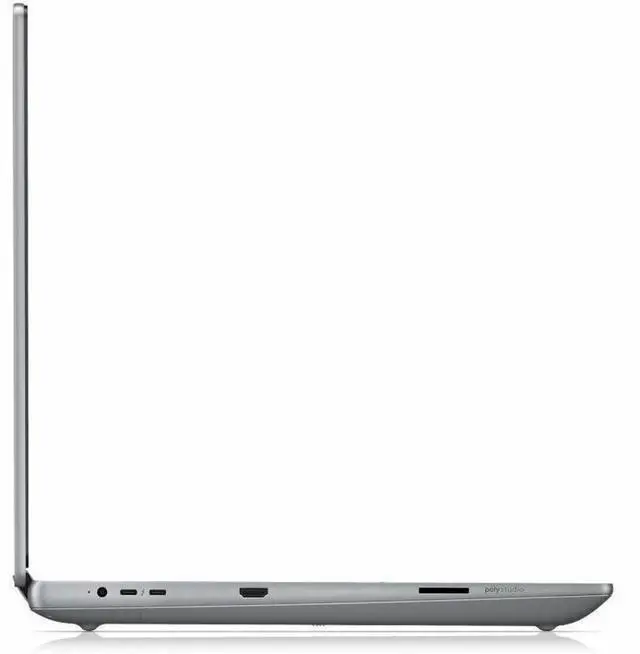
| High Speed I O | Thunderbolt: 2 × Thunderbolt 5 and 1 × Thunderbolt 4 ports, 1 × HDMI, RJ‑45 Ethernet, USB and Bluetooth connectivity (hardware interfaces include USB, HDMI, Ethernet, Bluetooth) |
| Battery And Power | 8‑cell lithium‑polymer battery (battery included/installed) with a listed maximum runtime of ~8.37 hours and a 4000 mAh energy content entry |
| Wired And Wireless Networking | Wi‑Fi 7 (802.11be) wireless LAN and Bluetooth support, plus wired Gigabit Ethernet (RJ‑45) |
| Webcam And Security | Front 5‑megapixel webcam and biometric fingerprint recognition; security software entries include Windows Defender, Windows Hello and BitLocker |
| Keyboard And Control | Full‑size keyboard with touchpad |
| Portability And Dimensions | Chassis dimensions listed as 15.9" W × 11.4" D × 1.06" H and weight 7.76 lb; color Meteor Silver |
| Model Identifiers | HP ZBook Fury G1i, Model/Part Number C94C8UT#ABA; manufacturer HP Inc.; model year listing present |
| Other Features | Anti‑glare display finish; listed as clamshell form factor; NVMe M.2 drive form factor noted; specific uses listed as performance computing |
Reference Q&A
Q: Should I buy the HP ZBook Fury G1i 18 or a Dell Pro Max 18 Plus?
A: Choose the HP ZBook Fury G1i 18 if you want a large mobile workstation with similar class positioning to Dell’s 18-inch model, but with HP’s workstation-specific advantages such as Thunderbolt 5 support, pro-app certified ZBook positioning, and strong internal expandability. Choose the Dell Pro Max 18 Plus if you prefer Dell’s ecosystem or find a better configuration value with the same CPU/GPU tier. Across professional coverage, these two models are usually treated as direct alternatives, with the decision coming down more to platform features, thermals, service preference, and pricing than to category differences.
Q: Is the HP ZBook Fury G1i 18 worth it over a 16-inch mobile workstation like the Lenovo ThinkPad P16?
A: Buy the ZBook Fury G1i 18 if your priority is maximum workspace, higher-end cooling headroom, and a more desktop-replacement style workstation. A 16-inch model like the ThinkPad P16 makes more sense if you need a workstation that is easier to carry every day and still offers professional GPU options. This HP configuration is a better fit for CAD, rendering, simulation, and multi-app engineering workflows where screen size, expandability, and sustained performance matter more than portability.
Q: Should I get this RTX Pro 3000 configuration or move up to a higher-tier ZBook Fury G1i GPU?
A: This RTX Pro 3000 configuration is the practical choice if you want a serious workstation for professional 3D, Adobe, CAD, BIM, and engineering workloads without stepping into the highest-price GPU tiers. Move up to RTX Pro 4000 or 5000 configurations if your work regularly includes heavier GPU rendering, larger real-time visualization scenes, AI-assisted workflows, or longer compute sessions where extra VRAM and GPU throughput can shorten project time. The RTX Pro 3000 version is usually the better value point, while higher tiers are better for users whose applications scale clearly with GPU class.
Q: Is the HP ZBook Fury G1i 18 a better buy than an older workstation like the ThinkPad P16 Gen 2 or previous ZBook Fury models?
A: Yes, the ZBook Fury G1i 18 is the stronger choice if you want current-generation platform features and plan to keep the system for several years. Compared with older Ada-era or prior-generation workstation laptops, the G1i platform adds newer connectivity such as Thunderbolt 5, Wi-Fi 7, newer Intel Core Ultra HX processors, and newer RTX Pro Blackwell GPU options. Older models can still be sensible if you are optimizing for price, but this G1i configuration is the better long-horizon purchase for buyers who want newer I/O, newer GPU architecture, and a larger 18-inch chassis.
Q: Is the HP ZBook Fury G1i 18 a good travel work device?
A: It is better described as a transportable workstation than a travel-first laptop. The 18-inch chassis, 7.76 lb weight, and 1.06-inch thickness make it suitable for moving between offices, studios, or job sites, but less ideal for frequent flights or daily commuting. It makes more sense if you need desktop-class CPU/GPU performance, a large color-accurate screen, Ethernet, and multiple high-speed ports in one machine.
Q: Who is the HP ZBook Fury G1i 18 best suited for?
A: It is best suited for users who need a true mobile workstation: CAD, 3D design, rendering, simulation, video finishing, AI-assisted professional workflows, or other GPU-heavy applications. For basic note-taking, web, meetings, and Office tasks, this model is more laptop than most buyers need. Its size, weight, and workstation-grade graphics make the most sense for technical and creative professionals rather than general home users.
Q: Is it overkill for meetings, note-taking, and office work?
A: Yes for most buyers. It can handle meetings, documents, spreadsheets, and multitasking very well, but those jobs do not require an 18-inch workstation with an Intel Core Ultra 9 HX processor and RTX Pro graphics. Choose it for office work only if you also need the large 2560x1600 display, numeric-keypad-class workspace, wired Ethernet, and headroom for demanding professional software.
Q: What are the main trade-offs versus a lighter 17-inch laptop like an LG gram 17?
A: The ZBook Fury G1i 18 trades portability and likely longer unplugged use for much higher workstation capability. Compared with a thin 17-inch laptop, it gives you professional RTX graphics, Ethernet, more expansion-focused I/O including Thunderbolt 5, and a heavier-duty design for demanding applications. A lighter 17-inch model is the better choice for travel, classes, and long battery life; the ZBook is the better choice for serious creation and engineering workloads.
Q: Is this a good replacement for a desktop workstation?
A: For many professional users, yes. It is large and heavy enough that it functions more like a portable desktop than a typical laptop, and its Core Ultra 9 HX processor, RTX Pro 3000 graphics, 32GB DDR5 memory, 1TB SSD, 165 Hz 500-nit 100% DCI-P3 display, Ethernet, HDMI, and Thunderbolt 4/5 connectivity make it credible as a single-machine setup. The compromise is mobility: it is easier to relocate than to carry all day.
Q: Who is the HP ZBook Fury G1i 18 best suited for?
A: The ZBook Fury G1i 18 is best suited for users who need workstation-class CPU and GPU performance in a laptop, such as 3D, CAD, rendering, simulation, or other heavy professional workloads. Based on the product data, its Core Ultra 9 285HX, RTX PRO 3000 graphics, 32GB DDR5 memory, 1TB SSD, 18-inch 2560x1600 display, Ethernet, and multiple Thunderbolt ports make more sense as a desktop replacement than as a general-purpose everyday laptop.
Q: Is the HP ZBook Fury G1i 18 a good desktop replacement?
A: Yes, if your priority is performance and ports over portability. The 18-inch display, 7.76 lb weight, RJ-45 Ethernet, HDMI, Thunderbolt 4 and 5, high-end CPU, and RTX PRO GPU make it a strong fit for a desk-based setup that still needs to move between locations. The trade-off is that it is much heavier and less convenient for travel than mainstream 15- or 16-inch laptops.
Q: What are the main trade-offs of buying the HP ZBook Fury G1i 18?
A: The main trade-offs are size, weight, battery expectations, and possible workstation-style noise or tuning issues. This configuration is powerful, but at 7.76 lb with an 18-inch chassis, it is not ideal for frequent travel or casual use. Reddit discussion around the G1i line also raises practical concerns such as fan behavior and charger compatibility, which matter more on a high-power mobile workstation than on a typical consumer laptop.
Q: Is the HP ZBook Fury G1i 18 a good choice for travel or everyday carry?
A: Usually no, unless your work requires mobile workstation hardware. Its 18-inch size and 7.76 lb weight make it better for occasional transport than daily commuting. It is a more practical choice for users who move between office, lab, or client sites and still need workstation performance, rather than for students, frequent flyers, or buyers looking for a light all-purpose laptop.
Q: Is it worth buying the HP ZBook Fury G1i 18 instead of a regular high-end laptop?
A: It is worth buying if you specifically need workstation-oriented hardware, expandability, professional GPU capability, wired networking, and a large color-accurate display. It is harder to justify if your workload is mostly office apps, web use, media, or light creative work, because the size and weight penalties are significant. This model makes the most sense when your software or projects can actually use its higher sustained performance and workstation features.