Out of stock
This item is currently out of stock and it may or may not be restocked.
Sold by Newegg

Shipped by Newegg

Shop it at NeweggBusiness.

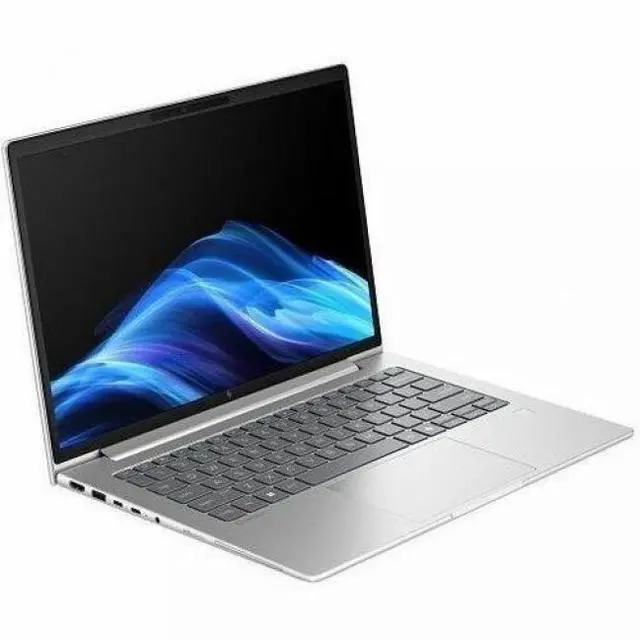
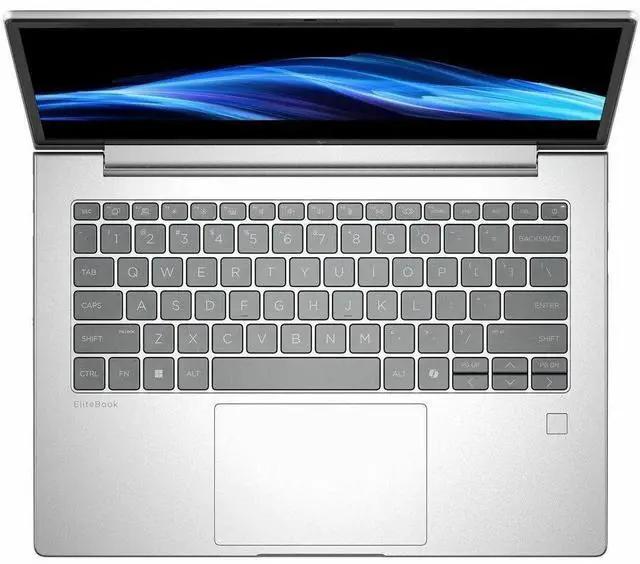
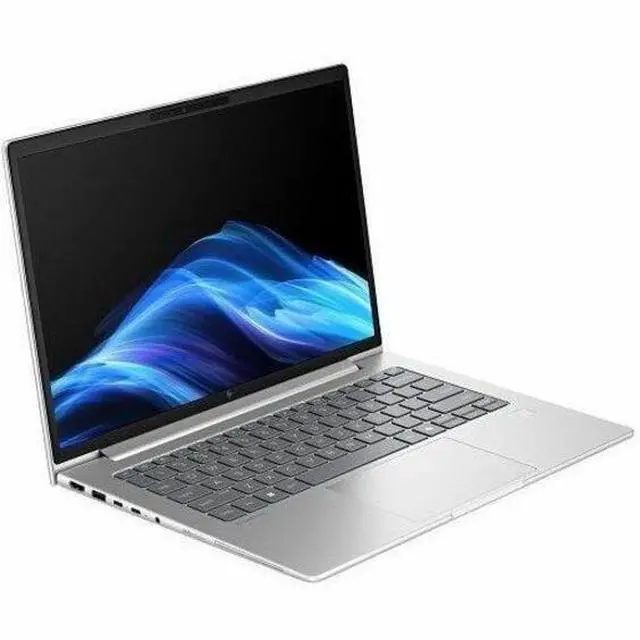
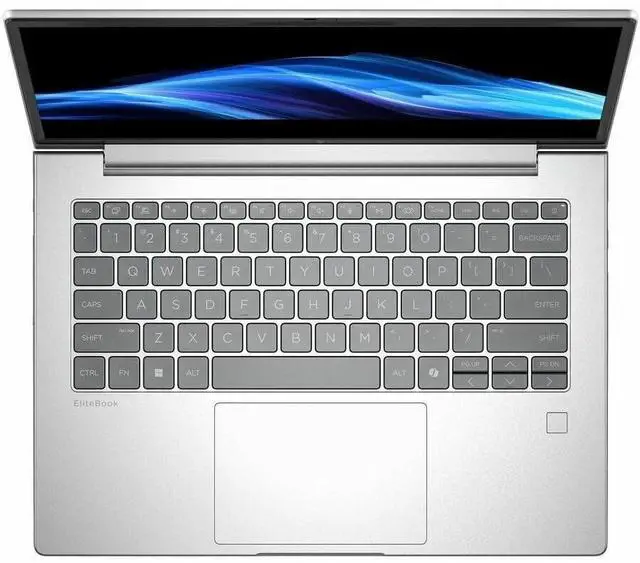
HP EliteBook 6 G1i 14" Notebook - WUXGA - Intel Core Ultra 7 265U - vPro Technology - 16 GB - 512 GB SSD - English Keyboard - Pike Silver Aluminum - Intel Chip - 1920 x 1200 - Windows 11 Pro - In

Free Intel AI Software w/ purchase, limited offer

  • WUXGA
  • Intel Core Ultra 7 265U
  • vPro Technology
  • 16 GB
  • 512 GB SSD
  • English Keyboard
  • Pike Silver Aluminum
  • Intel Chip
  • 1920 x 1200
  • Windows 11 Pro
  • Intel
  • In-plane Switching (IPS) Technology
  • Front C
Overview
Specs
Reviews
See all Q & A

Any questions? Ask CelesteSM will help you find out quickly.

14 EB6G1i14 U7265U 16G 512GB

Warranty & Returns

Warranty, Returns, And Additional Information

Warranty

  • Limited Warranty period (parts): 1 year
  • Limited Warranty period (labor): 1 year
  • Read full details

Return Policies

Manufacturer Contact Info

LOADING...

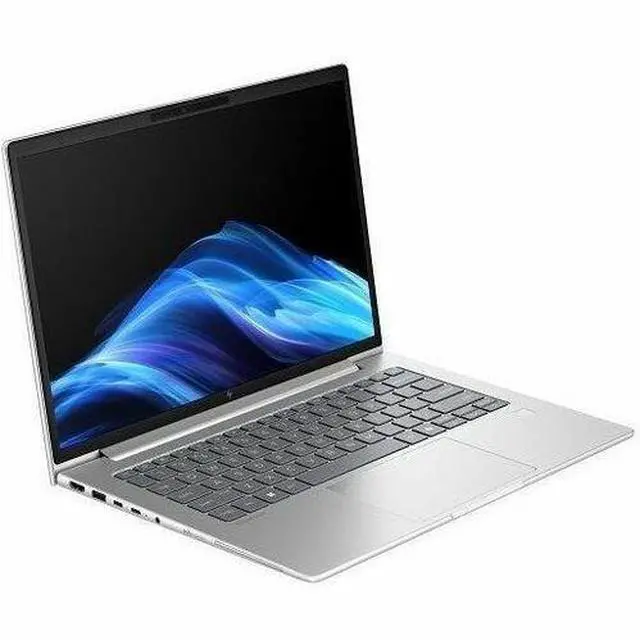
The HP EliteBook 6 G1i is a 14-inch business laptop with a 1920x1200 IPS display, Intel Core Ultra 7 265U, 16GB RAM, and a 512GB SSD, making it a strong fit for professionals, hybrid workers, and students who want a portable Windows 11 Pro system for productivity, video calls, and everyday multitasking.

Recommended For

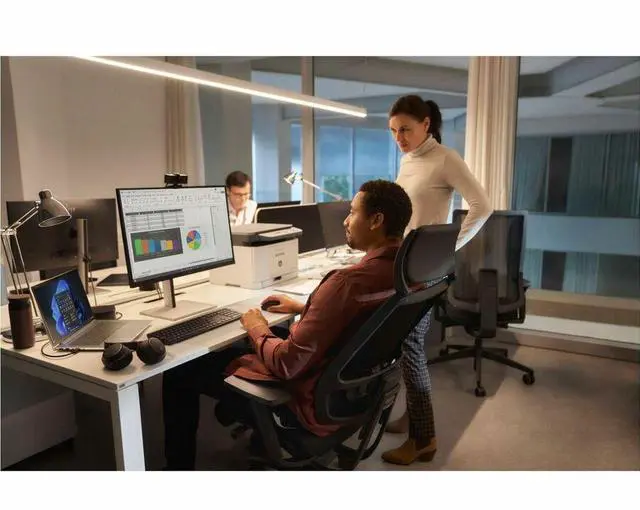
  • IT-managed office staff who need a standard 14-inch Windows business laptop for Microsoft 365, browser-heavy work, video calls, and docked desk setups. HP positions the EliteBook 6 G1i as an enterprise notebook with Intel vPro, business security, and fleet-ready options, while sysadmin discussions suggest the EliteBook 6 series is commonly deployed at scale for everyday corporate use.
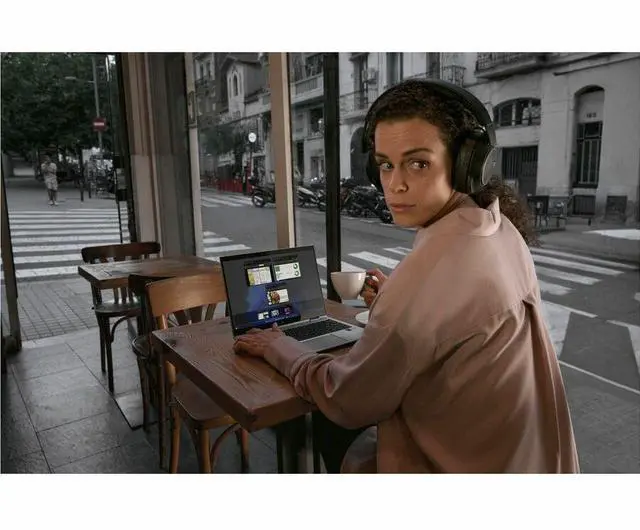
  • Hybrid professionals who split time between home, office, and travel, and want a portable business laptop with a 14-inch 16:10 screen, webcam, modern wireless options, and USB-C docking support rather than a larger workstation-style machine.
  • Managers, consultants, and finance or operations users whose workload is mostly spreadsheets, presentations, email, CRM/ERP tabs, and frequent meetings. The Core Ultra U-series platform and integrated graphics fit sustained productivity better than specialized creative or gaming workloads.
  • Organizations standardizing on business laptops with long support cycles, Windows Pro, and serviceability expectations, especially where reliability and procurement consistency matter more than chasing premium OLED displays or maximum performance tiers.

Real-World Use Scenarios

  • For hybrid office work, it fits the common load of Outlook, Teams, web apps, spreadsheets, and many browser tabs at once, with users typically reporting smooth day-to-day performance rather than workstation-class speed.
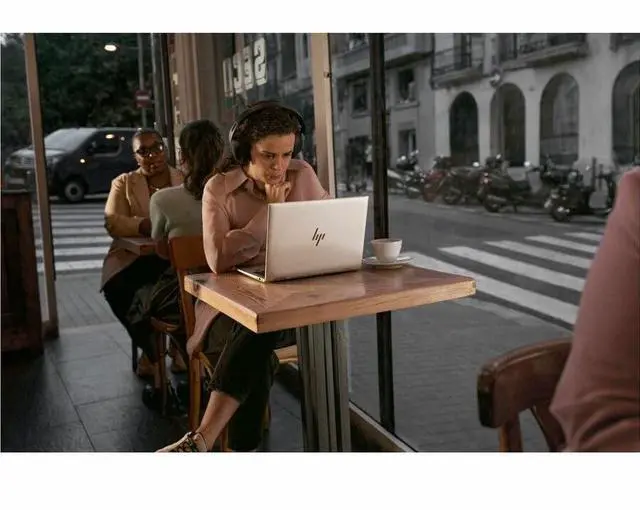
  • For travel between meetings or client sites, it is better suited to mobile business use than desk-bound workstations: a 14-inch chassis, business feature set, and efficient U-series processor point to easier carry and longer unplugged use for normal productivity tasks.
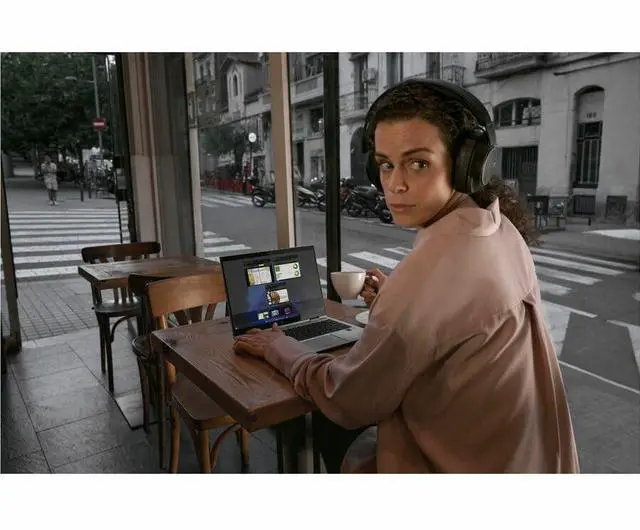
  • For video calls and remote collaboration, the built-in webcam, business-oriented design, and typical EliteBook usage pattern make it a practical choice for frequent Teams or Zoom meetings while keeping regular document work open in the background.
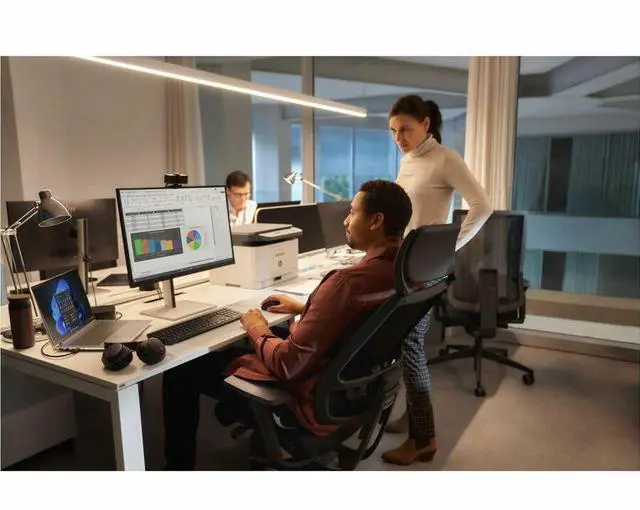
  • For managed corporate deployments, it matches the scenario where IT wants a standard Windows business laptop with vPro, enterprise servicing, and predictable performance for large groups of employees using SaaS and Office-heavy workflows.
  • For light creative or visual work such as presentations, dashboards, web content review, and basic photo handling, the likely experience is fine for occasional media tasks, but integrated graphics and a mainstream business display make it a poor fit for heavier editing or 3D workloads.
  • For docking at a desk and undocking later, the laptop itself is commonly viewed as suitable for standard office setups, but community feedback suggests the experience can depend heavily on dock choice and driver setup, especially in multi-monitor environments.

Spec Summary

AttributeValue
Best ForBusiness and student users who need a 14-inch notebook for everyday productivity, remote work and classroom use; compatible with external displays and docks
Display Spec14.0" IPS LCD, WUXGA 1920 x 1200 native resolution, up to 300 nit brightness, anti-glare coating with low blue light
Processor And Core CountIntel Core Ultra 7 265U (12th Gen) single processor, up to 5.3 GHz max clock, 12 MB L3 cache, chipset 265U
Memory Configuration16 GB DDR5 installed (DDR5 SDRAM); 2 memory slots, user-expandable to 64 GB maximum
Storage And Expansion512 GB solid-state drive (M.2 form factor/interface)
GPU And VRAMIntegrated Intel graphics (integrated GPU); graphics RAM type listed as DDR5 SDRAM
High Speed I O2 Thunderbolt ports, 1 HDMI port, 2 total USB ports, plus Ethernet and Bluetooth connectivity; hardware interfaces listed as USB, HDMI, Ethernet, Bluetooth
Wired And Wireless NetworkingWi‑Fi (802.11 a/b/g/n/ac listed) and Bluetooth wireless support
Battery And PowerBuilt-in Lithium Polymer battery, 4000 mAh; battery is installed, included and packed with the equipment
Webcam And PrivacyFront-facing webcam enabled; fingerprint recognition for biometric sign-in
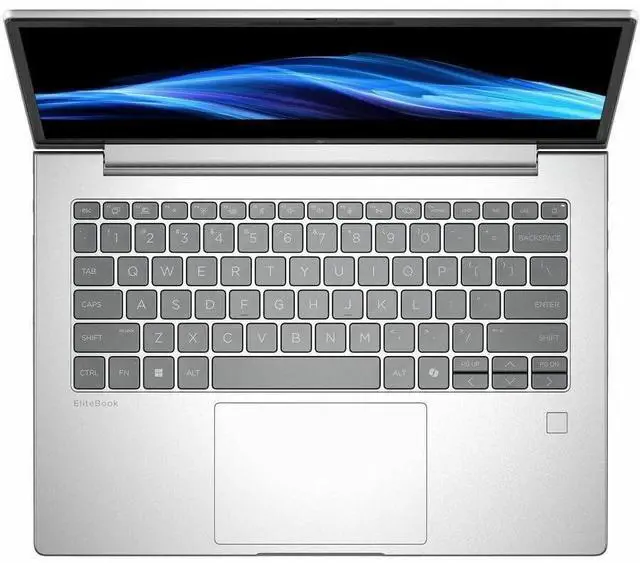
Keyboard And ControlBacklit keyboard; no touchscreen
PortabilityNotebook dimensions listed as 0.67" x 12.5" x 8.8" (alternate listing 19 x 12 x 3 inches) and item weight about 3.09 pounds
External Display And Docking FitTwo Thunderbolt ports and an HDMI output for external displays and docking; explicitly lists compatibility with external displays and external GPUs
Operating System And SecurityWindows 11 Pro operating system; biometric fingerprint reader for secure sign-in
Model IdentifiersModel BD5J3UT#ABA (EliteBook 6 G1i) by Hewlett Packard, 2025 model year, United States version
Other FeaturesLow blue light and anti-glare screen treatment; color gamut reported as sRGB ~62%

Reference Q&A

Q: Should I buy the HP EliteBook 6 G1i 14 or a Lenovo ThinkPad T14 Gen 6 for business work?

A: Choose the HP EliteBook 6 G1i 14 if you want a mainstream 14-inch business laptop with Intel Core Ultra 7 265U, vPro support, a 1920x1200 IPS display, and a configuration that fits typical office, browser, video-call, and travel use. Choose the ThinkPad T14 Gen 6 if you specifically want higher-end Intel options with stronger AI and integrated graphics on Lunar Lake V-series configurations, or if you prefer Lenovo's ThinkPad ecosystem. In practice, the EliteBook 6 G1i is the more natural fit for standard business productivity, while the T14 Gen 6 makes more sense when AI capability or graphics performance matters more than staying in a conventional U-series setup.

Q: Is the HP EliteBook 6 G1i 14 worth choosing over a Dell Latitude 5450?

A: The HP EliteBook 6 G1i 14 is the better choice if you want a similar business-laptop class with current Intel Core Ultra 200U-series positioning and HP's newer EliteBook 6 platform. A Latitude 5450 is still a valid alternative for managed enterprise fleets, but many Latitude 5450 reviews and user discussions center on earlier Core Ultra 100U configurations, so the direct value of that comparison depends on the exact Dell build. If your priority is buying a current-generation 14-inch business notebook for office workloads, the EliteBook 6 G1i is the cleaner pick; if your organization already standardizes on Dell docks, imaging, and support, the Latitude 5450 can still be the simpler operational choice.

Q: Should I get this Core Ultra 7 265U model or a lower-tier Core Ultra 5 EliteBook 6 G1i?

A: Buy the Core Ultra 7 265U version if you expect heavier multitasking, larger spreadsheets, more demanding browser workloads, or longer useful life in a managed business environment. Choose a Core Ultra 5 configuration if your workload is mostly email, web apps, Office, video calls, and line-of-business software, and you want to control cost. The trade-off is straightforward: the Core Ultra 7 265U gives more CPU headroom, while the lower-tier model is usually the more efficient buy for routine productivity work.

Q: Is the HP EliteBook 6 G1i 14 a better fit than a higher-tier business laptop for portability-first use?

A: Yes, if your main priority is dependable business productivity in a portable 14-inch format rather than chasing the fastest graphics or AI hardware. The EliteBook 6 G1i's Core Ultra 7 265U is positioned as a business-efficiency processor, which aligns well with office work, conferencing, and daily mobility. A higher-tier system with H-series CPUs or Lunar Lake V-series chips can make more sense for users who need stronger integrated graphics, more advanced local AI features, or extra performance headroom, but those systems are typically chosen for specialized needs rather than standard office deployment.

Q: Is this a good laptop for meetings, note-taking, and everyday office work?

A: Yes. This configuration is well suited to standard business tasks such as email, documents, spreadsheets, browser-based work, video calls, and multitasking. The 14-inch 1920 x 1200 display gives more vertical workspace than basic 1080p panels, and the 16 GB RAM plus 512 GB SSD match the common business-laptop baseline seen across competitor listings for smooth office use. It is less suitable for GPU-heavy creative work or serious gaming because it uses integrated graphics.

Q: Is it worth buying as a travel work laptop?

A: For business travel, yes if your priority is portability plus professional features rather than a large screen. A 14-inch business laptop is the size category most retailers position for commuting and mobile work, and this EliteBook adds Windows 11 Pro, webcam, Bluetooth, HDMI, and vPro. The trade-off is that a 14-inch non-touch panel is easier to carry but gives less workspace and flexibility than larger or convertible models.

Q: Who is this laptop best for?

A: It is best for professionals, hybrid workers, and small-business users who need a business-ready Windows laptop for office apps, web work, meetings, and secure deployment. The vPro platform and Windows 11 Pro make it more appropriate for managed workplace environments than for casual home use. It is a weaker fit for buyers who want tablet mode, pen input, or a touch display, since this model is listed as non-touch.

Q: What are the main trade-offs versus a similar 14-inch touch business laptop?

A: The main trade-off is focus versus flexibility. This HP EliteBook configuration emphasizes standard business productivity with a WUXGA non-touch display, 16 GB RAM, 512 GB SSD, Windows 11 Pro, and vPro. A comparable 14-inch touch business laptop can be more convenient for presentations, touch navigation, and occasional tablet-like use, but touch models often cost more and may prioritize display features over simple fleet-friendly business value.

Q: Is this better than a consumer 2-in-1 for work?

A: It is better if your priority is business deployment, office stability, and a traditional work setup. Compared with a consumer 2-in-1, this EliteBook is the stronger choice for managed business environments because it includes Windows 11 Pro and vPro. A consumer convertible is the better choice if you specifically want touch, pen support, or tablet mode for handwritten notes and casual media use.

Q: Is the HP EliteBook 6 G1i 14 a good fit for everyday work and travel?

A: Yes for general office and mobile work. Its 14-inch size, 1920 x 1200 IPS display, integrated graphics, webcam, Bluetooth, 16 GB RAM, and 512 GB SSD make it suitable for web, documents, meetings, and multitasking on the go. The main trade-off is that this configuration is not aimed at graphics-heavy or gaming workloads.

Q: Is this a good buy if I want a business-style laptop with simpler charging?

A: It can be a practical choice if you want a business laptop that supports USB-C charging. Reddit discussion around this model repeatedly focuses on replacing the stock charger with smaller USB-C GaN chargers, which suggests portability and charging convenience are relevant buying factors. The trade-off is that lower-watt USB-C chargers may work more slowly, so a 65 W-or-higher option is the safer match.

Q: What are the main trade-offs of this EliteBook 6 G1i 14 configuration?

A: The main trade-offs are performance headroom and feature flexibility. This model has integrated graphics, a non-touch 14-inch WUXGA display, 16 GB RAM, and a 512 GB SSD, so it is better suited to productivity than creative or gaming-heavy use. Community discussion also suggests buyers should verify configuration details carefully because similar EliteBook 6 G1i variants can differ enough to affect value.

Q: Should I buy this if I may want unusual storage upgrades later?

A: Only if your upgrade needs are simple. For standard use, 512 GB is fine to start with, but community discussion around EliteBook 6 G1i hardware suggests that non-standard expansion paths can involve limitations around slot type, speed, and boot support. If easy future expansion is a priority, confirm the exact internal storage options before buying.

Q: Who is this laptop not ideal for?

A: It is not the best fit for buyers who need gaming performance, dedicated graphics, or a touch display. The listed configuration uses integrated graphics and a non-touch 14-inch 1920 x 1200 panel, so it is better treated as a work-focused laptop than a multimedia or gaming machine.