Best Sellers
- $2,544.69
- + FREE SHIPPING
- $2,633.20
- + FREE SHIPPING
- $2,650.01
- + FREE SHIPPING
Sponsored Products
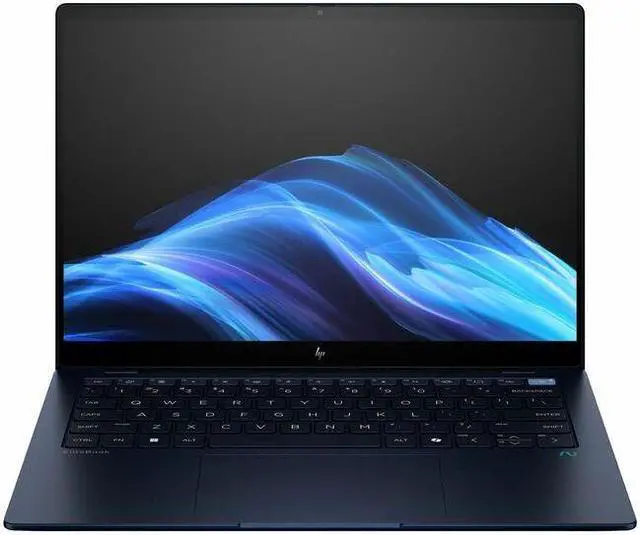
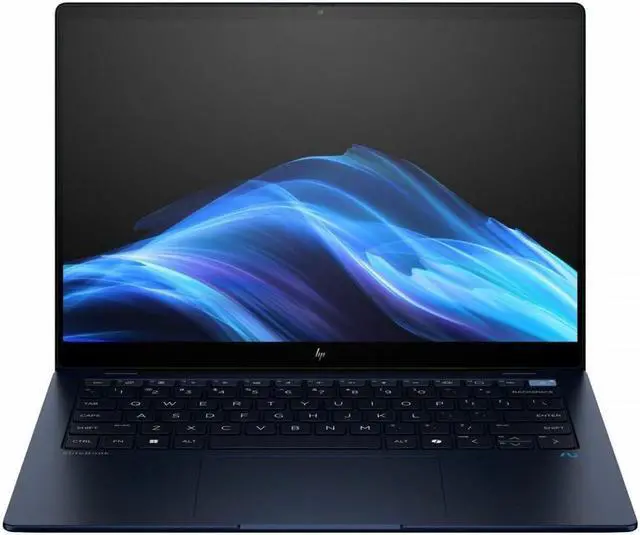
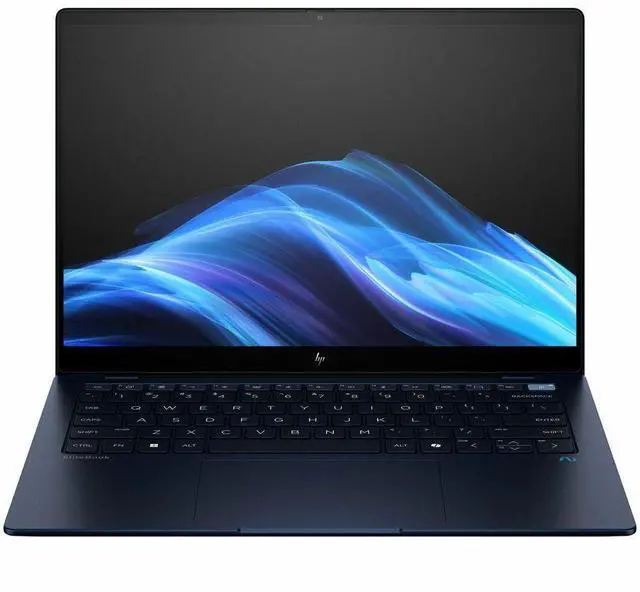
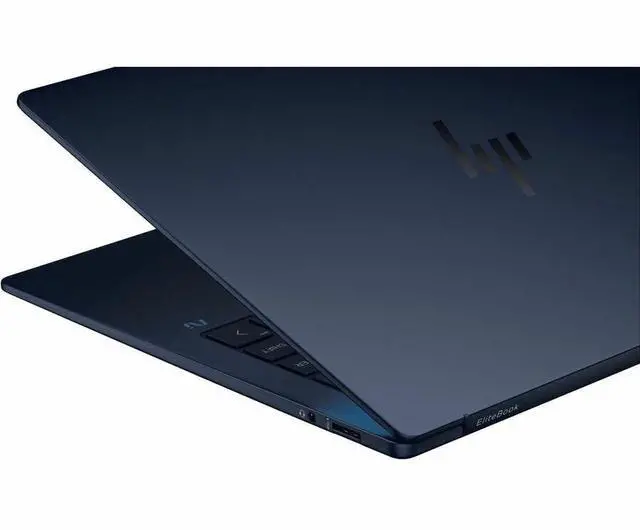
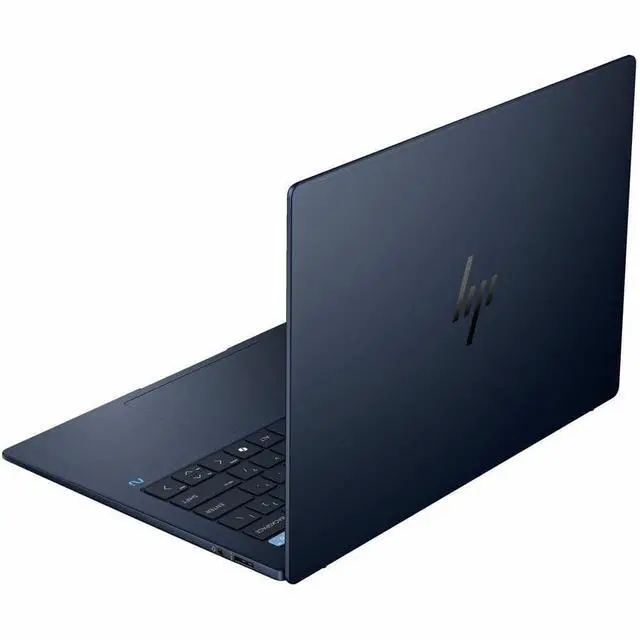
HP EliteBook Ultra G1q 14" Touchscreen Notebook AI PC - 2.2K - Qualcomm Snapdragon X Elite X1E-78-100 - 32 GB - 1 TB SSD - Qualcomm Chip - 2240 x 1400 - Windows 11 Pro - Qualcomm Adreno GPU - In-
- 2.2K
- Qualcomm Snapdragon X Elite X1E-78-100
- 32 GB
- 1 TB SSD
- Qualcomm Chip
- 2240 x 1400
- Windows 11 Pro
- Qualcomm Adreno GPU
- In-plane Switching (IPS) Technology, BrightView
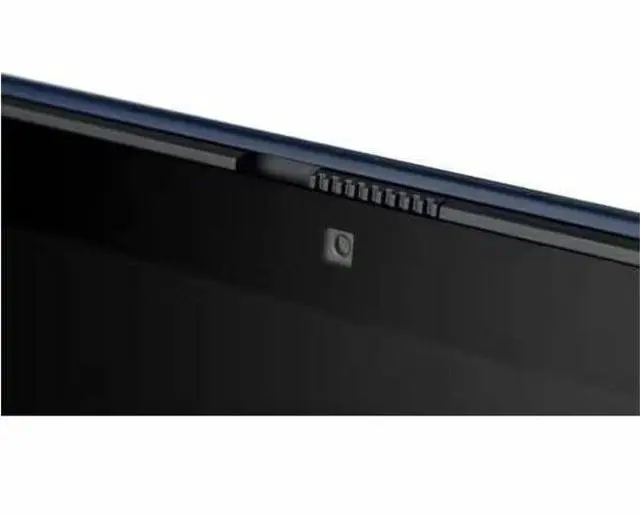
- Front Camera/Webcam
- 26
Any questions? Our AI mode will help you find out quickly.
Warranty & Returns
Warranty, Returns, And Additional Information
Warranty
- Limited Warranty period (parts): 1 year
- Limited Warranty period (labor): 1 year
- Read full details
Return Policies
- Return for refund within: 15 days
- Return for replacement within: 15 days
- This item is covered by Newegg.com's 15-Day Return Policy.
- Read full return policy for details.
Manufacturer Contact Info
- Manufacturer Website
- Support Phone: 1-800-474-6836
- Support Website
- View other products from HP
Learn about this product
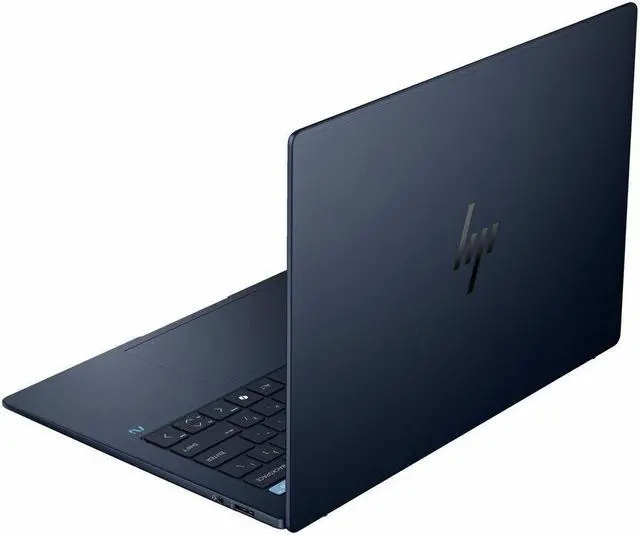
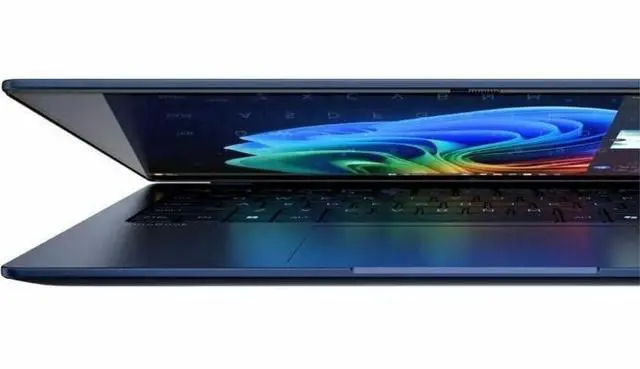
The HP EliteBook Ultra G1q is a 14-inch touchscreen AI laptop with a 2.2K IPS display, Snapdragon X Elite, 32GB memory, and 1TB SSD, making it a strong fit for professionals and students who want a premium portable PC for multitasking, web apps, video calls, and everyday productivity.
Recommended For
- Mobile professionals who spend most of the day in the browser, Microsoft 365, Zoom/Teams, and email, and want a thin 14-inch business laptop with long real-world battery life and very quiet operation.
- Frequent travelers and field staff who prioritize carrying less charger time and less fan noise over peak plugged-in performance, especially for flights, client visits, and work away from a desk.
- Remote workers who care about video calls and on-device AI features more than GPU-heavy tasks, especially users who want a business-first setup with a high-resolution webcam, IR login, and HP's conferencing tools.
- Buyers specifically looking for a Windows-on-Arm business laptop for native or mostly web-based workflows, where efficiency, instant responsiveness, and local NPU features matter more than legacy app breadth.
Real-World Use Scenarios
- Working away from a charger for a full business day with browser tabs, Office apps, video calls, and email usually fits this laptop well; reviews and user feedback consistently point to all-day battery life and quiet operation in typical productivity use.
- Taking frequent Zoom or Teams meetings while traveling is a natural fit: the laptop is positioned for business collaboration, and reviews highlight its 5MP webcam, IR login support, clear speakers, and low fan noise, so the experience should feel polished in everyday remote-work calls.
- Using it as a lightweight travel laptop for writing, web apps, document editing, and streaming is a realistic scenario; the thin 14-inch design, long battery life, and quiet thermals make it better suited to mobile productivity than to heavier workstation-style tasks.
- Running a normal mix of native Windows apps, web tools, and mainstream business software should be smooth for most users, but specialized legacy programs may still need extra checking because Windows on Arm compatibility remains a recurring caution in reviews and community discussions.
- Light creative work such as photo edits, presentations, and occasional short video jobs is plausible, but this is not the best match for sustained heavy editing or rendering; review data and community interest suggest it is better as a productivity-first machine than a creator-first laptop.
- Casual or older games may run at reduced settings, but this laptop is not a practical pick for modern AAA gaming; benchmark-based reviews show the integrated Adreno graphics are acceptable for light play, while compatibility and performance limits remain part of the real-world experience.
Spec Summary
| Attribute | Value |
|---|---|
| Best For | Business and student users who need a portable 14-inch touchscreen Windows 11 Pro notebook with a Snapdragon X Elite CPU, 32 GB RAM, 1 TB M.2 SSD and 5G/Wi‑Fi connectivity for on-the-go productivity and video calls |
| Processor And Core Count | Qualcomm Snapdragon X Elite (X1E-78-100) 1st Gen — 12 cores, up to 3.4 GHz, 8 MB L3 cache |
| GPU And VRAM | Integrated Qualcomm Adreno graphics (integrated GPU for on-device graphics and video) |
| Display Spec | 14.0-inch touchscreen LCD, 2240 x 1400 (native) IPS BrightView panel, capacitive in-cell/on-cell touch, 300 Nit maximum brightness and 100% sRGB gamut |
| Memory Configuration | 32 GB RAM installed (32 GB maximum) |
| Storage And Expansion | 1 TB solid-state storage (1 TB M.2 SSD; M.2 interface/form factor) with SD-compatible expandable storage |
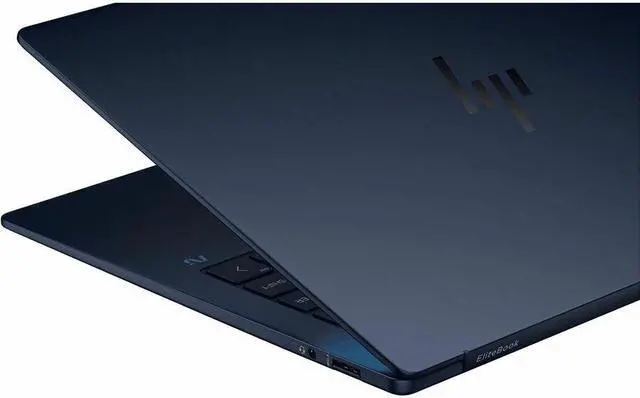
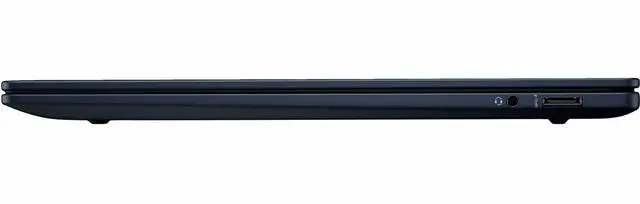
| High Speed I O | Three ports reported (three USB ports listed) plus HDMI video output |
| Wired And Wireless Networking | Wi‑Fi 802.11ax (Wi‑Fi 6), Bluetooth wireless, and 5G cellular connectivity (USB connectivity also listed) |
| Battery And Power | Charging time reported as 30 minutes; AC adapter and power cord included; batteries not included |
| Webcam And Privacy | Front webcam present with a specialized camera for video calls |
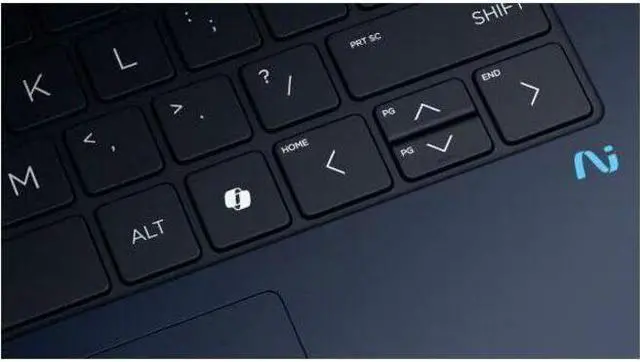
| Keyboard And Control | Standard keyboard plus capacitive touchscreen input |
| Portability | Item weight 4 Pounds; item dimensions reported as 14.6 L x 11 W x 14.7 TH inches; package weight 5.45 Pounds (package dimensions also provided) |
| Other Features | Windows 11 Pro OS; includes Microsoft Office (productivity) and Windows Defender (security); AI-powered features called out; compatible with external displays, keyboards, mice and storage devices; color: Black |
| Model Identifiers | HP / Hewlett Packard EliteBook Ultra G1q — model B13U7UT#ABA (Edition: EliteBook Ultra G1q) |
Reference Q&A
Q: Should I buy the HP EliteBook Ultra G1q or a MacBook Air for a thin premium laptop?
A: Choose the HP EliteBook Ultra G1q if you want a premium 14-inch business laptop with Windows 11 Pro, enterprise-focused features, a 2.2K touch display, and Snapdragon X Elite efficiency in a travel-friendly design. Choose a MacBook Air if your workflow is centered on macOS and Apple-native apps. Across reviews, the EliteBook Ultra G1q is mainly positioned as a business-first Copilot+ PC with strong battery life and portability, while the MacBook Air is the more straightforward choice for users who do not want to think about Windows on Arm app compatibility.
Q: Is the HP EliteBook Ultra G1q worth choosing over an Intel Core Ultra business laptop?
A: The EliteBook Ultra G1q is the better fit if battery life, low-weight mobility, AI PC features, and quiet everyday productivity matter more than maximum legacy software flexibility. A comparable Intel Core Ultra business laptop is the safer choice if you rely on older Windows apps, specialized drivers, or tools that may not be fully optimized for Windows on Arm. Professional reviews commonly frame this trade-off as efficiency and portability versus broad x86 compatibility, not as a simple win in every category.
Q: Should I get the Snapdragon X Plus version or this Snapdragon X Elite EliteBook Ultra G1q?
A: Buy the Snapdragon X Elite version if you want the higher-end configuration for longer-term headroom, heavier multitasking, and the strongest version of HP's premium EliteBook Ultra positioning. Choose the Snapdragon X Plus configuration if your workload is mostly browser, Office, meetings, and cloud apps and you want the same overall platform approach at a lower tier. HP officially offers both chips in the EliteBook Ultra line, and review coverage generally treats X Elite as the more performance-oriented option while preserving the same core portability and AI-PC benefits.
Q: Is the HP EliteBook Ultra G1q a better pick than a more affordable Snapdragon business laptop like the EliteBook 6 G1q?
A: Choose the EliteBook Ultra G1q if you want HP's thinner, more premium business design, higher-end product positioning, and a stronger emphasis on portability and executive-class fit and finish. Choose a model like the EliteBook 6 G1q if value, broader fleet deployment, or a more mainstream business-laptop budget matters more. HP positions the Ultra above the 6 series, and review coverage treats the 6 G1q as the more practical commercial option while the Ultra is the more premium travel-focused option.
Q: Is the HP EliteBook Ultra G1q a good fit for travel work, meetings, and everyday office tasks?
A: Yes. This configuration is well suited to mobile office use because it combines a 14-inch touch display, webcam, Windows 11 Pro, 32 GB RAM, and a 1 TB SSD with a Snapdragon X Elite platform that is commonly considered for battery-focused Copilot+ PCs. It makes the most sense for users doing browser-based work, Microsoft 365, video meetings, note-taking, presentations, and general multitasking. It is a weaker fit if your workflow depends on niche Windows utilities, older peripherals, or specialized native x86 software that may have compatibility gaps on Snapdragon-based Windows laptops.
Q: Who is the HP EliteBook Ultra G1q most suitable for?
A: It is best for professionals who want a premium Windows laptop for productivity, meetings, cloud apps, and light creative or multitasking work, especially if they value a high-memory setup out of the box. With 32 GB RAM and 1 TB storage, it fits users who keep many apps and files open at once better than entry Snapdragon laptops with 16 GB and 512 GB. It is less suitable for buyers who mainly want the lowest price, easy upgradeability, or guaranteed compatibility with every legacy Windows app and accessory.
Q: What is the main trade-off of buying this Snapdragon X Elite EliteBook instead of a typical Intel laptop?
A: The main trade-off is efficiency versus compatibility risk. A Snapdragon X Elite laptop like this HP is typically chosen for modern mobile productivity and AI-PC positioning, but shoppers repeatedly ask retail Q&A pages about app support, printer drivers, engineering software, and accessory behavior. If your workload is mostly mainstream Windows apps, meetings, and web tools, the trade-off is usually acceptable. If you rely on specialized programs such as CAD tools, uncommon drivers, or older hardware workflows, an Intel-based business laptop is usually the safer choice.
Q: Is this a better buy than a cheaper Snapdragon X Elite alternative like the Lenovo Yoga Slim 7x or Dell XPS 13?
A: It is a better buy only if you specifically want a business-oriented Windows setup with 32 GB RAM, 1 TB SSD, touch input, and Windows 11 Pro in one package. Cheaper Snapdragon X Elite models at major retailers often start around 16 GB RAM and 512 GB storage, so they can offer better value for general use. The HP makes more sense for buyers who need the higher memory and storage headroom now, while lower-cost alternatives are usually the stronger value pick for lighter productivity workloads.
Q: Is the HP EliteBook Ultra G1q good for light creative work or demanding professional software?
A: It is fine for light creative tasks, heavy multitasking, and high-resolution office work, but it is not the safest choice if your buying decision depends on specific pro software certification or GPU-heavy workflows. The listed Qualcomm Adreno graphics are integrated, not dedicated, so this model is better aligned with productivity-first use than workstation-class 3D, advanced CAD, or specialized engineering workloads. Buyers considering tools like SolidWorks or other niche professional software should confirm native support before purchasing.
Q: Is the HP EliteBook Ultra G1q a good buy for work and travel?
A: Yes, if your priority is a light 14-inch Windows laptop for office work, web use, meetings, and long unplugged sessions. Reddit discussion around this model repeatedly highlights battery life as a reason to consider it for travel and work. Based on the product data, this configuration also includes 32 GB RAM, a 1 TB SSD, a 2.2K touchscreen, and Windows 11 Pro, which fit productivity use well. The main trade-off is that it uses a Snapdragon X Elite ARM platform, so software and peripheral compatibility should be checked before buying.
Q: Who is the HP EliteBook Ultra G1q most suitable for?
A: It is most suitable for users who mainly need a Windows productivity laptop: business work, browser-heavy workflows, video calls, document work, and general programming that already works on Windows on ARM. Reddit comments mentioning this model describe it as working well for day-to-day office use, while the listed specs support that positioning. It is a stronger fit for users who value battery life and portability more than maximum app compatibility or gaming performance.
Q: Are app compatibility and software support a real concern on this model?
A: Yes. That is one of the main decision points. Reddit discussion around the HP EliteBook Ultra G1q and Snapdragon X laptops shows mixed experiences: some users report that most of their apps work well, while others still run into limitations or instability in specific workloads. In practice, this means the laptop makes more sense if your core apps already have Windows-on-ARM support or are known to run properly under emulation.
Q: Is the HP EliteBook Ultra G1q a good choice for gaming or heavier creative work?
A: Not really as a primary use case. The product data shows integrated Qualcomm Adreno graphics, and Reddit discussion around Snapdragon X laptops consistently treats gaming as limited compared with mainstream x86 laptops. It may handle light or casual workloads, but buyers focused on gaming, demanding GPU work, or broader creative software support should treat this model as a productivity-first laptop rather than a performance laptop.
Q: What are the main trade-offs to know before buying the HP EliteBook Ultra G1q?
A: The main trade-offs are ARM compatibility, occasional platform-specific bugs, and weaker fit for non-Windows-standard setups. Reddit posts mentioning this model include reports of resume or driver issues and Linux installation problems. So the laptop is easier to recommend for buyers staying on Windows 11 Pro with mainstream productivity apps than for users who depend on niche drivers, Linux, or unusually specific hardware workflows.