




 here!
here!
I’m your shopping assistant for PC builds, upgrades, and everything tech.
Got questions? Ask away!
Start a conversation
here!
I’m your shopping assistant for PC builds, upgrades, and everything tech.
Got questions? Ask away!
Start a conversation Top Rated

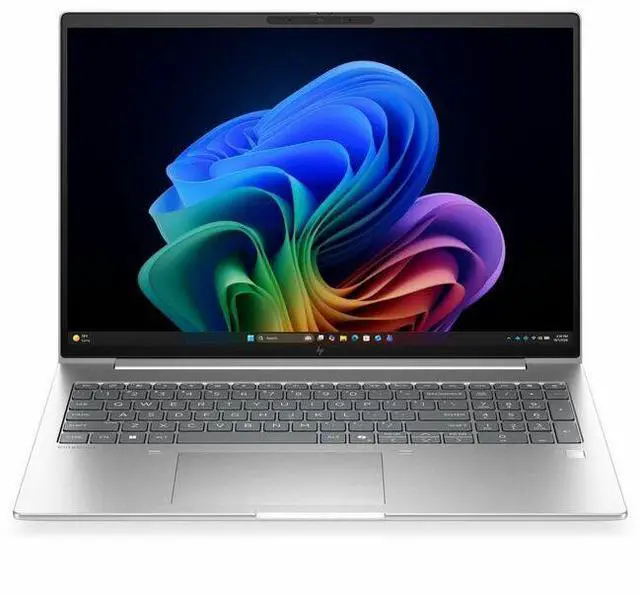
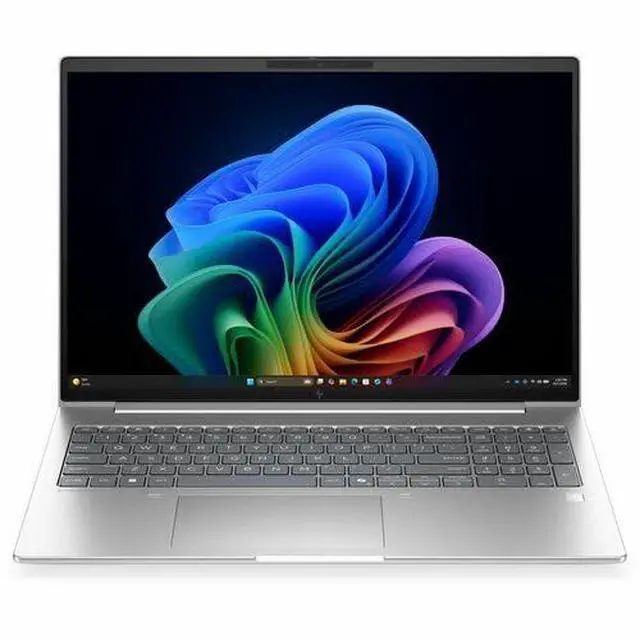
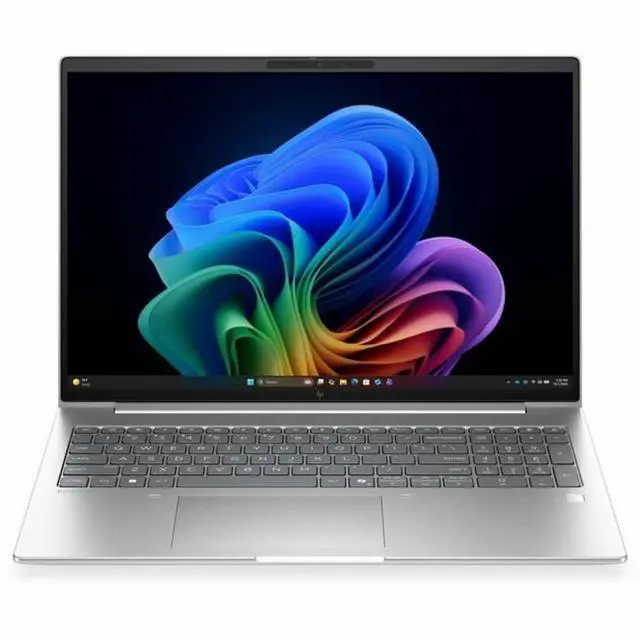



Any questions? Ask CelesteSM will help you find out quickly.
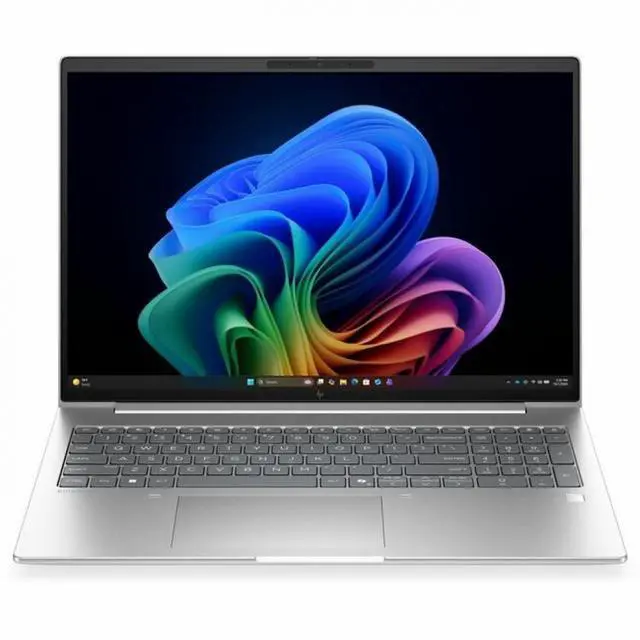
The HP EliteBook 6 G2i is a 16-inch Copilot+ business laptop with a WUXGA IPS display, Intel Core Ultra 7 processor, 16GB memory, and a 512GB SSD, making it a strong fit for professionals, remote workers, and students who want a spacious screen and smooth productivity for everyday office, web, and video-call tasks.
| Attribute | Value |
|---|---|
| Best For | Home/personal users seeking a 16-inch notebook; also indicated for business and student use, combining an Intel Core Ultra 7 processor with 16 GB RAM and a 512 GB SSD |
| Processor And Core Count | Intel Core Ultra 7 (model 355) — 8 cores, up to 4.7 GHz maximum clock, 12 MB L3 cache |
| Display Spec | 16.0-inch WUXGA (1920 x 1200) IPS LCD, up to 300 nit brightness, with low-blue-light and anti-glare coating |
| Memory Configuration | 16 GB DDR5 SDRAM installed (2 memory slots; upgradable to 32 GB max) |
| Storage And Expansion | 512 GB solid-state drive in M.2 form factor and M.2 interface |
| Graphics And Video | Integrated Intel graphics (graphics RAM type listed as DDR5 SDRAM); video output via HDMI |
| High Speed I O | 2 Thunderbolt ports, 1 HDMI port, 2 total USB ports (no USB 2.0/3.0 reported), plus USB/HDMI/Ethernet hardware interfaces |
| Battery And Power | Built-in lithium-ion battery, 4000 mAh capacity, 3 cells (1 battery installed/included); battery pack/installation details listed |
| Wired And Wireless Networking | Wi‑Fi 7 and Bluetooth support; includes Ethernet connectivity |
| Webcam And Privacy | Front-facing webcam present; fingerprint reader for biometric authentication |
| Portability | Product dimensions 0.69" x 14.1" x 9.9" and weight about 3.8–3.81 lb; package dimensions listed as 20 x 12 x 2.5 inches |
| Operating System And Security | Windows 11 Pro; Wolf Pro Security Edition noted and power adapter listed as included |
| Model Identifiers | HP EliteBook 6 G2i (model D9FX6UT#ABA, model name D9FX6UT#ABA), manufacturer Hewlett Packard, 2026 model year; color Pike Silver Aluminum; region United States/North America |
Q: Should I buy the HP EliteBook 6 G2i 16 or step up to the HP EliteBook 8 G2i 16?
A: Choose the HP EliteBook 6 G2i 16 if you want a 16-inch business laptop aimed at broad fleet deployment, everyday office work, and standard enterprise configurations. HP positions the EliteBook 6 series for IT efficiency at scale, while the EliteBook 8 series is positioned as the more premium enterprise tier with wider high-end configuration options such as higher memory ceilings and more advanced connectivity options in some trims. The EliteBook 8 G2i 16 is the better fit if you want more headroom for heavier multitasking or a more premium enterprise configuration path.
Q: Is the HP EliteBook 6 G2i 16 worth buying over a Core Ultra 5 version?
A: Buy this Core Ultra 7 355 configuration if pricing is close and you want the slightly higher-tier SKU for a business rollout. If the Core Ultra 5 325 version is meaningfully cheaper, the lower-tier model is often the better value for routine office workloads because independent testing shows Core Ultra 5 325 and Core Ultra 7 355 perform very similarly in many real-world tasks. For email, web apps, video calls, and Microsoft 365 work, the upgrade is usually about configuration preference more than a large speed jump.
Q: Should I choose the HP EliteBook 6 G2i 16 or a higher-performance laptop with Core Ultra X7 graphics?
A: Choose the HP EliteBook 6 G2i 16 if your priority is business productivity, integrated graphics, and a mainstream 16-inch enterprise notebook. Move to a higher-performance Core Ultra X7 system if you expect GPU-heavy work, light content creation, or occasional gaming, because benchmark data shows a clear graphics gap between Core Ultra 7 355 systems with standard Intel integrated graphics and Core Ultra X7 systems with stronger Arc graphics. The EliteBook 6 G2i 16 is the better fit for office-first use, while the higher-tier class is the better fit for performance-first buying decisions.
Q: Is the HP EliteBook 6 G2i 16 a better buy than the previous EliteBook 6 G1i 16?
A: The EliteBook 6 G2i 16 makes more sense if you are buying new and want the newer platform generation, newer Copilot+ AI PC positioning, and a longer support runway. The EliteBook 6 G1i 16 still fits buyers who find a strong discount and only need a proven 16-inch business notebook for standard productivity. The practical decision is simple: choose G2i for new-cycle deployment and longer-term planning, and choose G1i only when price savings matter more than being on the newer platform.
Q: Should I get the HP EliteBook 6 G2i 16 for portability or pick a smaller laptop instead?
A: Choose the HP EliteBook 6 G2i 16 if you want more screen space for spreadsheets, side-by-side documents, and desk-based productivity. Pick a smaller 13-inch or 14-inch model if you travel frequently and care more about carrying comfort than workspace size. Reviews of other Core Ultra 7 355 thin-and-light laptops show this processor is well suited to efficient everyday use, so the main decision here is form factor: 16-inch for workspace and visibility, smaller systems for mobility.
Q: Is this a good laptop for office work, meetings, and everyday business tasks?
A: Yes. This configuration is well suited for productivity work such as email, web apps, documents, spreadsheets, video meetings, and multitasking across typical business software. The main reasons are the Intel Core Ultra 7 processor, 16GB RAM, 512GB SSD, 16-inch 1920 x 1200 IPS display, webcam, Bluetooth, and Windows 11 Pro. It is a better fit for work and collaboration than for GPU-heavy creative workloads or serious gaming because it uses integrated graphics.
Q: Is it worth buying as a travel work laptop?
A: It can work well as a travel productivity laptop if you value screen space over maximum portability. The 16-inch display is helpful for spreadsheets, multitasking, and presentations, but a laptop this size is usually less convenient for frequent flights and tight spaces than a 13- or 14-inch model. It makes more sense for commuters and hybrid workers than for buyers who want the lightest possible travel device.
Q: Who is this laptop best suited for?
A: This model is best for professionals, remote workers, students in business-focused programs, and home users who want a large-screen Windows laptop for productivity. It is a sensible fit for note-taking, research, meetings, web-based work, and general office use. It is less ideal for buyers who need a dedicated GPU for advanced video editing, 3D work, or gaming.
Q: What are the main trade-offs versus a 13- or 14-inch Copilot+ laptop?
A: The trade-off is workspace versus portability. This HP gives you a larger 16-inch 1920 x 1200 display that is better for side-by-side windows, spreadsheets, and long work sessions. A smaller 13- or 14-inch Copilot+ alternative is usually easier to carry and use on the go, but gives up screen area. Buyers choosing between them should decide whether mobility or screen comfort matters more.
Q: Is 16GB RAM and a 512GB SSD enough for most buyers?
A: For most business and personal productivity users, yes. 16GB RAM is a practical level for multitasking with browsers, Office apps, conferencing, and cloud tools, while a 512GB SSD is usually enough for documents, presentations, and normal software installs. The main limitation appears when you keep very large local media libraries or run heavier professional workloads, where more memory or storage would be preferable.
Q: Is this HP EliteBook 6 G2i a good fit for office work and everyday business use?
A: Yes. Based on the listed specs, it is a solid fit for office work, web apps, video calls, documents, spreadsheets, and general multitasking. The 16-inch 1920x1200 IPS display, 16GB RAM, 512GB SSD, webcam, HDMI, Bluetooth, and Windows 11 Pro align well with typical business-laptop needs. The main trade-off is that this configuration is aimed at productivity rather than heavy graphics or specialized workstation workloads.
Q: Who is this laptop best suited for?
A: This model is best suited for users who want a large-screen Windows business laptop for work, study, remote meetings, and general personal use. It makes more sense for buyers who value screen space, standard business features, and a professional Windows setup than for gamers, creators who need dedicated graphics, or shoppers specifically chasing maximum AI performance.
Q: Is the Copilot+ branding a good reason by itself to buy this model?
A: Usually no. Reddit discussion around Copilot+ PCs often treats the branding as less important than the core laptop basics like price, RAM, storage, display, battery life, and app compatibility. For this EliteBook 6 G2i, the stronger buying case is that it is a modern 16-inch business notebook with sensible everyday specs. Copilot+ features may be a bonus, but they should not be the main reason to choose it.
Q: What are the main trade-offs of this configuration?
A: The main trade-offs are memory headroom, storage capacity, and graphics power. With 16GB RAM and a 512GB SSD, it should be fine for mainstream productivity, but buyers who keep many heavy apps open, store large local files, or plan longer-term use may prefer 32GB RAM or more storage. The integrated graphics are appropriate for office tasks and media use, but not ideal for demanding gaming or GPU-heavy creative work.
Q: Is this a good choice if I want one laptop for both home and work?
A: Yes, if your needs are centered on productivity rather than gaming or creator workloads. The specs match a practical mixed-use laptop: large 16-inch display, webcam, Windows 11 Pro, and standard connectivity. It is a better fit for documents, browsing, streaming, meetings, and light multitasking than for buyers who need a lighter travel-first machine or stronger graphics performance.


