




 here!
here!
I’m your shopping assistant for PC builds, upgrades, and everything tech.
Got questions? Ask away!
Start a conversation
here!
I’m your shopping assistant for PC builds, upgrades, and everything tech.
Got questions? Ask away!
Start a conversation Top Rated
 Hot Seller





Any questions? Ask CelesteSM will help you find out quickly.
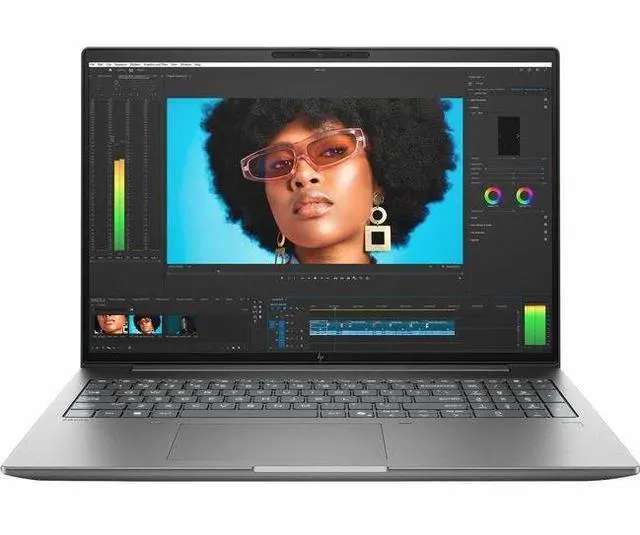
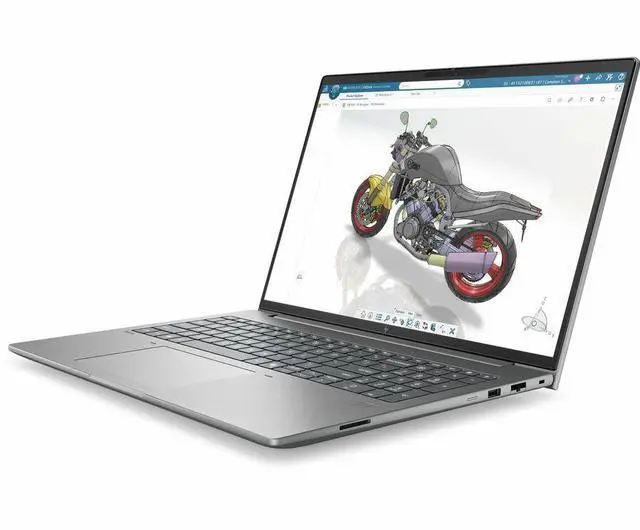
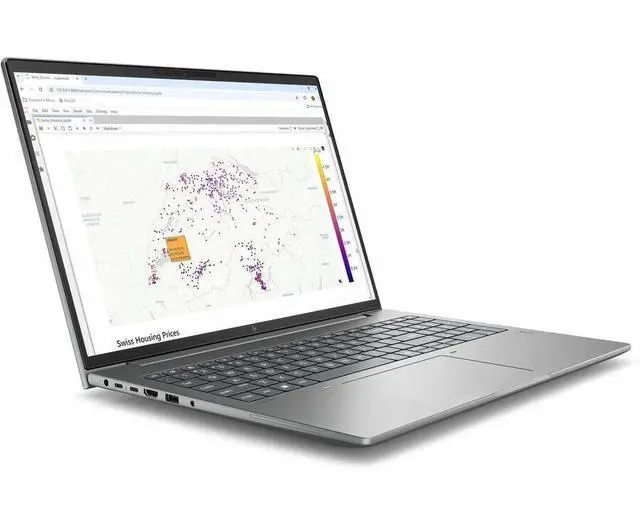
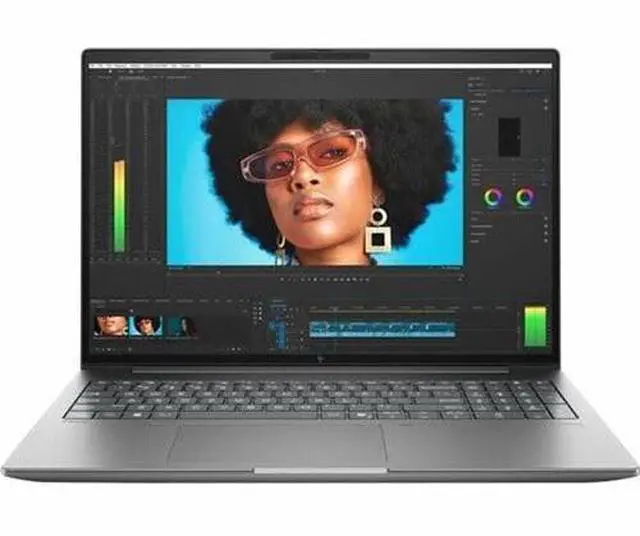
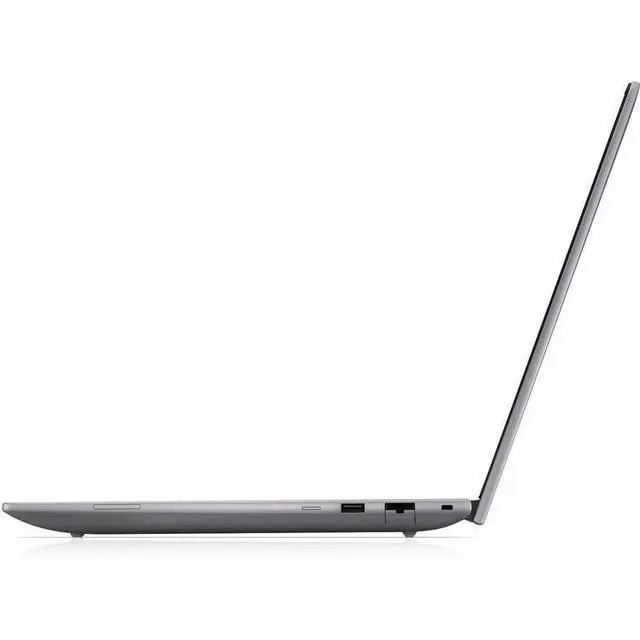
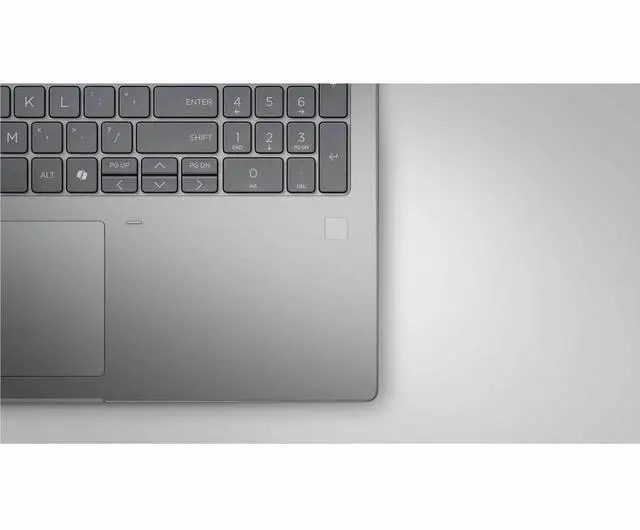
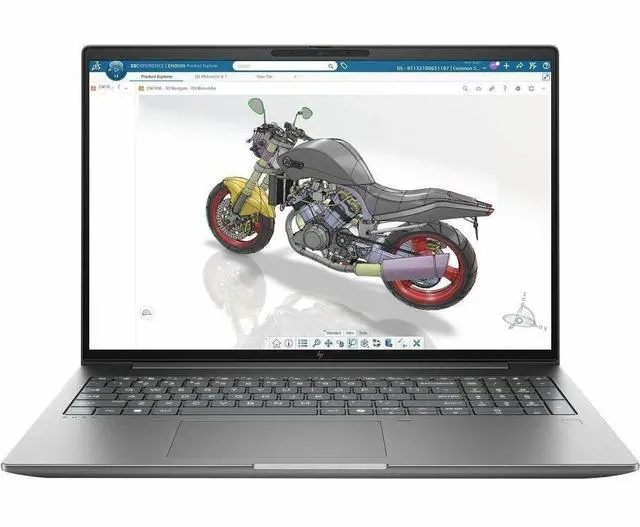
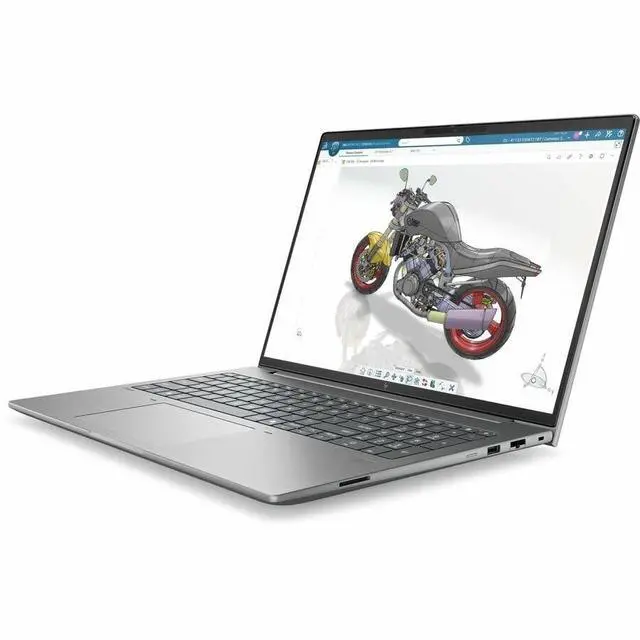
The HP ZBook X G2i is a 16-inch touchscreen mobile workstation with an Intel Core Ultra 7 356H, 32GB RAM, 512GB SSD, Windows 11 Pro, and NVIDIA graphics, making it a strong fit for professionals who need a portable system for CAD, content creation, multitasking, and office workflows.
| Attribute | Value |
|---|---|
| Best For | Mobile workstation users who need a 16.0" workstation-class laptop configuration with Intel Core Ultra 7 CPU, 32 GB RAM, and both Intel integrated graphics and an NVIDIA RTX PRO 500 GPU for mixed professional and content workflows |
| Processor And Core Count | Intel Core Ultra 7 series (model 356H) with up to 4.7 GHz turbo and 18 MB L3 cache |
| GPU And VRAM | Intel integrated graphics alongside an NVIDIA RTX PRO 500 discrete GPU with 6 GB GDDR7 video memory |
| Display Spec | 16.0" LCD with In-Plane Switching (IPS) technology, native resolution 1920 x 1200, up to 400 nit maximum brightness and 100% sRGB color gamut |
| Memory Configuration | 32 GB DDR5 SDRAM installed, 2 memory slots, expandable up to 128 GB |
| Storage And Expansion | 512 GB solid-state drive in M.2 form factor (M.2 interface listed) |
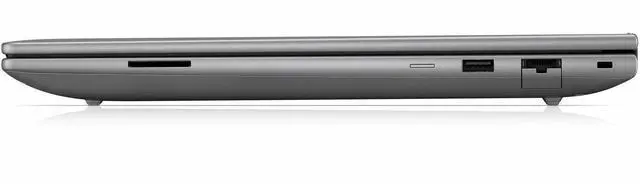
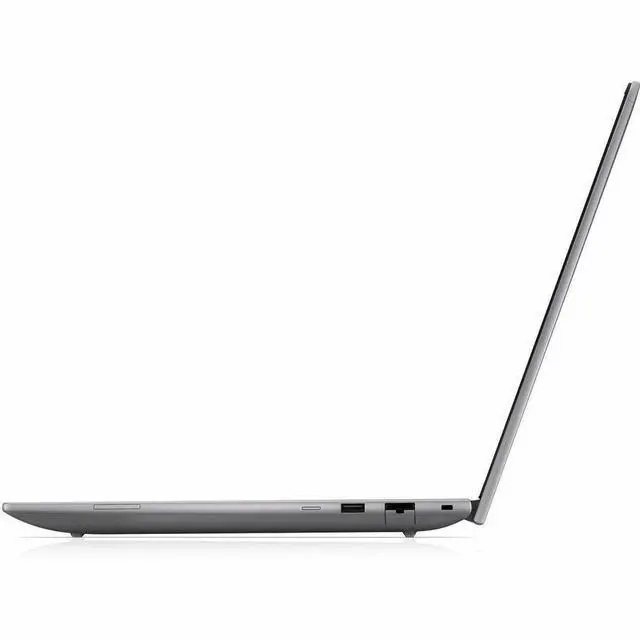
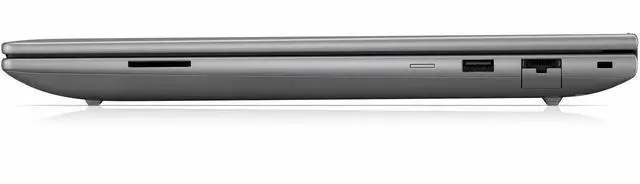
| High Speed I O | Includes 2 Thunderbolt ports, 2 USB ports, 1 HDMI port and Ethernet for wired connectivity |
| Wired And Wireless Networking | Wi‑Fi and Bluetooth wireless connectivity plus Ethernet for wired networks |
| Webcam And Privacy | Built-in webcam present |
| Audio Setup | Stereo audio |
| Battery And Power | AC adapter and power cord included; batteries are not required and not included |
| Operating System And Security | Windows 11 Pro operating system; includes Wolf Pro Security Edition as part of the built-in media package |
| Model Identifiers | HP ZBook X G2i (model DK2D7UT#ABA) by Hewlett Packard |
| Physical Dimensions And Weight | Item dimensions 12 x 19.75 x 2.5 inches; package weight 7.5 pounds |
| Color And Finish | Meteor Silver finish |
Q: Should I choose the HP ZBook X G2i 16 or the HP ZBook 8 G2i 16?
A: Choose the HP ZBook X G2i 16 if your work regularly goes beyond light CAD, design review, or office-heavy multitasking and you want more graphics headroom, higher maximum memory, and a stronger workstation position in HP’s lineup. HP positions the ZBook X for 3D modeling, video editing, and rendering, with configurations up to NVIDIA RTX PRO 3000 Blackwell and up to 128GB RAM. The ZBook 8 G2i 16 is the better fit when portability matters more and your workload is closer to light 3D, layouts, presentations, and general professional use; HP positions it as a slim, light AI workstation with up to RTX PRO 500 graphics and up to 64GB RAM.
Q: Is this HP ZBook X G2i 16 a better choice than a lower-spec integrated-graphics business laptop?
A: Yes, if you need certified workstation behavior for GPU-accelerated apps, larger projects, or local AI-assisted workflows. This Newegg configuration pairs an Intel Core Ultra 7 356H with 32GB RAM and discrete NVIDIA graphics, which is a more suitable setup for professional creation, engineering, and visualization than an integrated-graphics business laptop. A lower-spec non-workstation model is still the better value if your real use is web, Office, video calls, and light multitasking, because the main advantage of the ZBook X is professional workload support rather than basic productivity speed.
Q: Should I move up from this ZBook X G2i 16 configuration to a higher-end ZBook Fury?
A: Move up to a ZBook Fury if your work includes sustained rendering, larger simulations, heavier 3D scenes, multiple very demanding apps at once, or if you need much more GPU, storage, and memory expansion. HP positions the Fury as the desktop-class option, with higher-power thermals, more aggressive GPU options, and much larger storage capacity. Stay with the ZBook X G2i 16 if you want a more balanced mobile workstation that still supports professional graphics workflows without stepping into the larger, heavier Fury class.
Q: Is the touchscreen WUXGA version of the HP ZBook X G2i 16 better than a higher-resolution non-touch configuration?
A: Choose the WUXGA touch version if your priority is practical daily use, longer unplugged work, and direct touch input for presentations, navigation, or markup. Choose a higher-resolution non-touch panel if your work depends more on color-critical editing, finer detail, or extra screen sharpness. HP offers the ZBook X G2i with multiple panel tiers, including WUXGA touch and higher-end 2.5K or DreamColor-style options, so the better choice depends on whether you value interaction and efficiency more than display precision.
Q: For portability-first use, is the HP ZBook X G2i 16 the right choice or should I get a lighter workstation class model?
A: The HP ZBook X G2i 16 is the right choice when you still need workstation-grade graphics and higher performance on the move. If portability is the main goal and your workload is lighter, a thinner class such as the ZBook 8 G2i 16 makes more sense because HP positions it as the slimmer, lighter option for mobile professionals. In short: pick the ZBook X when performance needs lead the decision; pick the lighter class when carrying comfort and lighter-duty work lead the decision.
Q: Is this a good fit for office work, meetings, and everyday business use?
A: Yes. Based on the listed specs, this model is well suited for office productivity, video meetings, web apps, multitasking, and general business workflows. The 32GB RAM and Windows 11 Pro are stronger than what many mainstream 16-inch consumer laptops offer, so it should feel more comfortable with heavier browser use, large spreadsheets, and multiple business apps open at once. The main trade-off is that it is a workstation-class 16-inch laptop, so buyers focused on maximum portability may prefer a thinner consumer model.
Q: Is it worth buying as a travel work device?
A: It can work well for travel if your priority is screen size and workstation capability, not ultra-light portability. A 16-inch touch display is useful for multitasking, presentations, and working away from a desk, but this class of laptop is typically less convenient to carry than 13- or 14-inch business models. It makes more sense for travelers who want one machine for office work and heavier professional tasks than for buyers who mainly want a compact carry-on laptop.
Q: Who is this laptop most suitable for?
A: This model is best suited to business users, technical professionals, and buyers who want a larger-screen Windows laptop with more memory headroom than a typical mainstream notebook. It is a better match for multitasking, professional software, meetings, and workstation-style use than for casual buyers who only need a basic school or home laptop. The dedicated NVIDIA graphics listed in the product data also makes more sense for users with some visual, technical, or accelerated-app workloads than for light-only use.
Q: What are the main trade-offs versus a consumer 16-inch touchscreen laptop?
A: The main advantage of this HP model is that it is configured more like a professional machine: 32GB RAM, Windows 11 Pro, and workstation positioning. Compared with many consumer 16-inch touch laptops, the likely trade-offs are a more practical display spec rather than a high-refresh or OLED panel, less emphasis on thin-and-light design, and potentially less value for buyers who only need web, documents, and streaming. If your work benefits from extra memory and professional OS features, the trade-off is reasonable; if not, a consumer model may be the better buy.
Q: Is 512GB storage enough, or should buyers expect to use external or cloud storage?
A: For standard office work, 512GB is usually enough. For workstation buyers handling large media files, project folders, CAD assets, or heavier local datasets, 512GB can feel limiting over time. Retail Q&A on comparable laptops repeatedly shows buyers asking about storage expansion and second SSD options, which signals this is a real decision point. In practice, this configuration makes most sense for users with moderate local storage needs or a workflow that already uses cloud or external storage.
Q: Who is this HP ZBook X G2i 16 best suited for?
A: This model is best suited to users who want a 16-inch Windows workstation for professional work, multitasking, and occasional GPU-accelerated apps, but do not need a high-refresh or creator-focused display. With an Intel Core Ultra 7, 32GB RAM, 512GB SSD, Windows 11 Pro, touchscreen, and NVIDIA graphics, it fits office-heavy technical work better than gaming-first or color-critical creative use.
Q: Is the HP ZBook X G2i 16 a good choice for work and travel?
A: It can work well as a mobile office and workstation laptop, but portability is a trade-off. The 16-inch screen, touchscreen, workstation class positioning, and business features are good for productivity, but ZBook discussions repeatedly raise weight, charger bulk, and battery-life variability as reasons it is better for people who travel occasionally than for those who want a light everyday carry.
Q: What are the main trade-offs of this configuration?
A: The main trade-offs are display and storage versus workstation features. This configuration gives you 32GB RAM, Windows 11 Pro, touchscreen support, and NVIDIA graphics, which are useful for professional workloads, but it also has a basic 1920 x 1200 60Hz panel and only a 512GB SSD. That makes it more practical for productivity and technical work than for fast-motion gaming, large local project storage, or color-sensitive visual work.
Q: Is it worth buying if you want one laptop for office work plus some heavier apps?
A: Yes, if your priority is a single laptop that leans toward business and workstation use rather than gaming or ultra-portability. Based on repeated ZBook discussions, buyers usually consider this type of model when they want strong multitasking, professional Windows features, and better GPU capability than a mainstream business laptop. It is less compelling if low weight, maximum battery life, or premium display quality matter more.


