




 here!
I’m your shopping assistant for PC builds, upgrades, and everything tech.
Got questions? Ask away!
Start a conversation
here!
I’m your shopping assistant for PC builds, upgrades, and everything tech.
Got questions? Ask away!
Start a conversation Top Rated
 Hot Seller






Any questions? Ask CelesteSM will help you find out quickly.
We want to ensure your holiday shopping this year is hassle-free. That’s why we’re automatically extending our return policies on almost every product! For purchases placed between November 1st, 2026 and December 31, 2026 you will have until January 31, 2027 to return your product.
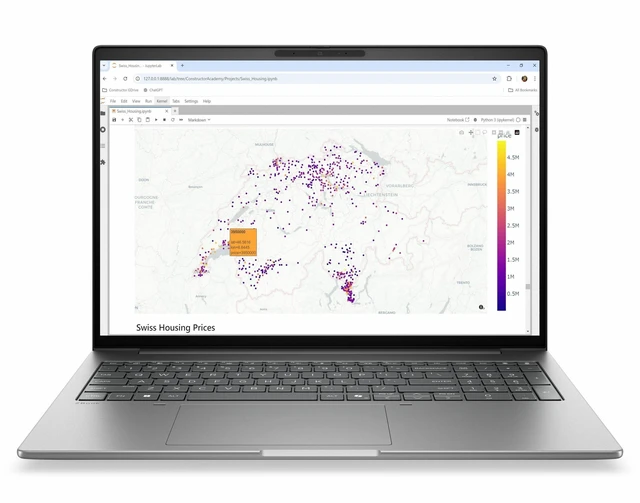
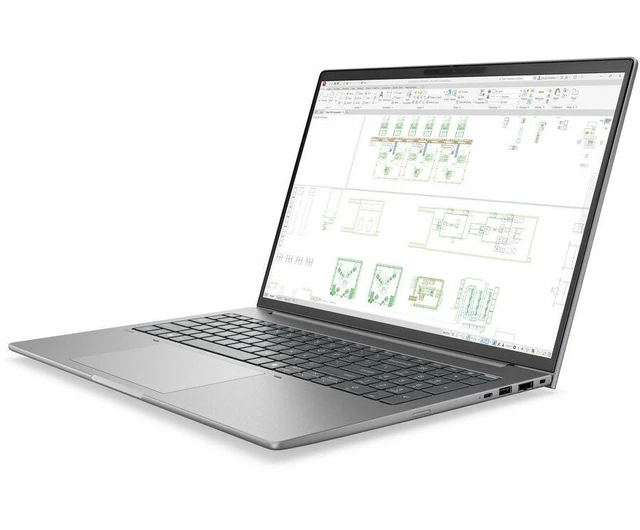
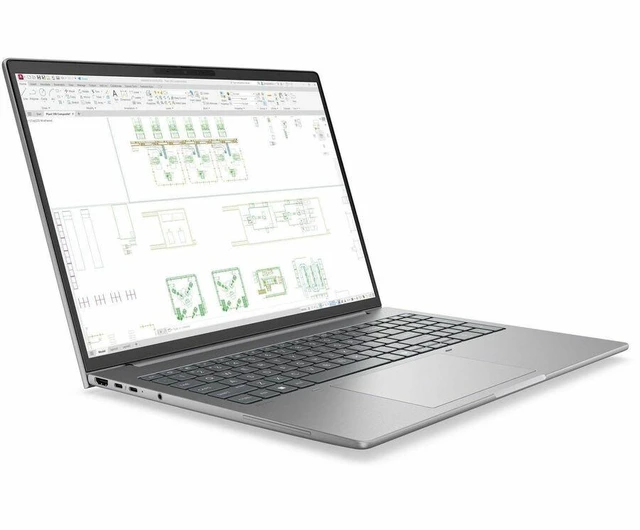
The HP ZBook 8 G2i 16 is a Copilot+ mobile workstation with an Intel Core Ultra X9 388H, 32 GB of memory, and a 1 TB SSD, suited to professionals who want a powerful Windows 11 Pro system for demanding everyday work and multitasking.
| Attribute | Value |
|---|---|
| Best For | Mobile workstation users seeking a 16-core system with a touchscreen display, 32 GB of memory, and 1 TB of SSD storage |
| Processor And Core Count | Intel Core Ultra X9 388H with 16 cores, up to 5.1 GHz, and 18 MB of L3 cache |
| GPU And VRAM | Integrated Intel Arc Graphics B390 |
| Display Spec | 16-inch touchscreen IPS display with 1920 × 1200 WUXGA resolution, 400-nit brightness, and 100% sRGB color gamut |
| Memory Configuration | 32 GB LPDDR5X memory |
| Storage And Expansion | 1 TB M.2 SSD |
| High Speed I/O | Two Thunderbolt ports and two USB ports |
| External Display And Docking Fit | One HDMI port for external display connectivity |
| Wired And Wireless Networking | Wi-Fi 7 (IEEE 802.11be), Bluetooth, and Ethernet connectivity |
| Battery And Power | Lithium polymer battery; power adapter included |
| Webcam And Privacy | Webcam included |
| Keyboard And Control | English keyboard |
| Audio Setup | Stereo audio |
| Operating System And AI Features | Windows 11 Pro with Copilot+ PC features |
| Chassis And Color | Meteor Silver |
| Model Identifiers | HP ZBook 8 G2i 16; part/model number DN0M3UT#ABA |
Q: HP ZBook 8 G2i 16 with Core Ultra X9 388H vs Ultra 7 356H: which configuration should I choose?
A: Choose this X9 388H configuration if you want the higher processor tier and 1 TB SSD; the listed Ultra 7 356H G2i configuration has 32 GB memory and a 512 GB SSD. Both are 16-inch G2i configurations with 32 GB memory.
Q: Should I get this ZBook 8 G2i or a G2i configuration with an RTX PRO 500 GPU?
A: Choose this configuration for its Core Ultra X9 388H processor, 32 GB memory, 1 TB SSD, and integrated Intel Arc graphics. Choose a G2i configuration with the NVIDIA RTX PRO 500 when your workflow calls for a dedicated workstation GPU; HP lists G2i options with that GPU, including 32 GB memory and 1 TB storage.
Q: HP ZBook 8 G2i 16 vs ZBook 8 G1i 16: what changes?
A: Choose the G2i for the Core Ultra X9 388H processor, 1 TB SSD, and Copilot+ PC positioning in this configuration. A G1i touch configuration is an alternative with a Core Ultra 7 265H, 32 GB memory, 512 GB SSD, and NVIDIA RTX 500 Ada graphics.
Q: HP ZBook 8 G2i 16 vs 14: which is easier to carry?
A: The 14-inch ZBook 8 G2i is the lighter option, starting at 1.42 kg; the 16-inch model starts at 1.75 kg. Choose this 16-inch configuration for its 16-inch WUXGA touchscreen, or the 14-inch model when lower starting weight is the priority.


