




 here!
here!
I’m your shopping assistant for PC builds, upgrades, and everything tech.
Got questions? Ask away!
Start a conversation
here!
I’m your shopping assistant for PC builds, upgrades, and everything tech.
Got questions? Ask away!
Start a conversation Top Rated
 Hot Seller




Any questions? Ask CelesteSM will help you find out quickly.
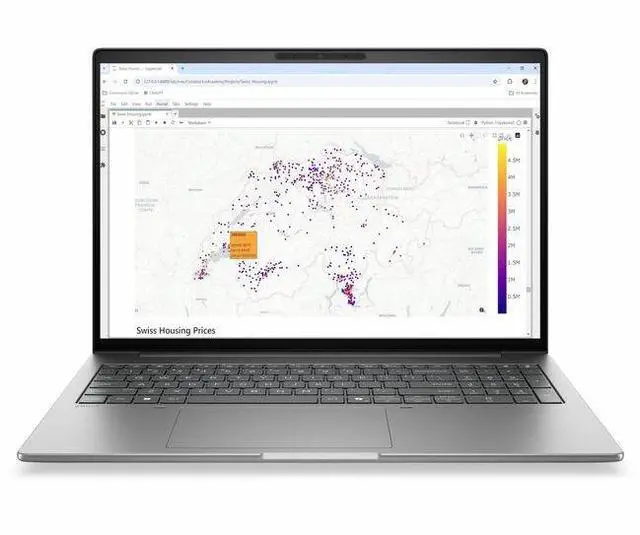
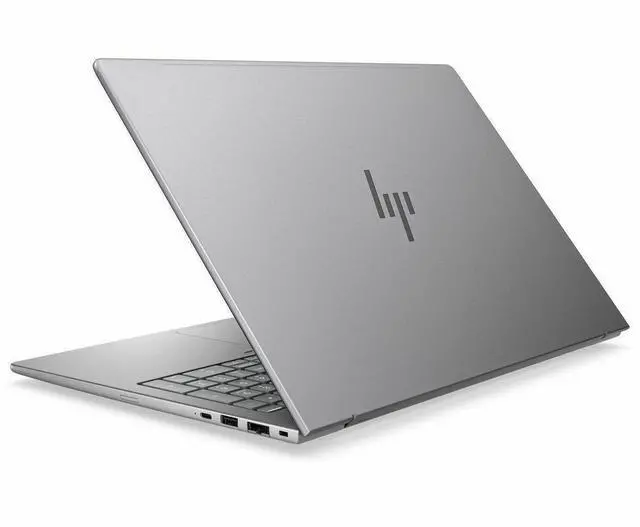
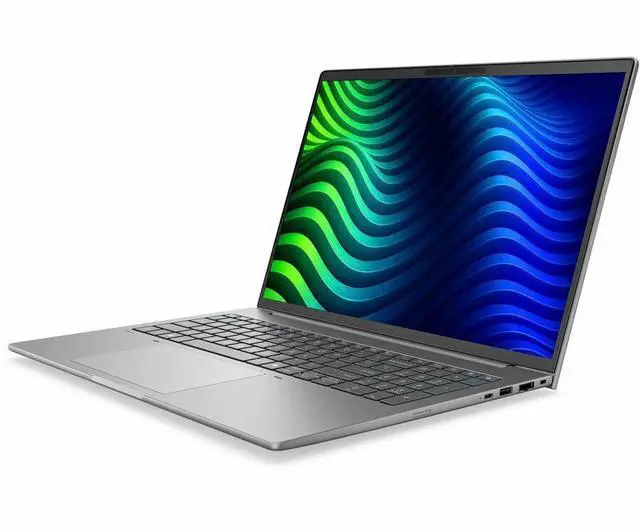
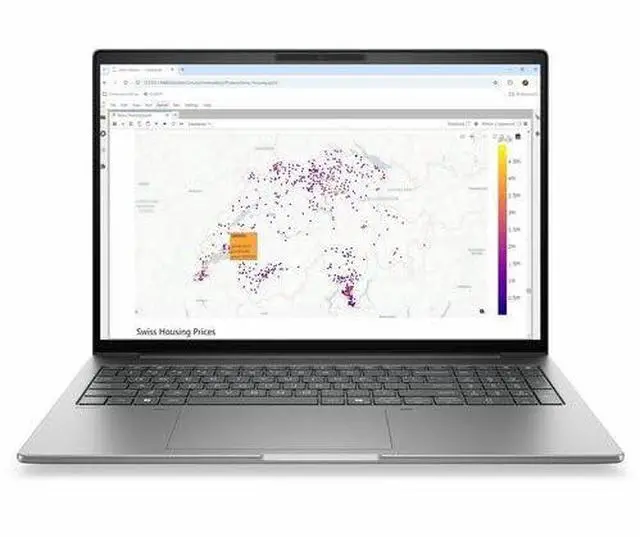
The HP ZBook 8 G2i is a 16-inch mobile workstation with a 1920x1200 IPS display, Intel Core Ultra 5 336H, 16GB memory, and a 512GB SSD, making it a practical fit for professionals, students, and business users who need a large-screen Windows 11 Pro laptop for office work, multitasking, and everyday creation.
| Attribute | Value |
|---|---|
| Best For | 16.0-inch mobile workstation workflows on Windows 11 Pro — professional users who need a workstation-class laptop with an Intel Core Ultra 5 processor, integrated Intel graphics, and a 1920 x 1200 IPS display |
| Processor And Core Count | Intel Core Ultra 5 (model 336H) processor, up to 4.6 GHz with 18 MB L3 cache |
| GPU And VRAM | Integrated Intel graphics; graphics memory type listed as DDR5 SDRAM |
| Display Spec | 16.0-inch IPS WUXGA / native 1920 x 1200 display, up to 300 nits brightness and approximately 62% sRGB color gamut |
| Memory Configuration | 16 GB DDR5 SDRAM installed; supports up to 64 GB total across 2 RAM slots |
| Storage And Expansion | 512 GB solid-state storage (M.2 form factor, M.2 interface) |
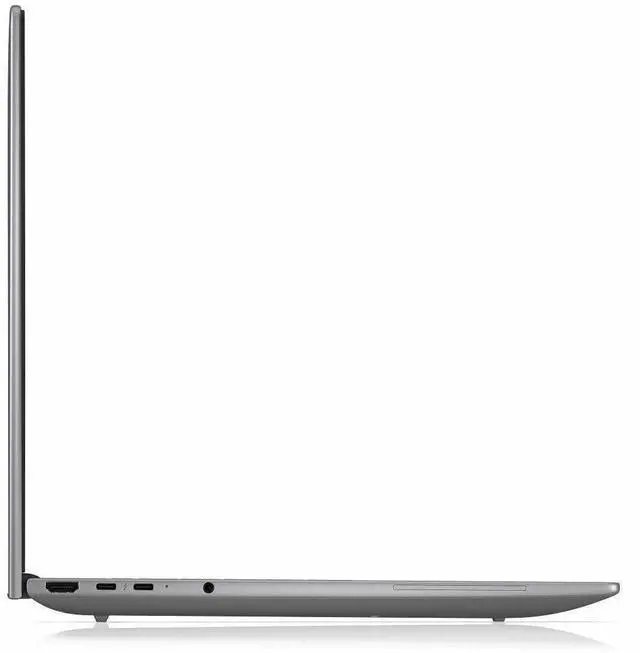
| High Speed I O | 2 Thunderbolt ports, 2 USB ports and support for USB Type-C, plus 1 HDMI port and Ethernet connectivity |
| Battery And Power | Includes lithium polymer battery and ships with AC adapter and power cord |
| Wired And Wireless Networking | Wi‑Fi and Bluetooth wireless connectivity, with Ethernet available for wired networking |
| Webcam And Privacy | Built-in webcam included |
| Audio Setup | Stereo audio |
| Portability | Item weight 6.85 pounds; package weight 6.95 pounds; dimensions 19.6 x 2.5 x 11.8 inches (L x W x Thickness / package dims listed) |
| Operating System And Security | Windows 11 Pro; listing / package references Wolf Pro Security Edition |
| Model Identifiers | HP / Hewlett Packard model DK2L5UT#ABA, edition ZBook 8 G2i |
Q: Is the HP ZBook 8 G2i 16 with Core Ultra 5 and integrated graphics a better fit than a Dell Precision 3591 for entry-level workstation use?
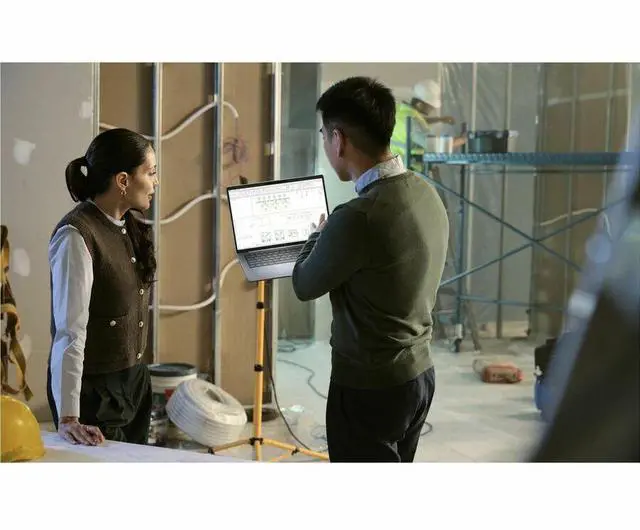
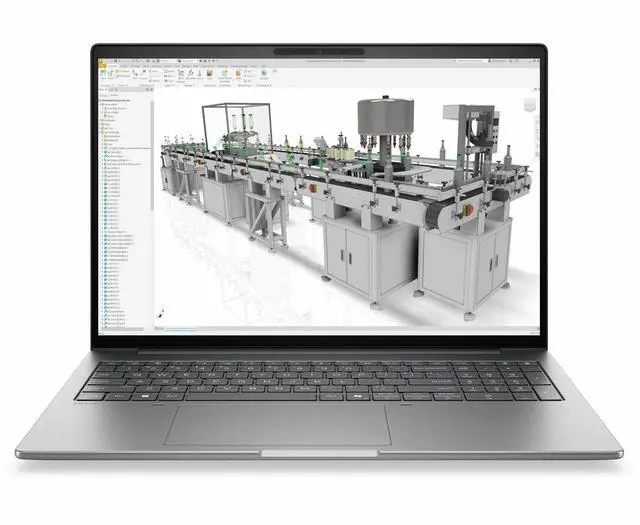
A: Choose the HP ZBook 8 G2i 16 when you want a newer AI-ready HP workstation design focused on portability, professional software compatibility, and light 3D or design work without stepping up to discrete graphics. HP positions the ZBook 8 as a slim mobile workstation for tasks such as light 3D modeling, design reviews, and architectural layouts, with optional higher-end graphics available elsewhere in the lineup. Choose the Dell Precision 3591 instead if you know you may need a discrete RTX GPU sooner, because Dell offers the 3591 with RTX 500, RTX 1000, and RTX 2000 Ada options in the same product family. In short: the HP configuration makes more sense for office, coding, AI-assisted productivity, and lighter CAD workflows, while the Dell path is easier if your workload may grow into heavier GPU-accelerated workstation tasks.
Q: Should I buy this HP ZBook 8 G2i configuration or move up to a ZBook 8 G2i model with NVIDIA RTX Pro graphics?
A: Buy this configuration if your work is mostly productivity, browser-heavy multitasking, coding, remote work, data analysis, document creation, and lighter CAD or visualization. Move up to an RTX-equipped ZBook 8 G2i if you regularly use GPU-accelerated CAD, rendering, larger 3D assemblies, or certified pro-app workflows where dedicated workstation graphics saves time. HP positions the ZBook 8 platform with integrated Intel Arc Pro options for lighter pro work, while the optional NVIDIA RTX Pro 500 Blackwell tier is intended for more demanding projects. Community guidance around CAD laptops is also consistent: integrated graphics is usually acceptable for viewing models and lighter edits, but dedicated workstation graphics becomes the safer choice for big assemblies, rendering, and sustained GPU-heavy work.
Q: Is 16GB RAM enough on this HP ZBook 8 G2i, or should I look for a 32GB workstation configuration?
A: This 16GB configuration is reasonable for business use, development work, light creative tasks, and moderate multitasking. A 32GB configuration is the better choice if you expect larger CAD files, heavier Adobe workloads, local AI tools, virtual machines, or longer ownership with fewer upgrade constraints. That trade-off is especially important on workstation-class laptops because integrated graphics can also benefit from adequate memory bandwidth and capacity. If your workload is clearly professional and project-based rather than general office use, 32GB is the more durable configuration choice.
Q: Is this HP ZBook 8 G2i better for portability-focused work than a heavier performance-first workstation?
A: Yes, this configuration is the better fit when portability, battery-conscious use, quieter day-to-day operation, and simpler thermals matter more than peak GPU performance. HP positions the ZBook 8 as a slim and light mobile workstation built for getting professional work done away from a desk. A heavier performance-first workstation is the better choice only if your daily workload depends on sustained rendering, large model manipulation, simulation, or higher-end certified GPU performance. For many buyers, the practical trade-off is simple: this ZBook 8 setup is the more sensible mobile workstation if your work is CPU-led and only occasionally graphical.
Q: Should I choose this HP ZBook 8 G2i or a gaming laptop for CAD and engineering school work?
A: Choose this HP ZBook 8 G2i if you want workstation branding, business-class features, Windows 11 Pro, and a setup that is better aligned with light CAD, engineering coursework, and professional software use than a typical gaming laptop. Choose a gaming laptop instead if raw GPU performance per dollar is more important than workstation-oriented design, certification, and business features. The main trade-off is that this HP configuration uses integrated graphics, so it suits lighter CAD and classroom workloads better than rendering-heavy or large-assembly work. For many student and mixed-use buyers, that makes it a better fit than a bulky gaming system, but not a replacement for a discrete-GPU mobile workstation when the workload is clearly graphics-heavy.
Q: Is this a good fit for office work, meetings, and everyday professional tasks?
A: Yes. This configuration is well suited to office work, video meetings, web apps, documents, and multitasking. It has a 16-inch 1920 x 1200 IPS display, 16GB of memory, a 512GB SSD, a webcam, Bluetooth, and Windows 11 Pro. The main limitation is that it is not a touch model, so it is better for keyboard-and-trackpad workflows than handwriting or tablet-style use.
Q: Is it worth buying as a travel work device?
A: It can work as a travel productivity laptop if your priority is screen space and professional features, but it is not the lightest or simplest travel choice. A 16-inch mobile workstation is better for spreadsheets, multitasking, and docked work than for ultra-portable use. Buyers who travel often typically compare charging flexibility, size, and external display support, so this model makes more sense for business travel than for minimalist carry-everywhere use.
Q: Who is this laptop most suitable for?
A: This model is most suitable for business users who want a large non-touch screen, Windows 11 Pro, and a straightforward workstation-style setup for office work, meetings, browser-based tools, and general professional use. It is a weaker fit for buyers who specifically want touch input, pen support, or a gaming-oriented GPU setup.
Q: What are the main trade-offs versus a 2-in-1 or touchscreen competitor?
A: The main trade-off is focus. This HP configuration favors a conventional workstation-style laptop experience: 16-inch 1920 x 1200 display, non-touch panel, Windows 11 Pro, and standard keyboard use. A 2-in-1 competitor is usually better for handwriting, tablet mode, and casual flexibility, while this model is the better match if you want a traditional clamshell laptop for desk work and meetings.
Q: Should you buy this if you want easy upgrades later?
A: Probably not. A repeated buyer concern on workstation product Q&A pages is whether the laptop can be upgraded into a higher-spec version later. For comparable HP ZBook listings, HP answers indicate that some models are sold in fixed configurations. If upgrade flexibility is a top priority, confirm RAM and storage serviceability before buying. Based on the listed configuration alone, this purchase is best treated as a buy-the-spec-you-need-now option.
Q: Is this a good choice for CAD, engineering, or other workstation-style office work?
A: Yes, if your workload is mainly professional productivity or light-to-moderate workstation use and you mostly work plugged in. This configuration has a 16-inch 1920x1200 IPS display, Windows 11 Pro, and workstation positioning, but the listed model uses integrated graphics and 16GB RAM, so it is better suited to office work, coding, data work, and lighter CAD than GPU-heavy rendering or advanced 3D workloads.
Q: Is it worth buying if I want one laptop for both desk work and travel?
A: Only if desk work matters more than mobility. Repeated Reddit discussion around the ZBook 8 line describes it as thicker and more desktop-replacement-like than slimmer business laptops. For buyers who travel often, the main trade-off is that you get workstation-oriented design and ports, but give up some portability.
Q: Who is this model most suitable for?
A: It is most suitable for business users who want a 16-inch work laptop with workstation branding, a standard WUXGA non-touch display, Windows 11 Pro, HDMI, webcam, Bluetooth, and enough performance for everyday professional tasks. It is a safer fit for office, documentation, spreadsheets, browser-heavy work, and note-based workflows than for buyers who specifically need a dedicated GPU, high-refresh display, or touch input.
Q: What are the main trade-offs of this specific configuration?
A: The main trade-offs are screen and graphics limitations relative to more premium workstation configs. This listing has a 1920x1200 60Hz non-touch IPS display, integrated graphics, 16GB RAM, and a 512GB SSD. That makes it more practical than high-end, but also less suitable for buyers expecting strong GPU acceleration, higher-end display options, or more headroom for large local workloads.
Q: Should I choose this over a slimmer business laptop like an EliteBook?
A: Choose this if you prefer a workstation-style laptop and do not mind extra size for a more work-focused design. Choose a slimmer business laptop instead if portability, lighter carry weight, and a more travel-friendly form factor matter more. Community discussion around the ZBook 8 line repeatedly compares it against EliteBook-style alternatives on exactly that trade-off.


