Best Sellers
- $4,157.12
- + FREE SHIPPING
- $4,416.41
- + FREE SHIPPING
- $4,408.17
- + FREE SHIPPING
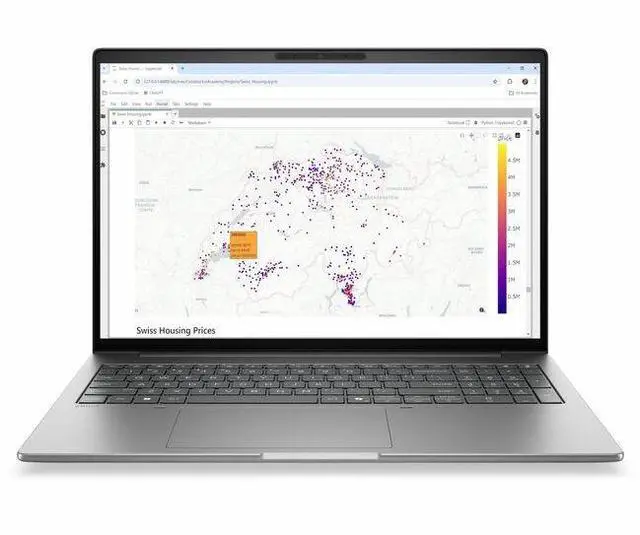
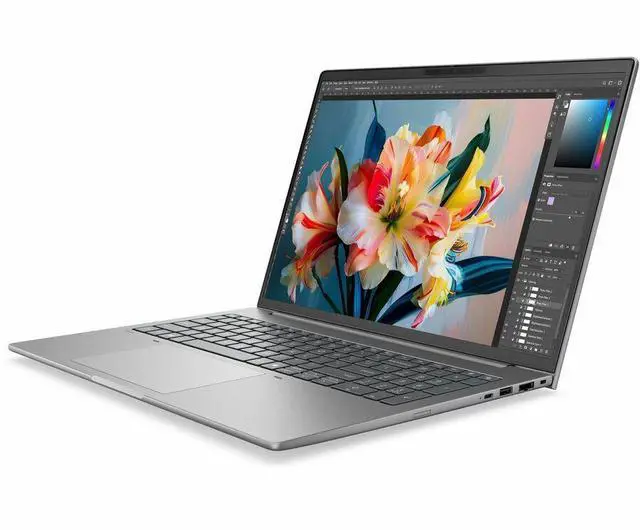
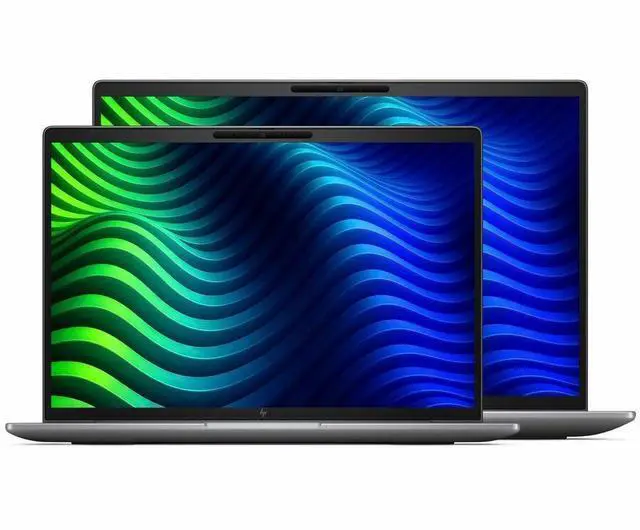
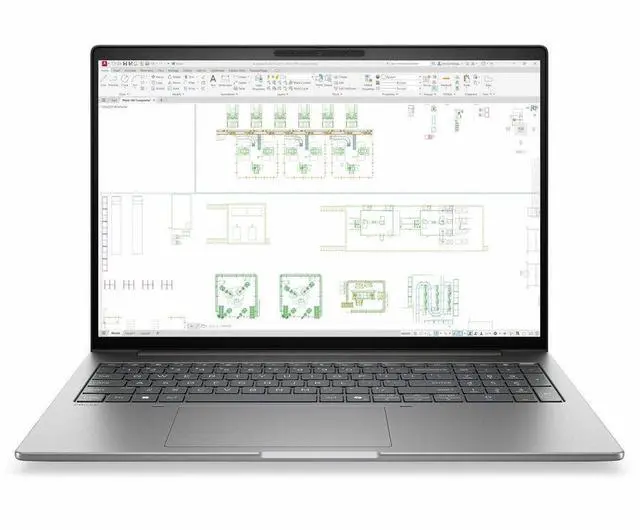
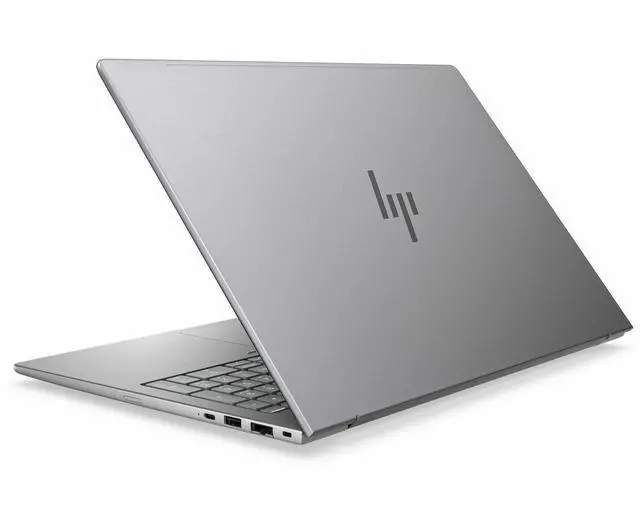
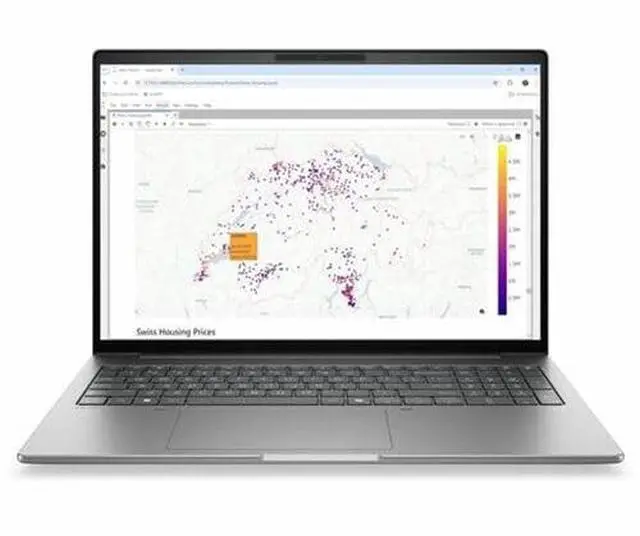
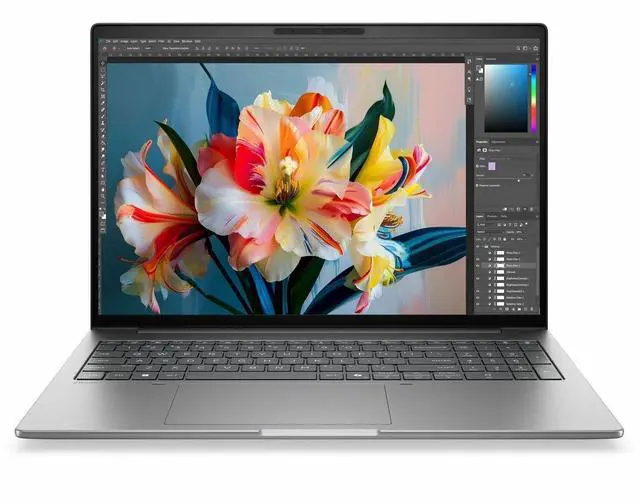
HP ZBook 8 G2i 16" Copilot+ PC Mobile Workstation - Intel Core Ultra 7 366H - 32 GB - 1 TB SSD - Windows 11 Pro - NVIDIA RTX PRO 500 6GB - Webcam - Wi-Fi 7 - DK2K1UT#ABA
- WQUXGA
- Intel Core Ultra 7 Series 3 366H
- 32 GB
- 1 TB SSD
- English Keyboard
- Meteor Silver Aluminum
- Intel Chip
- 3840 x 2400
- Windows 11 Pro
- NVIDIA RTX Pro 500 Blackwell
- In-plane Switching (IPS) Technology
Any questions? Our AI mode will help you find out quickly.
Warranty & Returns
Warranty, Returns, And Additional Information
Warranty
- Limited Warranty period (parts): 1 year
- Limited Warranty period (labor): 1 year
- Read full details
Return Policies
- Return for refund within: 15 days
- Return for replacement within: 15 days
- This item is covered by Newegg.com's 15-Day Return Policy.
- Read full return policy for details.
Manufacturer Contact Info
- Manufacturer Website
- Support Phone: 1-800-474-6836
- Support Website
- View other products from HP
Learn about this product
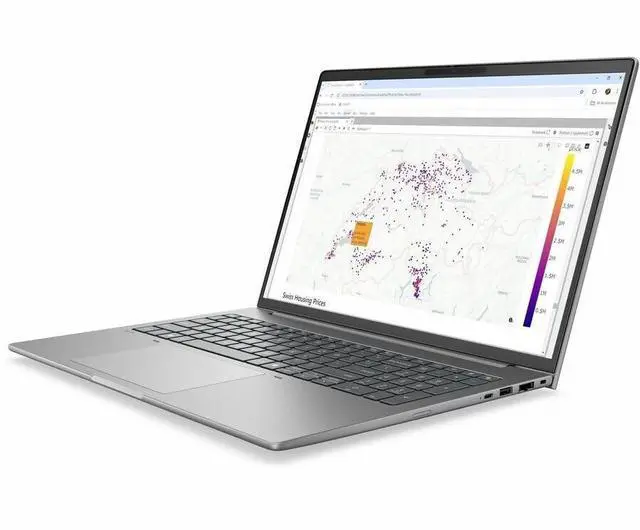
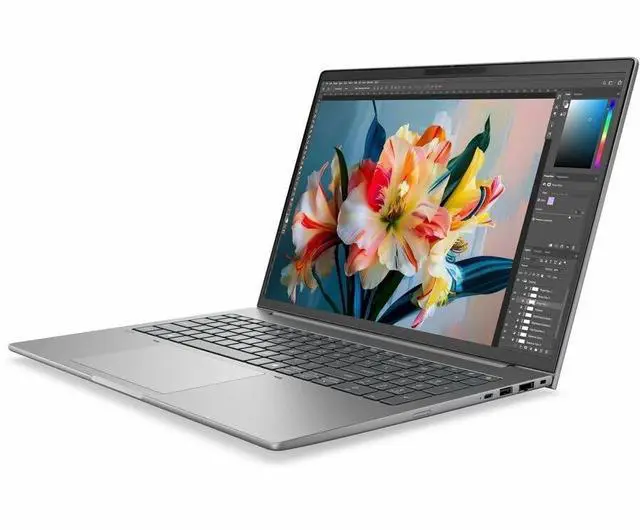
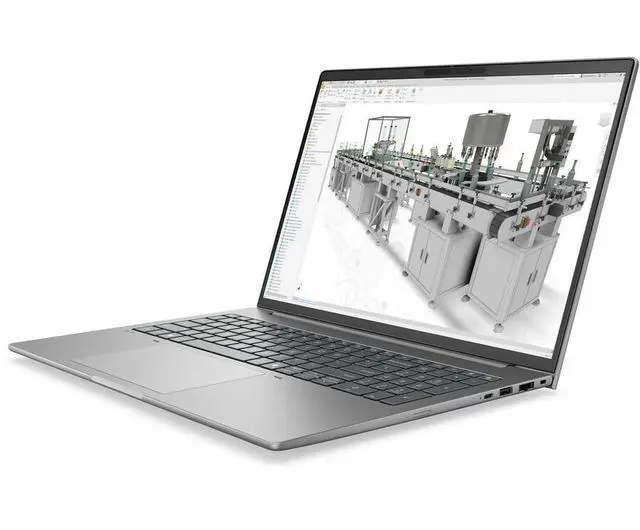
The HP ZBook 8 G2i is a 16-inch mobile workstation for professionals who need a high-resolution 3840 x 2400 IPS display, Intel Core Ultra 7 366H performance, 32GB RAM, and NVIDIA RTX PRO 500 graphics for CAD, content creation, business productivity, and AI-assisted workflows in a portable design.
Recommended For
- Mobile engineers, architects, and CAD users who need an ISV-certified Windows workstation for light 3D modeling, design reviews, and architectural layouts while moving between office, client, and field settings.
- Product designers, creative pros, and technical reviewers who work with high-resolution 2D assets, occasional 3D content, and client-facing visuals, and want a workstation-class laptop rather than a gaming notebook.
- Business and technical professionals who split time between heavy multitasking and frequent video meetings, and value workstation features like RJ-45, Windows 11 Pro, a 5MP webcam, Wi-Fi 7, and enterprise security.
- Developers, analysts, and advanced Excel or data-heavy office users who need strong CPU headroom, 32 GB RAM, and a repairable business chassis, but do not need a larger desktop-replacement workstation.
- Engineering, science, or arts students who need a portable workstation for pro apps and coursework, especially if they want something more deployment-friendly than a gaming laptop for campus and internship use.
Real-World Use Scenarios
- Using CAD, BIM, or architectural layout apps on-site or between meetings: the user is editing models, drawings, and markups away from the office, and the likely experience is smooth work on moderate-size projects with the benefit of workstation-class graphics and a thin 16-inch design, though very large assemblies or heavy simulation jobs are better suited to higher-tier mobile workstations.
- Running Adobe Creative Cloud, large Photoshop files, Illustrator layouts, and multitasking with many browser tabs: the user is doing professional design work and client revisions, and the likely outcome is responsive day-to-day editing with enough memory for layered creative workloads, while the 4K-class panel is well suited to detailed visual work.
- Reviewing 3D models with clients, orbiting scenes, and making design changes during travel: the user wants a portable workstation instead of a desk-bound system, and the likely experience is practical mobility for design reviews and moderate 3D work, with better portability than bulkier workstation models but less headroom for sustained rendering or complex simulation.
- Exporting renders, compiling code, or working through AI-assisted office and productivity tasks: the user is mixing professional apps with newer local AI features, and the likely outcome is fast general workstation behavior and useful acceleration for everyday AI features, but this configuration is not the best fit for large local generative AI models because the discrete GPU has limited VRAM.
- Using the laptop as a primary business workstation with external displays, wired networking, video calls, and office apps: the user is replacing a standard premium laptop with something more work-focused, and the likely experience is a stable fit for hybrid professional use where connectivity, screen space, and workstation branding matter more than gaming or ultra-light travel.
Spec Summary
| Attribute | Value |
|---|---|
| Best For | Mobile workstation users who need a high-resolution 16.0" display, GPU-accelerated professional workflows and on-device AI assistance: Intel Core Ultra 7 366H, NVIDIA RTX PRO 500 6 GB, 32 GB RAM and 1 TB SSD |
| Processor And Core Count | Intel Core Ultra 7 366H (Series 3) processor with up to 4.8 GHz turbo frequency and 18 MB L3 cache |
| GPU And VRAM | Discrete NVIDIA RTX PRO 500 with 6 GB GDDR7 video memory plus integrated Intel graphics |
| Display Spec | 16.0" WQUXGA (3840 x 2400) IPS DreamColor display, non-touch, up to 500 nits brightness and 100% sRGB |
| Memory Configuration | 32 GB DDR5 installed (2 memory slots), user-upgradeable to 64 GB maximum |
| Storage And Expansion | 1 TB solid-state drive (M.2 form factor/interface) |
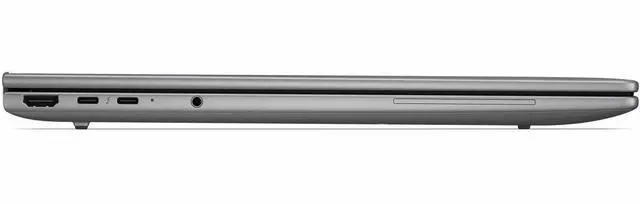
| High Speed I O | 2 USB ports, 2 Thunderbolt 4 (USB-C) ports, 1 HDMI port, and 1 RJ-45 Gigabit Ethernet port |
| Battery And Power | 8-cell battery with up to 9 hours maximum run time; AC adapter and power cord included in package |
| Wired And Wireless Networking | Wi‑Fi 7 (802.11be) wireless, Bluetooth support, and Gigabit Ethernet |
| Webcam And Privacy | Built-in 5 Megapixel webcam |
| Input And Control | Non-touch display (no touchscreen) |
| Audio Setup | Stereo audio |
| Portability | 4.48 lb system weight with chassis dimensions W 14.1 x D 9.9 x H 0.75 inches; package weight about 6.7 lb |
| External Display And Docking Fit | 2 Thunderbolt 4 (USB-C) ports and 1 HDMI port for external displays and docking |
| Operating System And Security | Windows 11 Pro operating system; package references Wolf Pro Security Edition |
| AI And Assistants | Copilot+ PC with an on-device NPU labeled 'AI Boost' for AI acceleration |
| Model Identifiers | HP ZBook 8 G2i series — model/part DK2K1UT#ABA (Manufacturer: Hewlett Packard) |
Reference Q&A
Q: Should I choose the HP ZBook 8 G2i 16 or step up to the HP ZBook X G2i 16?
A: Choose the HP ZBook 8 G2i 16 if you want a slimmer 16-inch mobile workstation for office-heavy work, CAD review, light 3D, and certified professional apps without moving into a higher performance class. Choose the ZBook X G2i 16 if your workflow depends on more GPU headroom, broader high-end configuration options, or display choices aimed at color-critical work. HP positions the ZBook 8 as the lighter mobile workstation tier with optional RTX PRO 500 graphics, while the ZBook X line is positioned above it for more advanced AI, 3D modeling, and conceptual design workloads.
Q: Is this HP ZBook 8 G2i 16 worth buying over a lower-spec ZBook 8 configuration?
A: Yes, this configuration makes more sense if you expect to keep the system for several years and need a ready-to-work setup for professional multitasking. The jump to 32GB RAM, 1TB SSD, 4K-class 3840 x 2400 display, and RTX PRO 500 is more appropriate for larger design files, heavier browser and app loads, and GPU-accelerated workstation software than entry configurations with less memory, less storage, or integrated-only graphics. A lower-tier ZBook 8 is the better fit when your workload is mostly productivity, remote work, coding, or lighter content work and you want to control cost.
Q: Should I buy the HP ZBook 8 G2i 16 or move up to the HP ZBook Fury G1i 16?
A: Buy the HP ZBook 8 G2i 16 if portability and everyday mobility matter more than maximum workstation throughput. Move up to the ZBook Fury G1i 16 if you run sustained heavy rendering, simulation, advanced 3D, or GPU-intensive engineering workflows and want a thicker chassis designed for higher-end graphics and cooling. HP positions the Fury line as the heavier-duty mobile workstation tier, and third-party workstation coverage consistently places Fury-class systems above thin-and-light ZBook models for peak performance.
Q: Is the HP ZBook 8 G2i 16 a good upgrade from an older ZBook Studio, Firefly, or entry ZBook?
A: For many buyers, yes. The HP ZBook 8 G2i 16 fits the upgrade path for users who want a modern AI-capable platform, Wi-Fi 7, newer Intel Core Ultra architecture, and a current entry professional GPU without jumping to a bulkier workstation. Community discussion around HP's current lineup also shows the ZBook 8 being treated as the practical replacement path for thinner legacy ZBook models as HP reshapes the range. It is the stronger upgrade when you want modern platform features and pro-app certification more than maximum GPU class.
Q: Is this a good travel workstation, or is it too heavy for daily carry?
A: It is portable for a 16-inch workstation, but it is not a light travel-first laptop. At 4.48 lb with an 8-cell battery and a 16-inch chassis, it fits buyers who need workstation-class hardware on the go, but it is less convenient for frequent airport, commuter, or lap use than thinner 14-inch productivity laptops. It makes more sense as a mobile office or client-site workstation than as an ultra-portable carry-everywhere device.
Q: Is it good for meetings, office work, and note-taking?
A: Yes for office work and video meetings, but not ideal for handwritten note-taking. The configuration includes Windows 11 Pro, a 5 MP webcam, 32 GB RAM, and 1 TB SSD, which is more than enough for multitasking, calls, documents, spreadsheets, and browser-heavy workflows. However, this unit is listed as non-touch, so it is better for keyboard-based work than pen input or tablet-style note-taking.
Q: Who is this laptop actually suitable for?
A: It is best suited to users who need a professional Windows workstation rather than a general consumer laptop. The strongest fit is for CAD, 3D, creative, engineering, and other pro-app workflows that benefit from an NVIDIA RTX PRO GPU, 32 GB memory, high-resolution 16-inch display, and business features such as Windows 11 Pro, Ethernet, and Thunderbolt 4. It is less suitable for buyers who mainly want a cheaper office laptop or a gaming-focused machine.
Q: What are the main trade-offs versus a thinner consumer Copilot+ laptop?
A: The main trade-off is workstation capability versus mobility and value for casual use. This ZBook adds pro-oriented hardware and ports, including NVIDIA RTX PRO graphics, Thunderbolt 4, RJ-45 Ethernet, upgrade-oriented workstation positioning, and a high-resolution 16-inch panel. In exchange, it is heavier, likely louder under load, and more expensive than mainstream Copilot+ laptops that are better optimized for light office work, battery-first travel, and lower cost.
Q: Is it better than a gaming laptop with similar specs?
A: It is better if you prioritize professional workstation use, business deployment, and pro GPU validation; it is not automatically better if your main goal is gaming value. A gaming laptop may offer faster gaming-focused graphics for the money, but this ZBook is the better fit for buyers who need Windows 11 Pro, enterprise management, workstation branding, pro-app compatibility, and creator or engineering workflows in a business-ready package.
Q: Who is the HP ZBook 8 G2i 16 best suited for?
A: It is best suited for users who want a thin 16-inch mobile workstation for professional applications, large multitasking workloads, and high-resolution screen space. The 32GB RAM, 1TB SSD, Core Ultra 7 366H, and RTX PRO 500 6GB make more sense for CAD, content creation, engineering, and business workstation use than for casual home use. It is less compelling if you mainly want the highest gaming performance per dollar.
Q: Is the HP ZBook 8 G2i 16 worth buying over an older used workstation?
A: It is worth buying if you specifically want a newer, lighter workstation with modern platform features such as Wi-Fi 7, Copilot+ hardware, a high-resolution 16-inch display, and current-generation enterprise components. It is less value-focused if raw GPU performance per dollar is your priority, because community comparisons around RTX PRO 500 systems often point out that older used workstations can deliver stronger graphics for less money.
Q: Is the HP ZBook 8 G2i 16 good for travel and everyday mobile work?
A: Yes, if you want a portable workstation rather than a maximum-power desktop replacement. At 4.48 lb and 0.75 inches thick, it is meaningfully easier to carry than heavier workstation models, while still keeping a 16-inch display, Ethernet, Thunderbolt 4, and discrete graphics. The trade-off is that a thinner workstation with RTX PRO 500 is aimed more at balanced mobility and pro-app compatibility than at the highest sustained GPU performance.
Q: Can the HP ZBook 8 G2i 16 replace a gaming laptop?
A: It can replace a gaming laptop only if your main priority is workstation use first and gaming second. The RTX PRO 500 6GB should handle lighter or moderate gaming, but this model is configured as a professional workstation, not as a value gaming machine. If gaming performance per dollar is the main goal, community discussion around RTX PRO 500 systems usually favors consumer gaming laptops or older, larger workstations instead.
Q: What are the main trade-offs of choosing the HP ZBook 8 G2i 16?
A: The main trade-off is portability versus peak workstation performance. You get a slim 16-inch chassis, 3840 x 2400 IPS display, 32GB RAM, 1TB SSD, and pro GPU support in a more travel-friendly form factor. In exchange, buyers who need the strongest GPU performance, maximum thermal headroom, or the best price-to-performance ratio may be better served by a larger workstation class or an older used model.