

Your Browsing History
Best Sellers
 Top Rated
- $1,468.40
- + FREE SHIPPING
Top Rated- $1,493.88


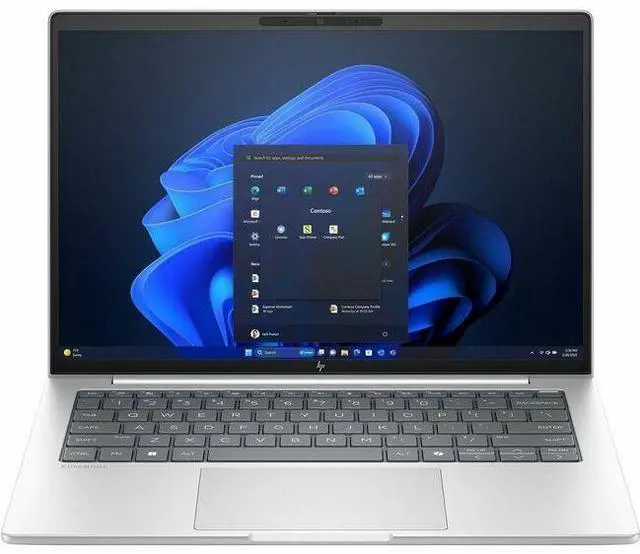
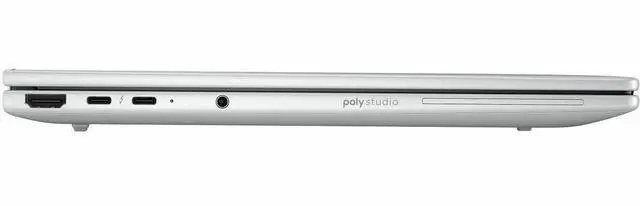
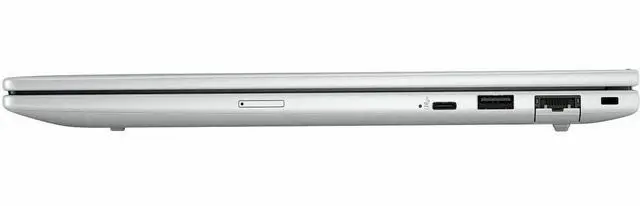
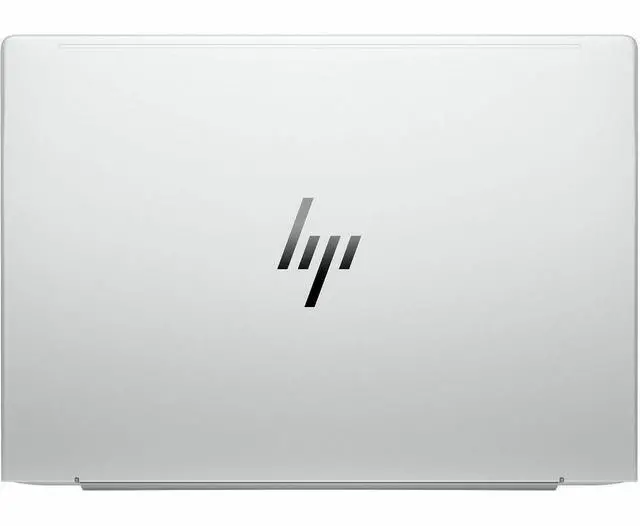
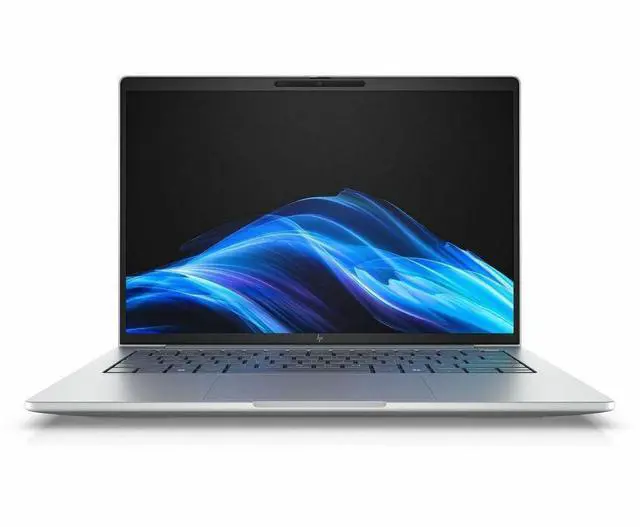
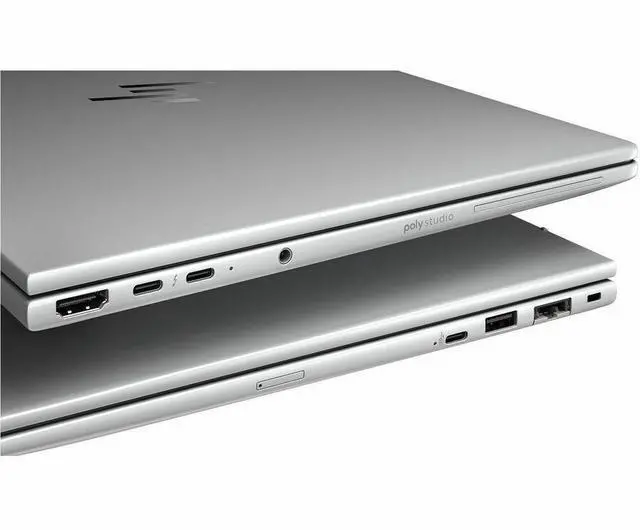
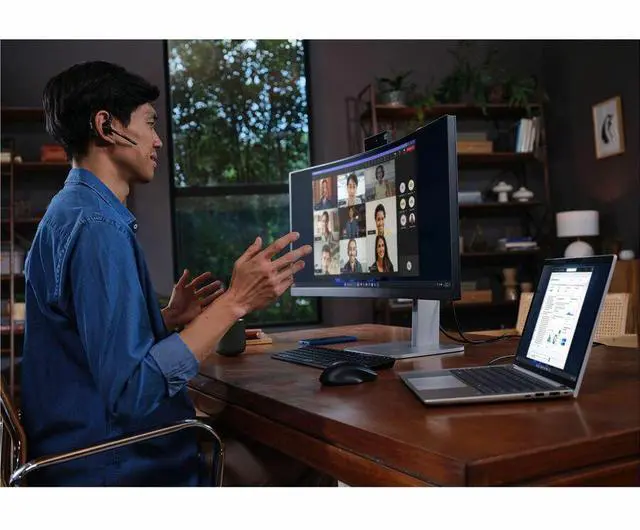
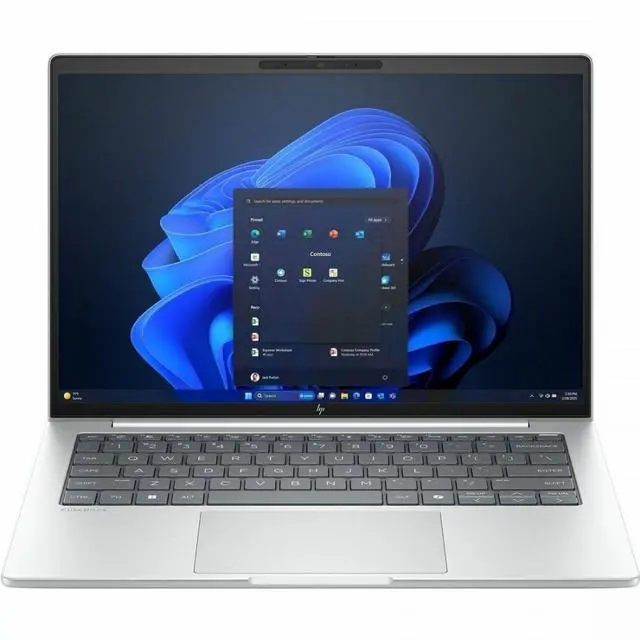
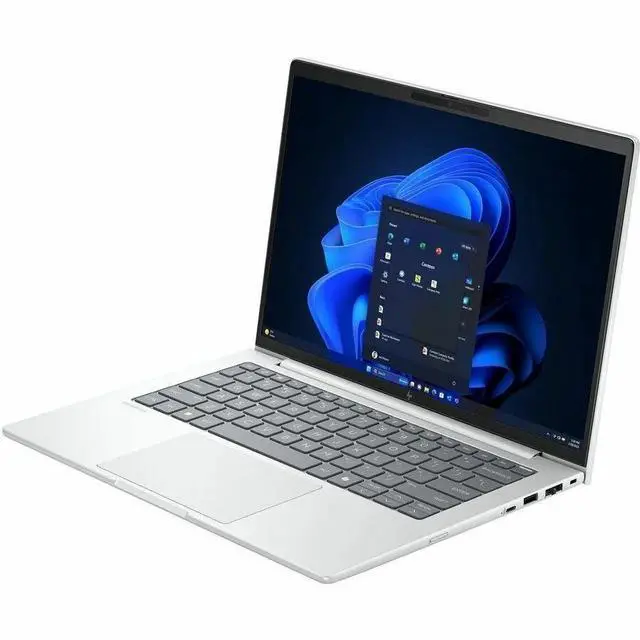
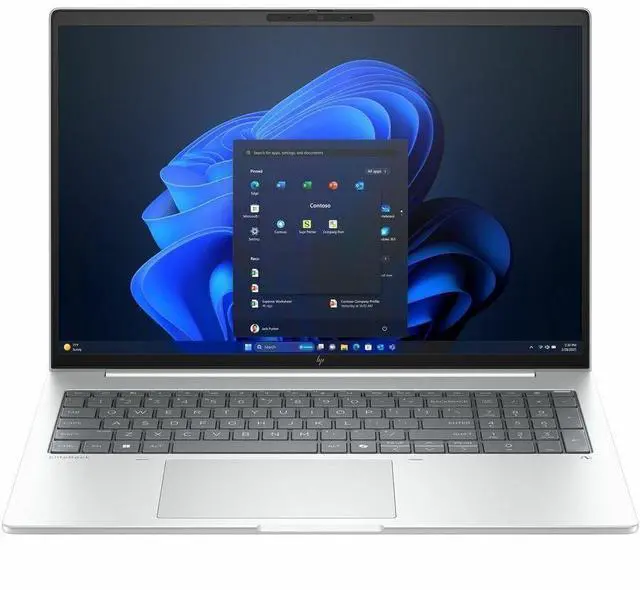
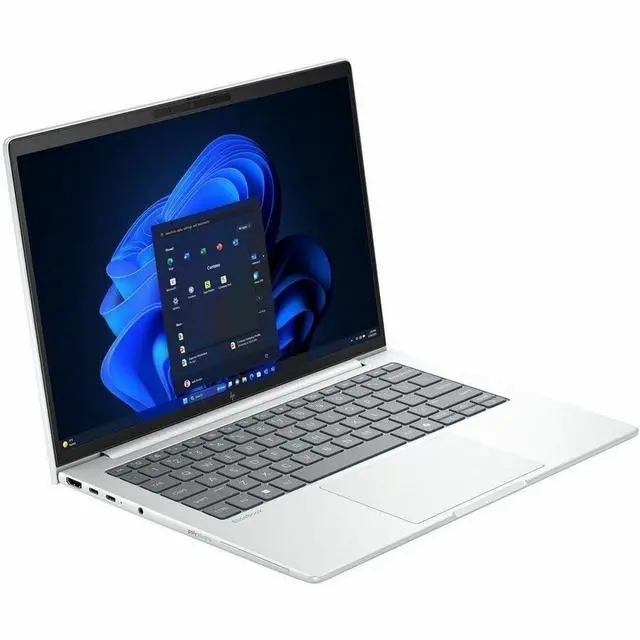

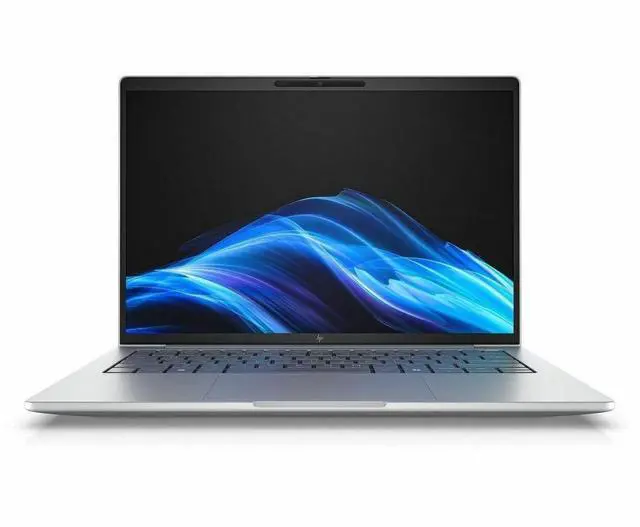
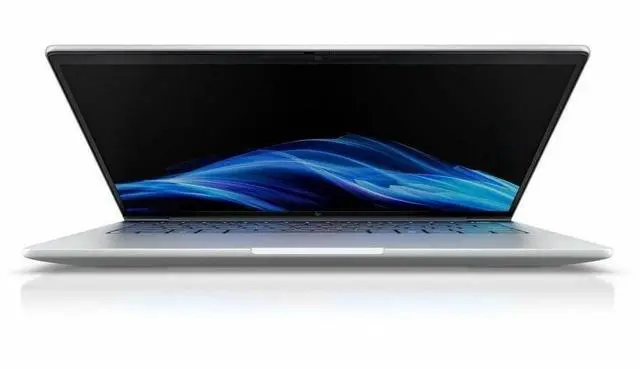


HP EliteBook 8 G1i 16" Notebook - WUXGA - Intel Core Ultra 5 225U - 16 GB - 512 GB SSD - English Keyboard - Glacier Silver - Intel Chip - 1920 x 1200 - Windows 11 Pro - Intel Arc Graphics
- WUXGA
- Intel Core Ultra 5 225U
- 16 GB
- 512 GB SSD
- English Keyboard
- Glacier Silver
- Intel Chip
- 1920 x 1200
- Windows 11 Pro
- Intel Arc Graphics
- In-plane Switching (IPS) Technology
- Front Camera/Webc
+
+
Overview
Specs
Reviews
See all Q & A 
Any questions? Our AI mode will help you find out quickly.
Try me now
16 EB8G1i16 U5225U 16G 512GB
Warranty & Returns
Warranty, Returns, And Additional Information
Warranty
- Limited Warranty period (parts): 1 year
- Limited Warranty period (labor): 1 year
- Read full details
Return Policies
- Return for refund within: 30 days
- Return for replacement within: 30 days
- This item is covered by Newegg.com's 30-Day Return Policy.
- Read full return policy for details.
Manufacturer Contact Info
- Manufacturer Website
- Support Phone: 1-800-474-6836
- Support Website
- View other products from HP
LOADING...
LOADING...
Learn about this product
The HP EliteBook 8 G1i is a 16-inch Windows 11 Pro laptop with an Intel Core Ultra 5 225U, 16GB RAM, and 512GB SSD, making it a strong fit for professionals, students, and home users who want a roomy 1920x1200 IPS display for everyday productivity, web work, video calls, and multitasking.
Recommended For
- Hybrid office professionals who spend most of the day in email, documents, spreadsheets, browser tabs, and video meetings, and want a 16-inch business laptop with Windows 11 Pro, collaboration features, and enterprise security.
- Users who want a larger screen for side-by-side work without moving to a bulky workstation class laptop, such as finance, operations, admin, and back-office staff working across multiple windows all day.
- Frequent typists and meeting-heavy knowledge workers who value a comfortable keyboard, webcam, and business-ready port selection more than touch input or gaming features.
- IT-managed business buyers standardizing on HP enterprise features like HP Wolf Security, optional vPro configurations, and serviceable corporate deployment rather than consumer-first extras.
Real-World Use Scenarios
- For everyday office work, this laptop is a practical fit for running Outlook, Word, Excel, many browser tabs, and Teams at the same time, with enough headroom for typical business multitasking and a larger 16-inch workspace that reduces constant window switching.
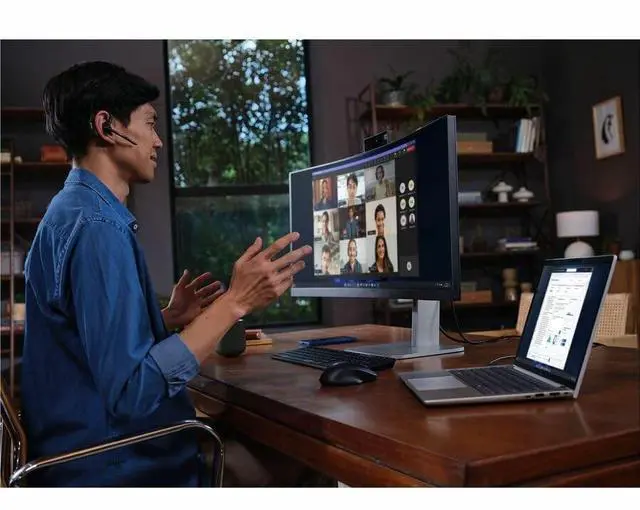
- For hybrid meetings and remote work, users can handle frequent Zoom or Teams calls, screen sharing, and note-taking in one session; the business-focused webcam, collaboration features, and 16-inch display make it better suited to long work calls than a smaller consumer laptop.
- For analysts, coordinators, or students working with large spreadsheets, web apps, and documents side by side, the likely experience is comfortable day-to-day productivity rather than workstation-class speed; it should feel fine for reporting, research, and admin work, but not ideal for very heavy modeling or code builds.
- For travel between home, office, and client sites, this model is best used as a mobile business laptop that still prioritizes screen space and a full-size keyboard; users should expect easier document work on the go, though a 16-inch chassis is less compact than 13- or 14-inch alternatives.
- For light creative work such as presentation design, basic photo edits, and simple media tasks, the integrated Intel graphics should be adequate, but users should not expect the same experience as a laptop built for 3D work, advanced video editing, or sustained GPU-heavy apps.
- For users who value quiet operation during long desk sessions, the expected experience is mixed: the laptop is designed for enterprise productivity, but community feedback around recent HP business models suggests fan behavior may be more noticeable than on some competing office laptops under load.
Spec Summary
| Attribute | Value |
|---|---|
| Best For | Home/personal, business, and student users seeking a 16-inch notebook for everyday productivity and multitasking running Windows 11 Pro |
| Processor And Core Count | Intel Core Ultra 5 225U processor (single installed processor) with up to 4.8 GHz maximum boost and 12 MB L3 cache |
| GPU And VRAM | Intel Arc integrated graphics (Arc Graphics coprocessor) with graphics memory type reported as DDR5 SDRAM |
| Display Spec | 16.0-inch IPS LCD, native 1920 x 1200 (WUXGA) at 60 Hz, up to 300 nits brightness with anti‑glare coating and ~62% sRGB color gamut |
| Memory Configuration | 16 GB DDR5 SODIMM installed, 2 memory slots, user-upgradable to a reported maximum of 64 GB |
| Storage And Expansion | 512 GB solid-state drive in M.2 form factor using a PCIe (pci_e) interface |
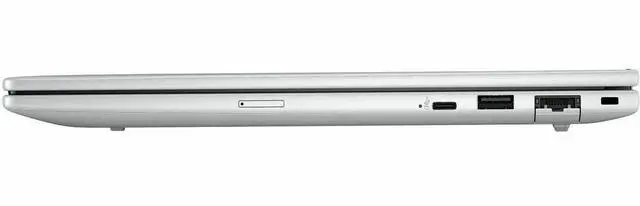
| High Speed I O | Two Thunderbolt ports (also reported as USB Type-C) and a total of 2 USB ports reported, plus 1 HDMI port; reported USB counts show 0 USB 3.0 and 0 USB 2.0 ports |
| Battery And Power | Built-in lithium-ion battery listed at 4000 mAh (12V); battery is installed and included, single battery reported, battery weight ~250 grams |
| Wired And Wireless Networking | Wi‑Fi 802.11ax and Bluetooth wireless; connectivity technologies listed include Wi‑Fi, Bluetooth, HDMI, USB, Thunderbolt, and USB Type‑C |
| Webcam And Privacy | Front-facing webcam present and webcam capability reported; fingerprint recognition biometric for secure sign-in |
| Keyboard And Control | Built-in keyboard (human-interface input: keyboard) with integrated fingerprint reader for biometric sign-in |
| Portability | Reported weight ~3.73 pounds and compact thickness reported as 0.67 inches with footprint reported as 14.1 x 9.9 inches (size and orientation per source labels) |
| External Display And Docking Fit | External displays and docks supported via the single HDMI output and two Thunderbolt/USB-C ports |
| Model Identifiers | HP EliteBook 8 G1i / model C2EP4UT#ABA by Hewlett Packard (2025), Glacier Silver color, North America / United States region details reported |
Reference Q&A
Q: Should I buy the HP EliteBook 8 G1i 16 or move up to a Core Ultra 7 configuration?
A: Choose the HP EliteBook 8 G1i 16 with Core Ultra 5 225U if your workload is mostly browser-based productivity, video meetings, Office apps, and general multitasking. Move up to a Core Ultra 7 configuration if you regularly run heavier parallel workloads, keep many large apps open at once, or want more headroom for a longer refresh cycle. Across Intel’s U-series positioning and benchmark references, the step from Ultra 5 225U to Ultra 7 265U is a moderate upgrade rather than a category change, so the higher-tier option mainly makes sense for sustained business workloads, not basic office use.
Q: Is the HP EliteBook 8 G1i 16 worth buying over the HP EliteBook 6 G1i 16?
A: Buy the EliteBook 8 G1i 16 if you want the more premium business-laptop tier with stronger collaboration, security, and display options in the same 16-inch class. Choose the EliteBook 6 G1i 16 if you want a similar Intel platform and core business feature set at a more value-focused level. HP positions the EliteBook 8 family above the EliteBook 6 family, and the 8-series spec sheets show broader premium panel options, while the 6-series is the more practical fit when cost control matters more than higher-end configuration flexibility.
Q: How does the HP EliteBook 8 G1i 16 compare with last generation’s Core Ultra 5 business laptops?
A: The EliteBook 8 G1i 16 is the better pick if you want a current-generation platform with Intel’s newer Core Ultra 200U series and the usual refresh benefits around platform lifecycle, manageability, and procurement longevity. If you already own a well-configured Core Ultra 5 125U business laptop, the upgrade is more incremental than dramatic for everyday office work. Benchmark references show the 225U ahead of the 125U, but the difference is typically not large enough on its own to justify replacing a recent machine unless you also want newer chassis features, display options, or fleet-standardization benefits.
Q: Is this HP EliteBook 8 G1i 16 a better choice than a thinner 14-inch business laptop?
A: Choose the EliteBook 8 G1i 16 if you value workspace and comfort more than maximum portability. A 16-inch business laptop is the stronger fit for spreadsheet-heavy work, side-by-side documents, and users who spend long hours on the keyboard without an external monitor. A thinner 14-inch model is the better fit if you travel frequently and want less bag weight. The trade-off is straightforward: the 16-inch EliteBook favors screen area and desk-first productivity, while 14-inch premium business laptops favor mobility.
Q: Is this HP EliteBook 8 G1i a good fit for office work, meetings, and everyday business tasks?
A: Yes. This configuration is well suited to office apps, web browsing, spreadsheets, video calls, and multitasking because it pairs an Intel Core Ultra 5 225U processor with 16 GB of RAM, a 512 GB SSD, Windows 11 Pro, and a built-in front camera. It is a better fit for business productivity than for heavy video editing, 3D work, or gaming.
Q: Is it worth buying as a travel work laptop?
A: It can be a good travel work laptop if your priority is screen space and business features rather than the smallest footprint. The 16-inch WUXGA IPS display is useful for documents, spreadsheets, and side-by-side windows, and the non-touch clamshell design is straightforward for desk and hotel use. The trade-off is portability: a 16-inch laptop is usually less compact than a 13- or 14-inch alternative for frequent flights or very light carry.
Q: Who is this laptop most suitable for?
A: This model is most suitable for professionals, remote workers, and students who want a larger-screen Windows laptop for writing, research, browser-heavy work, meetings, and standard business software. It is less suitable for buyers who specifically want pen input, a touchscreen, or workstation-class graphics performance.
Q: Is this a good choice for note-taking?
A: It is good for typed note-taking, document work, and web-based classes or meetings, but not ideal if you want handwritten notes on the screen. The listed configuration is non-touch, so it does not target stylus or tablet-style note-taking the way a 2-in-1 touchscreen laptop would.
Q: What are the main trade-offs versus a similar consumer laptop?
A: The main trade-off is that this EliteBook-style configuration favors business use over entertainment or creator-focused extras. Compared with a similarly priced consumer laptop, it gives you business-friendly basics such as Windows 11 Pro, a 16-inch 1920 x 1200 IPS display, and a practical 16 GB/512 GB setup, but it does not emphasize touch input or higher-end dedicated graphics. Choose it if your workload is mainly productivity and meetings; look elsewhere if you want stronger gaming, creative, or 2-in-1 features.
Q: Is the HP EliteBook 8 G1i 16 a good choice for office work and multitasking?
A: Yes, it is a sensible fit for office-focused use. The 16-inch 1920 x 1200 display gives more vertical workspace than standard Full HD, and the Core Ultra 5 225U with 16 GB RAM and a 512 GB SSD is appropriate for documents, web apps, video calls, and everyday multitasking. It is less suitable if your work includes demanding creation workloads or if you want a higher-performance H-series processor.
Q: Who is the HP EliteBook 8 G1i 16 best suited for?
A: It is best suited for buyers who want a large-screen business-style laptop for work, study, meetings, and general productivity. Based on the listed configuration, it fits users who value screen space, Windows 11 Pro, webcam support, and integrated graphics over gaming or workstation-class performance.
Q: Is the HP EliteBook 8 G1i 16 a good travel laptop?
A: It can work well for travel if you want a 16-inch laptop that stays relatively portable, but its size still matters. Reddit comparisons repeatedly frame the EliteBook 8 G1i 16 as lighter than some competing 16-inch business laptops, which helps for commuting and client visits. The trade-off is battery capacity: this model family is often compared against larger-battery alternatives, so it may not be the best pick if all-day unplugged use is your top priority.
Q: What are the main trade-offs of buying the HP EliteBook 8 G1i 16?
A: The main trade-offs are performance headroom, battery capacity, and value versus similarly specced rivals. This configuration uses a U-series Core Ultra 5 processor and integrated Intel Arc graphics, which are fine for mainstream productivity but not ideal for heavier creative or compute-heavy work. Community comparisons also show buyers weighing it against alternatives with larger batteries, more RAM or storage, touch capability, or lower pricing at similar specs.