




 here!
here!
I’m your shopping assistant for PC builds, upgrades, and everything tech.
Got questions? Ask away!
Start a conversation
here!
I’m your shopping assistant for PC builds, upgrades, and everything tech.
Got questions? Ask away!
Start a conversation

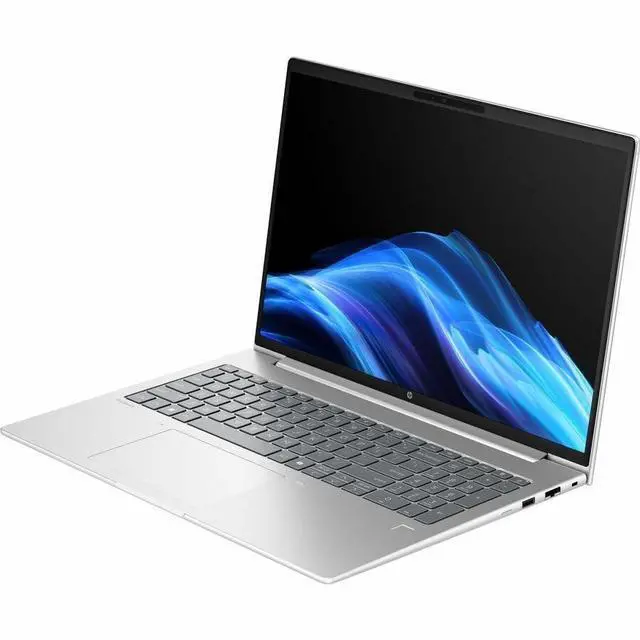
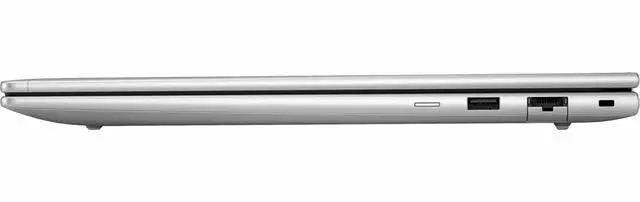
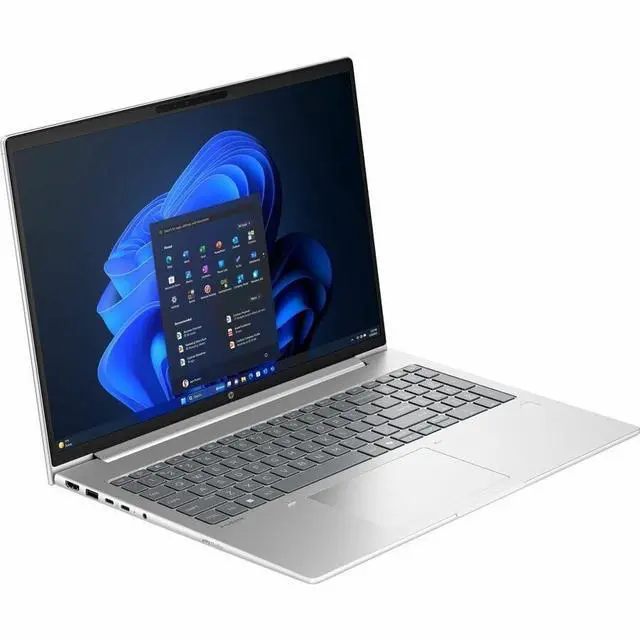




Any questions? Ask CelesteSM will help you find out quickly.
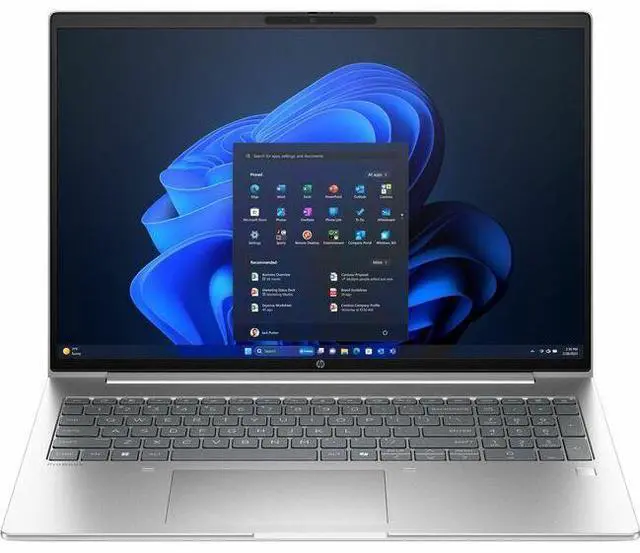
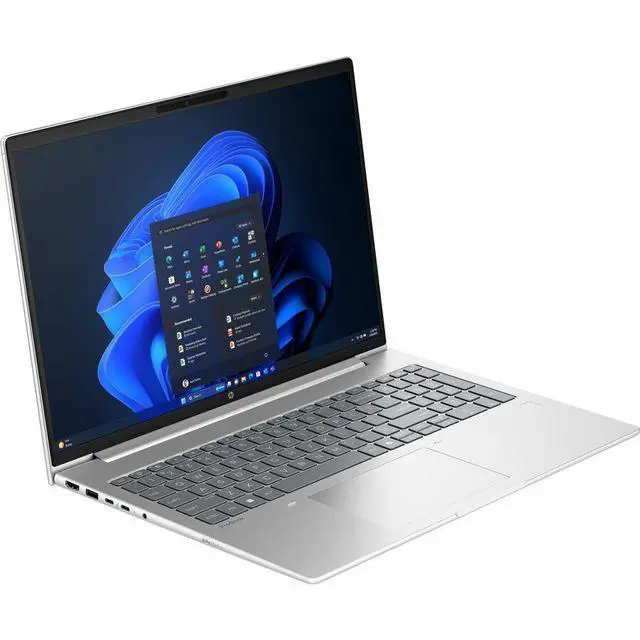
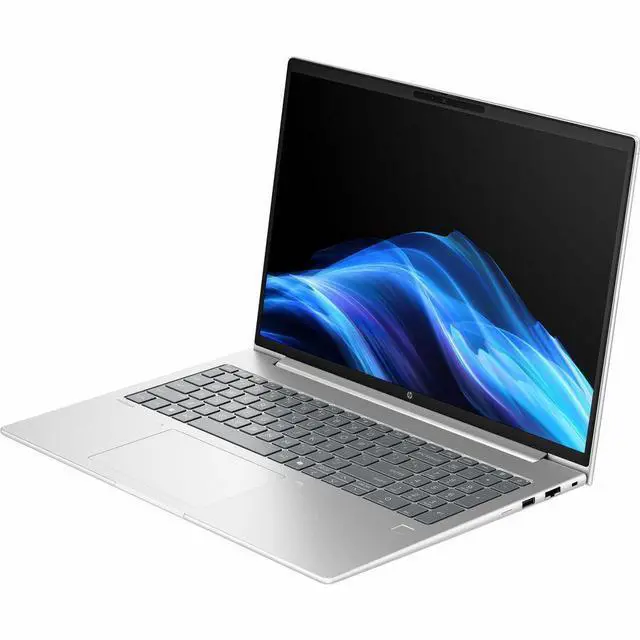
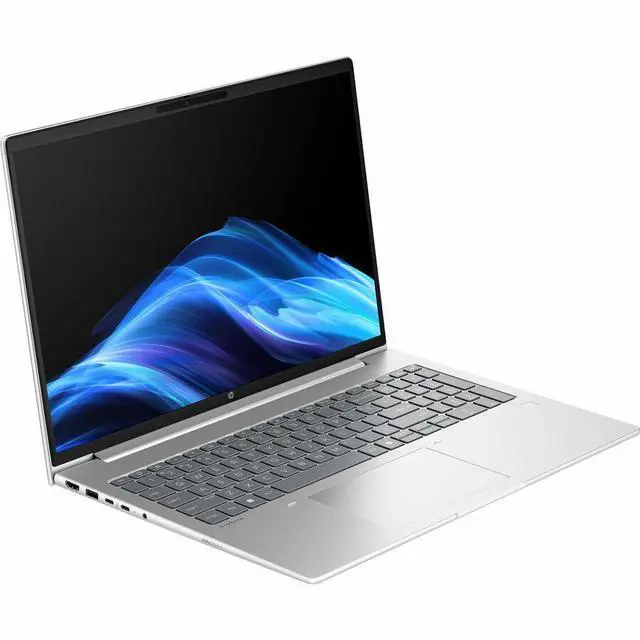
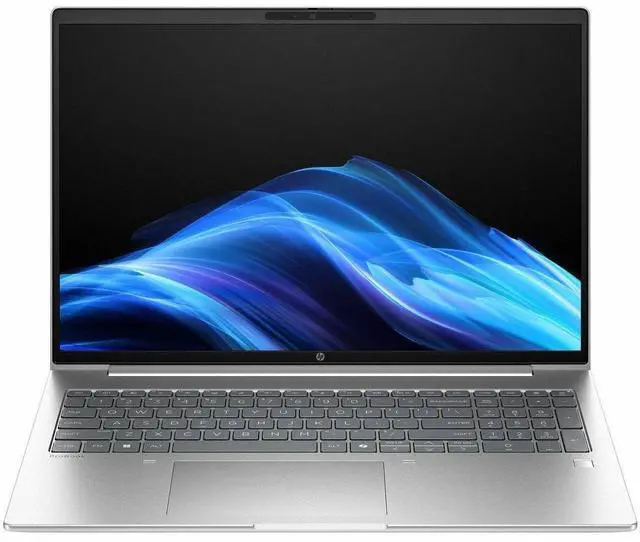
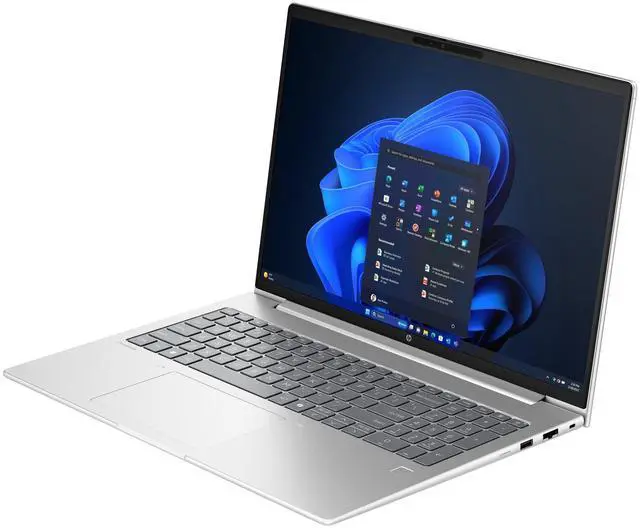
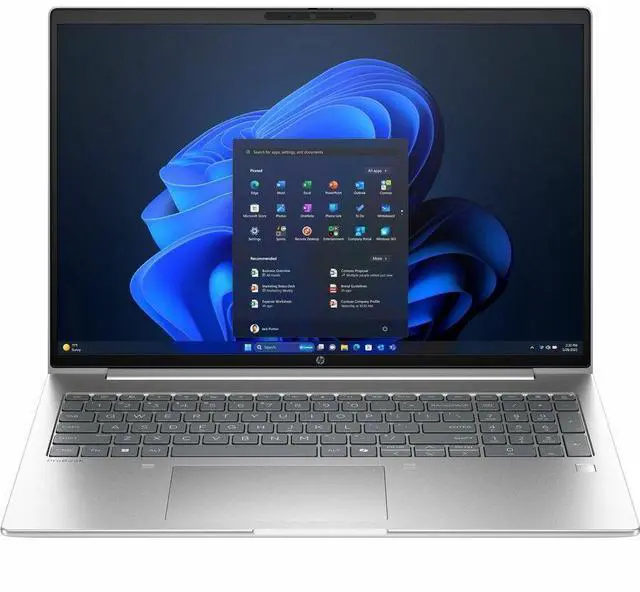
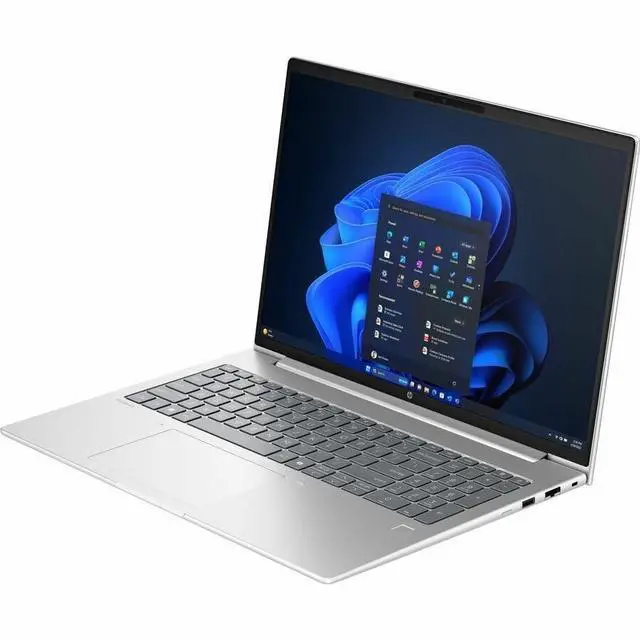
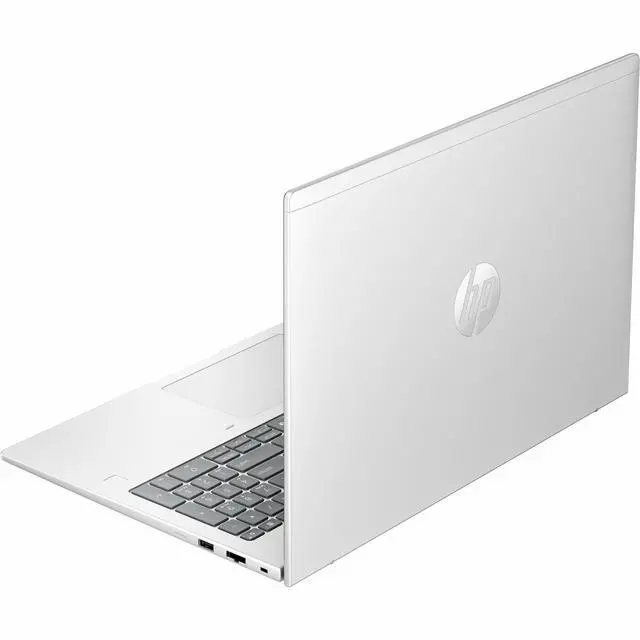
The HP ProBook 4 G1i is a 16-inch touchscreen business laptop with a WUXGA IPS display, Intel Core Ultra 7 255U, 16GB RAM, and a 512GB SSD, making it a strong fit for professionals, students, and home users who want a roomy screen, modern wireless connectivity, and Windows 11 Pro for everyday productivity.
| Attribute | Value |
|---|---|
| Best For | Business and student users who want a 16.0" touchscreen Windows 11 Pro productivity notebook with integrated Intel graphics, 16 GB RAM and a 512 GB M.2 SSD for everyday office, study and remote-work tasks |
| Processor And Core Count | Intel processor: Intel Core Ultra 7, model/chipset 225U (1 processor); listed boost up to 5.2 GHz and 12 MB L3 cache |
| GPU And VRAM | Integrated Intel graphics (integrated video) with graphics RAM type listed as DDR5 SDRAM |
| Display Spec | 16.0" In-Plane Switching (IPS) touchscreen, WUXGA 1920 x 1200 native resolution, 60 Hz refresh, max brightness listed at 300 nits, anti-glare and low-blue-light features, Miracast support, color gamut ~62% sRGB |
| Memory Configuration | 16 GB DDR5 SDRAM installed (2 memory slots), expandable to 32 GB maximum |
| Storage And Expansion | 512 GB solid-state drive (M.2 form factor, M.2 interface) |
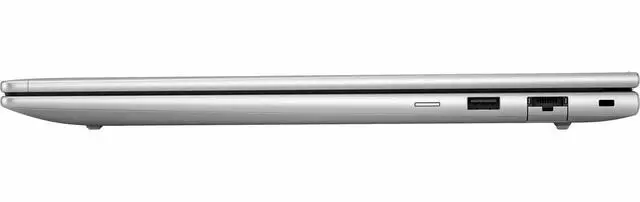
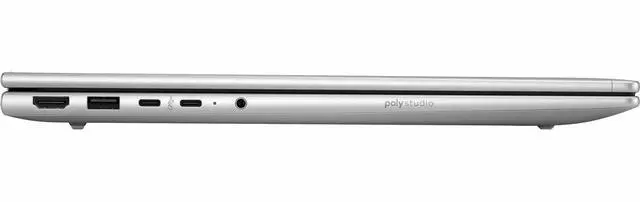
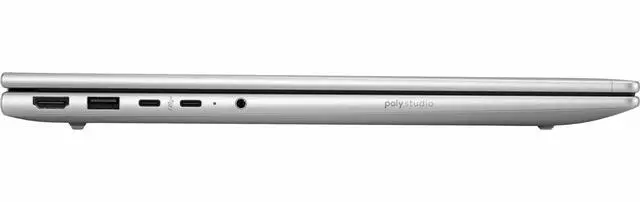
| High Speed I O | HDMI output (1 port), 4 total USB ports including USB-C (no Thunderbolt ports listed), Gigabit Ethernet (1 port) |
| Battery And Power | Built-in Lithium Polymer battery listed at 4000 mAh with 3 lithium cells (battery weight ~250 g); batteries included and device shipped with AC adapter/power cord |
| Wired And Wireless Networking | Wi‑Fi compatible with 802.11n/ac/ax and Bluetooth support; includes Gigabit Ethernet port |
| Webcam And Privacy | Front-facing webcam (webcam capability listed) plus fingerprint recognition for biometric sign-in |
| Keyboard And Control | English keyboard with touchscreen input/control method |
| Portability | Item weight listed around 3.8–3.84 lb; chassis dimensions provided as 0.67" x 14.1" x 9.9" (alternative dimension entries also present in source data) |
| Operating System And Security | Windows 11 Pro; Windows Defender listed and Wolf Pro Security Edition referenced in built-in media/package contents |
| Other Features | Anti-glare coating, Miracast technology, low blue light; optical drive not listed |
| Model Identifiers | HP ProBook 4 G1i model BB3Q9UT#ABA (Manufacturer: Hewlett Packard), ProBook 4 G1i edition, model year 2025 |
Q: Should I choose the HP ProBook 4 G1i 16 or the 14-inch ProBook 4 G1i?
A: Choose the HP ProBook 4 G1i 16 if you want a larger 16:10 workspace, a roomier keyboard deck, and built-in RJ-45 Ethernet in a mainstream business laptop. Choose the 14-inch ProBook 4 G1i if portability matters more, since HP positions the 14-inch model as the more compact option while the 16-inch model starts around 1.75 kg and is better suited to desk-first hybrid work.
Q: Is the Core Ultra 7 255U version worth it over a lower-tier Core Ultra 5 ProBook 4 G1i?
A: Choose this Core Ultra 7 255U configuration if you regularly keep many apps and browser tabs open, work in spreadsheets, or want more headroom for longer-term use. Choose a Core Ultra 5 configuration if your workload is mainly email, documents, web apps, and video calls. HP offers both U-series and H-series ProBook 4 G1i options, and review coverage of the 255U shows it is positioned as an efficiency-focused chip that still improves on earlier U-class parts for multitasking rather than a major jump for light office work.
Q: Should I buy this ProBook 4 G1i 16 with Core Ultra 7 255U or move up to a 255H configuration?
A: Choose this 255U model if battery-conscious office work, lower heat, and everyday business tasks are your priority. Move up to a 255H configuration if you do heavier compiling, content creation, or sustained multitasking and are comfortable with a larger performance-oriented setup. Across benchmark databases, the 255H sits clearly above the 255U in multi-core results, while HP offers the 255H as an upper-tier option within the same ProBook 4 G1i family.
Q: How does the HP ProBook 4 G1i 16 compare with a consumer 16-inch laptop like the HP OmniBook 5 16?
A: Choose the ProBook 4 G1i 16 if you want business-focused features such as Windows 11 Pro, upgrade-oriented ProBook positioning, and wired Ethernet for office setups. Choose a consumer 16-inch model like the OmniBook 5 16 if your priority is a simpler home-use laptop and you do not need the extra business features. Community discussions around similarly configured HP 16-inch models often point to the ProBook line for expandability and office connectivity, while consumer lines are treated as value-first general-use options.
Q: Is this a good laptop for meetings, office work, and everyday business tasks?
A: Yes. This configuration is well suited to office productivity, web apps, video meetings, document work, and multitasking. The combination of an Intel Core Ultra 7 255U, 16GB RAM, 512GB SSD, 16-inch 1920x1200 display, webcam, Wi-Fi 6-class connectivity, and Windows 11 Pro matches the needs that shoppers repeatedly ask about on business-laptop retail Q&A pages. It is a stronger fit for professional and administrative work than for GPU-heavy workloads like advanced gaming or demanding video editing.
Q: Is it worth buying as a travel work device?
A: It can work well for travel if your priority is screen space and business features, but it is not the most travel-light option. A 16-inch ProBook gives you a roomier 16:10 workspace for spreadsheets, documents, and side-by-side windows, plus business features like Windows 11 Pro, webcam, and modern wireless support. The trade-off is portability: shoppers comparing business laptops often choose smaller 14-inch models when weight and bag space matter more than screen size.
Q: Who is this laptop best for?
A: This model is best for professionals, students in business-focused programs, remote workers, and home users who mainly need a large screen for productivity rather than high-end graphics power. It fits buyers who want a business-style Windows laptop for email, spreadsheets, browser-based tools, video calls, and general multitasking. It is less suitable for buyers whose main goal is gaming, 3D work, or creator workloads that benefit from dedicated graphics.
Q: What are the main trade-offs versus a consumer laptop at a similar price?
A: The main advantage of this ProBook-style system is business usability: Windows 11 Pro, practical port selection, webcam, wireless connectivity, and a productivity-oriented 16-inch 1920x1200 display. The trade-off versus many consumer laptops is that you may get fewer entertainment-focused extras, and integrated graphics are usually not the best choice for gaming or intensive creative work. In short, this is a better fit for work-first buyers than for performance-hungry hobby use.
Q: Is this better than a smaller 14-inch business laptop?
A: It is better if you value a larger workspace, easier split-screen multitasking, and full-time desk or hybrid use. A 14-inch business laptop is usually the better choice if portability is the top priority. For buyers deciding between similar ProBook-class systems, the choice is mainly screen size and mobility rather than a completely different use case.
Q: Is this HP ProBook a good fit for work and everyday productivity?
A: Yes for office work, web apps, video calls, documents, and general multitasking. The 16-inch 1920x1200 display, Windows 11 Pro, 16GB RAM, and 512GB SSD match what many business-laptop shoppers look for. The main trade-off is that this configuration uses integrated graphics, so it is better suited to productivity than graphics-heavy creative work or gaming.
Q: Is it worth buying if I want a business-style Windows laptop rather than a consumer model?
A: Usually yes if your priority is a business-oriented laptop with mainstream specs and Windows Pro features. Reddit discussions about HP laptops repeatedly separate ProBook and other HP business lines from HP's lower-end consumer models, with ProBook generally viewed as the safer choice for work use. The trade-off is that you are buying for reliability and practicality, not premium display, gaming, or high-end performance.
Q: Who is this laptop most suitable for?
A: It is most suitable for users who want a larger-screen productivity laptop for work, home office, study, browsing, and meetings. The 16-inch IPS touchscreen and Windows 11 Pro make it a practical fit for spreadsheet work, multitasking, and general business use. It is less suitable for buyers who want a very light travel laptop or a machine intended mainly for gaming or GPU-heavy editing.
Q: What are the main trade-offs of this configuration?
A: The main trade-offs are portability and performance ceiling. A 16-inch touchscreen chassis is usually better for desk work than constant travel, and integrated graphics limit gaming and demanding visual workloads. Also, 16GB RAM is solid for current office use, but buyers expecting heavier multitasking or longer-term headroom may prefer 32GB if that option is available.
Q: Can this replace an older work laptop for note-taking, meetings, and daily office use?
A: Yes, for most users it should be a straightforward replacement for an older office laptop. The combination of a modern Intel Core Ultra U-series processor, 16GB RAM, SSD storage, webcam, Wi‑Fi 6, and a 16-inch 1200p screen covers the core needs that come up most often in work-laptop buying discussions. It is a practical upgrade if your priority is everyday usability rather than specialized performance.


