




 here!
here!
I’m your shopping assistant for PC builds, upgrades, and everything tech.
Got questions? Ask away!
Start a conversation
here!
I’m your shopping assistant for PC builds, upgrades, and everything tech.
Got questions? Ask away!
Start a conversation Top Rated
 Hot Seller




Any questions? Ask CelesteSM will help you find out quickly.
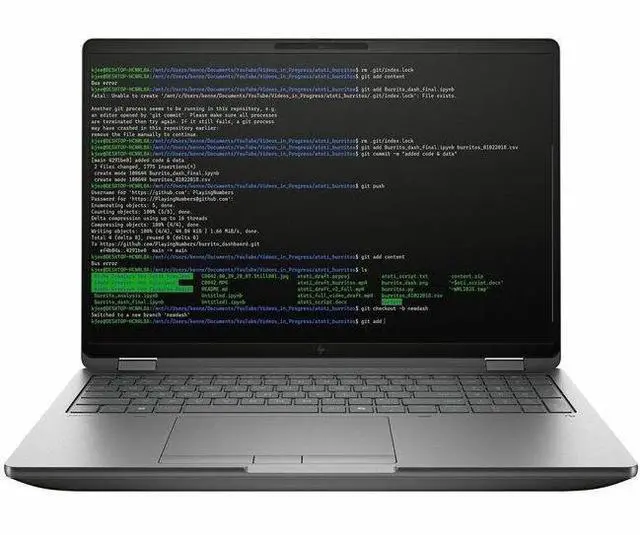
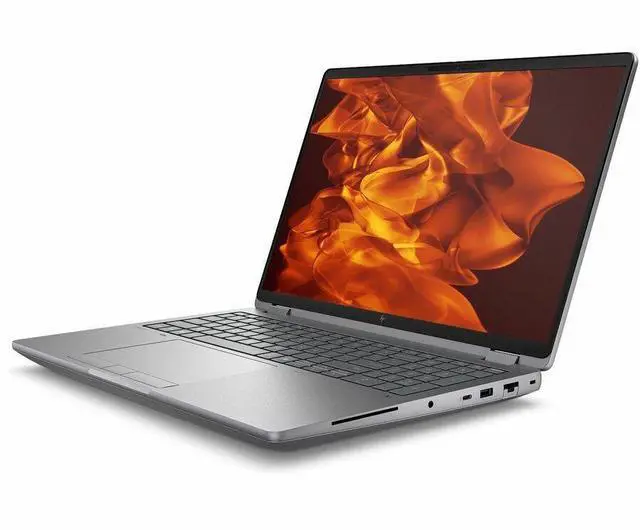
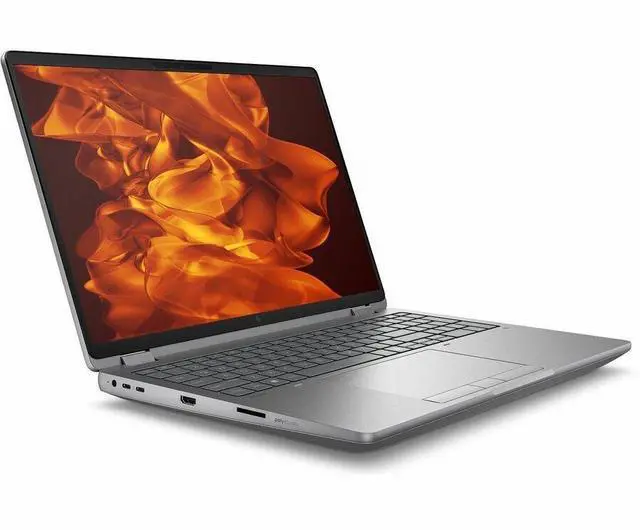
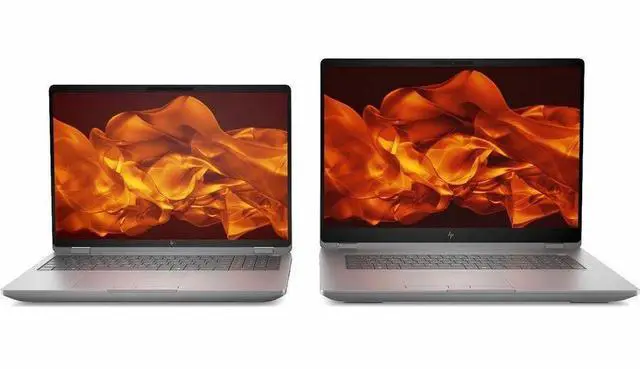
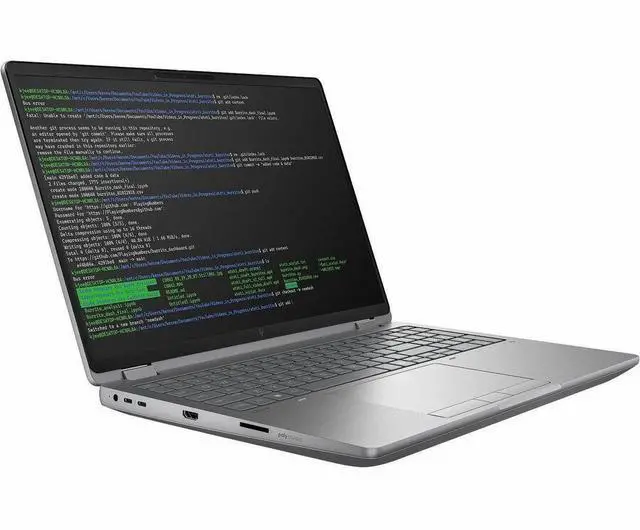
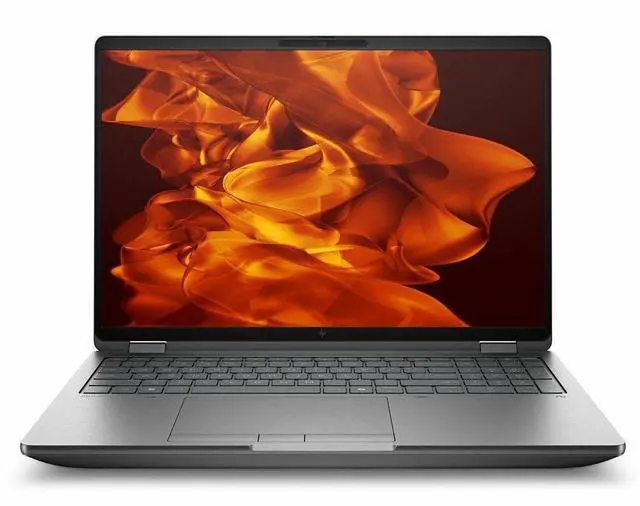
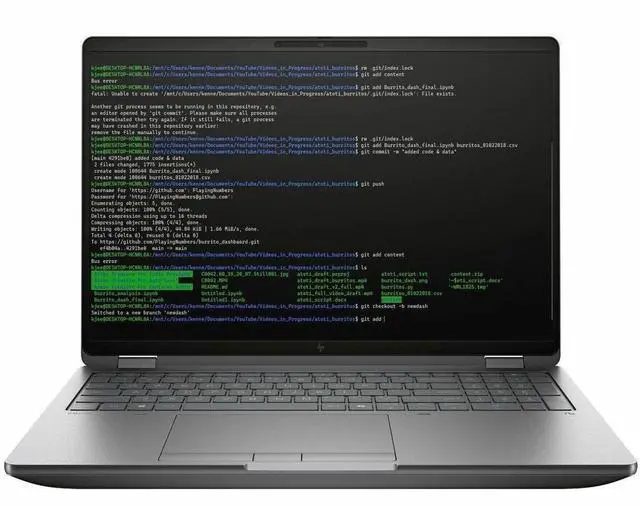
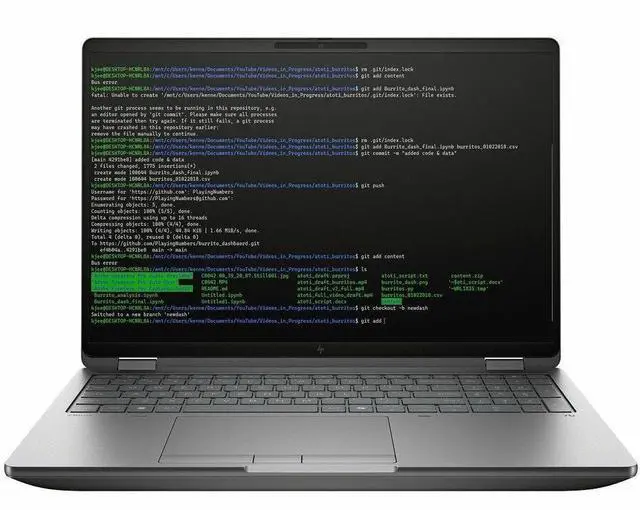
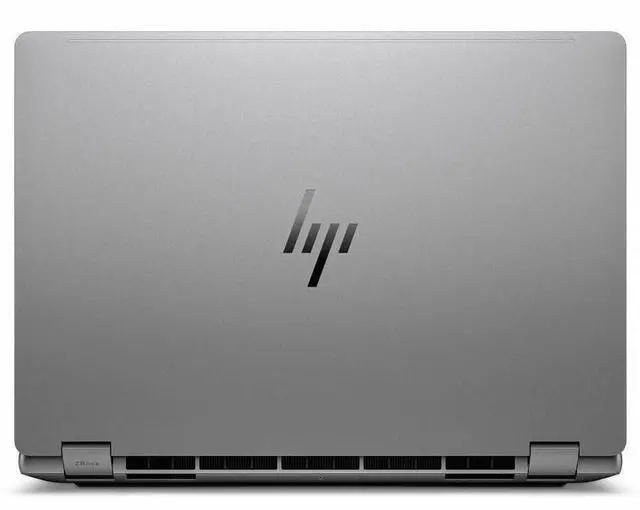
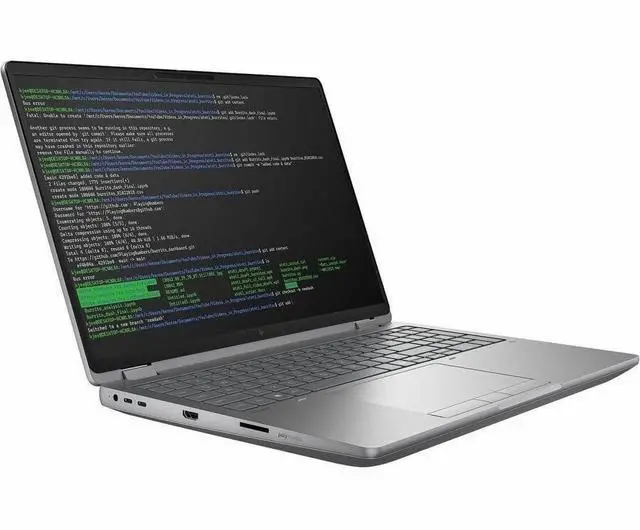
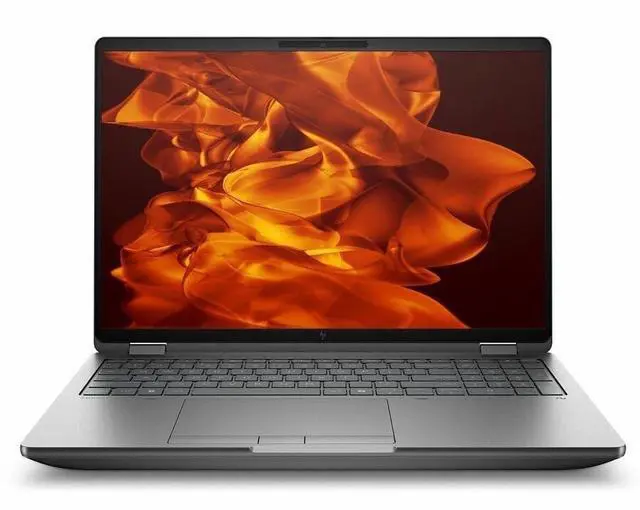
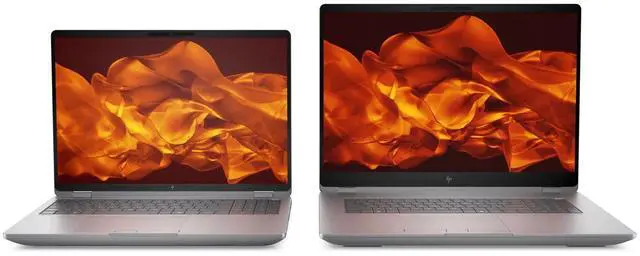
The HP ZBook Fury G1i is a 16-inch mobile workstation built for engineers, creators, and technical professionals who need desktop-class performance in a portable system, with an Intel Core Ultra 7 255HX, 32GB DDR5 memory, NVIDIA RTX Pro 1000 Blackwell graphics, and a 2560 x 1600 IPS display.
| Attribute | Value |
|---|---|
| Best For | Performance computing and workstation-class professional workflows that require a dedicated NVIDIA RTX Pro GPU, large RAM capacity (upgradable to 192 GB), and PCIe NVMe M.2 SSD storage |
| Processor And Core Count | Intel Core Ultra 7 255HX (Series 2) processor, up to 5.2 GHz turbo, single-processor mobile configuration, CPU L3 cache 30 MB, CPU Model Generation listed as 12th Gen, includes on-device NPU (AI Boost) |
| GPU And VRAM | NVIDIA RTX Pro 1000 Blackwell generation discrete GPU with 8 GB GDDR7 video memory; system lists both Intel and NVIDIA video processors |
| Display Spec | 16.0-inch WQXGA (2560 x 1600) IPS non-touch display with 120 Hz refresh, up to 400 nits brightness and anti-glare coating |
| Memory Configuration | 32 GB DDR5 installed (DDR5 SDRAM), user-upgradeable to 192 GB across 4 RAM slots |
| Storage And Expansion | 512 GB PCIe NVMe M.2 solid-state drive (PCI_E interface, M.2 form factor) |
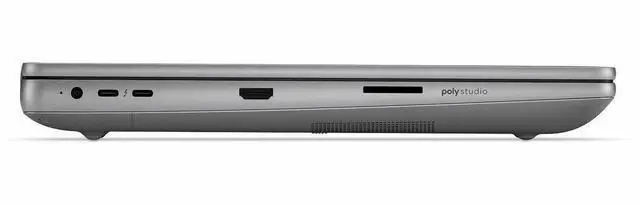
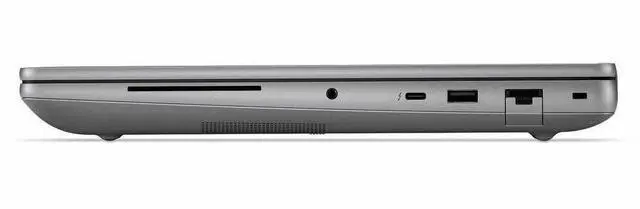
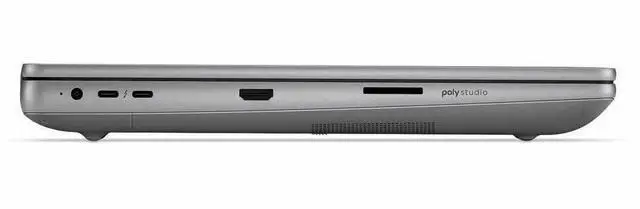
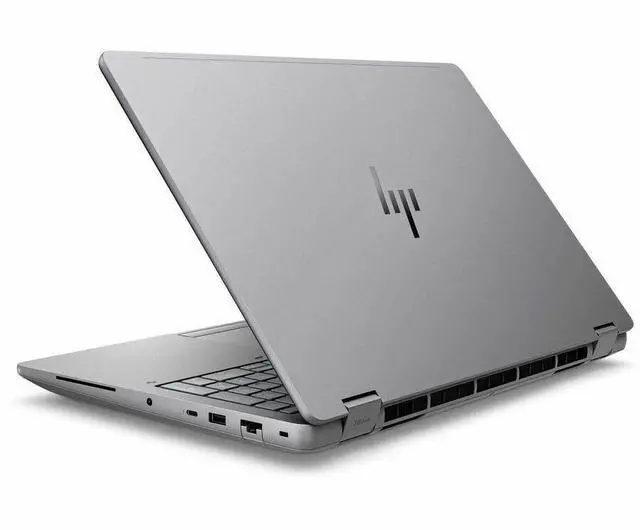
| High Speed I O | I/O includes 1 total USB port, 1 HDMI port, RJ-45 Ethernet, 1 Thunderbolt 4 port and 2 Thunderbolt 5 ports; hardware interfaces listed as USB, HDMI, Ethernet and Bluetooth |
| Wired And Wireless Networking | Wi-Fi 7 (802.11be) wireless LAN with Bluetooth support |
| Webcam And Privacy | Front 5-megapixel webcam plus fingerprint reader for biometric login |
| Battery And Power | 8-cell built-in Lithium Polymer battery with listed battery life of 10.11 hours; external specs list ~4000 mAh energy content and ~300 g battery weight |
| Keyboard And Control | Chiclet keyboard with touchpad; display specified as non-touch (no touchscreen) |
| Portability | Dimensions 14.1 x 9.8 x 1.06 inches (W x D x H), weight 5.36 lb |
| External Display And Docking Fit | Supports external displays via HDMI and Thunderbolt ports; compatible with external displays, mice, keyboards, storage devices, printers and other USB/HDMI/Bluetooth accessories |
| Operating System And Software | Ships with Windows 11 Pro; external attribute indicates internet security software included and no office productivity suite included |
| Model Identifiers | HP ZBook Fury G1i (Series ZBook), Part Number/Model C94FCUT#ABA, Manufacturer HP Inc., model year 2025 |
| Package Content | Package includes ZBook Fury G1i mobile workstation, lithium polymer battery and power adapter; package quantity 1 |
Q: Should I buy the HP ZBook Fury G1i 16 or a lighter workstation like the HP ZBook X G1i 16?
A: Choose the HP ZBook Fury G1i 16 if your priority is higher sustained CPU/GPU performance, more upgrade headroom, and workstation-class expandability. HP positions the Fury line above thinner ZBook models, and official specs show the Fury can scale to higher-end HX processors, RTX Pro 5000 Blackwell graphics, and much higher memory capacity. A lighter model like the ZBook X G1i 16 makes more sense when lower carry weight and a slimmer chassis matter more than maximum long-run performance.
Q: Is the HP ZBook Fury G1i 16 worth it over a lower-tier workstation with standard H-series CPUs?
A: Yes, if you run CAD, rendering, simulation, or other workloads that benefit from sustained multicore CPU performance and stronger thermals. This ZBook Fury G1i 16 uses an Intel Core Ultra 7 255HX and belongs to HP's full-performance mobile workstation tier, which is typically the better fit for buyers choosing between mainstream workstation laptops and heavier desktop-replacement models. A lower-tier H-series system is the better fit when you want similar software compatibility in a thinner, easier-to-carry machine and do not need as much expansion or peak workstation headroom.
Q: Should I choose this RTX Pro 1000 configuration or step up to a higher ZBook Fury G1i GPU option?
A: Choose this RTX Pro 1000 configuration when your work is primarily CAD, 2D/3D design, coding, office workloads, and moderate GPU-accelerated creation, and you want to keep cost and power demands more controlled. Step up to RTX Pro 2000, 3000, 4000, or 5000 configurations if you expect heavier viewport work, larger models, more GPU rendering, AI workloads, or longer high-load sessions. The Fury platform supports substantially stronger GPU options, so the upgrade decision is mainly about workload scale rather than chassis capability.
Q: How does the HP ZBook Fury G1i 16 compare with the Lenovo ThinkPad P16 Gen 3?
A: Choose the HP ZBook Fury G1i 16 if you want a performance-first workstation with very high memory capacity, broad GPU scaling, and the kind of chassis buyers usually pick for sustained heavy workloads. Choose the ThinkPad P16 Gen 3 if you prefer Lenovo's platform, want its display options, or find a better configuration value in your market. Both are premium 16-inch mobile workstations with RTX Pro Blackwell options, so the decision usually comes down to exact configuration, port needs, display preference, service ecosystem, and price rather than a large category difference.
Q: Is the HP ZBook Fury G1i 16 a better choice than the previous-generation ZBook Fury for most buyers?
A: Yes, for buyers starting fresh and comparing similarly priced systems, the G1i platform is the more current choice because it moves to Intel Core Ultra processors, newer RTX Pro Blackwell graphics options, Wi-Fi 7, and Thunderbolt 5 support. A previous-generation ZBook Fury can still be the better value if you find it at a meaningfully lower price and your applications do not benefit much from the newer platform features. The practical decision is usually 'newer platform and longer runway' versus 'older platform at a discount.'
Q: Is the HP ZBook Fury G1i a good choice for travel and mobile work?
A: It is usable for mobile work, but it is not a light travel-first laptop. At 5.36 lb with a 16-inch chassis, it is better suited to users who travel occasionally and need workstation-class performance than to people who want a thin, easy-carry daily travel laptop. The trade-off is portability versus power, expandability, and built-in ports.
Q: Is this laptop good for meetings, office work, and everyday business tasks?
A: Yes. For meetings and office work, the ZBook Fury G1i is more than sufficient. Its Core Ultra 7 processor, 32GB RAM, 512GB SSD, 5MP webcam, Windows 11 Pro, Wi-Fi 7, HDMI, Ethernet, and Thunderbolt ports make it well suited to video calls, multitasking, spreadsheets, presentations, and docked desk use. The trade-off is that it is more expensive and heavier than a standard business laptop if your workload is mostly email, documents, and web apps.
Q: Who is the HP ZBook Fury G1i best suited for?
A: It is best suited for professional users who need a true mobile workstation: engineers, CAD users, 3D designers, technical creators, developers running virtual machines, and people who need higher memory ceilings and dedicated professional graphics. It is less suitable for students or office-only buyers who could save money and weight with a mainstream business laptop.
Q: What are the main trade-offs versus a lighter 14-inch mobile workstation or business laptop?
A: The ZBook Fury G1i gives up portability in exchange for a larger 16-inch 2560 x 1600 display, stronger workstation positioning, more built-in connectivity, and much more upgrade headroom, including support for up to 192GB of memory. Compared with a 14-inch mobile workstation, it should fit desk-based professional work better, but it will be less convenient for frequent flights, commuting, and tight workspaces.
Q: Is this a better buy than a regular business laptop for most users?
A: No, not for most users. If your work is mainly browsing, documents, meetings, email, and light multitasking, a regular business laptop will usually be lighter, cheaper, and easier to carry. The ZBook Fury G1i makes more sense when you specifically need workstation graphics, higher memory capacity, wired Ethernet, multiple high-speed display and dock options, or room to grow into heavier professional workloads.
Q: Who is the HP ZBook Fury G1i 16 best suited for?
A: The ZBook Fury G1i 16 is best suited for users who need a true mobile workstation rather than a general-purpose laptop. Based on repeated Reddit discussion around the ZBook Fury line, it fits engineering, CAD, 3D, and other sustained professional workloads better than thin consumer laptops. This configuration also makes sense for buyers who value upgrade potential, wired Ethernet, and workstation-class ports more than portability.
Q: Is the HP ZBook Fury G1i 16 a good buy if I want a laptop I can upgrade later?
A: Yes, if upgradeability is a priority, the ZBook Fury line is one of the stronger workstation choices. Reddit discussions repeatedly focus on the Fury series as being more upgrade-friendly than typical laptops. For this specific model, the listed memory ceiling of 192 GB also supports the idea that it is intended for long-term professional use rather than fixed-spec casual use.
Q: Is the HP ZBook Fury G1i 16 a good travel or campus laptop?
A: Usually no, unless your priority is workstation performance over mobility. Reddit discussions about the Fury line repeatedly mention high weight, large power adapters, and shorter real-world unplugged use compared with mainstream laptops. At 5.36 lb, this model is portable in the literal sense, but it is better viewed as a transportable workstation than an easy everyday travel laptop.
Q: What are the main trade-offs of choosing the HP ZBook Fury G1i 16 over a thinner laptop?
A: The main trade-off is mobility versus workstation capability. The ZBook Fury G1i 16 offers a 16-inch WQXGA display, RTX Pro graphics, high memory headroom, Ethernet, HDMI, and multiple Thunderbolt ports, which are useful for professional workflows. The likely downsides, consistent with Reddit discussion of the Fury family, are more fan noise, more bulk, and less convenience for light everyday carry than slimmer laptops.


