




 here!
I’m your shopping assistant for PC builds, upgrades, and everything tech.
Got questions? Ask away!
Start a conversation
here!
I’m your shopping assistant for PC builds, upgrades, and everything tech.
Got questions? Ask away!
Start a conversation





Any questions? Ask CelesteSM will help you find out quickly.
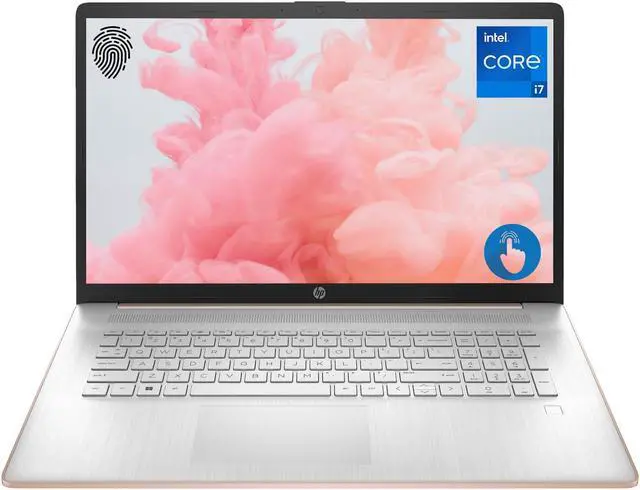
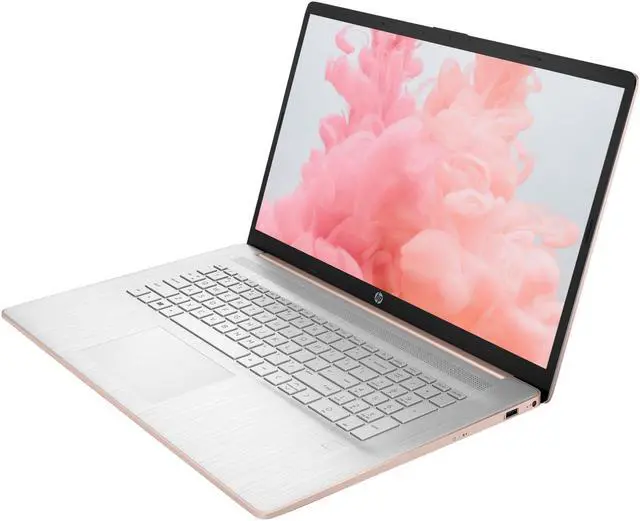
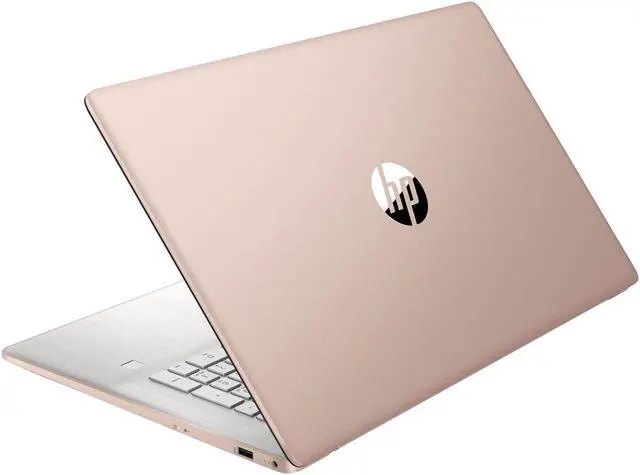
The HP Essential 17t is a 17.3-inch touchscreen laptop with an Intel Core i7-1355U, 32GB RAM, and a 2TB SSD, suited to home and personal users who multitask, keep many files locally, and prefer a large display.
| Attribute | Value |
|---|---|
| Best For | Home and personal computing |
| Display Spec | 17.3-inch screen |
Q: HP 17t with 16GB RAM and 1TB SSD or this 32GB/2TB configuration?
A: Choose this configuration if you want more memory for running multiple applications and more local storage for files: it has 32GB RAM and a 2TB SSD, compared with HP’s documented 16GB/1TB HP Laptop 17 configuration. Both use the Core i7-1355U and a 17.3-inch HD+ touchscreen, so the main difference is memory and storage capacity.
Q: HP 17t with an Intel N200 or this i7-1355U model?
A: Choose this model if you want HP’s Core i7-1355U configuration with 32GB RAM and a 2TB SSD. HP’s N200 configuration is listed with 8GB RAM and a 512GB SSD, making it a lower-spec option within the same 17t-cn300 family.
Q: HP 17t with the Core i3-N305 or this Core i7 model?
A: Choose this configuration if you prefer the Core i7-1355U, 32GB RAM, and 2TB SSD. HP lists the i3-N305 as another processor option in the 17t-cn300 family, while this Newegg configuration combines the i7 processor with higher memory and storage capacity.
Q: This HP 17t or the previous-generation HP 17 with an i7-1255U?
A: Choose this model if you want the newer i7-1355U and a 32GB/2TB configuration. The previous-generation HP 17-cn2077nr pairs the i7-1255U with 8GB RAM and a 512GB SSD; both processors have 10 cores and 12 threads, while Intel lists a maximum turbo frequency of up to 5.0GHz for the i7-1355U and up to 4.7GHz for the i7-1255U.
Q: Is this laptop suitable for office work, multitasking, and video meetings?
A: Yes. Its Core i7-1355U processor, 32GB RAM, 2TB SSD, and built-in webcam make it well suited to typical office tasks, multitasking, and video calls. The listed display is 1600 × 900, so it may be less suitable if you need a higher-resolution screen for detailed visual work.
Q: Can I use a stylus to handwrite notes on the touchscreen?
A: The product information confirms a touchscreen but does not confirm active-stylus compatibility or a 2-in-1 tablet mode. If handwritten notes are important, verify stylus support for this exact configuration before buying; typing notes is supported by its built-in keyboard.
Q: Can I connect this laptop to an external monitor or TV?
A: Yes. It has an HDMI 1.4b port for connecting a compatible external display. The listed specifications do not confirm support for multiple external monitors, so check the required display setup if you plan to use more than one.
Q: Is this a good laptop to carry around for work or school?
A: It may work for occasional trips, but its 17.3-inch screen makes it a large-format laptop better suited to a desk or home workspace than frequent travel. The provided specifications do not list its weight or battery life, so check those details if portability or all-day unplugged use is a priority.
Q: Is this HP 17-inch laptop suitable for office work, research, and lots of browser tabs?
A: Its Core i7-1355U, 32GB RAM, and 2TB SSD are suited to multitasking and local file storage. The 17.3-inch screen offers more workspace, but its 1600 × 900 resolution is a trade-off compared with a Full HD display. A Reddit discussion about a similar HP 17-inch i7-1355U configuration describes office and research work with many tabs as a key buying consideration.
Q: Is the HP 17t-cn300 suitable for schoolwork and light gaming?
A: A Reddit post about the HP 17t-cn300 asks about online classes, music production, programming, and light gaming. This product’s listed specs give its processor, memory, and storage but do not specify a graphics processor, so verify the graphics configuration before buying it for games; the listing alone does not establish gaming performance.
Q: Can this HP connect to two external monitors through USB-C?
A: The supplied specs list one HDMI port and describe USB-C as a 5 Gbps port, but do not state that USB-C supports video. A Reddit discussion about the HP 17t-cn300 reports that its USB-C port does not output video. For this specific configuration, confirm USB-C display support before choosing a dock; HDMI is the listed video connection.


