




 here!
I’m your shopping assistant for PC builds, upgrades, and everything tech.
Got questions? Ask away!
Start a conversation
here!
I’m your shopping assistant for PC builds, upgrades, and everything tech.
Got questions? Ask away!
Start a conversation Top Rated
 Hot Seller





Any questions? Ask CelesteSM will help you find out quickly.
We want to ensure your holiday shopping this year is hassle-free. That’s why we’re automatically extending our return policies on almost every product! For purchases placed between November 1st, 2026 and December 31, 2026 you will have until January 31, 2027 to return your product.
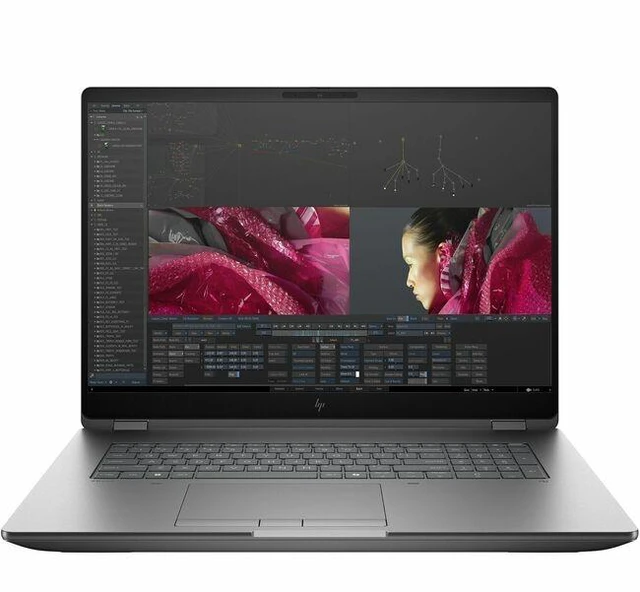
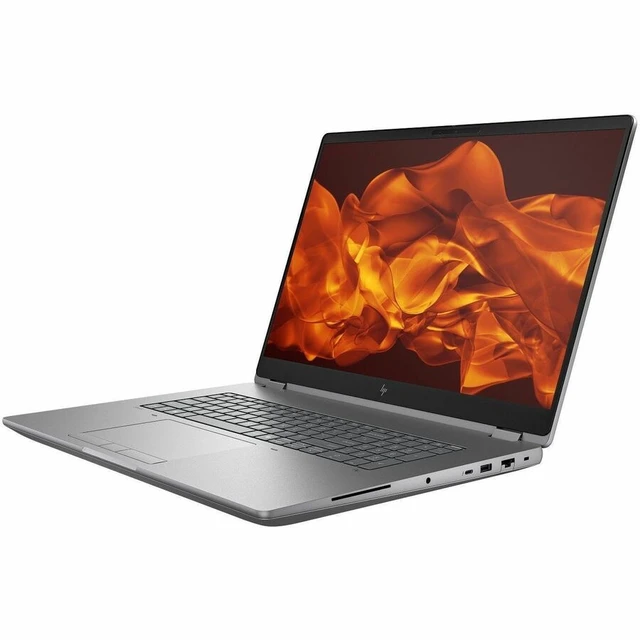
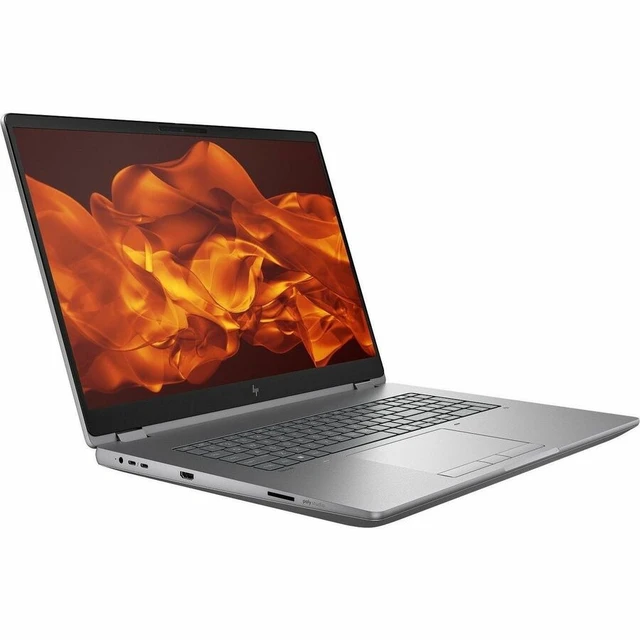
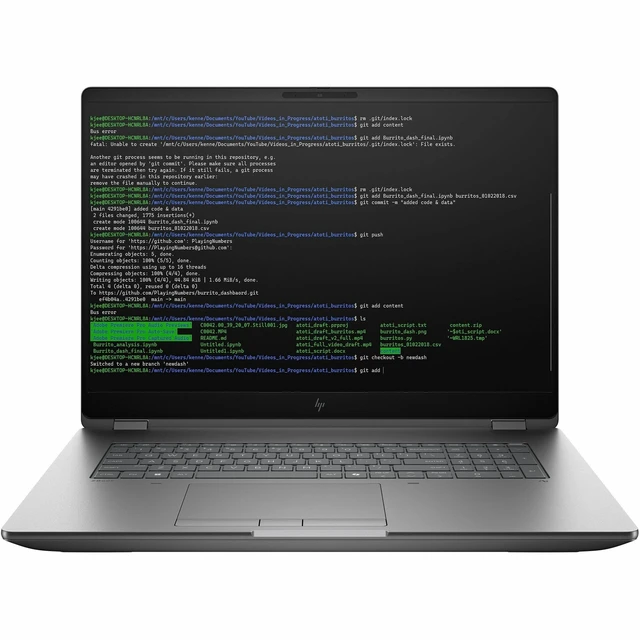
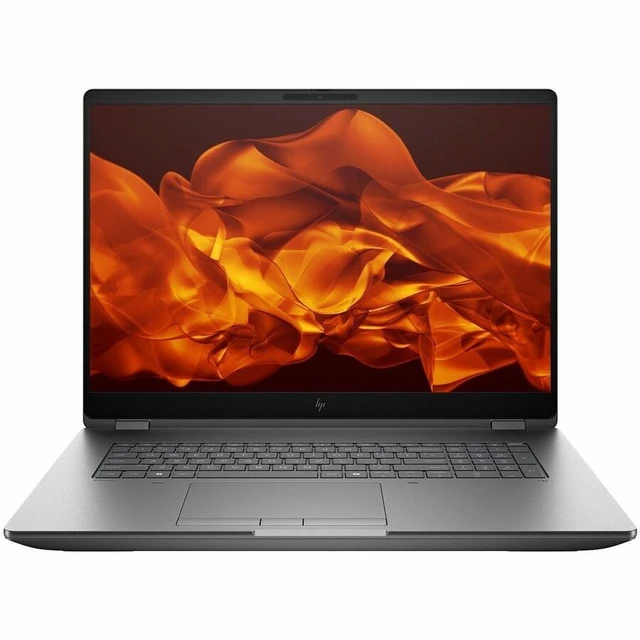
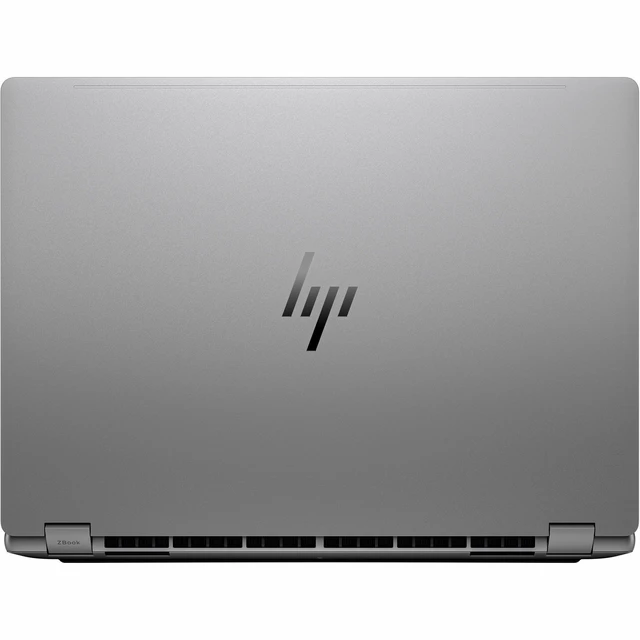
The HP ZBook Fury G1i is an 18-inch Windows 11 Pro mobile workstation with a 20-core Intel Core Ultra 7 265HX, 32 GB DDR5, and an 8 GB NVIDIA RTX PRO 1000 Blackwell GPU, suited to professionals who need workstation-class computing for technical or creative work on the go.
| Attribute | Value |
|---|---|
| Best For | Mobile workstation use involving professional graphics work and multitasking |
| Processor And Core Count | Intel Core Ultra 7 265HX with 20 cores, up to 5.30 GHz turbo, 36 MB L2 cache, and Intel AI Boost NPU rated at 13 TOPS |
| GPU And VRAM | NVIDIA RTX PRO 1000 graphics with 8 GB of DDR5 SDRAM; Intel is also listed as a video processor |
| Display Spec | 18-inch IPS display with 2560 × 1600 resolution, 165 Hz refresh rate, up to 500 nits brightness, and no touchscreen |
| Memory Configuration | 32 GB DDR5 memory with 4 memory slots |
| Storage And Expansion | 512 GB SSD storage |
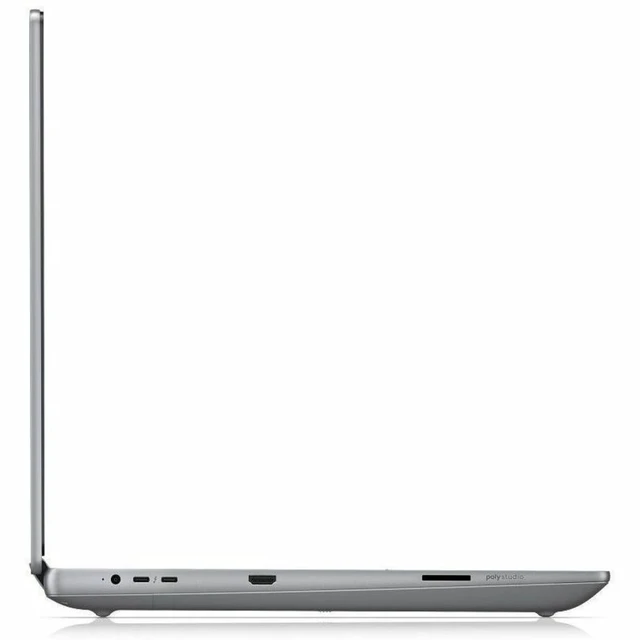
| High Speed I O | 1 HDMI port, 1 Thunderbolt port, and 1 USB port |
| Wired And Wireless Networking | Wi-Fi 7 (IEEE 802.11be), Bluetooth, and Ethernet connectivity |
| Webcam And Privacy | Built-in webcam |
| Battery And Power | Lithium-polymer battery and power adapter included |
| Operating System | Windows 11 Pro |
| Model Identifiers | HP ZBook Fury G1i; model and part number CP3K1UT#ABA |
Q: Should I choose this RTX PRO 1000 configuration or a higher-GPU ZBook Fury G1i 18?
A: Choose this configuration if the RTX PRO 1000 with 8 GB of graphics memory suits your professional applications and you want the listed 32 GB of system memory and 512 GB SSD. HP also lists RTX PRO 3000 and RTX PRO 5000 configurations with 12 GB and 24 GB of graphics memory, respectively, for workflows that benefit from more GPU memory.
Q: Should I get the ZBook Fury G1i 18-inch or 16-inch?
A: Choose the 18-inch model when a larger built-in display is a priority: this configuration has an 18-inch, 2560 × 1600, 165 Hz panel. Choose the G1i 16-inch when you prefer a smaller laptop footprint; HP lists that model as a separate size in the same workstation family.
Q: Is the Core Ultra 7 265HX ZBook Fury G1i 18 enough, or should I look for a Core Ultra 9 model?
A: This listed configuration pairs the 20-core Core Ultra 7 265HX with 32 GB of memory and a 512 GB SSD. HP also offers the Fury G1i 18 with the 24-core Core Ultra 9 285HX; consider that option when your CPU-heavy work benefits from the higher core count, and choose this Core Ultra 7 model when its processor and listed memory and storage fit your workflow.
Q: How does the ZBook Fury G1i 18 compare with the ZBook Fury 16 G11?
A: Choose the Fury G1i 18 when you want an 18-inch, 165 Hz display and a configuration from HP’s Blackwell RTX PRO graphics lineup. The Fury 16 G11 is a 16-inch prior-generation model with RTX Ada graphics options, so it fits buyers comparing an earlier Fury generation and a smaller display size.


