Out of stock
This item is currently out of stock and it may or may not be restocked.
Sold by Newegg

Shipped by Newegg

Shop it at NeweggBusiness.

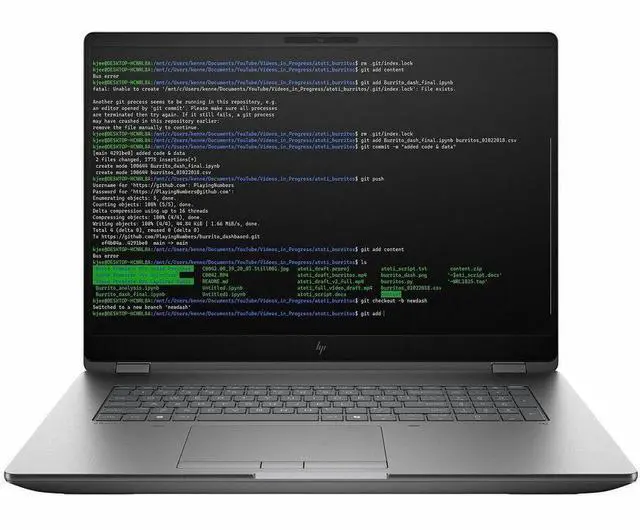
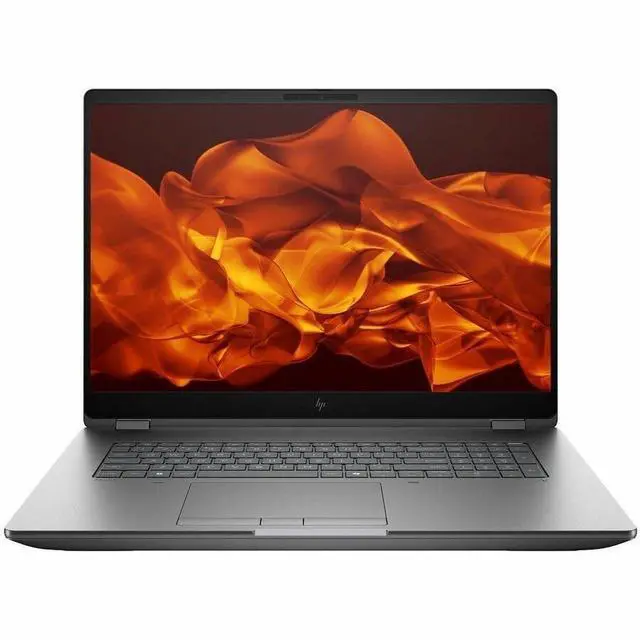
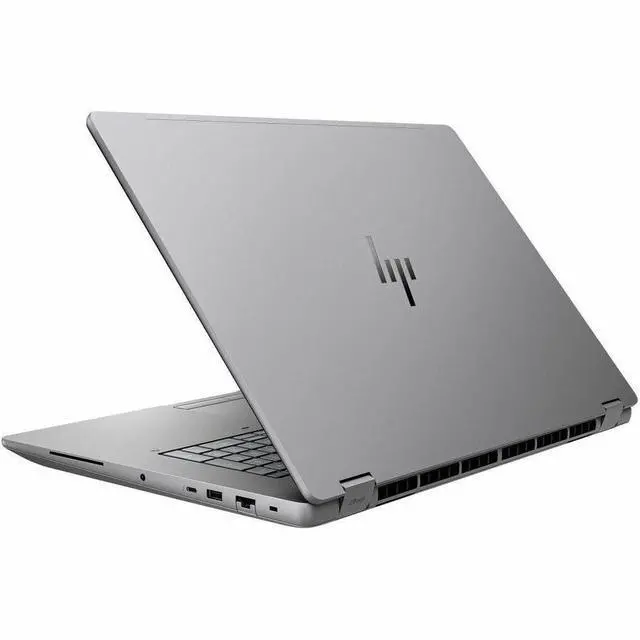
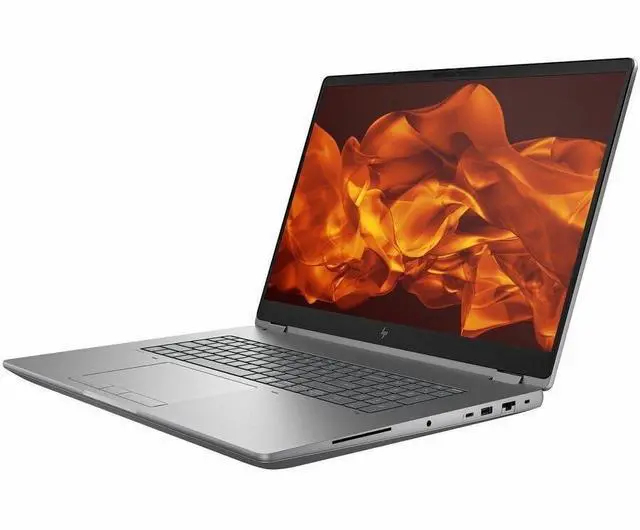
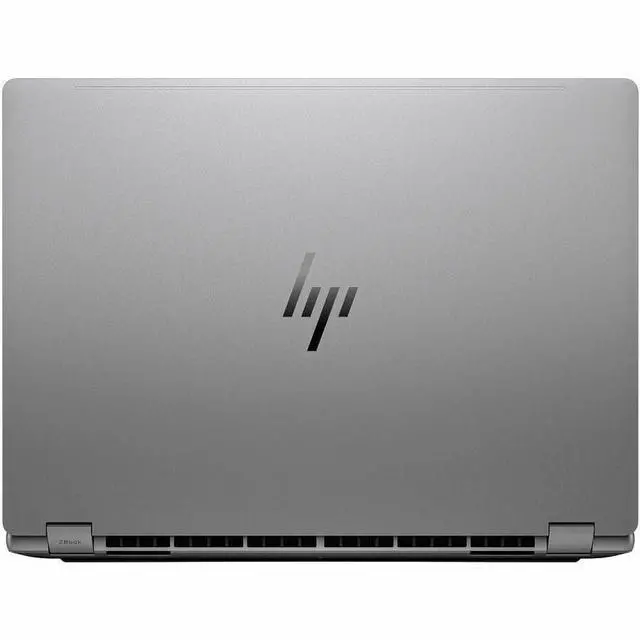
HP ZBook Fury G1i 18" Mobile Workstation - Intel Core Ultra 7 255HX - 32 GB - 512 GB PCI Express NVMe 4.0 x4 SSD - Windows 11 Pro - NVIDIA RTX Pro 1000 Blackwell 8GB - Webcam - Wi-Fi 7 - C94C5UT#ABA

  • 32GB Memory / 512GB SSD
  • NVIDIA RTX Pro 1000 Blackwell
  • 2560 x 1600
  • Windows 11 Pro
Overview
Specs
Reviews
See all Q & A
avatar

Any questions? Our AI mode will help you find out quickly.

SMART BUY ZBOOK G1I 18 U7 255HX 18 32GB/512 PC

Warranty & Returns

Warranty, Returns, And Additional Information

Warranty

  • Limited Warranty period (parts): 1 year
  • Limited Warranty period (labor): 1 year
  • Read full details

Return Policies

Manufacturer Contact Info

LOADING...

Learn about this product

The HP ZBook Fury G1i is an 18-inch mobile workstation built for professionals who need desktop-class performance on the go, with a Core Ultra 7 processor, 32GB DDR5 memory, RTX Pro 1000 graphics, and Windows 11 Pro; it suits engineering, CAD, content creation, and multitasking workflows more than everyday casual use.

Recommended For

  • Engineers, CAD users, and simulation-heavy professionals who need a mobile workstation with ISV-certified graphics, lots of memory headroom, and local storage expansion instead of relying on a docked desktop.
  • 3D artists, visualization teams, and AI-focused creators who run GPU-accelerated workloads on site and want workstation-class drivers plus room to scale RAM and SSD capacity over time.
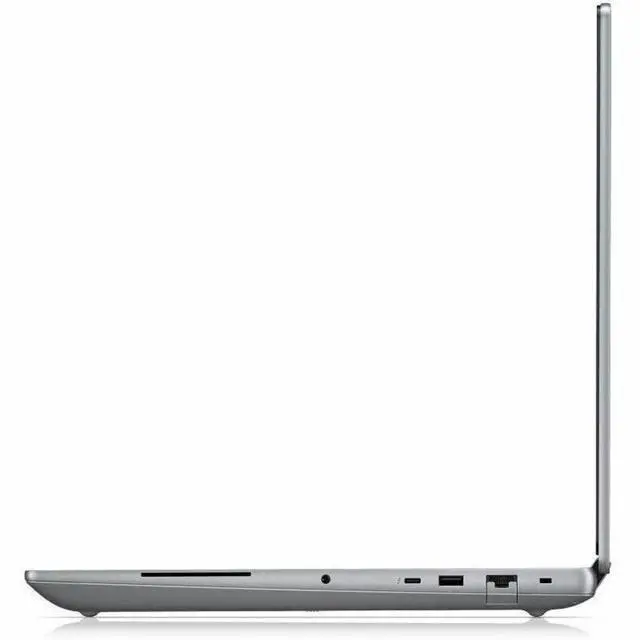
  • Field professionals who replace a tower with one machine for office, lab, and client-site work, and benefit from the 18-inch screen, full port selection, SD reader, RJ45, and Thunderbolt 5 without carrying many adapters.
  • Photogrammetry, media, and technical imaging users who work with large local project files and prefer internal upgradeability and built-in connectivity over thinner creator laptops.

Real-World Use Scenarios

  • Working in CAD, SolidWorks, Creo, or similar pro apps while traveling between office, site, and home: users are typically trying to keep assemblies responsive and avoid driver issues, and this ZBook Fury line is positioned for that kind of mobile workstation use with ISV-certified graphics and workstation-focused input features, so the expected experience is smoother viewport work and fewer compatibility surprises than a consumer laptop.
  • Editing large photo, video, or motion graphics projects on location: users are trying to preview high-resolution media, keep timelines usable, and finish cuts without returning to a desktop, and HP explicitly positions the Fury for simultaneous 8K editing and 3D rendering, so the likely real-world outcome is that serious content work is practical on the machine, although battery-first expectations are unrealistic.
  • Running multiple heavy tasks at once, such as analyzing data, using local AI tools, and keeping office or browser apps open in the background: users are trying to avoid the slowdowns that happen when a thin laptop is overloaded, and HP markets the Fury G1i specifically for simultaneous heavy workflows, so the expected experience is better multitasking headroom for technical and professional work.
  • Using the laptop as a field workstation for architecture, engineering, or visualization reviews: users are trying to open large models on-site, present clearly to clients or teammates, and make quick edits without docking to a tower, and the 18-inch QHD format plus workstation-class positioning suggest a more comfortable review-and-revise experience than smaller mobile systems.
  • Buying a laptop that can start as a standard workstation and grow with heavier projects later: users are trying to avoid replacing the system when files, apps, and local storage needs increase, and HP emphasizes tool-free access plus unusually high memory and storage expandability for the Fury family, so the likely outcome is a machine that fits longer upgrade cycles better than sealed premium laptops.

Spec Summary

AttributeValue
Best ForPerformance computing and professional workstation tasks on the go — an 18" mobile workstation configuration combining a high‑refresh 2560×1600 LCD, workstation GPU and 32 GB DDR5 with a 512 GB PCIe NVMe SSD
Processor And Core CountIntel Core Ultra 7 (255HX) single‑processor configuration with up to 5.2 GHz turbo frequency
GPU And VRAMNVIDIA RTX Pro 1000 (Blackwell) workstation GPU with 8 GB DDR5 VRAM and PCIe graphics interface
Display Spec18.0" LCD display, native 2560 x 1600 resolution at 165 Hz refresh rate with anti‑glare coating
Memory Configuration32 GB DDR5‑5600 MHz installed as 2×16 GB SODIMM (4 SODIMM slots total, up to 128 GB maximum)
Storage And Expansion512 GB PCIe NVMe M.2 SSD installed, SD card reader provided for additional media/exchange
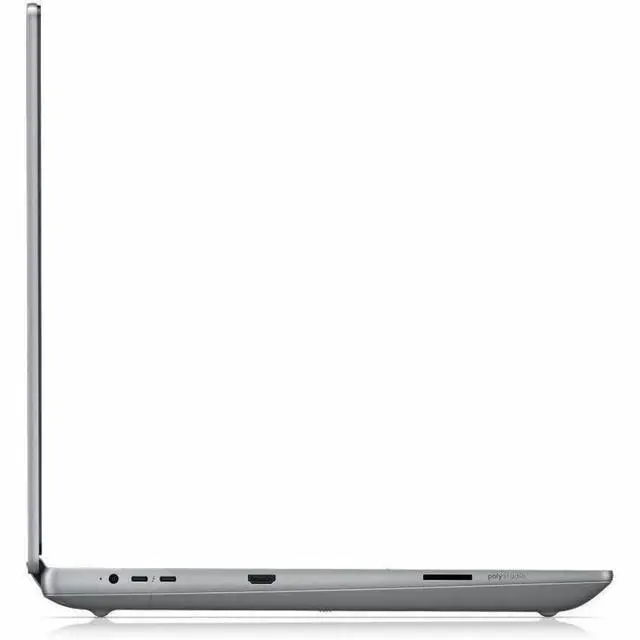
High Speed I OIncludes HDMI video output, Ethernet, Bluetooth and USB connectivity plus 1 Thunderbolt port (port counts reported by attributes)
Battery And Power99 WHr, 8‑cell Lithium Polymer battery installed and included (battery packed with equipment)
Wired And Wireless NetworkingIntel Wi‑Fi 7 (BE200) wireless and Bluetooth 5.4; attributes also list compatibility with 802.11ac/ax standards
Webcam And PrivacyFront hybrid 5 MP + IR camera for webcam/IR functionality plus fingerprint recognition biometric
Keyboard And ControlFull‑size, backlit, spill‑resistant English keyboard with touch pad input
PortabilityClamshell mobile workstation form factor, Meteor Silver color, weight ~3.52 kg with chassis dimensions 11.4 × 15.9 × 1.06 inches
External Display And Docking FitSupports external displays via HDMI and the onboard Thunderbolt port for docking or multi‑display setups
AI FeaturesAI powered platform with an NPU capable of up to 13 TOPS
Model IdentifiersHP ZBook Fury G1i (ZBook Fury 18 G1i) mobile workstation, Model/Part C94C5UT#ABA, Manufacturer HP Inc., Model Year 2025
Additional FeaturesAnti‑glare display coating and internet security software listed as included; unit ships with battery and power adapter

Reference Q&A

Q: Should I choose the HP ZBook Fury G1i 18 over a thinner workstation like the HP ZBook X G1i 16?

A: Choose the HP ZBook Fury G1i 18 when your priority is sustained workstation performance, larger-screen productivity, and expansion headroom. HP positions the Fury line as its high-performance mobile workstation tier, with support for much higher-end RTX Pro graphics, up to 256 GB RAM, and up to 16 TB local storage. A thinner model like the ZBook X G1i 16 is the better fit when daily travel, lower carry weight, and a more compact footprint matter more than maximum thermal and upgrade headroom.

Q: Is this RTX Pro 1000 configuration enough, or should I move up to a higher Fury G1i GPU option?

A: This RTX Pro 1000 configuration is the better choice if your work is centered on CAD, pro-app certification, coding, office-heavy workflows, and moderate 3D or content work. Move up to RTX Pro 2000, 3000, 4000, or 5000 configurations when GPU rendering, large assemblies, simulation, AI acceleration, or heavier viewport workloads are a regular part of your workflow. HP positions the Fury platform to scale from RTX Pro 1000 up to RTX Pro 5000, so the main decision is not the chassis but how much GPU headroom your applications need over time.

Q: How does the HP ZBook Fury G1i 18 compare with Dell's 18-inch mobile workstation class?

A: Choose the HP ZBook Fury G1i 18 if you want a true desktop-replacement workstation with a large 18-inch display, pro GPU options, and strong upgrade flexibility, including very high memory and storage ceilings. In benchmark-based reviews of top-end configurations, Dell's competing 18-inch workstation class can lead in some CPU and GPU rendering tests, while the HP stays close and is competitive in some media and storage results. The practical takeaway is that HP is the better choice when platform expandability and the Fury ecosystem matter most, while Dell can make more sense if your buying decision is based mainly on specific benchmark results in rendering-heavy apps.

Q: Should I buy the 18-inch Fury G1i or a 16-inch workstation like a ThinkPad P16-class system?

A: Buy the 18-inch Fury G1i when screen space, cooling capacity, and desk-first workstation use are more important than bag-friendliness. A 16-inch workstation is usually the better fit if you move between offices, clients, labs, or classrooms more often and want a more manageable footprint. Community discussions around workstation buying decisions consistently treat the Fury, Precision, and ThinkPad P-series as comparable professional platforms, so the key difference here is usually form factor and mobility rather than basic workstation credibility.

Q: Is the HP ZBook Fury G1i 18 a good choice for CAD, 3D, and other professional workstation tasks?

A: Yes, it is a strong fit for professional workstation use. This configuration combines an Intel Core Ultra 7 HX-class processor, 32 GB DDR5 memory, a discrete RTX Pro GPU, a 2560 x 1600 display, and Windows 11 Pro, which matches the needs typically discussed in workstation-buying Q&A for CAD, engineering, content creation, and other certified-app workflows. The main trade-off is that this model is built more for performance and expandability than for thin-and-light portability.

Q: Is it worth buying as a travel work device?

A: Usually only if you need desktop-class performance on the road. At 3.52 kg with an 18-inch display, this ZBook is much heavier and larger than mainstream business laptops and even many mobile workstations. It is better suited to users who move between offices, studios, labs, or client sites than to frequent flyers, commuters, or anyone who wants an easy everyday carry.

Q: Is it good for note-taking, meetings, and office work?

A: It can handle office work, video meetings, spreadsheets, and multitasking very well, but it is more machine than most office users need. The 32 GB RAM, 5MP+IR webcam, Wi-Fi 7, backlit keyboard, and 18-inch 165 Hz display make it comfortable for productivity, but the size, weight, and workstation-class design mean it is not the most practical choice if your workload is mostly email, documents, browser tabs, and calls.

Q: Who is this laptop most suitable for?

A: It is most suitable for engineers, CAD users, 3D designers, video creators, developers with heavy local workloads, and other professionals who need a large screen and dedicated workstation graphics. It is less suitable for students, general home users, or buyers who prioritize light weight, long unplugged use, or low cost over performance.

Q: What are the main trade-offs versus a thinner 16-inch mobile workstation?

A: The main advantage of the ZBook Fury G1i 18 is a larger 18-inch workspace and a chassis that is typically aimed at higher sustained performance and workstation expandability. The trade-off is portability: compared with thinner 16-inch alternatives, it is heavier, bulkier, and less convenient for daily travel. Buyers should choose this model when screen size and performance matter more than mobility.

Q: Who is the HP ZBook Fury 18 G1i best suited for?

A: It is best suited for users who need a large mobile workstation for demanding professional workloads, not for people prioritizing portability. The 18-inch display, 3.52 kg weight, Core Ultra 7 HX-class CPU, RTX Pro graphics, 32 GB DDR5 memory, and workstation-oriented platform make it a better fit for CAD, 3D, video, engineering, and other desk-to-desk use than for frequent travel or casual everyday use.

Q: Is the ZBook Fury 18 G1i a good buy if portability matters?

A: No, not if portability is a top priority. At 3.52 kg with an 18-inch chassis, it is much closer to a transportable workstation than a travel-friendly laptop. It makes more sense if you want desktop-like capability in a machine that can be moved between locations, but not if you need something light for daily commuting.

Q: Is 32 GB RAM and a 512 GB SSD enough for this workstation?

A: It depends on the workload. For general professional use, software development, and moderate creative work, 32 GB RAM is usually reasonable. For heavier 3D, simulation, large video projects, or multi-VM workflows, the included 512 GB SSD may feel small and buyers will likely want more storage. Community discussion around this model family often focuses on higher-end configurations and multi-drive flexibility, which suggests storage capacity is an important buying consideration.

Q: What are the main trade-offs of choosing the ZBook Fury 18 G1i?

A: The main trade-off is capability versus mobility. You get a large 2560 x 1600 165 Hz display, workstation-class components, upgrade-oriented memory, and a big 99 Wh battery, but in exchange you accept higher weight, a bulkier chassis, and a form factor that is less convenient than mainstream 14-inch or 16-inch laptops. It is a stronger fit as a desktop replacement than as an all-purpose carry-everywhere machine.

Q: Is the ZBook Fury 18 G1i worth buying over a lighter laptop?

A: It is worth buying only if you specifically need workstation features and more headroom than a lighter laptop typically offers. If your work is mostly web, office, note-taking, or light content creation, this model is likely more laptop than necessary. If you need a large-screen mobile workstation with professional graphics, upgradeable memory, and room for demanding applications, it is a more sensible choice.