




 here!
I’m your shopping assistant for PC builds, upgrades, and everything tech.
Got questions? Ask away!
Start a conversation
here!
I’m your shopping assistant for PC builds, upgrades, and everything tech.
Got questions? Ask away!
Start a conversation Top Rated
 Hot Seller Top Rated





Any questions? Ask CelesteSM will help you find out quickly.
We want to ensure your holiday shopping this year is hassle-free. That’s why we’re automatically extending our return policies on almost every product! For purchases placed between November 1st, 2026 and December 31, 2026 you will have until January 31, 2027 to return your product.
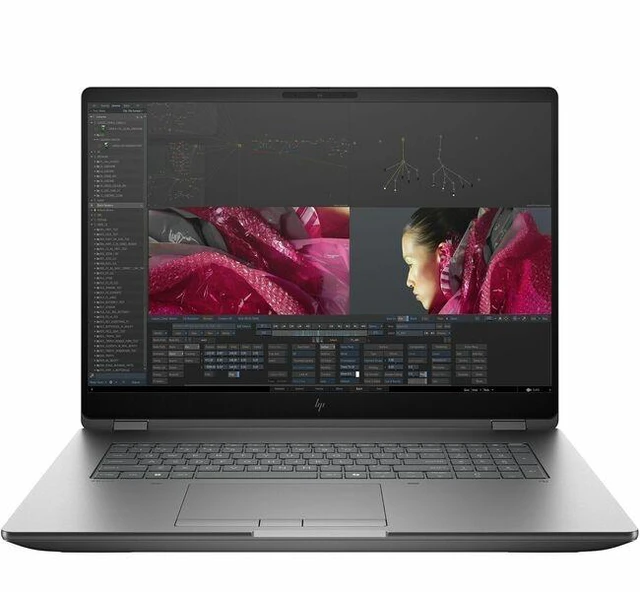
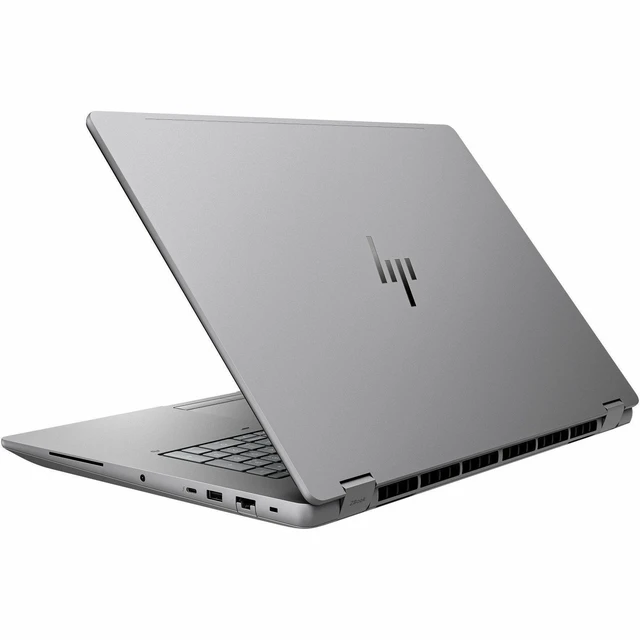
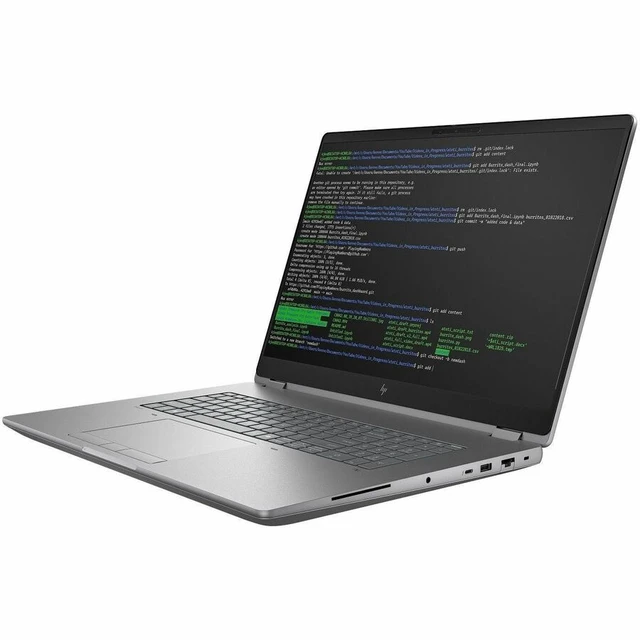
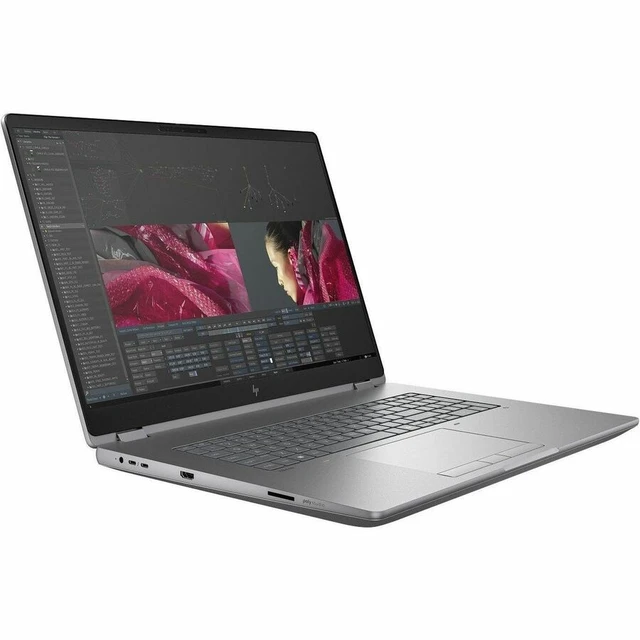
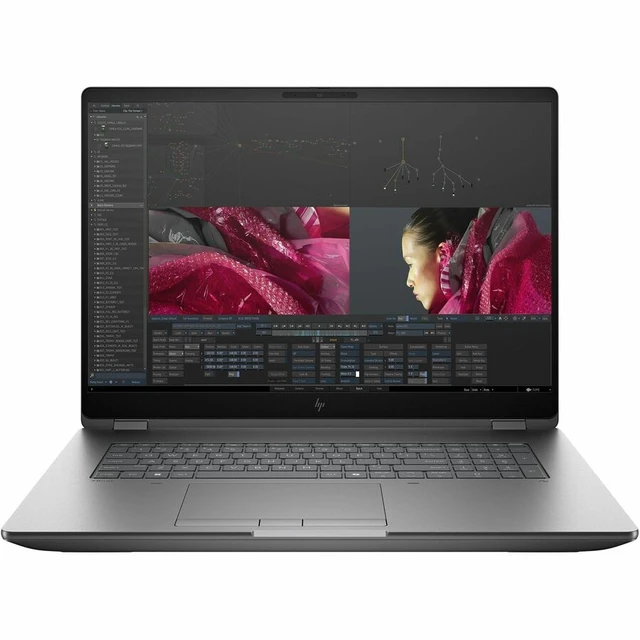
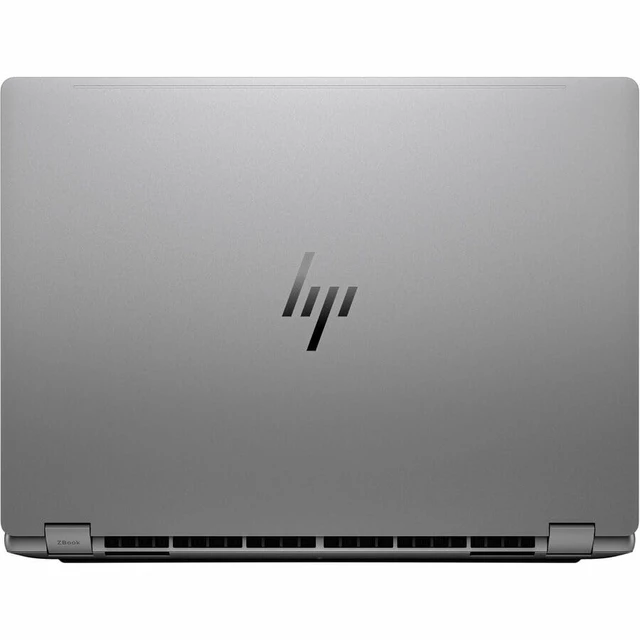
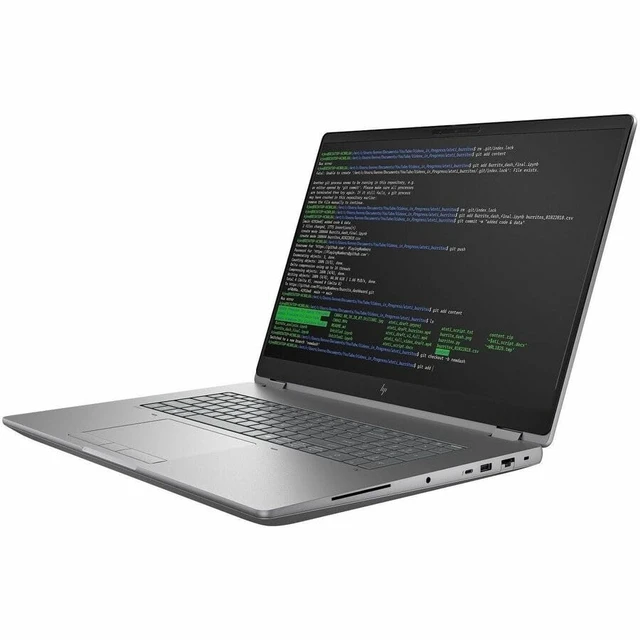
The HP ZBook Fury G1i 18 is a Windows 11 Pro mobile workstation with a 20-core Intel Core Ultra 7 265HX, 32 GB DDR5, 1 TB SSD, and NVIDIA RTX PRO 2000 Blackwell graphics with 8 GB. It suits professionals who need workstation-class CPU and discrete-GPU capability on a large-screen system.
| Attribute | Value |
|---|---|
| Best For | Mobile workstation use for performance computing, with a 20-core Intel processor and NVIDIA RTX PRO graphics |
| Processor And Core Count | Intel Core Ultra 7 265HX with 20 cores, up to 5.30 GHz turbo speed, and Intel AI Boost NPU rated at 13 TOPS |
| GPU And VRAM | NVIDIA RTX PRO 2000 with 8 GB of graphics memory; graphics memory type listed as DDR5 SDRAM |
| Display Spec | 18-inch IPS display with 2560 × 1600 resolution, 165 Hz refresh rate, anti-glare coating, and no touchscreen |
| Memory Configuration | 32 GB DDR5 SODIMM memory, with 4 total slots and 2 available; maximum memory listed as 256 GB |
| Storage And Expansion | 1 TB M.2 SSD |
| Wired And Wireless Networking | Wi-Fi 7 (IEEE 802.11be), Bluetooth, and Ethernet networking |
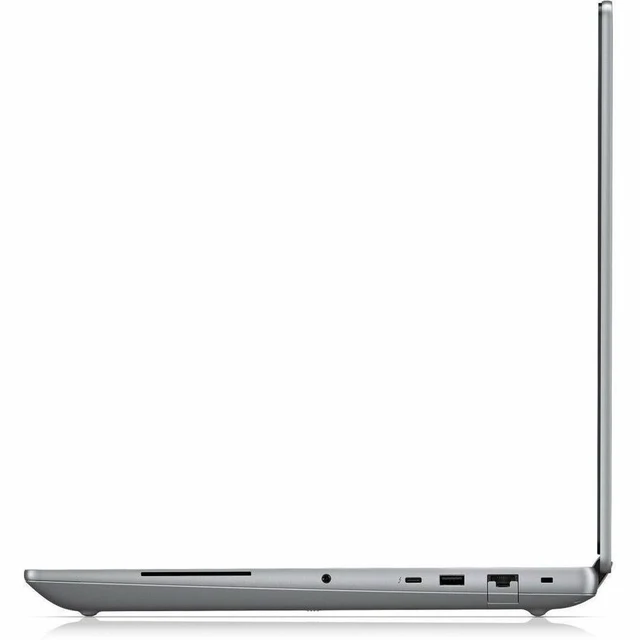
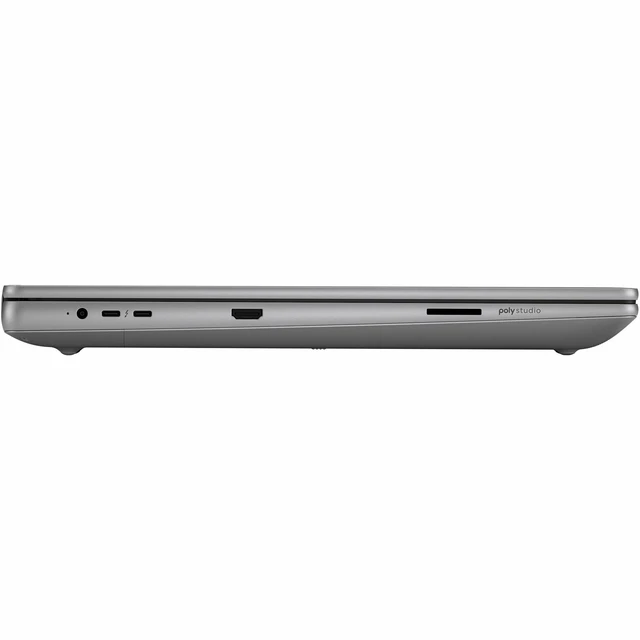
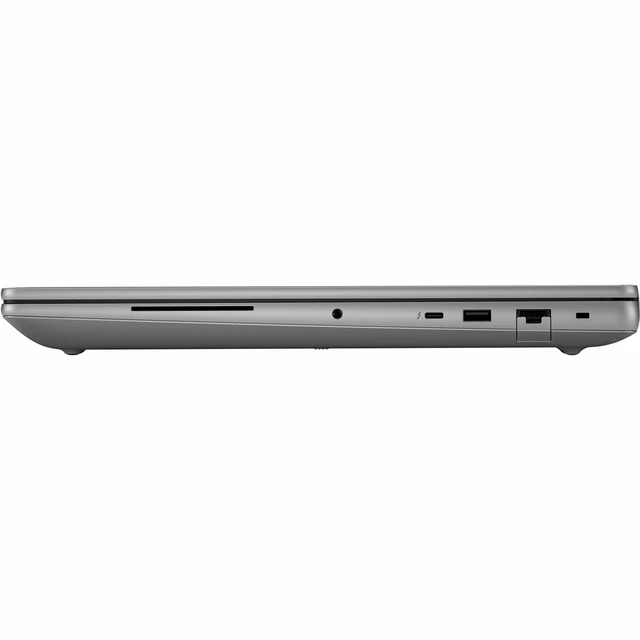
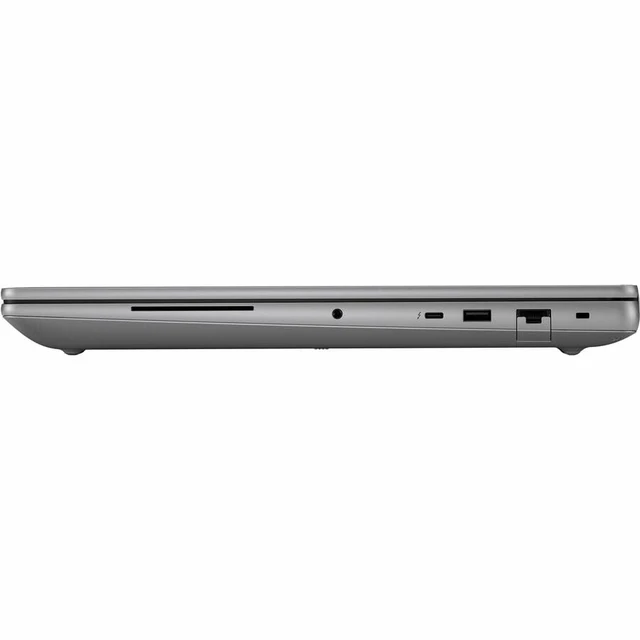
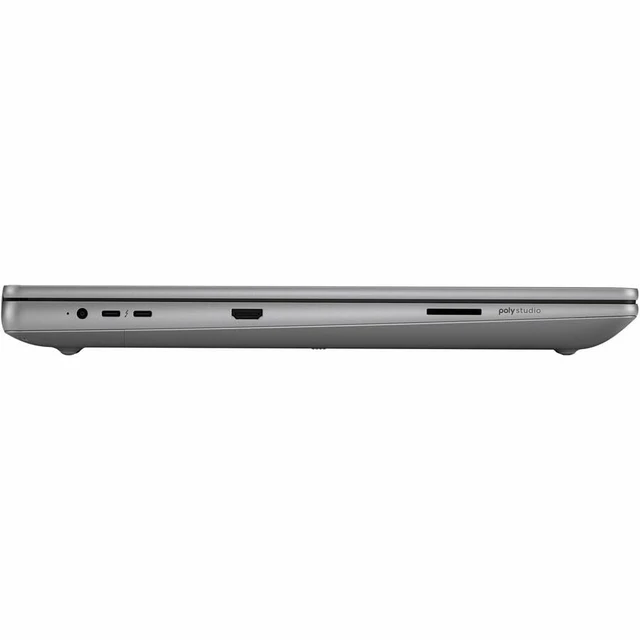
| High Speed I O | HDMI video output and 1 Thunderbolt port; USB connectivity is listed, with 1 total USB port |
| Battery And Power | 99 Wh, 8-cell lithium-polymer battery installed in the laptop; power adapter included |
| Webcam And Privacy | Front-facing webcam and fingerprint recognition |
| Keyboard And Control | Touchpad input |
| Portability | Clamshell design measuring 15.9 × 11.4 × 1.06 inches and weighing 7.76 lb |
| Operating System And Platform | Windows 11 Pro on an Intel WM880 chipset |
| Model Identifiers | HP ZBook Fury G1i, model and part number CP3K0UT#ABA |
Q: Should I get the ZBook Fury G1i 18 with RTX PRO 2000 or RTX PRO 3000?
A: Choose this RTX PRO 2000 configuration for an 18-inch ZBook Fury with 8 GB of GDDR7 graphics memory. Choose an RTX PRO 3000 configuration when you want the higher GPU tier and 12 GB of GDDR7; HP lists it as an option for the same G1i 18 workstation.
Q: How does this ZBook Fury G1i 18 compare with the RTX PRO 1000 version?
A: Both graphics options are available in the ZBook Fury G1i 18 family and have 8 GB of dedicated graphics memory. This configuration uses the RTX PRO 2000, the higher-listed GPU option; choose it when you want that GPU tier while keeping the 18-inch WQXGA, 165 Hz display and Core Ultra 7 265HX.
Q: Is the ZBook Fury G1i 18 with Core Ultra 7 265HX or Core Ultra 9 285HX the better fit?
A: This Core Ultra 7 265HX configuration has 20 cores and up to 5.3 GHz turbo; the Core Ultra 9 285HX option has 24 cores and up to 5.5 GHz turbo. Choose the Ultra 9 when your work benefits from its additional CPU cores and higher maximum turbo frequency; choose this Ultra 7 configuration for a 20-core processor paired with RTX PRO 2000 graphics.
Q: Should I choose the ZBook Fury G1i 16 or this 18-inch model?
A: Choose the Fury G1i 16 when a smaller display and more portability are priorities. Choose this Fury G1i 18 when you prefer a larger 18-inch WQXGA display with a 165 Hz refresh rate; HP lists RTX PRO 2000 graphics as an option in both sizes.


