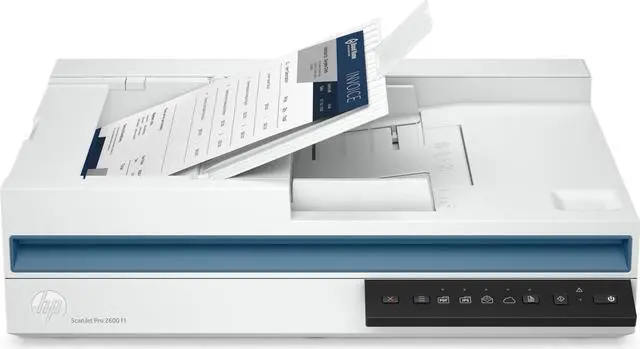
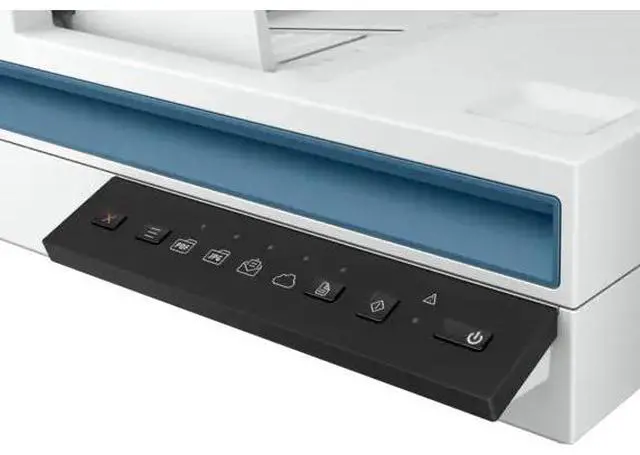
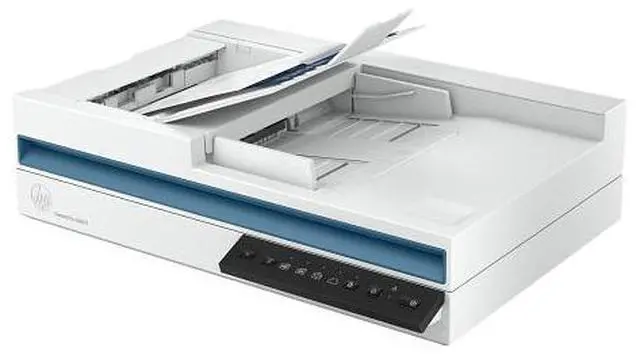
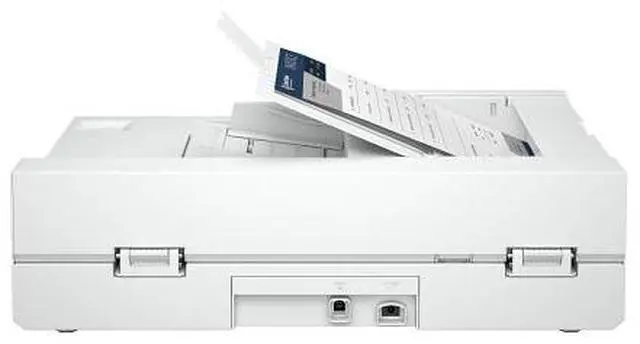
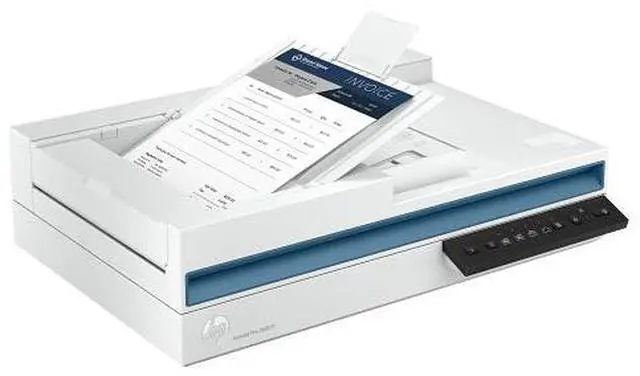
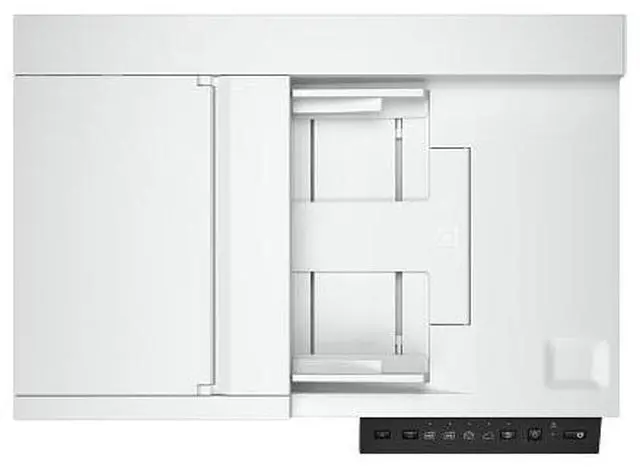
The HP ScanJet Pro 2600 f1 is a document scanner with a 60-sheet automatic document feeder and single-pass two-sided scanning, suited to offices and workgroups digitizing batches of paperwork.
Recommended For
- Small-office staff who regularly scan multipage invoices, forms, or client records: the 60-sheet feeder and single-pass duplex scanning help handle two-sided batches with less page-by-page handling.
- Workgroups digitizing routine office paperwork at a connected computer: HP Scan supports OCR and searchable PDFs, along with scan shortcuts and document cleanup options.
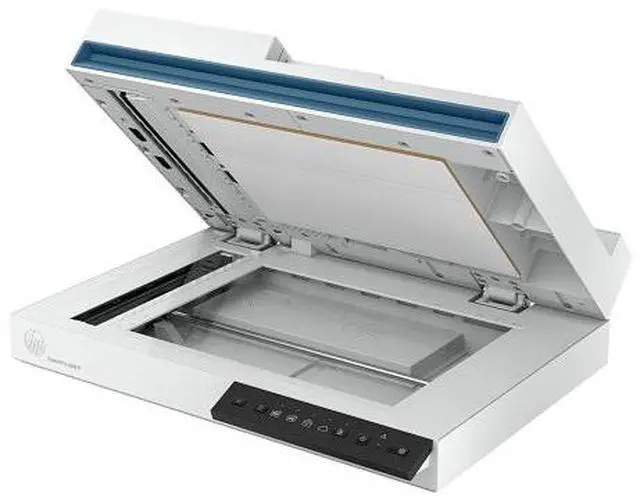
- Home-office or small-business users who want one desktop device for loose paper plus occasional bound pages, cards, or photos: it combines an ADF with a flatbed, which HP lists for books, magazines, and ID cards.
- A single workstation’s user who prefers a direct wired scanner connection and local scanning workflows: the standard connection is USB 2.0, with scan-to-computer and software-based file destinations.
Real-World Use Scenarios
- When an office needs to digitize double-sided contracts, forms, or reports, staff can load a stack into the feeder and scan both sides in one pass, then use OCR to create searchable files.
- For recurring paperwork such as invoices or customer forms, a small office can feed a batch rather than place each sheet on the glass, then use scan shortcuts to save the results as PDFs or send them by email.
- When a document is bound, delicate, or unsuitable for the feeder, users can place it on the flatbed and capture it without feeding the original through the rollers.
- A team digitizing routine office records can use OCR, blank-page detection, and automatic orientation or straightening options to make scanned files easier to search and review, with less manual cleanup.
- For occasional cards, photos, or other small originals, users can scan one item at a time on the flatbed instead of sending it through the document feeder.




 here!

 Hot Seller