Your Browsing History
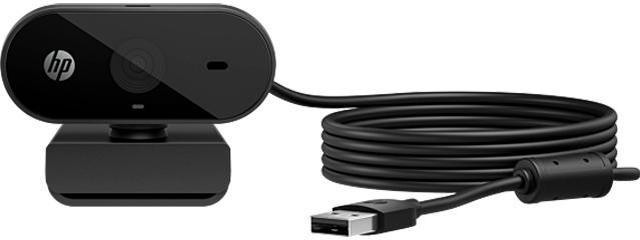
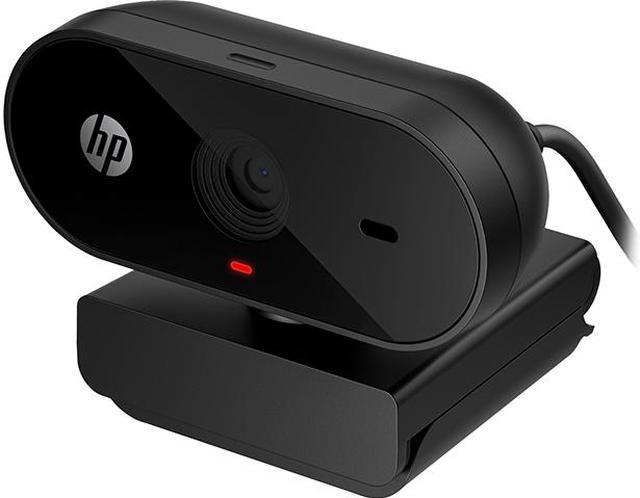
HP 320 FHD Webcam, Plug and Display, Ambient Light auto-Adjust Full HD 1080P, 66º Wide-Angle Webcam, 360º Swivel and Tripod Support, Chromebook Certified (53X26AA)
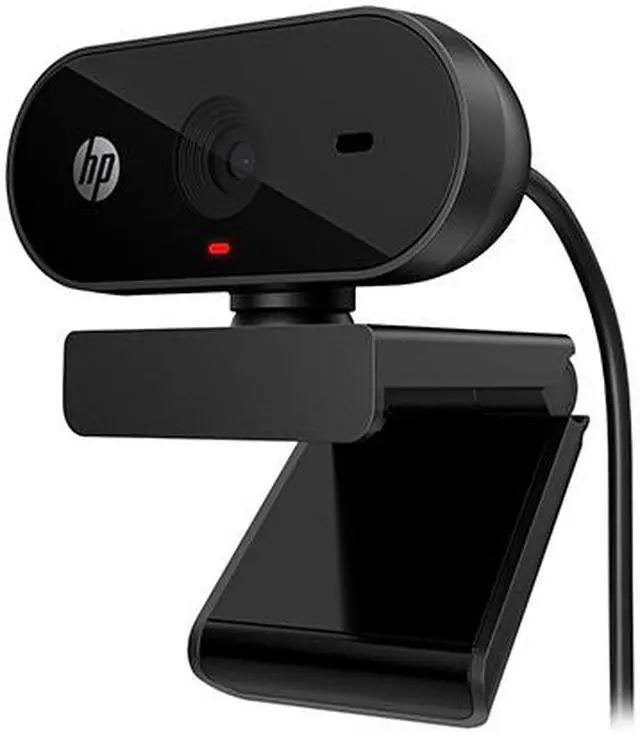
- Plug and display: Just plug in the USB, clip on the webcam, and let it do the rest as it auto-adjust to the light around you
- Look like you look: Immerse yourself in Full HD 1080P. Enjoy a crisp image that makes you look good, coupled with a 66° wide-angle webcam for a natural conversational feel and room for others to join in
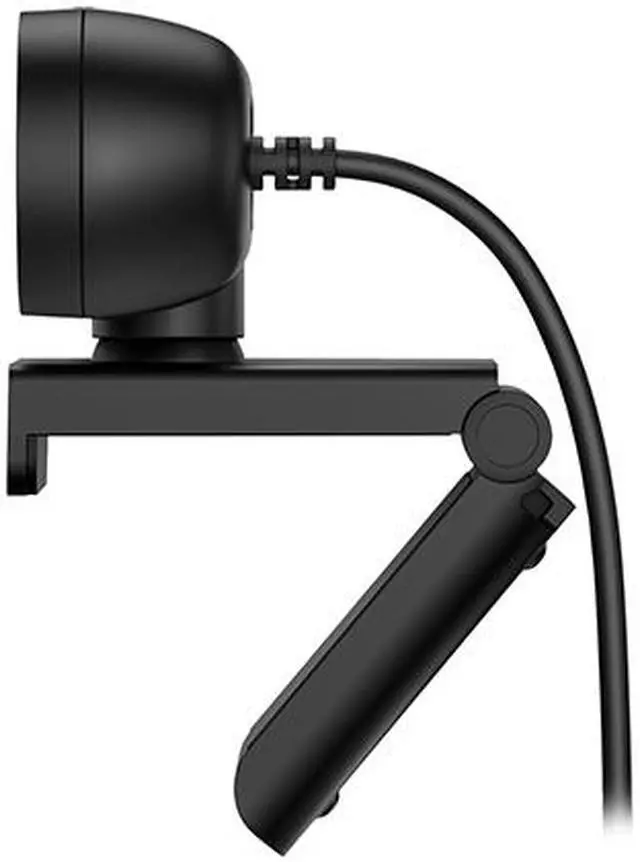
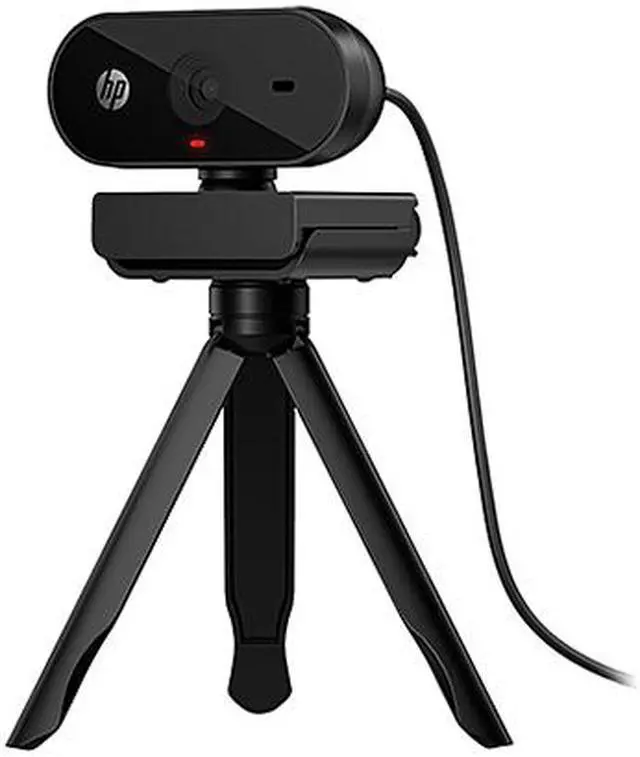
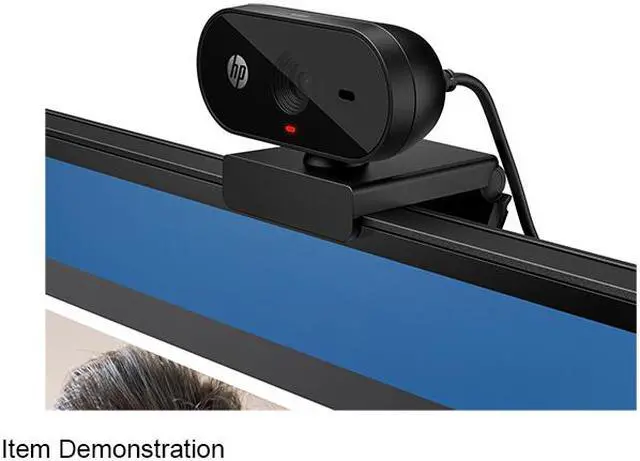
- Get into position: You can easily clip the webcam on your monitor or elsewhere, but it also features 360° swivel and tripod support if you want to switch things up
- Works with Chromebook Certified: The Works with Chromebook badge on a device means it's optimized to work with your Chromebook and other Chrome OS devices. Enjoy a seamless experience across Works with Chromebook certified accessories
+
+
Overview
Specs
Reviews
See all Q & A
Any questions? Ask CelesteSM will help you find out quickly.
Try me now
Hop on the call with instant ease, looking and sounding great. Just plug in this wide-view FHD 1080p all-in-one webcam and let it do the rest, so you can focus on what matters. It also features auto image and light correction, Works With Chromebook Certification, and a lens cover for privacy. Plug and displayJust plug in the USB-A, clip on the webcam, and it will auto-adjust to the light around you, easy. Wherever you go, it'll always adapt to your surroundings to keep you in the picture.
Look like you lookImmerse yourself in full HD 1080p with an integrated mic. Enjoy a crisp image and clear sound that make you look and sound good, coupled with a 66 Degree wide-angle webcam for a natural conversational feel and room for others to join in. It works instantly and easily with Zoom, Microsoft Teams, and other video chats. Get into position. See all the anglesYou can easily clip the webcam on your monitor or elsewhere, then easily adjust the position for your picture perfect setup. It also features 360 Degree swivel and tripod support if you want to switch things up.
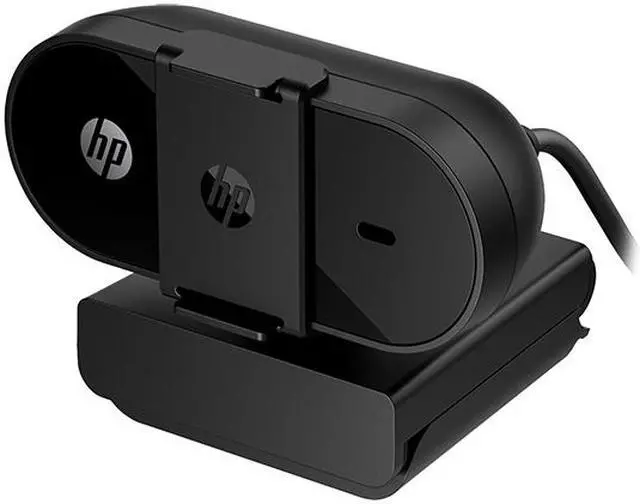
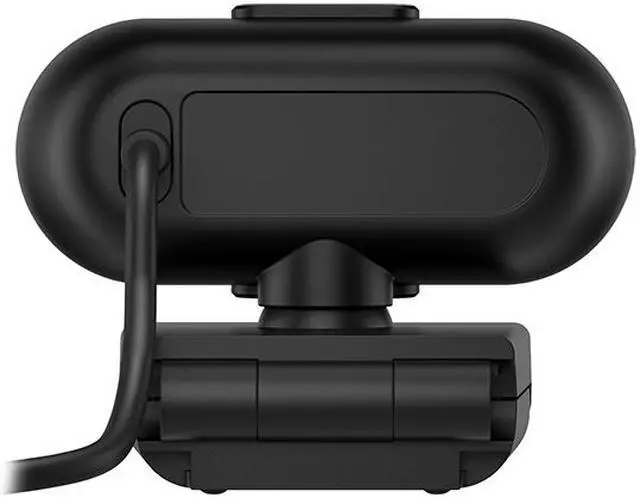
Once you're finished, the included lens cover clips on for worry-free privacy. Works with Chromebook CertifiedThe Works With Chromebook badge on a device means it's optimized to work with your Chromebook and other Chrome OS devices. Enjoy a seamless experience across Works With Chromebook certified accessories.
Warranty & Returns
Warranty, Returns, And Additional Information
Warranty
- Please contact the Seller directly for warranty information. Warranty information may also be found on the Manufacturer's website.
- Read full details
- CONTACT
Return Policies
- Return for refund within: 30 days
- Return for replacement within: non-replaceable
- This item is covered by Official HP Store Return Policy
Manufacturer Contact Info
- For a directory of all our manufacturers, please click below.
- Manufacturers Directory
LOADING...
LOADING...
The HP 320 FHD Webcam is a USB webcam for people who want straightforward video calls, with 1080p video, automatic light correction, and a 66° field of view. Its Chromebook certification and compatibility with Windows, macOS, and Chrome OS suit home, study, and work setups.
Recommended For
- Remote workers who want a straightforward USB webcam for regular Zoom or Teams calls, without installing webcam software.
- Chromebook owners looking to add an external 1080p camera for video meetings or online sessions; the webcam is Chromebook-certified and supports Chrome OS.
- People joining one-to-one calls or speech-therapy sessions who want a 1080p view, an integrated microphone, and a privacy cover when the camera is not in use.
- Users who need to reposition a webcam between a monitor and a tripod for presentations, small photo-booth setups, or occasional recordings.
Real-World Use Scenarios
- For everyday Zoom, Teams, or Meet calls from a desktop or laptop, plug the webcam into USB and clip it to the display; it provides a separate Full HD camera with automatic light adjustment for routine meetings. ([hp.com](https://www.hp.com/us-en/shop/pdp/hp-320-fhd-usb-a-webcam-53x26aa-abl?utm_source=openai))
- For Chromebook-based classes or work calls, connect it over USB and use it with Chrome OS video apps; HP says the webcam is Works with Chromebook certified. ([hp.com](https://www.hp.com/us-en/shop/pdp/hp-320-fhd-usb-a-webcam-53x26aa-abl?utm_source=openai))
- When a call needs to include more than one person near the screen, use its wide view and swivel adjustment to fit the group; the 66-degree view offers some extra room, though it is not a substitute for a dedicated room-conferencing camera. ([hp.com](https://www.hp.com/us-en/shop/pdp/hp-320-fhd-usb-a-webcam-53x26aa-abl?utm_source=openai))
- For video calls in a room with changing or less-than-ideal light, its automatic light correction can adjust the image; testing also shows that low-light conditions affect results, so it should not be expected to make a dark room look brightly lit. ([hp.com](https://www.hp.com/us-en/shop/pdp/hp-320-fhd-usb-a-webcam-53x26aa-abl?utm_source=openai))
- For a simple, stationary livestream or recorded talking-head video, it can serve as a plug-in 1080p camera; keep the subject at a steady distance because the webcam has no autofocus. ([youtube.com](https://www.youtube.com/watch?v=XoijeQlBsPk&utm_source=openai))