




 here!
I’m your shopping assistant for PC builds, upgrades, and everything tech.
Got questions? Ask away!
Start a conversation
here!
I’m your shopping assistant for PC builds, upgrades, and everything tech.
Got questions? Ask away!
Start a conversationShipped by Newegg
 Top Rated
 Hot Seller








Any questions? Ask CelesteSM will help you find out quickly.
We want to ensure your holiday shopping this year is hassle-free. That’s why we’re automatically extending our return policies on almost every product! For purchases placed between November 1st, 2026 and December 31, 2026 you will have until January 31, 2027 to return your product.
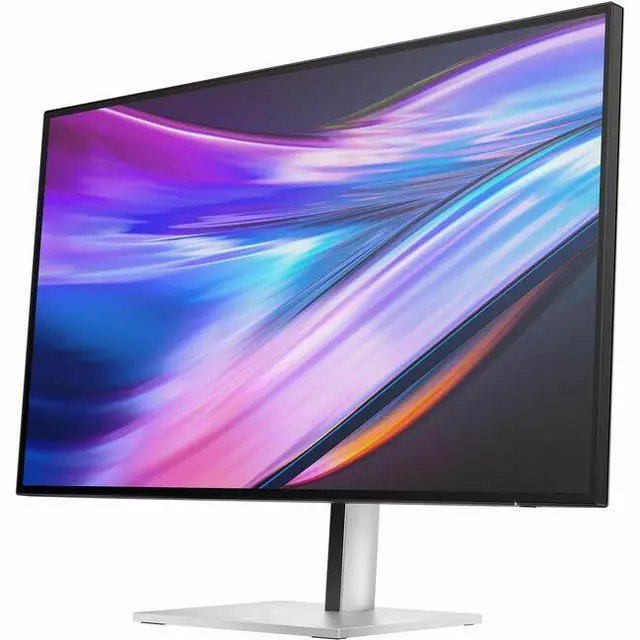
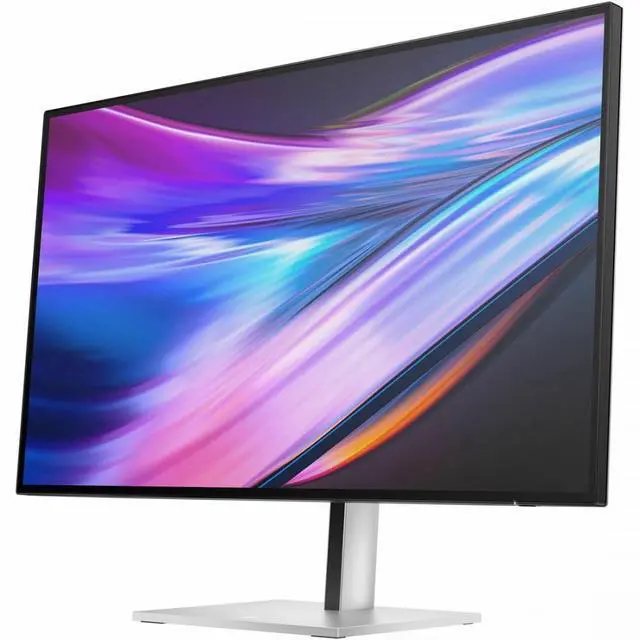
The HP Series 7 Pro 732xk is a 31.5-inch 4K IPS monitor with a 120Hz refresh rate and 450-nit brightness, suited to professionals and home-office users who want a large, detailed screen for work, content, and smooth everyday motion.
| Attribute | Value |
|---|---|
| Best For | Desktop productivity and color-focused work, with 4K resolution, 120 Hz refresh, factory color calibration, and connectivity for displays, peripherals, and wired networking |
| Panel And Resolution | 32-inch IPS Black display with 3840 × 2160 4K resolution, 16:9 aspect ratio, 450-nit brightness, 2,700:1 native contrast, 5,000,000:1 dynamic contrast, 178° horizontal and vertical viewing angles, 100% sRGB gamut, glossy finish, and 0.1816 pixel pitch; supports VESA DisplayHDR 600 |
| Refresh Rate And Response | 120 Hz refresh rate with 5 ms GTG response time with overdrive |
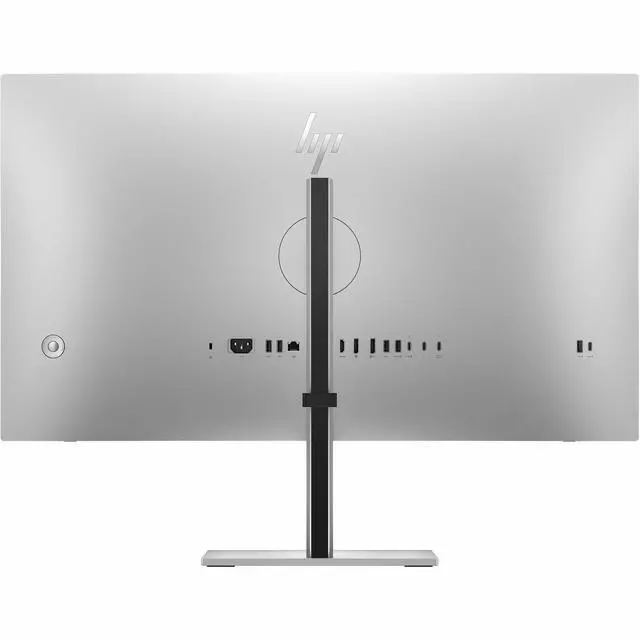
| Ports And Connectivity | 1 HDMI 2.1 port, 2 DisplayPort ports, 2 USB Type-C ports, 1 Thunderbolt 4 port, 7 USB ports total, and 1 Gigabit Ethernet RJ-45 port |
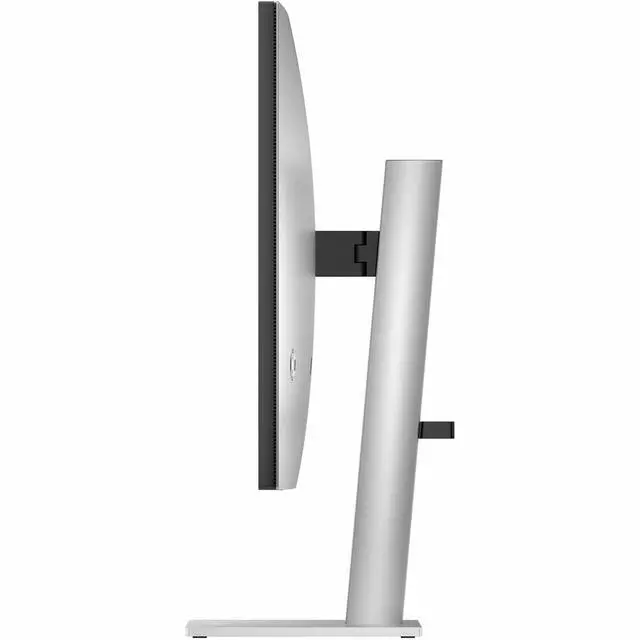
| Stand And Ergonomics | Height-adjustable stand with swivel and tilt; supports 100 × 100 mm VESA mounting |
| Dimensions And Weight | 28.1 × 16.2 × 3 inches without the stand and 28.13 × 23.59 × 9.26 inches with the stand; weighs approximately 14.55 lb without the stand and 18.52 lb with it |
| Model Identifiers | HP Series 7 Pro, model 732xk; part number B7JM6AA#ABA |
Q: HP 732xk vs. HP 732pk: which is better for a 32-inch 4K setup with smoother motion?
A: Choose the HP Series 7 Pro 732xk if you want 4K at up to 120 Hz on a 31.5-inch screen. The 732pk offers the same screen size and 4K resolution at up to 60 Hz, making it a fit for workflows where 4K resolution and Thunderbolt docking matter more than a higher refresh rate.
Q: HP 732xk vs. HP E32k G5: which HP 32-inch 4K monitor has the higher refresh rate?
A: The HP Series 7 Pro 732xk is the choice for 4K at up to 120 Hz, compared with up to 60 Hz on the HP E32k G5. Both provide a 31.5-inch 4K display; the 732xk also combines its higher refresh rate with Thunderbolt 4 docking and a broad selection of hub connections.
Q: Should I choose the HP 732xk or the 27-inch HP 727pk for a Series 7 Pro 4K monitor?
A: Choose the HP 732xk for a larger 31.5-inch screen and 4K refresh rates up to 120 Hz. The HP 727pk has a more compact 27-inch screen and supports 4K at up to 60 Hz, so it suits a smaller desk setup where 27 inches is the preferred screen size.
Q: Is this monitor suitable for office work and multitasking?
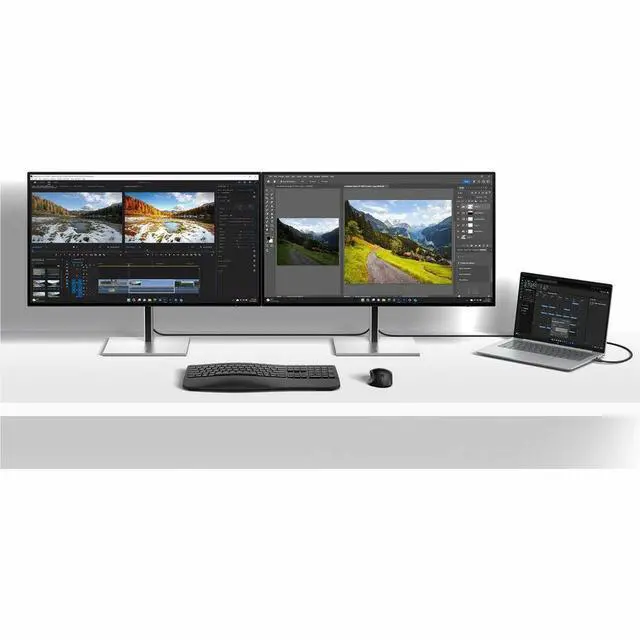
A: Yes. Its 31.5-inch viewable 4K IPS display provides a large workspace for documents and multiple windows, and the stand supports height adjustment, tilt, and swivel. It also lists USB ports and Gigabit Ethernet for connecting peripherals and a wired network.
Q: Can I connect and charge my laptop with one USB-C cable?
A: The monitor has USB-C and Thunderbolt 4 connectivity, but the provided specifications do not state its USB Power Delivery wattage. They therefore do not confirm that it will charge a laptop. Check the monitor’s power-delivery details and your laptop’s USB-C video and charging support before relying on a one-cable setup.
Q: Can it display 4K at 120Hz for gaming?
A: The listed specifications are 3840 × 2160 resolution and a 120Hz refresh rate. Reaching 4K at 120Hz also depends on the connected computer or console, the selected port and cable, and whether the game supports that output.
Q: Does it have built-in speakers?
A: Built-in speakers are listed as “N/A” in the provided specifications, so speakers are not confirmed. If you need audio, plan to use separate speakers or headphones unless the product documentation confirms otherwise.
Q: Can I mount it on a monitor arm or wall mount?
A: Yes. The monitor lists VESA 100 × 100 mm compatibility. Choose a mount that supports that pattern and can safely hold the monitor’s weight, which is listed as approximately 14.55 lb without the stand.
Q: Is the HP 732xk suitable as a work or productivity monitor?
A: It may suit desk-based productivity: a Reddit user said they ordered it as a second monitor for work and productivity. Its 31.5-inch 4K, 120Hz specifications also fit that use case. The discussion does not provide hands-on feedback about long-term performance.
Q: Is it a worthwhile upgrade from a 27-inch 4K 60Hz monitor?
A: It is a relevant option if you want a larger screen and higher refresh rate: a Reddit commenter considering the 732xk described moving from a 27-inch 4K 60Hz monitor to a 32-inch 120Hz display. Whether the upgrade is worth the cost depends on your priorities and price; the discussion does not establish a tested comparison.
Q: Is the HP 732xk a good fit for game development or video work?
A: It may fit workflows where 4K resolution and 120Hz are priorities: a Reddit user seeking a monitor for game development and video work listed those specifications as a minimum and considered the 732xk. That discussion does not report testing it for those tasks, so treat the recommendation as a lead rather than a verified assessment.
Q: Is it suitable if variable refresh rate matters for gaming?
A: Check this before buying if variable refresh rate is important. A Reddit commenter noted that the 732xk lacks FreeSync, while the provided product specifications do not list adaptive-sync support. The discussion does not establish whether other variable-refresh technologies are supported.


 Official HP Store