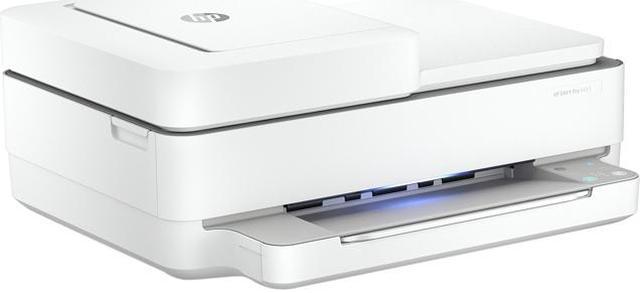
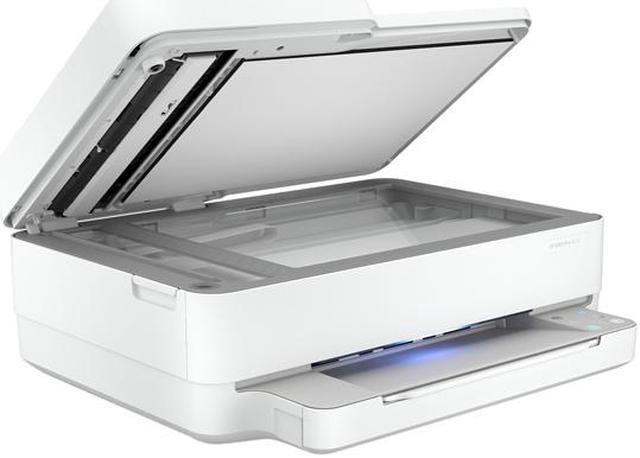
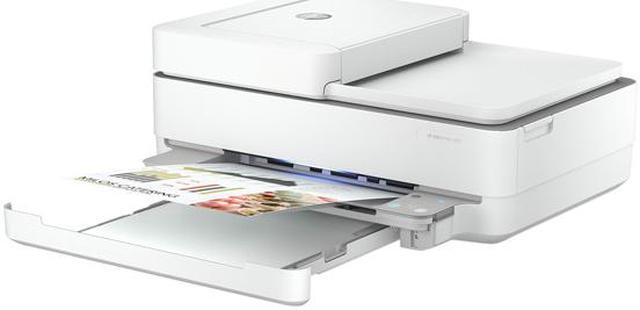
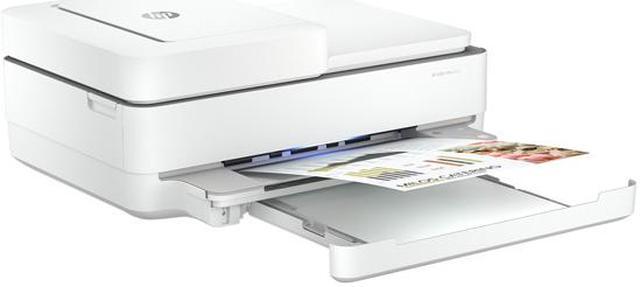
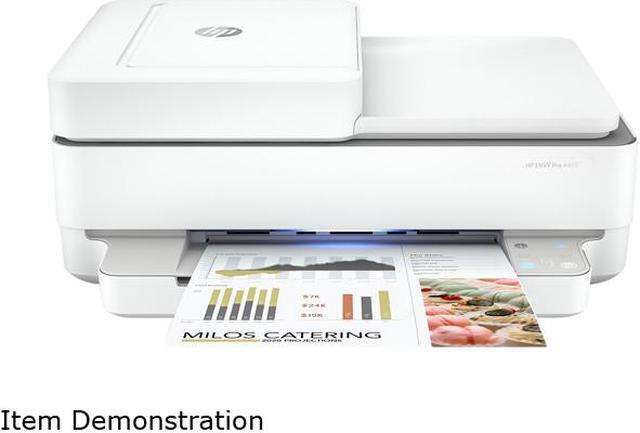
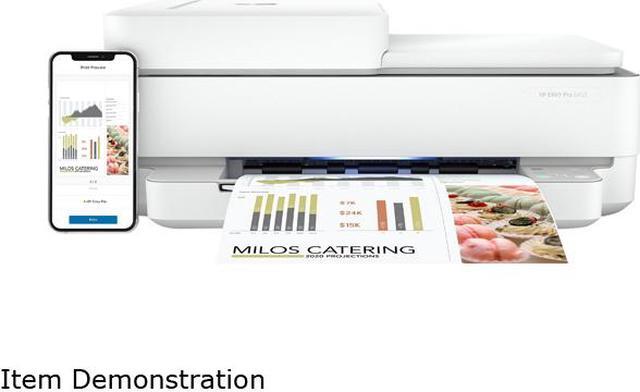
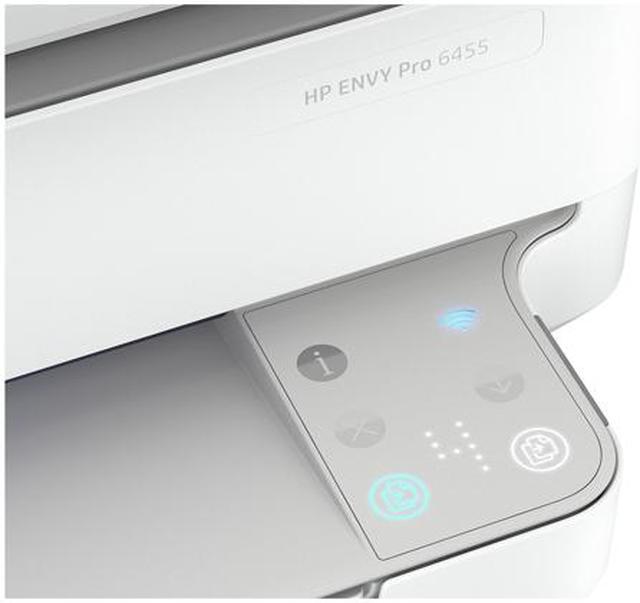
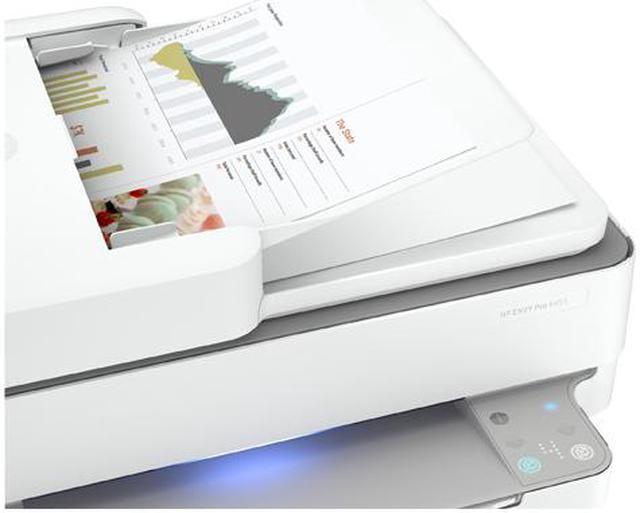
Uses HP 67 Black Original Ink Cartridge (3YM56AN); HP 67XL Black High Yield Original Ink Cartridge (3YM57AN); HP 67XXL Black Extra High-Yield Original Ink Cartridge (3YM59AN); HP 67 Tri-Color Original Ink Cartridge (3YM55AN); HP 67XL Tri-Color High-Yield Original Ink Cartridge (3YM58AN); HP 67XXL Tri-Color Extra High-Yield Original Ink Cartridge (6ZA16AN).
Any questions? Our AI beta will help you find out quickly.
Try me now
Learn more about the HP 5SE45A#B1F
Cartridges Compatible
HP 67 Black Original Ink Cartridge (~120pgs yield) 3YM56AN HP 67XL Black High Yield Original Ink Cartridge (~240pgs yield) 3YM57AN HP 67XXL Black Extra High-Yield Original Ink Cartridge (~400pgs yield) 3YM59AN HP 67 Tri Color Original Ink Cartridge (~100pgs yield) 3YM55AN HP 67XL Tri-Color High Yield Original Ink Cartridge (~200pgs yield) 3YM58AN HP 67XXL Tri-Color Extra High-Yield Original Ink Cartridge (~330pgs yield) 6ZA16AN
Model
Brand
HP
Series
Envy 6455
Model
5SE45A#B1F
Part Number
5SE45A#B1F
Recommended Use
MFC / All-In-One
Functions
5-in-1: Print, Copy, Scan, Fax & Photo
Print
Print Technology
HP Thermal Inkjet
Output Type
Color
Black Print Speed
Up to 10 ppm (ISO)
Color Print Speed
Up to 7 ppm (ISO)
Black Print Quality
Up to 1200 x 1200 rendered dpi (when printing from a computer)
Color Print Quality
Up to 4800 x 1200 optimized dpi color (when printing from a computer on selected HP photo papers and 1200 input dpi)
Time To First Page (seconds)
First page out black: As fast as 18 sec First Page Out Color: As fast as 21 sec
Print Languages, std.
HP PCL 3 GUI
Duplex printing
Automatic (standard)
Max. Duty Cycle
Up to 1000 pages
Copy
Copy speed, Black
Up to 8 cpm (ISO)
Copy speed, Color
Up to 4 cpm (ISO)
Copy Quality, Black
Up to 300 x 300 dpi
Copy Quality, Color
Up to 300 x 300 dpi
Max. Number of Copies
Up to 9 copies
Copy Reduction / Enlargement
25% - 200%
Scan
Scan Resolution, Optical
Up to 1200 dpi
Scan Technology
Flatbed, ADF CIS
Scan Maximum Document Size
ADF: 8.5 x 11.7 in; Flatbed: 8.5 x 11.7 in
Scanner Features
Scan file format: RAW, JPG, PDF Scan input modes: Mobile, HP Scan Software, HP Smart
Fax
Color Fax
Yes
Fax Memory
Unlimited storage
Fax Features
Fax resolution: Black (best): Up to 150 x 150 dpi; Color (best): 150 x 150 dpi; Black (standard): 150 x 150 dpi; Color (standard):150 x 150 dpi
Fax smart software features: Option to add files from your phone file/photos, Camera scan or Printer scanner, Option to easily add cover page and save the cover page template, Access to Fax history to see all send faxes and drafts, Ability to edit and resent fax from History, Easily print fax confirmation
Fax Features: Auto fax reduction supported: No; Auto-redialing: Yes; Fax delayed sending: No; Distinctive ring detection supported: Yes; Fax forwarding supported: Yes; Fax phone TAM interface supported: No; Fax polling supported: Yes; Fax telephone mode supported: No; PC interface supported: Yes, using HP Smart app for Desktop
Media Handling
Paper Trays, std.
1
Input Capacity, std.
Up to 100 sheets Standard; Up to 10 envelopes; Up to 40 cards; Up to 100 sheets Legal
Output Capacity, std.
Up to 25 sheets
Media Type
Plain Paper; HP Photo Papers; HP Matte Brochure or Professional Paper; HP Matte Presentation Paper; HP Glossy Brochure or Professional Paper; Other Photo Inkjet Papers; Other Matte Inkjet Papers; Other Glossy Inkjet Papers; Plain Paper, Light/Recycled
Media sizes supported
Letter, 4 x 6 in, 5 x 7 in, 8 x 10 in, No. 10 envelopes Media Sizes Custom: Simplex:3 x 5 to 8.5 x 14; Duplex:3 x 5.5 to 8.5 x 12.2 in
Borderless Photo Sizes
8.5" x 11"
Ports
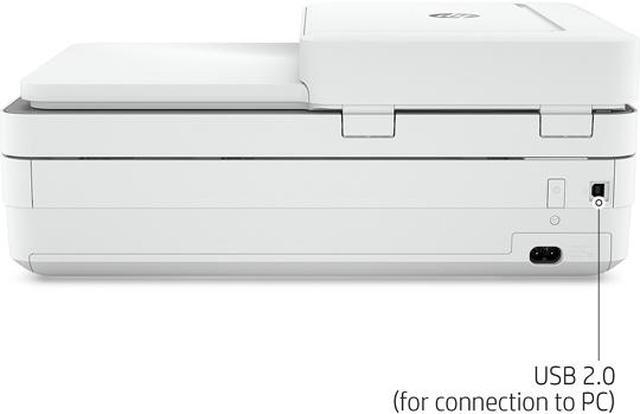
USB Ports
Hi-Speed USB 2.0
Other Ports
Wireless LAN
Connectivity Technology
Wi-Fi 802.11ac (Dual Band)
Hardware
Noise Level (Approx.)
Acoustic power emissions: 6.4 B(A)
Processor (MHz)
800
Power Requirements
100 - 240V, 50/60Hz
Compatibility
Windows Compatible
Windows 10, 7
Macintosh Compatible
MacOS Sierra v10.12 (previously OS X), macOS High Sierra v10.13, macOS Mojave v10.14, macOS Catalina v10.15
Features
Features
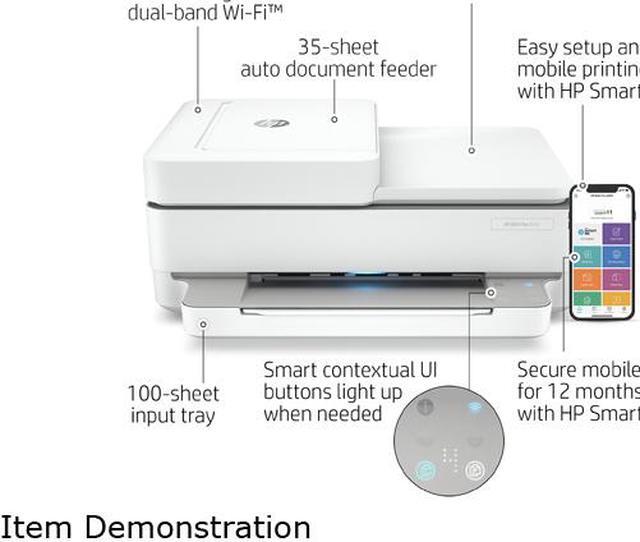
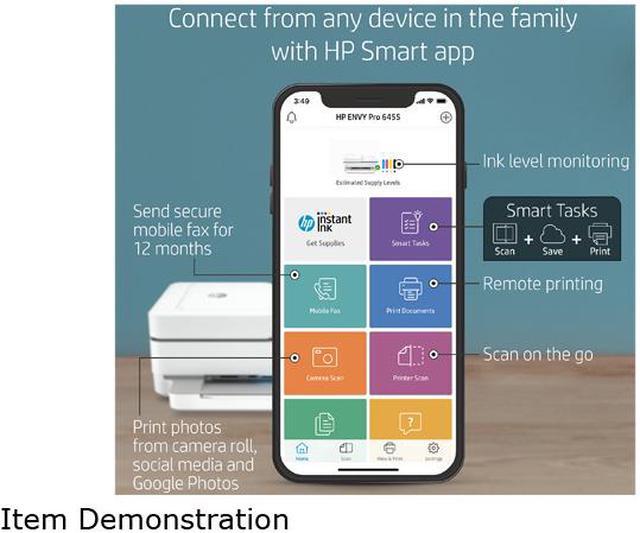
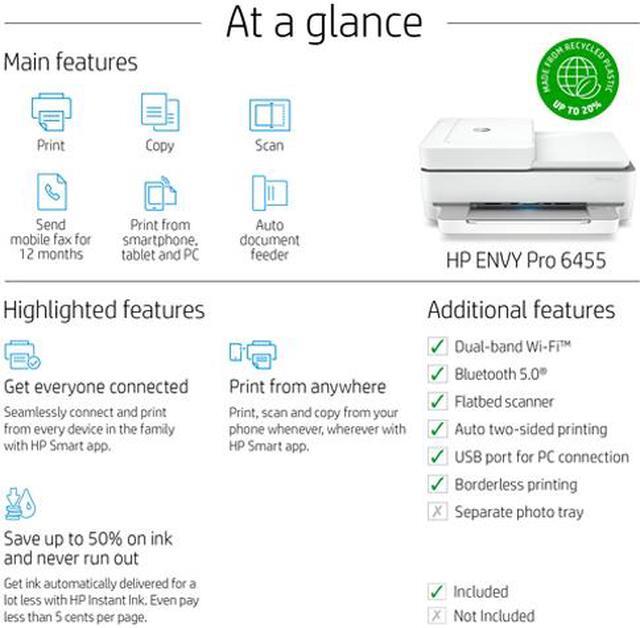
Loaded with everything. Except complications. Work fast and hands-free-the 35-page auto-feeder helps you complete scan and copy jobs quickly Easily print, scan, and copy everyday documents from your smartphone, using HP Smart app Save time by sending a mobile fax from your smartphone, tablet, or PC for 12 months, with HP Smart App Easily handle tasks and get a lot from one device - print, scan, and copy
Print then and there. From anywhere. Get started fast with simple setup that guides you through each step, using HP Smart app. Self-healing Wi-Fi automatically detects and resolves connectivity issues to help reduce interruptions. Tap the Smart Tasks shortcut in HP Smart app for a shortcut on your phone. Scan to cloud, email, and more. Get connected with Bluetooth and start printing fast from your smartphone or tablet - easy setup.
Save up to 50% on ink and never run out With HP Instant Ink, ink is automatically ordered and delivered to your door, and you pay a lot less. With HP Instant Ink, you can enroll in a plan that enables you to pay less than 5 cents per page. Get rich black text and vibrant graphics for all your everyday and business documents and photos.
HP Instant Ink eligible / Save up to 50% on ink. For more information visit http://www.hpinstantink.com
Dimensions & Weight
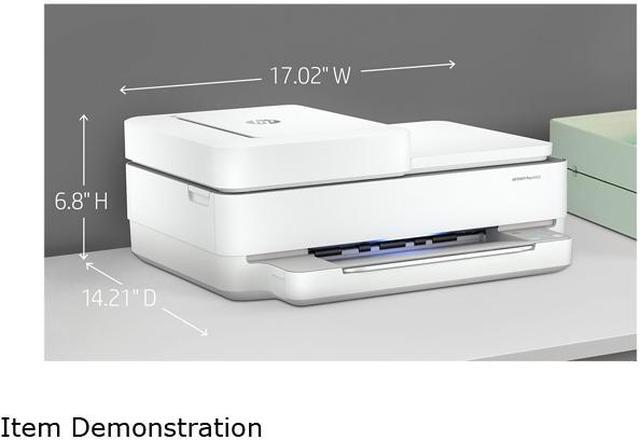
Dimensions
7.64" x 17.03" x 20.14"
Weight
13.58 lbs.
Packaging
Package Contents
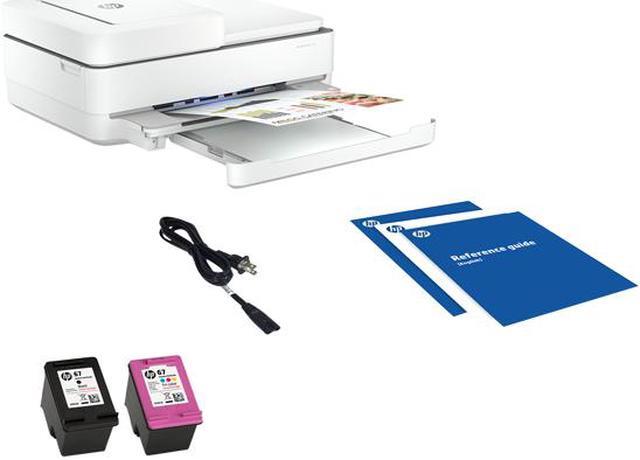
5SE45A HP ENVY 6455 All-in-One Printer HP 67 Setup Black Cartridge HP 67 Setup Tri-Color Cartridge Regulatory flyer Setup guide Reference guide Power cord (1.5 m)