




Are the buttons of this trackball mouse programmable?
1. All keys of this wireless trackball mouse are not programmable.
2. Forward and Backward buttons are not compatible with MAC OS.
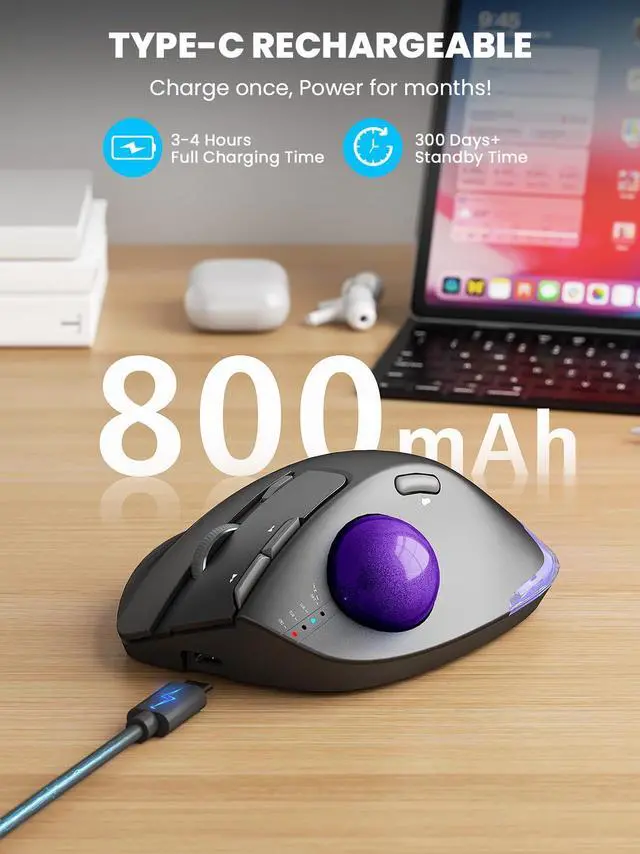
When do I need to charge and how do I know when it is fully charged?
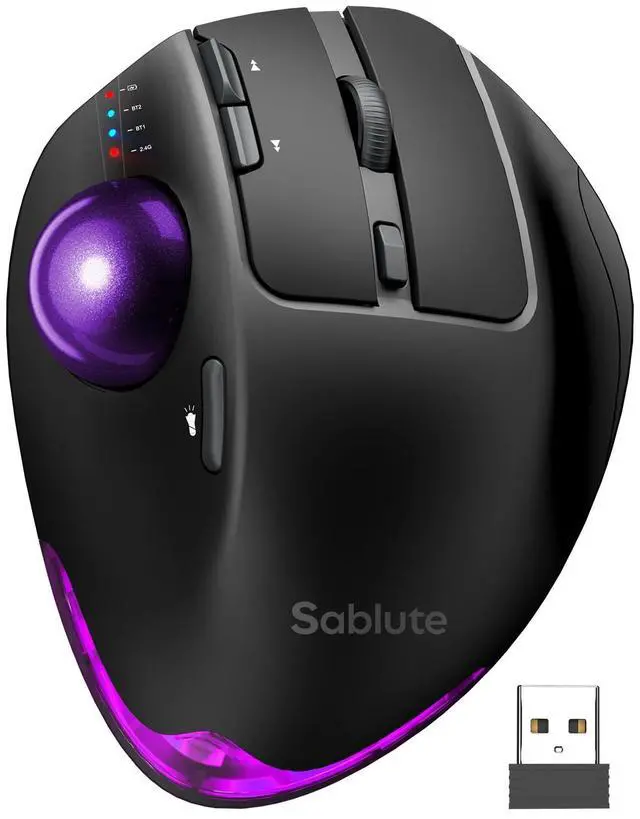
1. Low Battery Prompt: When you use mouse, the 2.4GHz indicator or the Bluetooth indicator will flash guickly once every other second.
2. Charging Prompt: The battery indicator is always on during charging, and off when the battery is fully charged.
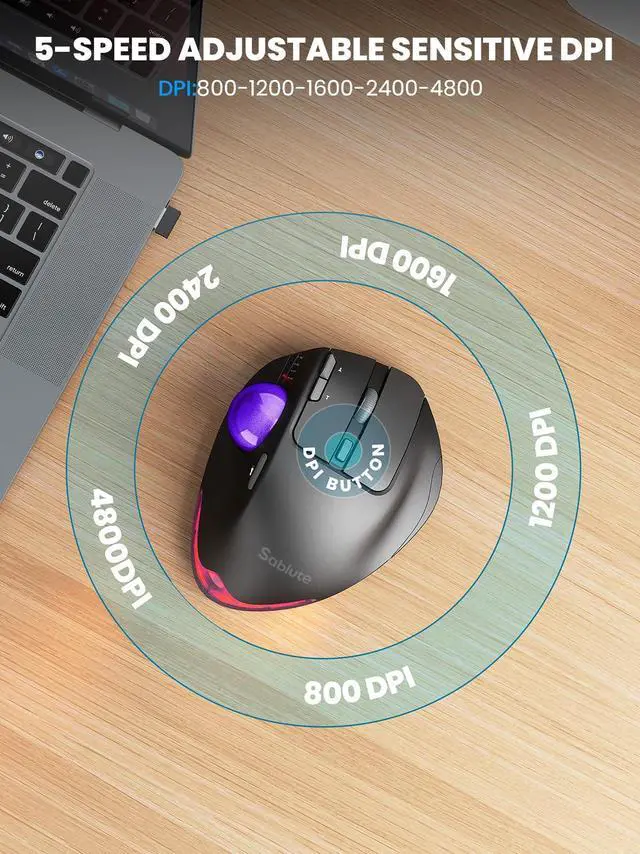
How to adjust the DPI of the trackball mouse?
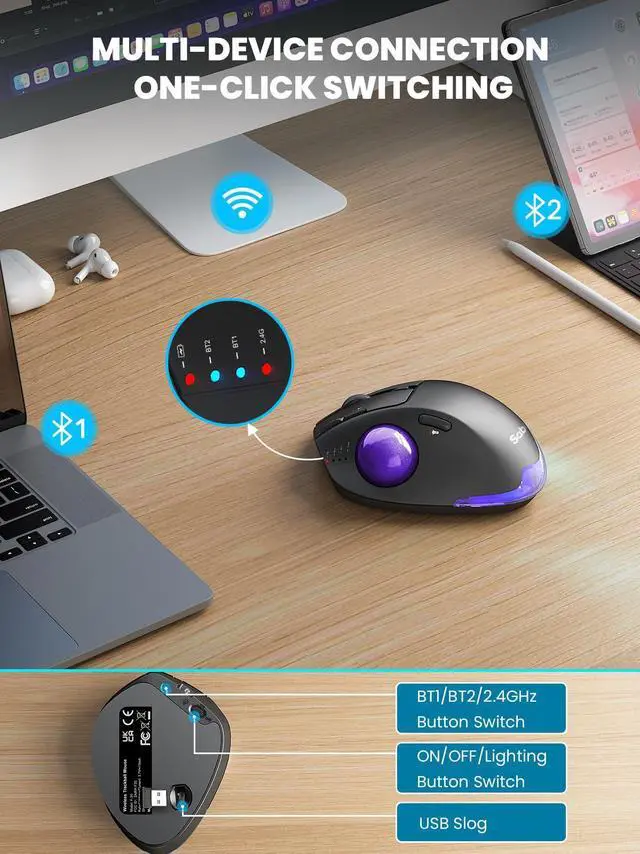
The trackballmouse has 5 DPl levels. When button is presed, the 2.4GHz indicatororthe Bluetooth indicator wll flash to indicate DPl levels. once for Dpl level 1, twice for DPl level 2 and so forth.
Where is the 2.4G USB Receiver for wireless connection?
The 2.4G USB Receiver is stored at the bottom of the wireless trackball mouse.
How to wake up the trackball mouse?
If you need to use the mouse, you can wake it up by clicking the key. (scroling the trackball or moving the mouse will not wake up the mouse)


Are the buttons of this trackball mouse programmable?
1. All keys of this wireless trackball mouse are not programmable.
2. Forward and Backward buttons are not compatible with MAC OS.
When do I need to charge and how do I know when it is fully charged?
1. Low Battery Prompt: When you use mouse, the 2.4GHz indicator or the Bluetooth indicator will flash guickly once every other second.
2. Charging Prompt: The battery indicator is always on during charging, and off when the battery is fully charged.
How to adjust the DPI of the trackball mouse?
The trackballmouse has 5 DPl levels. When button is presed, the 2.4GHz indicatororthe Bluetooth indicator wll flash to indicate DPl levels. once for Dpl level 1, twice for DPl level 2 and so forth.
Where is the 2.4G USB Receiver for wireless connection?
The 2.4G USB Receiver is stored at the bottom of the wireless trackball mouse.
How to wake up the trackball mouse?
If you need to use the mouse, you can wake it up by clicking the key. (scroling the trackball or moving the mouse will not wake up the mouse)