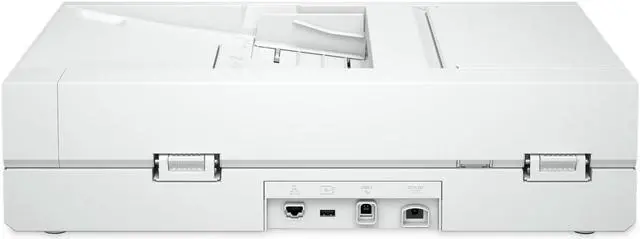
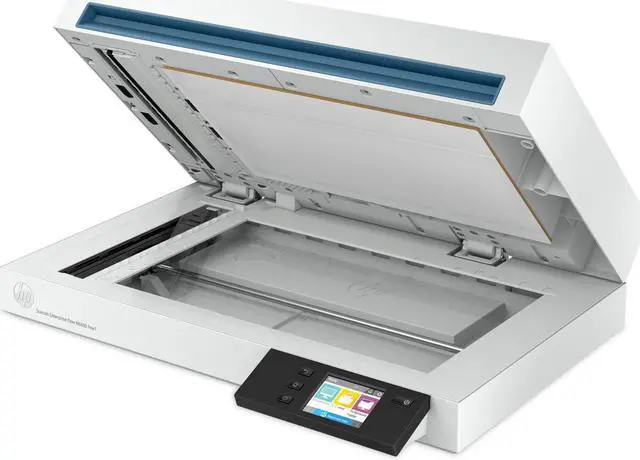
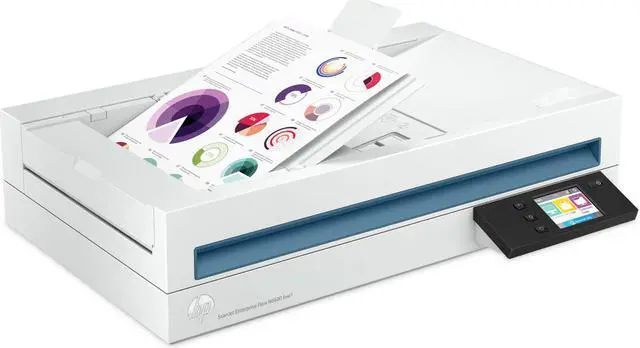
The HP ScanJet Enterprise Flow N6600 fnw1 is a high-volume document scanner for offices and workgroups that need fast, two-sided batch scanning, with speeds up to 50 pages per minute and a 100-page single-pass document feeder.
Recommended For
- Office teams digitizing recurring stacks of two-sided paperwork—such as invoices, forms, and case files—who want a 100-sheet feeder, single-pass duplex scanning, and OCR-enabled searchable files.
- Departments processing frequent document batches and routing scans to shared folders, email, or PCs, including teams that use network or wireless connections rather than a single USB workstation.
- Document-control or administrative workflows that need scans saved as searchable PDFs or editable Word, Excel, and CSV files, with tools for OCR, file naming, and document separation.
- Small offices that scan a mix of standard documents and occasional pages that should not go through the feeder, since the unit combines an automatic document feeder with a flatbed.
Real-World Use Scenarios
- An office needs to digitize a stack of two-sided forms, invoices, or case files; loading a batch into the feeder captures both sides and sends the scans to a chosen folder, email, or computer with less page-by-page handling.
- Staff are turning paper records into files they can search or reuse; OCR can create searchable PDFs or export text into Word, Excel, or CSV, reducing the need to retype information, though results may need checking.
- A team wants scanned documents available in shared storage; the scanner can be configured to send files to a network folder or SharePoint, helping fit paper intake into a shared-document workflow.
- A department processes recurring batches of paperwork throughout the day; saved scan shortcuts and the large feeder can reduce repeated setup and manual feeding during routine document intake.
- Someone needs to digitize a book, magazine, or ID card that is awkward to feed; the flatbed provides an alternative to the document feeder for items that are not suited to batch scanning.




 here!