
Your Browsing History




Any questions? Our AI beta will help you find out quickly.
Mac laptop Bluetooth connection steps
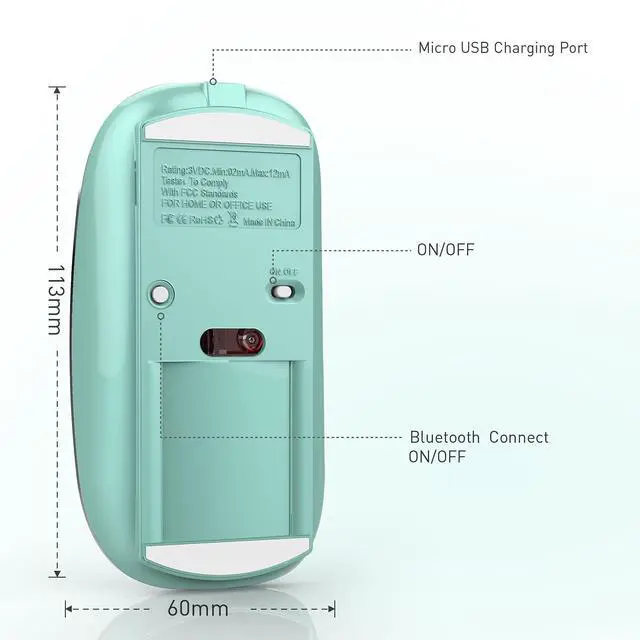
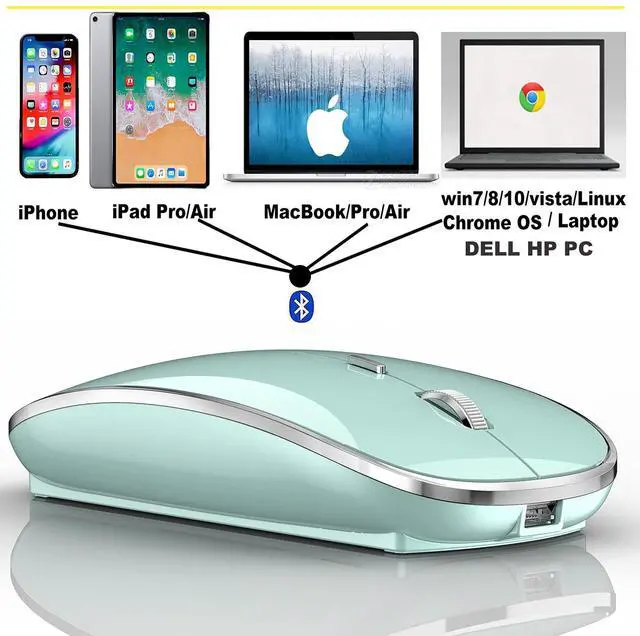
Mac Setting > Bluetooth > (Turn on the mouse switch, hold down the button at the bottom of the mouse and hold for 3 seconds ) > then your computer displays the search to Bluetooth 5.1 mouse > connect This method does not apply to the iPad. Read on for the iPad connection method
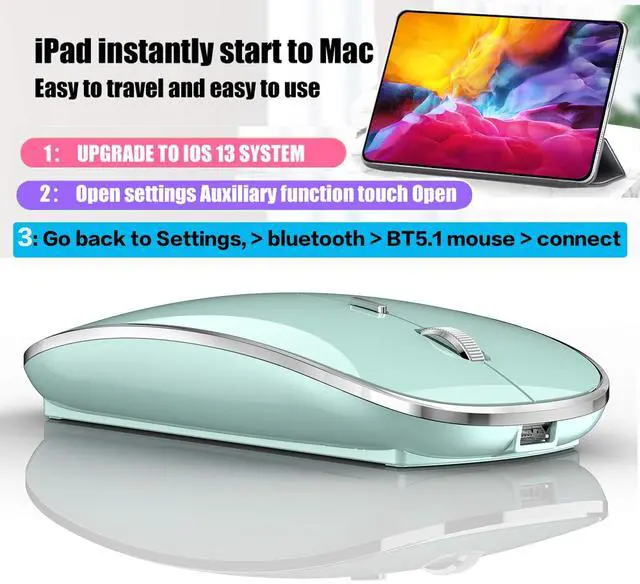
OS13/iOS14 iPad/ iPad pro/ iPad Air/ mini /iphone connection method
Open iPad settings > Accessibility > Touch > AssistiveTouch > Devices > (Open the mouse switch and long press the black button at the bottom of the mouse for 3-5 seconds.) > Bluetooth Devices > Bluetooth 5.1 Mouse > PIN: 0000 >Pair
Windows 7/8/10 / XP/ ChromeOS / series notebook computer instructions:
computer Settings > open add bluetooth bluetooth bluetooth devices > open open bluetooth when computer display is looking for a nearby bluetooth devices > " Turn on the mouse switch,Hold down the small button at the bottom of the mouse for 3 seconds> and then your computer display the search "bluetooth 5.1 mouse" > connect
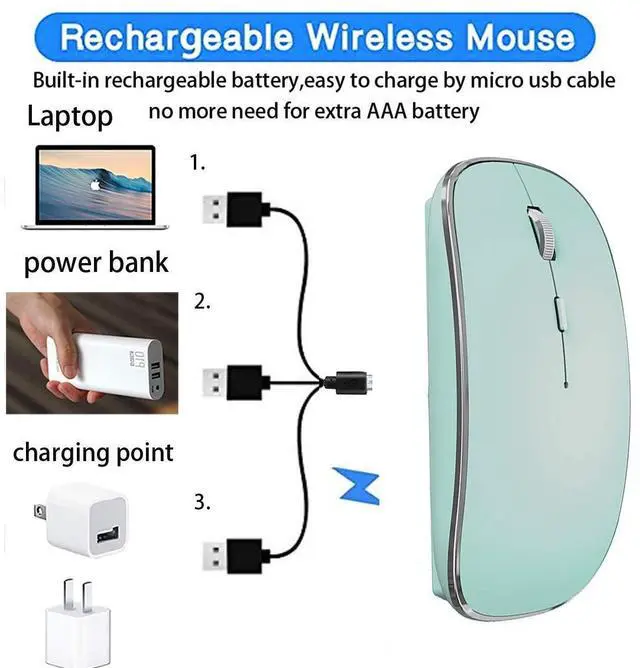
How to Charge Wireless Mouse?
1This is a rechargeable mouse. It doesn't require you to buy any other batteries. It already has a built-in lithium battery. It can be charged like a mobile phone. There is a USB charging line in the box. please please keep the mouse power switch in "ON" position when charging .
2When the pointer of your mouse does not move or cannot be used, or suddenly disconnects continuously in use, you need to charge it for about 3 hours. Please use the USB port of your computer to charge it, or use an adapter with an output of no more than 5v to charge it
3 If you do not use the mouse for eight minutes, it will go to sleeping mode, you can press the any button to weak it up.
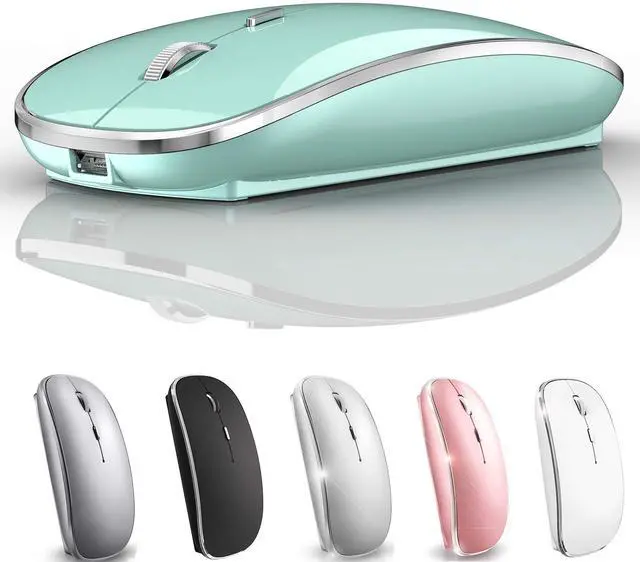
Packaging list: instruction *1, rechargeable Bluetooth mouse *1, USB Charging line *1