





Why is my wireless mouse not working?
1. Please check if the battery is installed with the correct polarity. Make sure the power switch is set to "ON".
2. Try to plug the receiver into a different USB-A port or Restart the computer.
3. The battery might be dead.
Where is the USB A receiver?
Please open the battery cover; the receiver is located beneath the battery cover.
How to wake up the mouse?
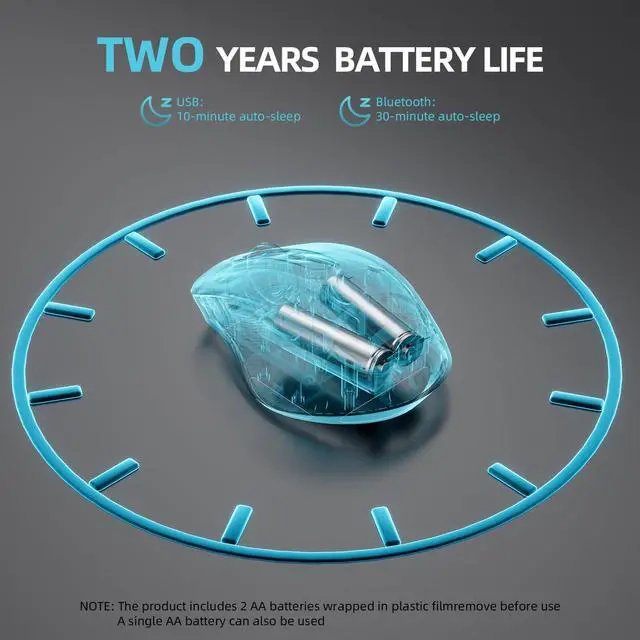
In 2.4G mode, it automatically enters sleep mode after 10 minutes; in Bluetooth mode, it automatically enters sleep mode after 30 minutes; moving the mouse or clicking 2-3 times will wake it up.
Why does my wireless mouse occasionally disconnect?
1. Low battery power. Please replace the battery.
2. The mouse is too far from the computer. Please use the mouse at a distance of 32ft.
3. There is significant wireless interference around, leading to an unstable signal.
How long does the mouse battery last?
1.It comes with two AA batteries, providing a battery life of 24 months.
2.The product also supports operation with a single AA battery.


- INFINMIND is a brand specializing in mice and keyboards, our products are sold in many countries around the world.
- We focus on the quality of our products and product innovation, but also focus on the customer's buying experience, we are happy to help you solve your problems.
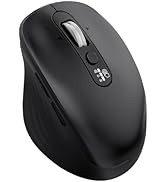
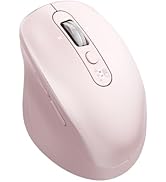
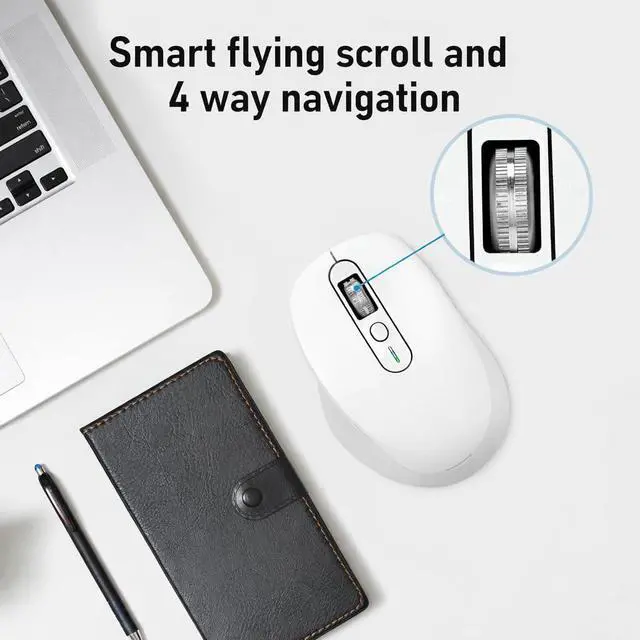
Smart Flying Scroll Series


Why is my wireless mouse not working?
1. Please check if the battery is installed with the correct polarity. Make sure the power switch is set to "ON".
2. Try to plug the receiver into a different USB-A port or Restart the computer.
3. The battery might be dead.
Where is the USB A receiver?
Please open the battery cover; the receiver is located beneath the battery cover.
How to wake up the mouse?
In 2.4G mode, it automatically enters sleep mode after 10 minutes; in Bluetooth mode, it automatically enters sleep mode after 30 minutes; moving the mouse or clicking 2-3 times will wake it up.
Why does my wireless mouse occasionally disconnect?
1. Low battery power. Please replace the battery.
2. The mouse is too far from the computer. Please use the mouse at a distance of 32ft.
3. There is significant wireless interference around, leading to an unstable signal.
How long does the mouse battery last?
1.It comes with two AA batteries, providing a battery life of 24 months.
2.The product also supports operation with a single AA battery.
- INFINMIND is a brand specializing in mice and keyboards, our products are sold in many countries around the world.
- We focus on the quality of our products and product innovation, but also focus on the customer's buying experience, we are happy to help you solve your problems.
Smart Flying Scroll Series