Your Browsing History
- $939.00
- Free 30-day Returns
Meet Your Seller
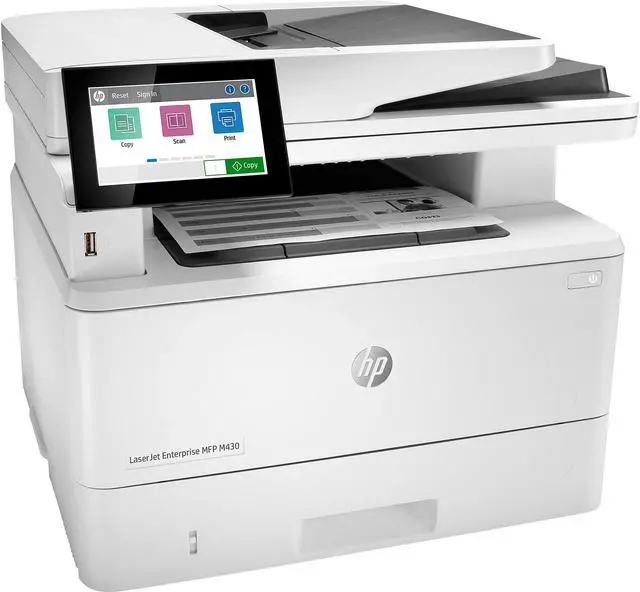
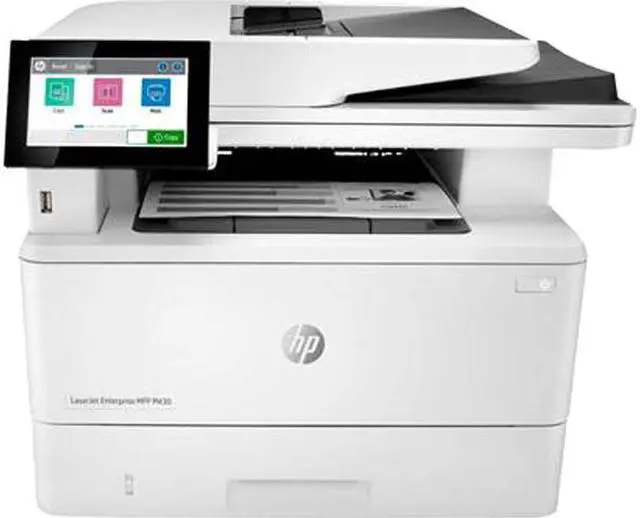
HP LaserJet Enterprise MFP M430f MFC / All-In-One Monochrome Laser Printer
- 4-in-1: Print, Copy, Scan & Fax
- Letter: Up to 40 ppm (default); Up to 42 ppm (HP high speed mode) Black
- A4: Up to 38 ppm (default); Up to 40 ppm (HP high speed mode) Black
- Print speed (Landscape, A5): Up to 63 ppm Black
- Up to 1200 x 1200 dpi Black Print Quality
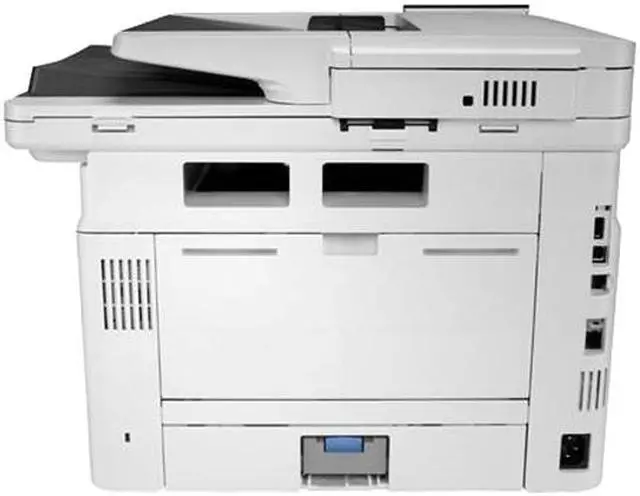
- Ethernet 10/100/1000BaseTX (RJ-45)
- Up to 100,000 pages monthly
- 2 GB Memory, std.
+
+
Overview
Specs
Reviews (1)
See all Q & A
Any questions? Ask CelesteSM will help you find out quickly.
Try me now
OverviewHP Office Laser Multifunction Printers are designed for SMBs and small workteams in larger companies, delivering enhanced productivity, simplified workflows and reduced costs. This printer is intended to work only with cartridges that have a new or reused HP chip, and it uses dynamic security measures to block cartridges using a non-HP chip. Periodic firmware updates will maintain the effectiveness of these measures and block cartridges that previously worked. A reused HP chip enables the use of reused, remanufactured, and refilled cartridges.
More at:
http: //www. hp. com/learn/dsFeaturesEasy to use, simple to manageHP FutureSmart firmware can be updated with the latest features to optimize your investment for years to come. The worlds most secure printingThe operating code (BIOS) is automatically checked during startup and repairs itself if compromised. Enhanced productivity to empower work teamsGive workgroups what they need to succeed with hundreds of HP and third-party solutions and card reader support. Sustainability is smart businessHelp save paper right out of the box. Two-sided (duplex) printing is set at default for automatic savings. Minimum system requirements2 GB available hard disk space Internet connection or USB port Internet browser. For additional OS hardware requirements see microsoft. comWhat's in the box? HP LaserJet Enterprise MFP M430f printer; HP Black Original LaserJet Toner Cartridge (~3, 000 pages); Getting started Guide; 1 Power cordDisclaimers HPs most advanced embedded security features are available on HP Managed and Enterprise devices with HP FutureSmart firmware 4.5 or above. Claim based on HP review of 2019 published features of competitive in-class printers. Only HP offers a combination of security features to automatically detect, stop, and recover from attacks with a self-healing reboot, in alignment with NIST SP 800-193 guidelines for device cyber resiliency.
For a list of compatible products, visit hp. com/go/PrintersThatProtect. For more information, visit hp. com/go/PrinterSecurityClaims Some features enabled by future HP FutureSmart firmware upgrades may not be available on older devices, if for example, physical product characteristics limit the functionality of the new feature. HP Web Jetadmin is free and available for download at hp. com/go/webjetadmin Third-party certification based on Common Criteria Information Technology Security Evaluation ISO/IEC 15408 Standard requirements as of May 2019. Certification applicable to HP Managed and Enterprise devices running HP FutureSmart Firmware version 4.5. 1 and later.
For more information:
https: //www. commoncriteriaportal. org/files/epfiles/Certification%20Report%20-%20HP%20Intrusion%20Detection. pdf Use of the HP Trusted Platform Module may require a firmware upgrade. Wireless performance is dependent on physical environment and distance from access point and may be limited during active VPN connections. Dependent upon country setup specifications. HP Secure Print is optional and requires a license.
Warranty & Returns
Warranty, Returns, And Additional Information
Warranty
- Please contact the Seller directly for warranty information. Warranty information may also be found on the Manufacturer's website.
- Read full details
- CONTACT
Return Policies
- Return for refund within: 30 days
- Return for replacement within: non-replaceable
- This item is covered by Official HP Store Return Policy
Manufacturer Contact Info
- For a directory of all our manufacturers, please click below.
- Manufacturers Directory
LOADING...
The HP LaserJet Enterprise MFP M430f is a monochrome laser all-in-one for offices that need fast, wired printing plus copying, scanning, and faxing. It prints up to 40 pages per minute by default, supports automatic duplex printing, and connects over Gigabit Ethernet or USB.
Recommended For
- Small office teams that regularly print black-and-white reports, forms, and invoices from a shared wired network, and want printing, copying, scanning, and faxing in one device.
- Workgroups with a steady, moderate black-and-white print workload: HP recommends about 900–4,800 printed pages per month, with automatic two-sided printing and a high-yield toner option for longer runs.
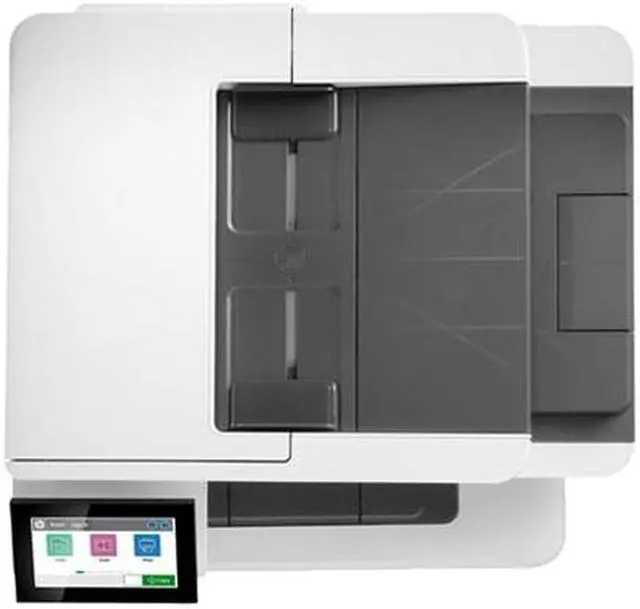
- Offices that routinely scan or copy multi-page paperwork and want a 50-sheet document feeder, duplex document handling, and scan-to-email or network-folder workflows.
- Businesses that need fax alongside routine office printing and scanning, but prefer a single Ethernet-connected machine over separate devices.
Real-World Use Scenarios
- In a shared office, staff send reports, invoices, and forms to the printer over Ethernet; it produces black-and-white pages and can print two-sided jobs without requiring someone to turn the paper manually.
- When staff need to digitize a stack of office paperwork, they can load pages into the document feeder and send scans to email, a network folder, or a USB drive instead of scanning each page individually on the flatbed.
- For two-sided paperwork, such as contracts or forms, a user can feed the originals through the automatic document feeder to scan or copy both sides in one pass, reducing manual page handling.
- When a business still receives or sends documents by fax, staff can use the M430f to fax paperwork from the same device used for printing, copying, and scanning.
- For occasional envelopes or labels alongside everyday office documents, users can select supported media and print them from the printer’s multipurpose tray rather than needing a separate device.