


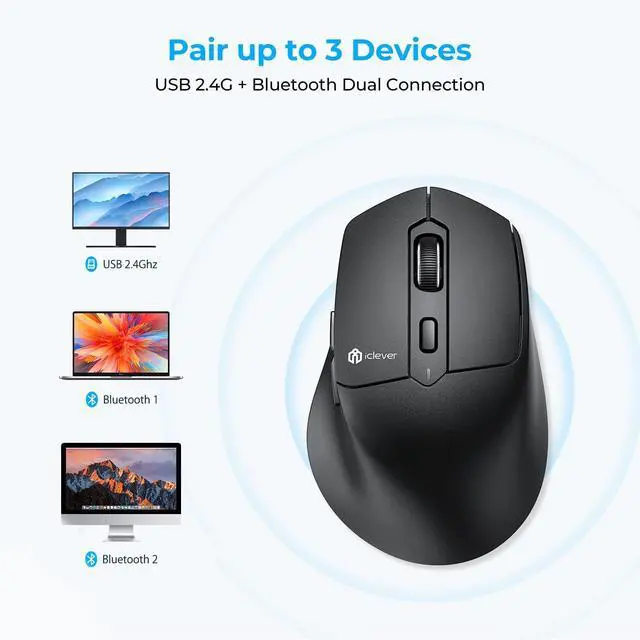



Is this mouse Bluetooth or 2.4G?
Both are possible. The connection method can be selected using the buttons on the bottom of the mouse.
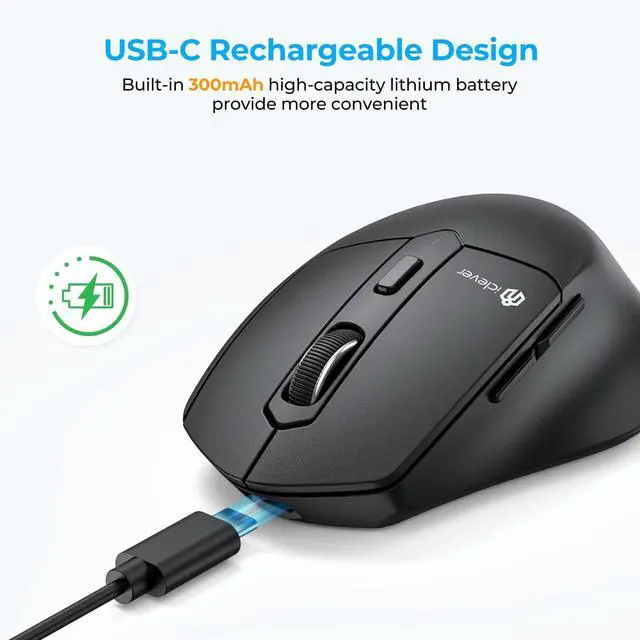
If charging does not respond.
The charging light is red under normal conditions and becomes a green signal when fully charged. Before using the charging capele, ensure that the voltage of the adapter is lower than 5V.
About DPI settings.
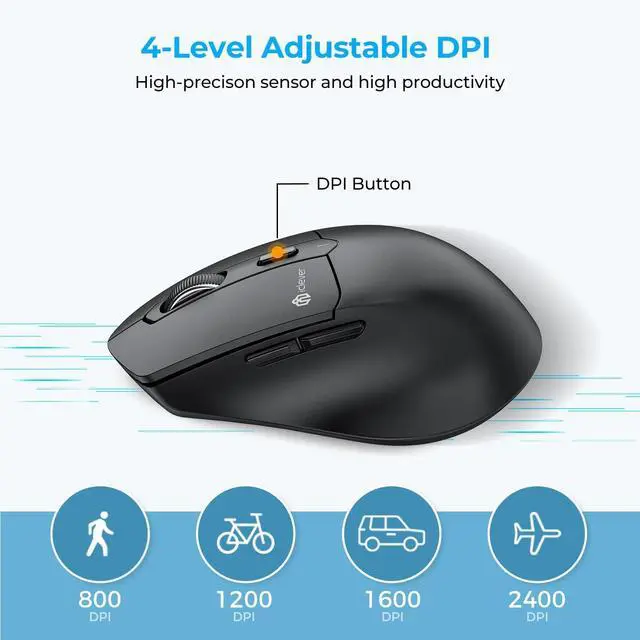
When you press the DPI button, the DPI indicator light will flash once for 800 DPI, twice for 1200 DPI, three times for 1600 DPI and four times for 2400 DPI.
What is Jiggler?
1.Jiggler is software used to simulate mouse movements on a computer.
2.Press and hold the DPI button for 5 seconds to activate the Jiggler, the DPI indicator turns red and the mouse pointer moves erratically.
Mouse will enter sleep mode after a few minutes of inactivity.
The mouse will enter sleep mode after 30 minutes of inactivity. In Windows or macOS, please check the power management settings of your Bluetooth device to ensure that the system does not put the Bluetooth device to sleep prematurely.





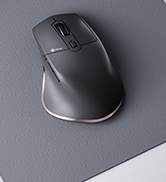



4 Level DPI
USB C Rechargeable


Adjustable DPI(800-1200-1600-2400) offer more sensitivity smooth and precise tracking.
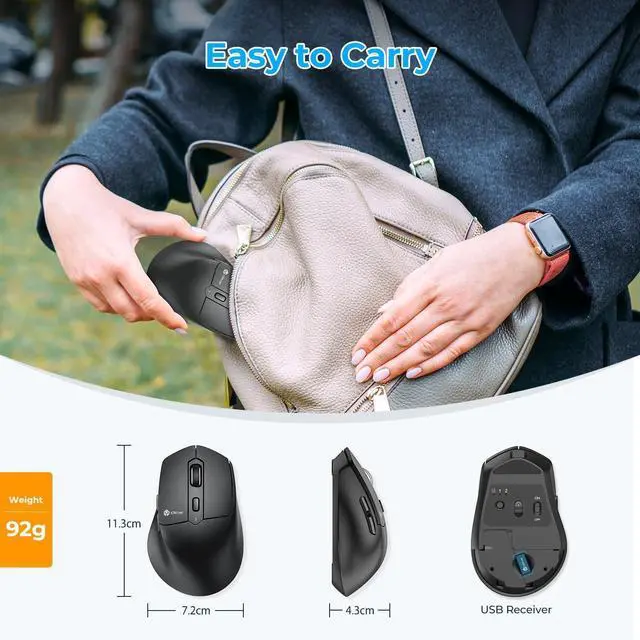
Built-in lithium battery supports more than 90 days of working on a full charge.


Is this mouse Bluetooth or 2.4G?
Both are possible. The connection method can be selected using the buttons on the bottom of the mouse.
If charging does not respond.
The charging light is red under normal conditions and becomes a green signal when fully charged. Before using the charging capele, ensure that the voltage of the adapter is lower than 5V.
About DPI settings.
When you press the DPI button, the DPI indicator light will flash once for 800 DPI, twice for 1200 DPI, three times for 1600 DPI and four times for 2400 DPI.
What is Jiggler?
1.Jiggler is software used to simulate mouse movements on a computer.
2.Press and hold the DPI button for 5 seconds to activate the Jiggler, the DPI indicator turns red and the mouse pointer moves erratically.
Mouse will enter sleep mode after a few minutes of inactivity.
The mouse will enter sleep mode after 30 minutes of inactivity. In Windows or macOS, please check the power management settings of your Bluetooth device to ensure that the system does not put the Bluetooth device to sleep prematurely.
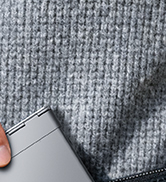
WorkMate
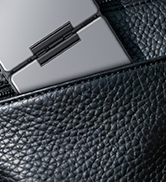
FoldMate
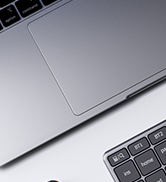
NumMate
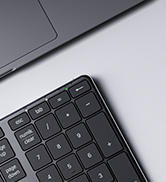
SilentTap
