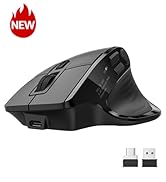
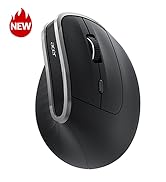
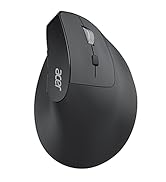
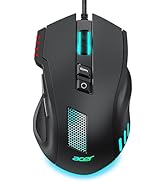
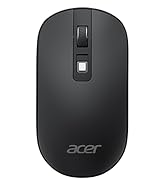
Wireless Mouse for Laptop, Bluetooth Computer Mouse Ergonomic for 4 Devices(2.4Ghz+BT 5.2+Wired), OLED Screen Rechargeable Mice, 5 Programmable Buttons, 4000 DPI for MacBook PC Desktop
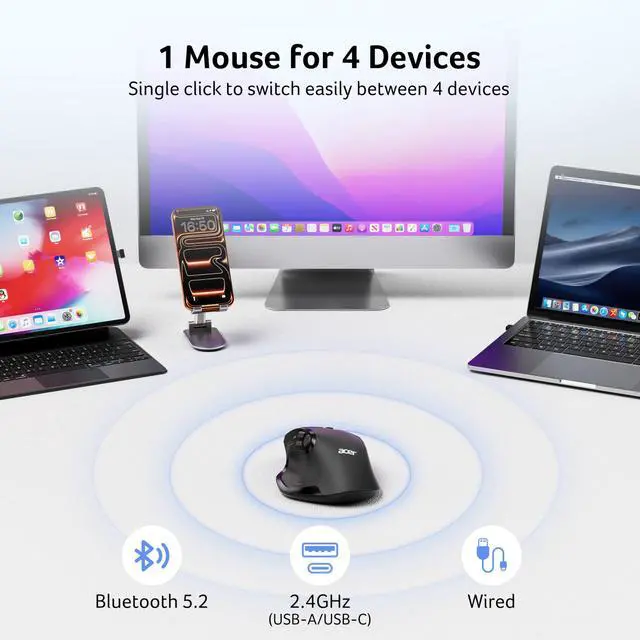
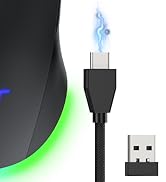
Multi-Device Seamless SwitchingThis macbook bluetooth mouse is designed for ultimate compatibility. It supports 3 modes connection: 2.4GHz (USB-A and USB-C receiver cannot be used simultaneously), Bluetooth, and wired. You can pair it with up to four devices and switch seamlessly between them, streamlining your workflow across your computer, laptop, tablet, and phone.
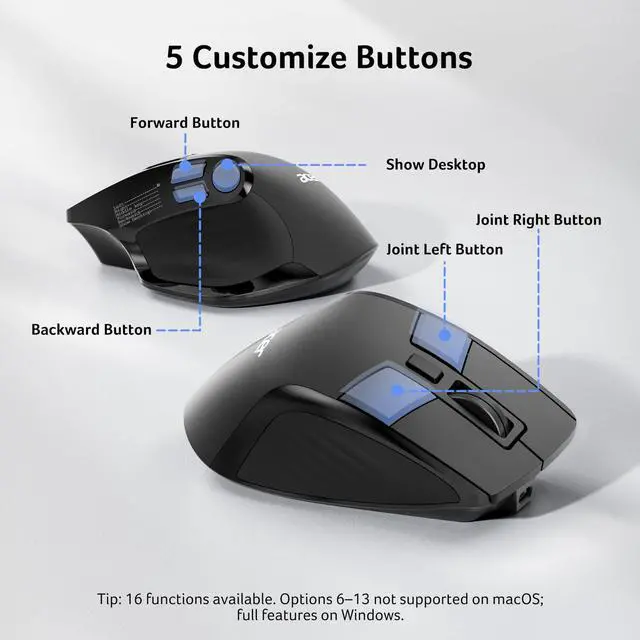
5 Programmable ButtonsThis high-performance ergonomic mouse wireless is engineered for ultimate control and efficiency. It features five fully programmable buttons and 16 preset options, without requiring download drivers. This extensive customization allows you to tailor shortcuts to your exact needs, streamlining your workflow. Options 6-13 NOT supported on macOS.
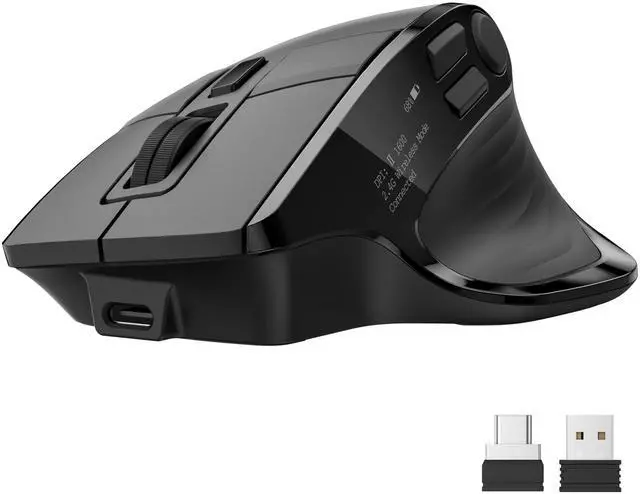
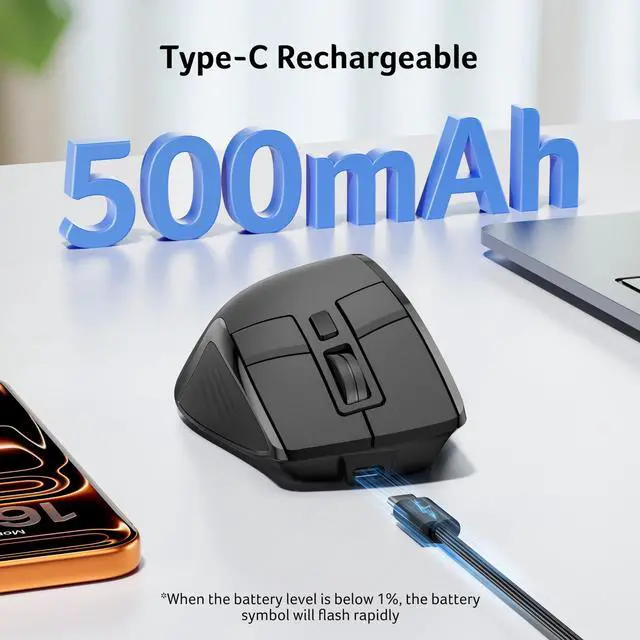
Instant Battery Status OLED ScreenWith a 500mAh rechargeable battery, this office mouse delivers exceptional endurance. Its USB Type-C port enables convenient use-while-charging, ensuring uninterrupted operation. An OLED screen displays the remaining battery level at a glance to avoid unexpected downtime.
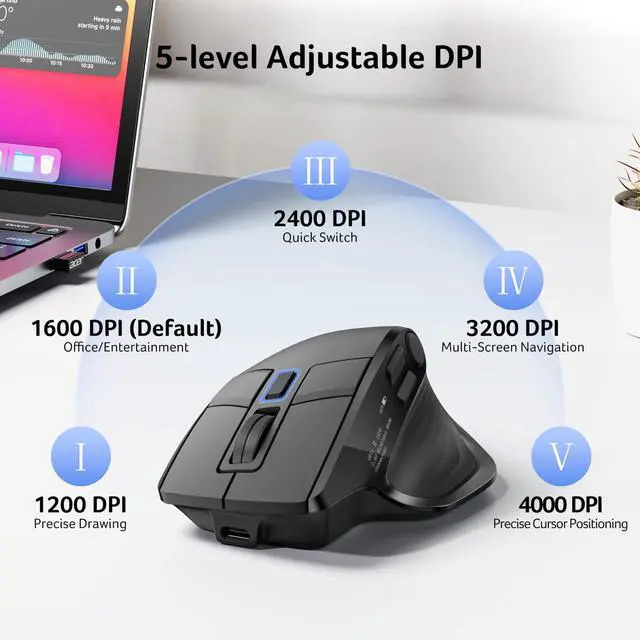
High-Precision 4000 DPIThis cordless mouse offers 5 DPI settings (1200/1600/2400/3200/4000), allowing seamless adaptation to any task. Engineered for demanding workflowsfrom editing and coding to designit delivers pixel-perfect accuracy and responsive tracking that keep pace with your every move, ensuring absolute control and precision.
+
+
Overview
Specs
Reviews
Any questions? Our AI beta will help you find out quickly.
Try me now
Suitable for Almost Any Scenario——Bluetooth, 2.4G USB A/C Wireless, Wired Connection
1. Ensure the mouse is fully charged. 2. Make sure the power switch at the bottom of the mouse is turned on. 3. Ensure the USB receiver is properly connected to your computer. 4. Keep the mouse within 10 meters of your computer for optimal performance.
Q2
Why does my wireless mouse occasionally disconnect?
-
1. Low battery power. 2. The mouse is too far from the computer. 3. There is significant wireless interference around, leading to an unstable signal.
Q3
Can this mouse be connected via Bluetooth?
-
Yes, you can connect with "OMR 289 Mouse BT" via Bluetooth
Q4
How many programmable options does this mouse have?
Suitable for Almost Any Scenario——Bluetooth, 2.4G USB A/C Wireless, Wired Connection
Q1
Why is my wireless mouse not working?
-
1. Ensure the mouse is fully charged. 2. Make sure the power switch at the bottom of the mouse is turned on. 3. Ensure the USB receiver is properly connected to your computer. 4. Keep the mouse within 10 meters of your computer for optimal performance.
Q2
Why does my wireless mouse occasionally disconnect?
-
1. Low battery power. 2. The mouse is too far from the computer. 3. There is significant wireless interference around, leading to an unstable signal.
Q3
Can this mouse be connected via Bluetooth?
-
Yes, you can connect with "OMR 289 Mouse BT" via Bluetooth
Q4
How many programmable options does this mouse have?